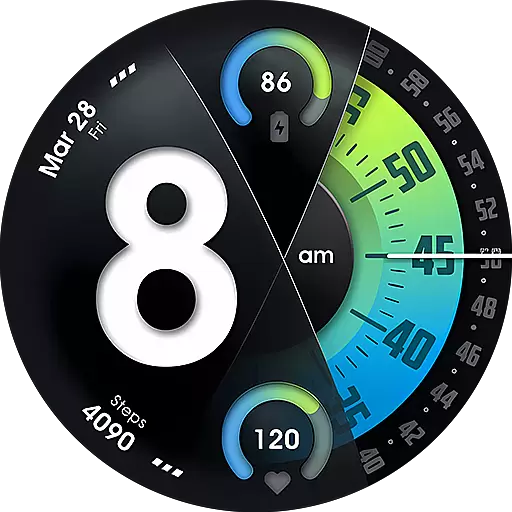
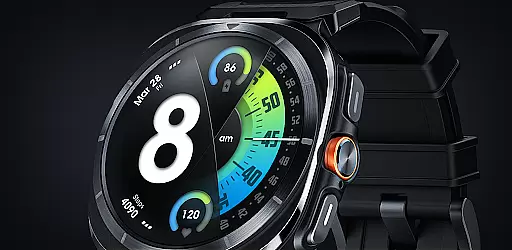
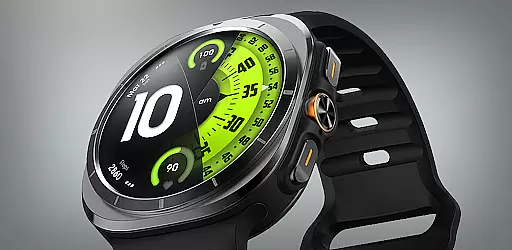
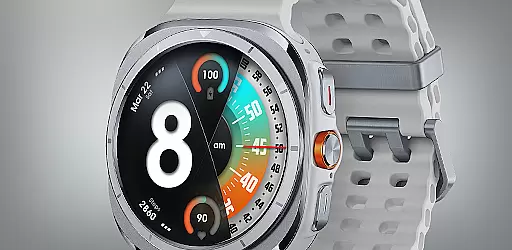
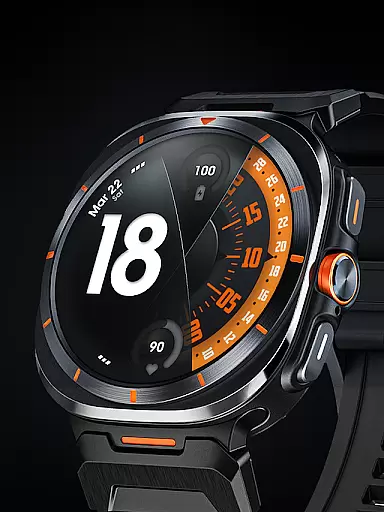
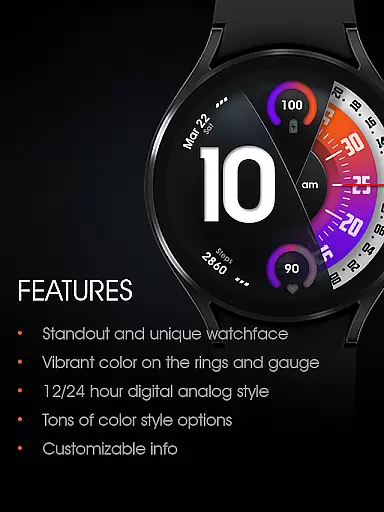
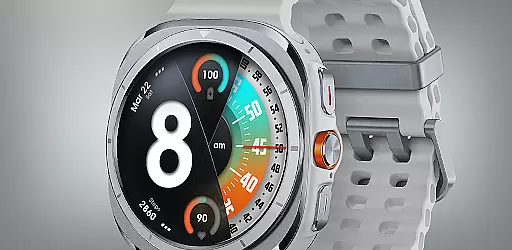
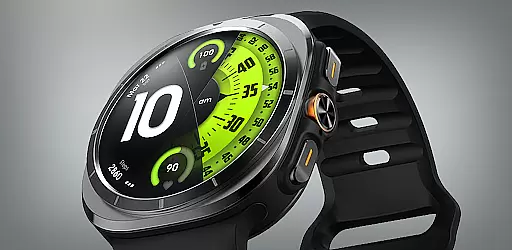
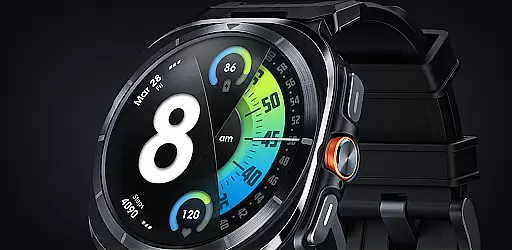
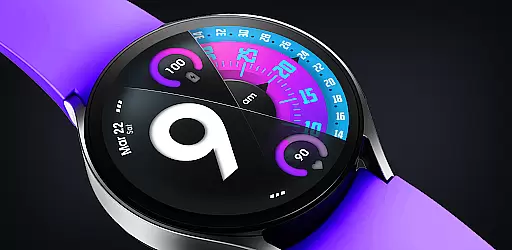
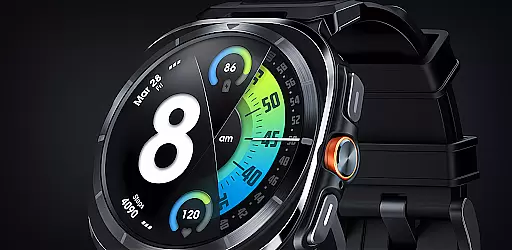
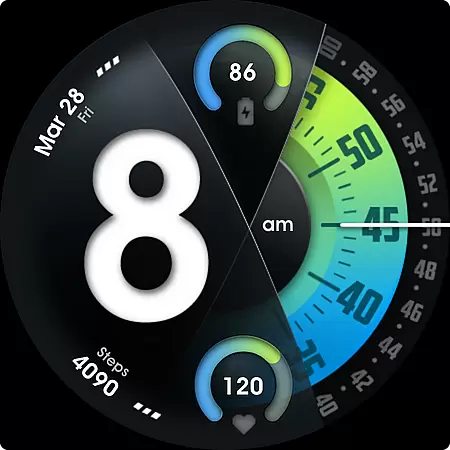
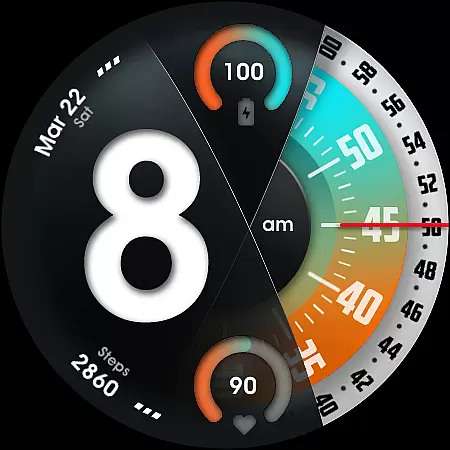
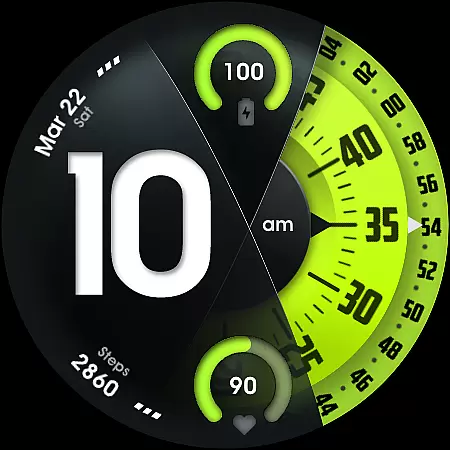
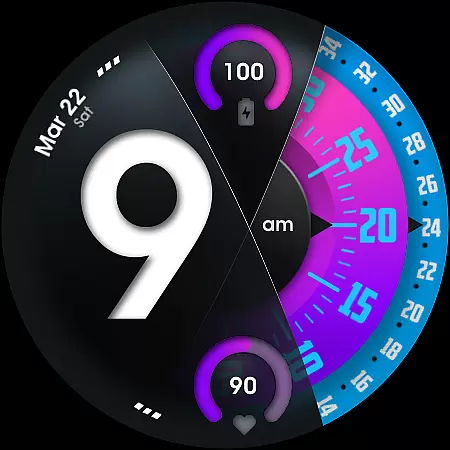
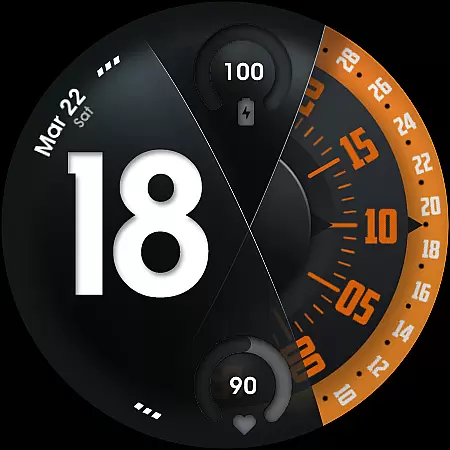
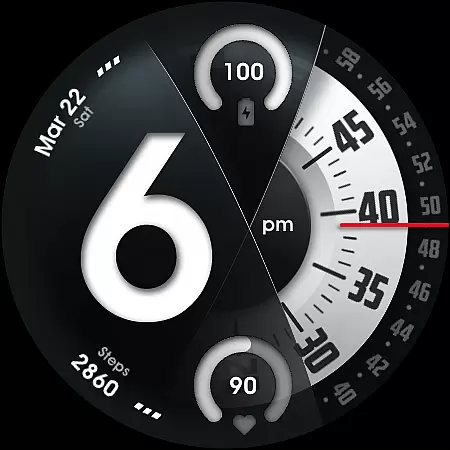
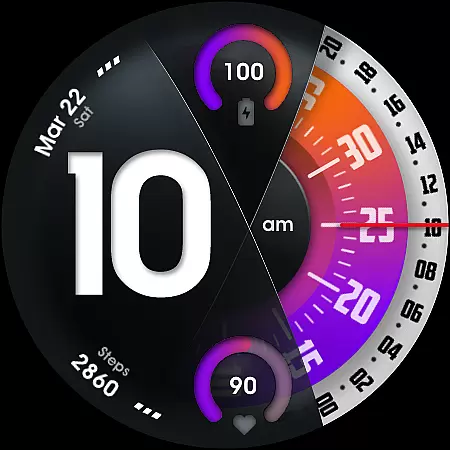
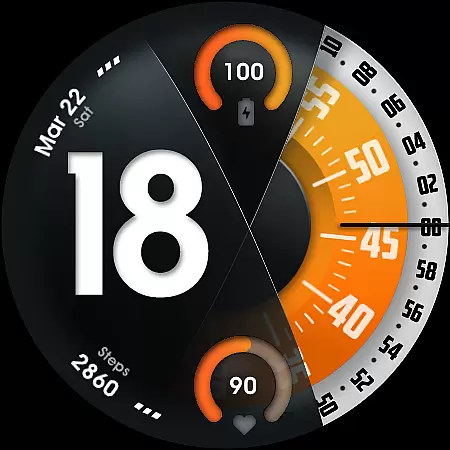
UsA Florencia Neo is a redesigned watch face that combines digital and analog styles. It features a unique aesthetic with digital hours displayed alongside classic analog minute and second hands, setting it apart from traditional watch designs. Compatible with Wear OS 4 or newer, this app works seamlessly on Galaxy Watch 4/5/6/7/8 Series, Pixel Watch series, and other devices running Wear OS 4 or above.
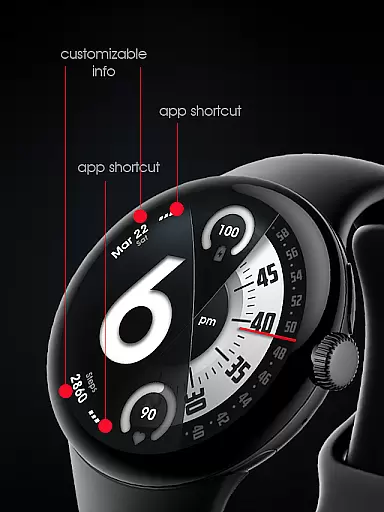
This watch face offers advanced customization options including battery and heart rate gauges, multiple color combinations, and customizable second-hand styles. Its Always On Display (AOD) mode provides a low-power idle display, while two custom info complications and app shortcuts enhance usability. With its modern design and practical features, UsA Florencia Neo delivers both style and functionality for smartwatch users.
UsA Florencia Neo stands out with its innovative combination of digital and analog elements. The watch face displays digital hours alongside analog minutes and seconds, creating a distinctive visual experience. Users can choose between 12-hour and 24-hour modes by adjusting their phone's date and time settings, ensuring synchronization across devices.
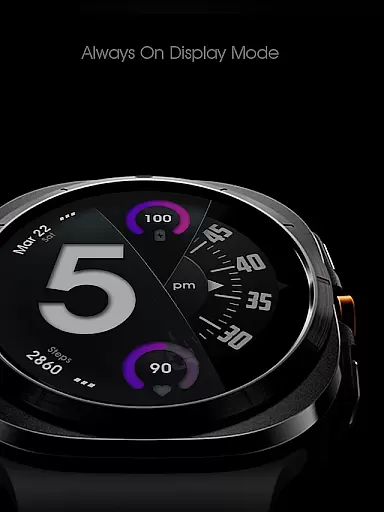
The app includes several practical features such as battery and heart rate indicators with gauges, multiple color style combinations, and customizable second-hand blades and line index indicators. Two custom info complications and app shortcuts provide additional utility. The specially designed Always On Display (AOD) mode allows users to view the time even when the watch is idle, though it may increase battery consumption. These features collectively offer a personalized and functional watch face experience.
Companion app integration is essential for a seamless wearable experience. UsA Florencia Neo ensures that your watch face settings are perfectly synced with your smartphone. This synchronization allows for effortless customization and management of the watch face directly from your phone.
The companion app provides an intuitive interface where users can modify various aspects of the watch face. From adjusting the digital-analog style to setting heart rate measurement intervals, every feature is easily accessible. The app also supports managing custom shortcuts and complications, making personalization straightforward and efficient.
By using the same Google account on both devices, installation begins automatically on the watch after purchase. This streamlined process eliminates manual setup, ensuring that users can enjoy their new watch face immediately. Once installed, users can further customize styles and manage shortcuts through the companion app's settings menu.
Ensuring broad device compatibility is crucial for any Wear OS application. UsA Florencia Neo is designed to work seamlessly with Wear OS API 33+ (Wear OS 4 or newer). This compatibility extends to popular models such as Galaxy Watch 4/5/6/7/8 Series, Pixel Watch series, and other devices running Wear OS 4 or newer.
This wide-ranging support means that regardless of the specific model you own, you can enjoy the unique design aesthetic of UsA Florencia Neo. The watch face offers features like battery information, heart rate monitoring, and customizable elements, all optimized for these advanced devices.
To install, simply make sure you're purchasing with the same Google account registered on your watch. After purchase, the installation should begin automatically on the watch within moments. Once installed, users can access the watch face by opening the watch face list, scrolling to the right, tapping 'add watch face,' and finding it in the 'downloaded' section.
Unique digital-analog design
Customizable color styles
Battery and heart rate gauges
Always On Display mode
Two custom info complications
Requires Wear OS 4+
Higher battery usage
Limited to compatible devices
No heart rate data storage
Complex setup process

Walking app for weight loss: walk & step tracker, pedometer, indoor treadmill
 4.60
4.60
A customizable Christmas watch face for Wear OS with a countdown.
4.20
Simple Analog-Digital Watchface For Wear OS 3.0 and Up Smartwatches
4.4
sleep, alarm, snoring, stress, healing, focus, sound therapy, circadian rhythm
4.10
Monitor health with the stress test and pulse checker in the heart rate app.
4.60
Nutrition, Macro tracker: Food, fitness & healthy diet tracking for weight loss
4.60
The ultimate destination for kids ages 3-8 to explore the Marvel Universe!
4.30
Minimalistic design modern digital watch face.
4.2
Daily Weather forecast with 15 weather images for Day & Night plus Big Bold time
4.10
A modern hybrid informative watch face for Wear OS designed by BALLOZI
4.80
The Chevron App allows you to pay for fuel from the comfort of your car!
4.80
Diet tracker for weight loss - track calories, food and macros. Simple and easy!
4.70
WTW M17 is a premium and luxurious hybrid watch face
4.70
A modern premium sporty hybrid watch face for Wear OS by Ballozi
4.70
Rose gold watch face with festive lights & customizable features.
4.60
Animated video-game inspired “secret agent” simulation, right on your wrist!
4.20
Structured watch face with seven complications and modular UI elements
3.90
an Analog Watch Face for winter season with freeze winter background for Wear OS
4.4
Precision analog watch face with 7 complications and style options
4.3


User Reviews