
Game Booster GFX for smoother gaming experience. Enjoy 120 FPS and 4x Game Space
 4.20
4.20
Tune your game graphics with our GFX optimizer for optimal gaming experience
4.50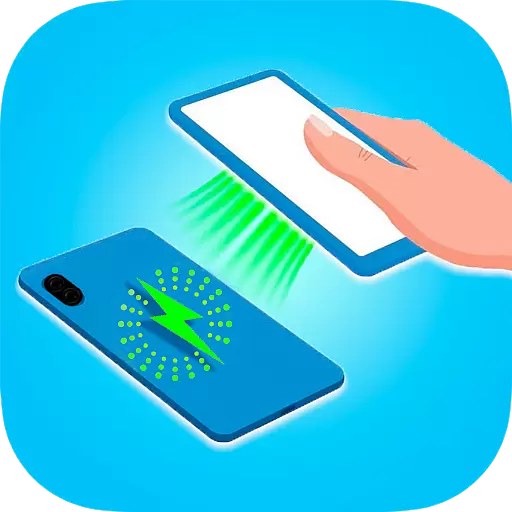
Wireless reverse charging using phone now is possible
4.30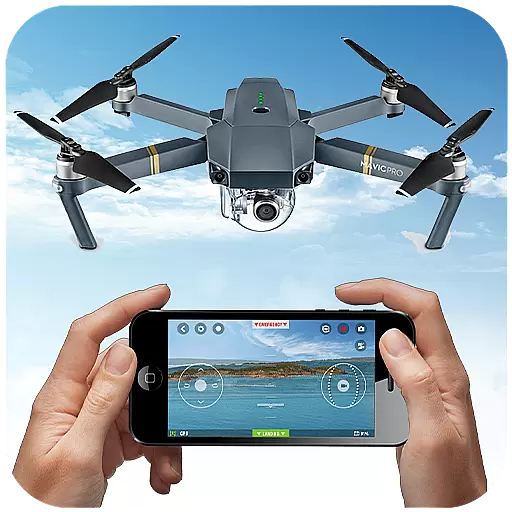
Use your Phone as Drone Controller.
3.70
Demo for Key Attestation feature of the Android system.
4.80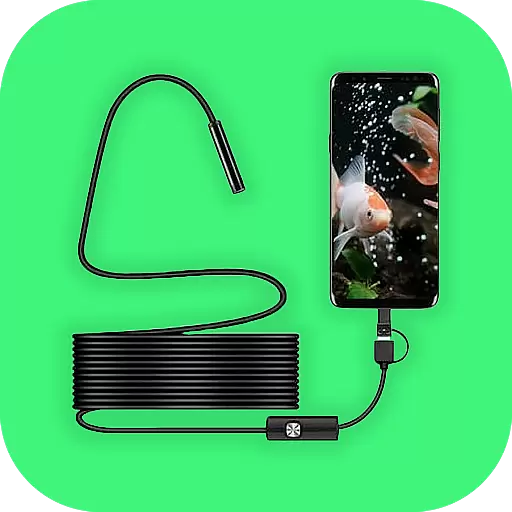
Connect your phone to any endoscope camera, USB camera, or borescope with ease.
3.70
Enjoy hours of entertainment with our Roblox mobile games app
4.5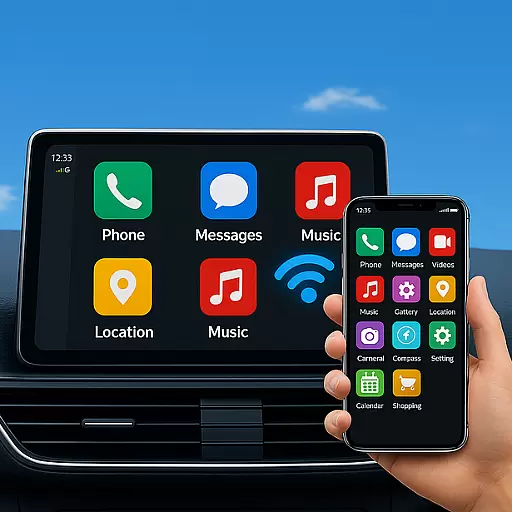
MirrorLink for connecting your Android phone to your car’s infotainment screen.
4.50
Expo is a free & open source platform to build apps using JavaScript and React.
4.70
Study Bible King James Version: the correct way to learn the Bible with audio
4.80
An essential GFX utility developed for specific FPS mobile games
4.50
Block, disable and secure phone camera from secretly taking photos by spyware.
4.50
Game booster GFX may reduce interruptions and improve gaming experience.
4.50
An impressive collection of tools, characters, weapons, skins and more!
4.30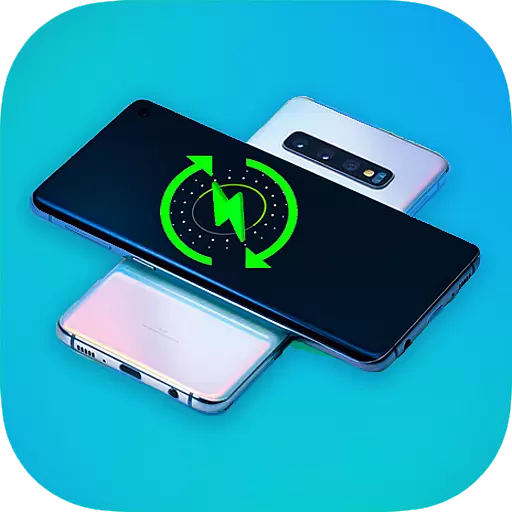
charging your phone by other phone easly
4.00
A Pydroid Quick Install repository provider.
4.00
The best PS2 games from your childhood come to life in their mobile version!
4.00
Experience virtual reality on your smartphone with Cardboard.
3.50
Looking to connect your phone to your car screen? Mirror Link is the solution.
3.20


