


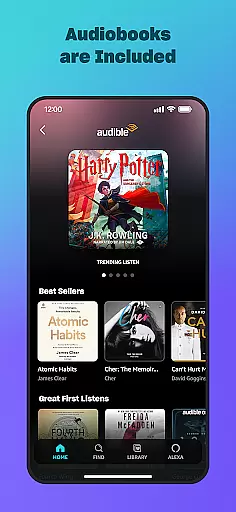
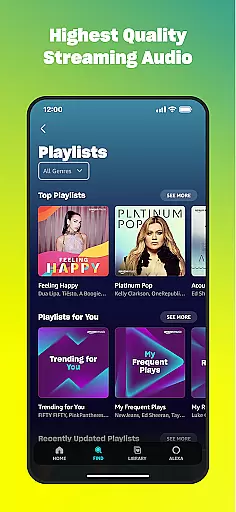
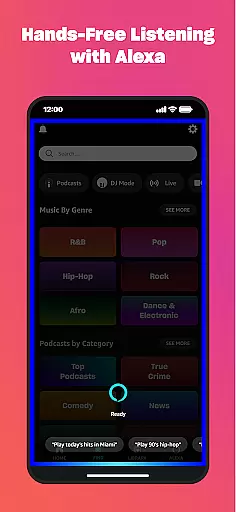
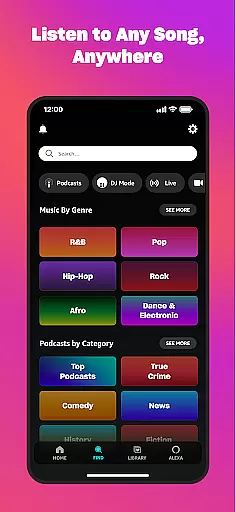
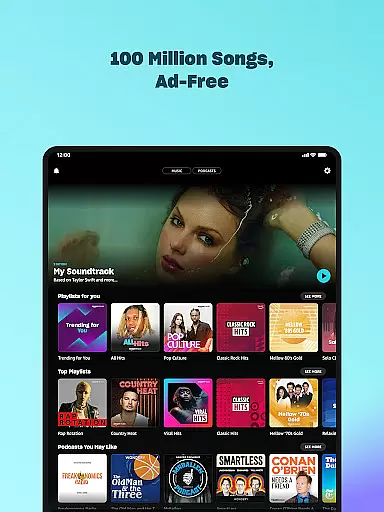

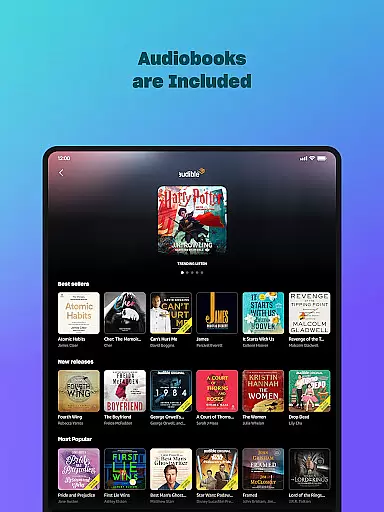
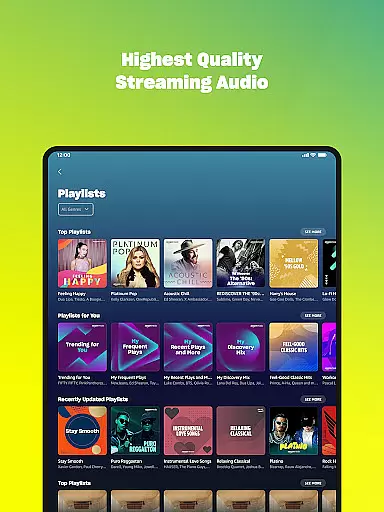
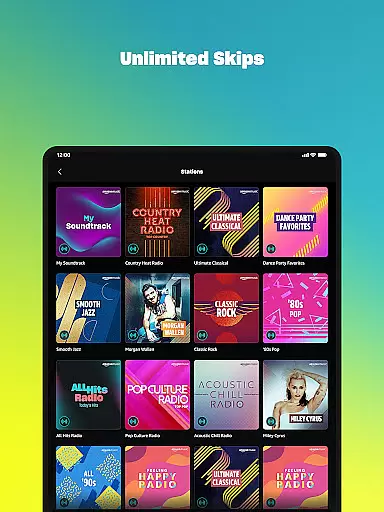
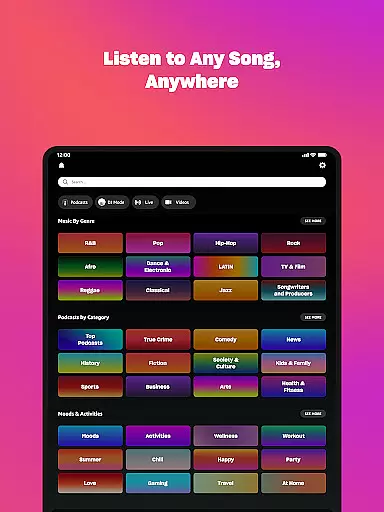
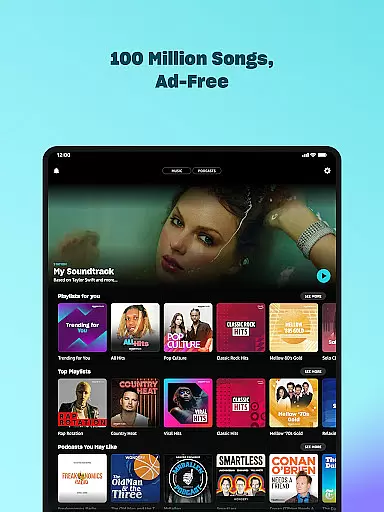

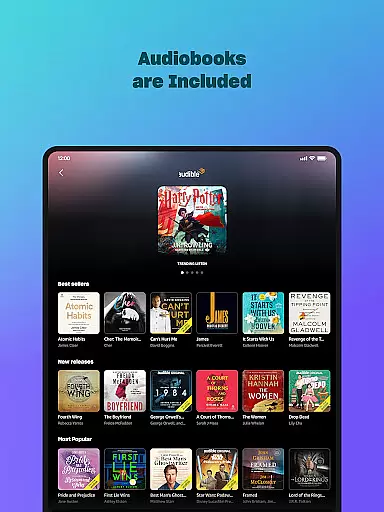
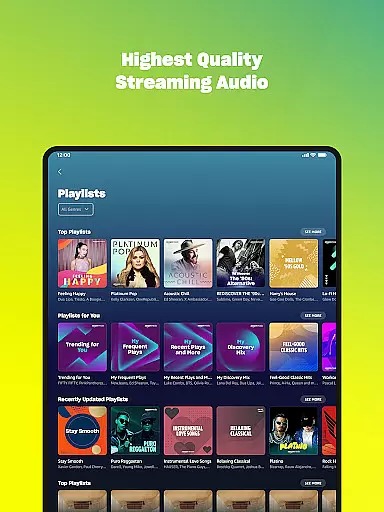



Amazon Music is a comprehensive music streaming service that redefines how users discover and enjoy their favorite tunes. The app offers free access to millions of songs and podcasts with occasional ads, while Prime members can enjoy an ad-free experience. For those seeking premium benefits, Amazon Music Unlimited provides unlimited on-demand access to 100 million songs, top podcasts, and audiobooks.
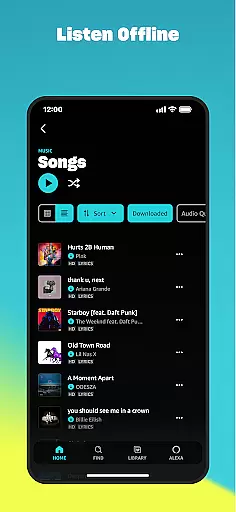
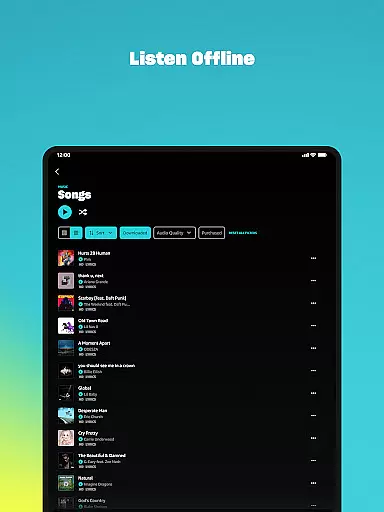
The application's standout feature is its integration with Amazon's ecosystem, allowing users to shuffle play any artist, album, or playlist. It also supports offline listening and spatial audio, making it versatile for various listening preferences. Whether you're using it on your phone or Wear OS devices, Amazon Music delivers a seamless audio experience tailored to different user needs.
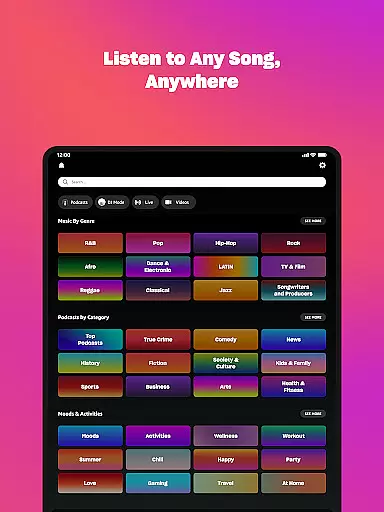
Amazon Music boasts an impressive array of features designed to enhance user experience. One key aspect is the personalized recommendation system, which suggests new music and podcasts based on individual preferences. This ensures users continually discover content that aligns with their tastes.
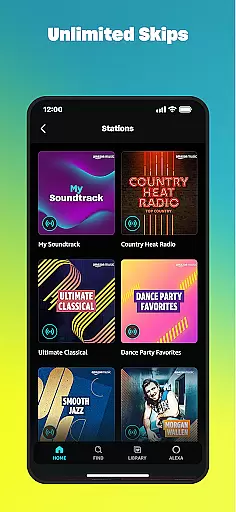
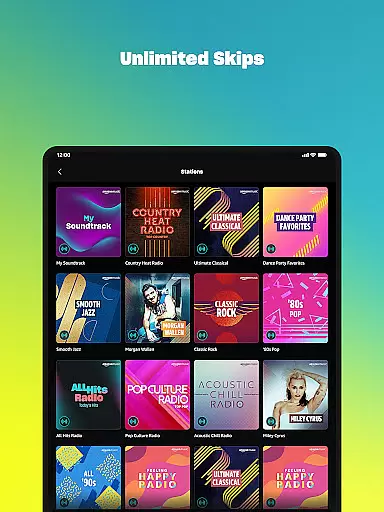
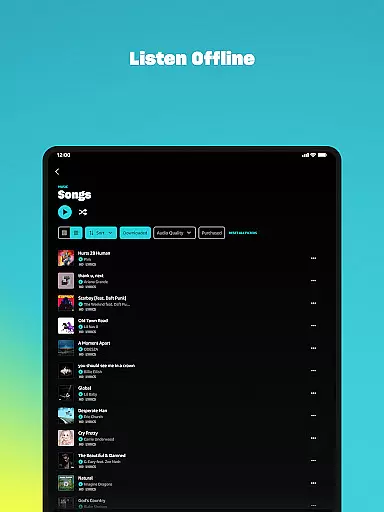
For Prime members, the app offers an extensive catalog of ad-free music and top podcasts. Those opting for Amazon Music Unlimited gain access to additional perks like unlimited skips, offline mode, and a vast selection of audiobooks. The Wear OS compatibility further extends its functionality by allowing users to control playback directly from their smartwatch, download playlists for offline use, and access top recommendations effortlessly.
Companion app integration is essential for a seamless experience between mobile devices and wearables. Amazon Music ensures that your favorite playlists, albums, and personalized recommendations are effortlessly synchronized across your smartphone and Wear OS device.
This synchronization allows users to access their music libraries directly from their wrists, providing unparalleled convenience. Whether you're jogging, commuting, or simply away from your phone, your music is always within reach.
The app's companion integration also supports casting and playback control on compatible Android devices. This means you can use your smartwatch to manage music playback on connected devices, ensuring a smooth and uninterrupted audio experience.
Device compatibility is crucial for ensuring that Amazon Music functions optimally across various Wear OS devices. The app is designed to work seamlessly with a wide range of smartwatches, offering users flexibility in their choice of wearable technology.
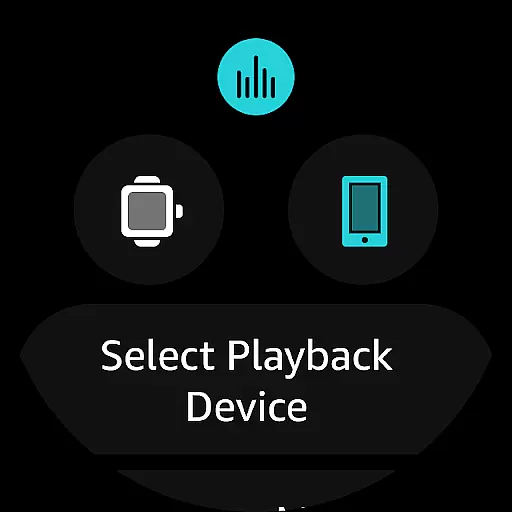
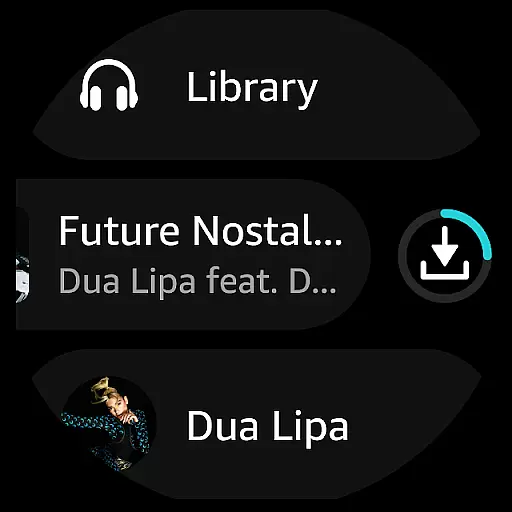
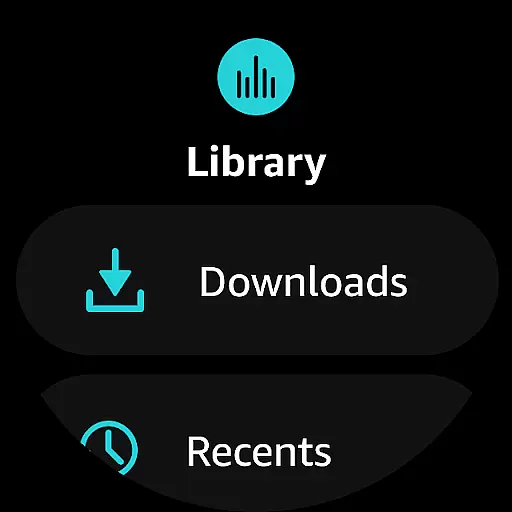
Amazon Music provides an intuitive interface tailored for Wear OS, allowing users to browse and play music effortlessly. With features like offline mode, users can download playlists and albums directly onto their smartwatches, enabling music access without needing an internet connection.
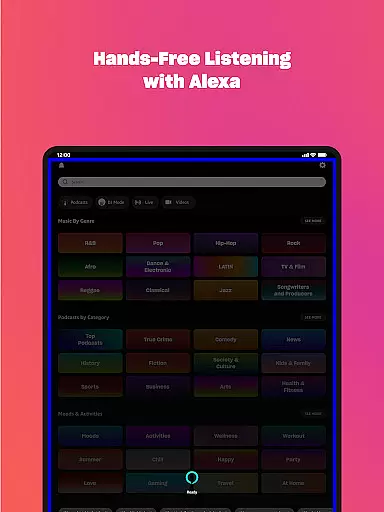
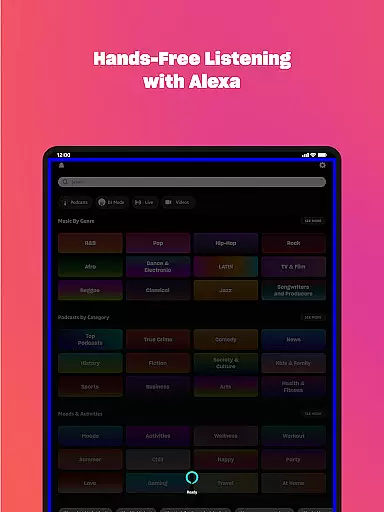
In addition to broad device support, the app offers specialized functionalities such as voice commands and fitness tracking integrations. These features enhance user interaction and make Amazon Music a versatile choice for Wear OS users seeking comprehensive audio solutions.
User-friendly interface
Extensive music library
Ad-free options
Offline listening
Personalized recommendations
Limited free version
Requires subscription
Ads in free tier
Occasional bugs
High cost for Unlimited

Gym Log & Workout Tracker | Fitness Journal, Training & Weight Lifting Planner
 4.90
4.90
Calming & relaxing sounds for sleeping and stress relief. Stay focused all day!
4.20
Christmas is near, let's count together the days left until Santa comes
4.3
Current temperature, weather hourly, weather radar by the weather forecast app
4.40
Your second brain for organizing your life: to-do, calendar, reminder.
4.70
The ultimate destination for kids ages 3-8 to explore the Marvel Universe!
4.30
Track your active life in one place and share the journey with friends.
4.40
Back up your contacts & access them anywhere
4.30
Toyota app currently supports 2010 or newer vehicles (2018 or newer for Hawaii).
4.50
A modern hybrid informative watch face for Wear OS designed by BALLOZI
4.80
Real-time weather radar with temperatures, warnings, hurricanes, and widgets
4.80
Retro digital watch face with customizable colors and a unique lighting effect
4.60
Locate your family members by GPS phone location tracker everywhere and anytime
4.30
Snowflake Rose Gold Watch Face - Digital, modern, & sleek with GYRO effect.
4.10
sleep, alarm, snoring, stress, healing, focus, sound therapy, circadian rhythm
4.10
Viewer for Wyze/Yi/Eufy/Arlo/ONVIF/RTSP/P2P IP cams w/ adv. features & DIY DVR
4.00
Animated Watch Face and Customizable with 24 Backgrounds. Perfect for Christmas!
3.90
Authentic military-tactical design with ZULU time! Realistic and functional!
3.80
Precision analog watch face with 7 complications and style options
4.0


User Reviews