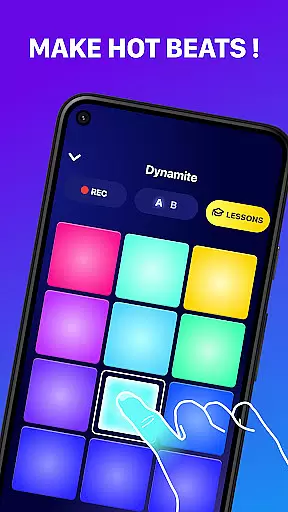
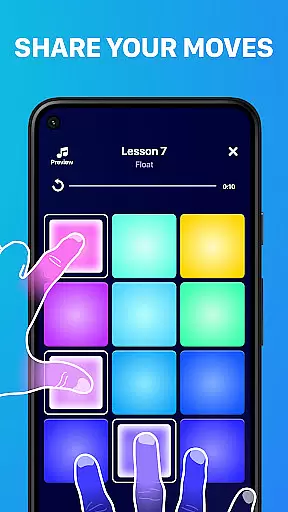
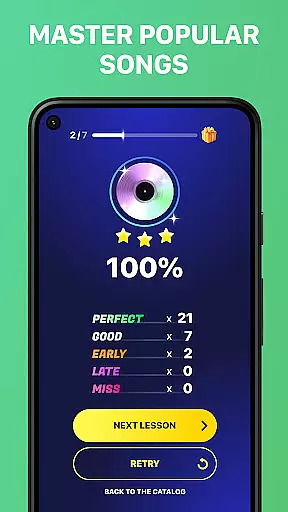
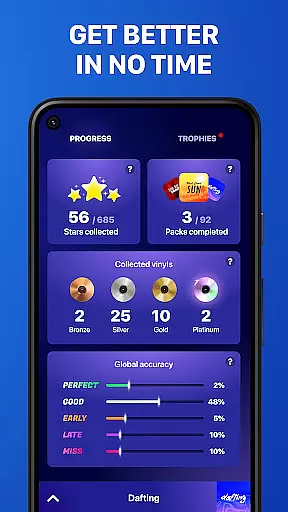
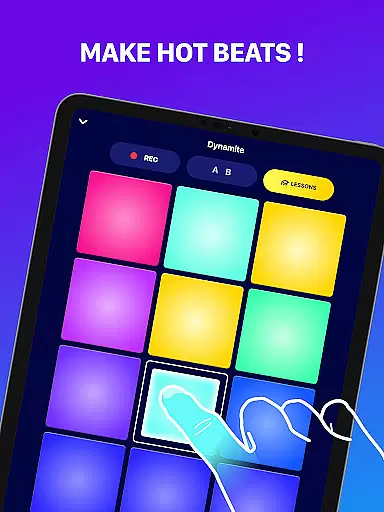
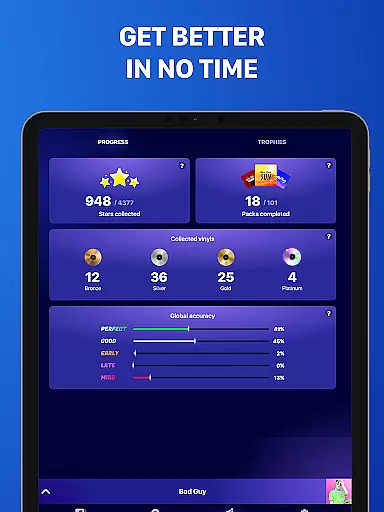
Beat Maker Pro is a comprehensive music creation tool that allows users to produce professional-quality beats and melodies across various genres. The app features an intuitive 24-pad drum machine interface, enabling aspiring DJs and musicians to craft unique rhythms with ease. Whether you're into EDM, dubstep, trap, or hip-hop, this application provides the necessary tools to create and remix songs like a pro.
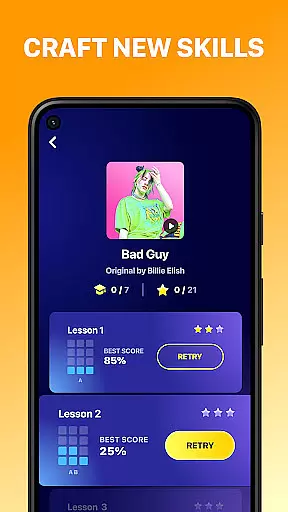
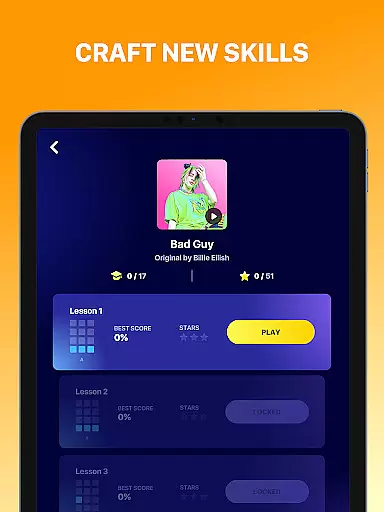
In addition to its robust beat-making capabilities, Beat Maker Pro offers educational content for those looking to refine their skills. Users can access lessons on creating music, mastering rhythm, and becoming proficient in beatboxing. With functionality that supports both creation and learning, it's suitable for beginners and experienced producers alike who want to carry a portable studio in their pocket.
This app is particularly useful for artists who need flexibility in their creative process. It allows users to experiment with different sounds and patterns, save their work, and even share it with others. By providing a platform where creativity meets convenience, Beat Maker Pro stands out as an essential tool for modern music production.
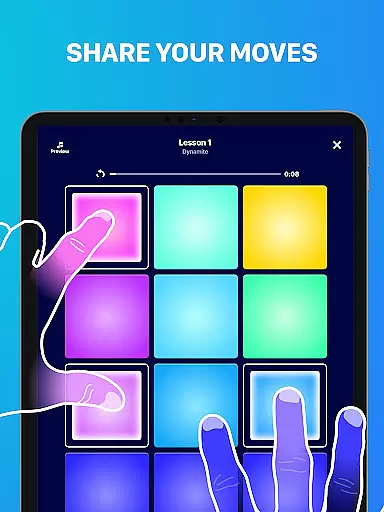
One of the standout features of Beat Maker Pro is its versatile 24-pad drum machine, which lets users trigger multiple sounds simultaneously. This capability ensures that creators can build complex layers within their compositions, mimicking the experience of using physical equipment but with the convenience of a mobile app. Additionally, the app includes preloaded loops and samples from various genres, allowing for endless musical exploration.
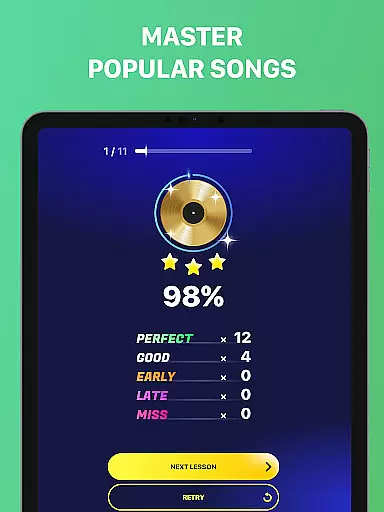
Beyond just making beats, Beat Maker Pro emphasizes education. It offers structured lessons on music theory, rhythm techniques, and beatboxing skills, catering to users who wish to deepen their understanding of music production. These tutorials are designed to be engaging and easy to follow, ensuring that learners at any level can benefit from them.
The app also boasts social sharing functionalities, enabling users to export their creations directly to social media platforms. Furthermore, customization options allow individuals to tailor their experience by adjusting settings such as tempo, pitch, and effects. Such flexibility makes Beat Maker Pro not only a powerful production tool but also a personalized learning environment for aspiring musicians.
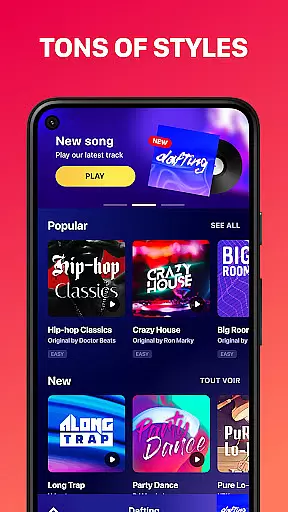
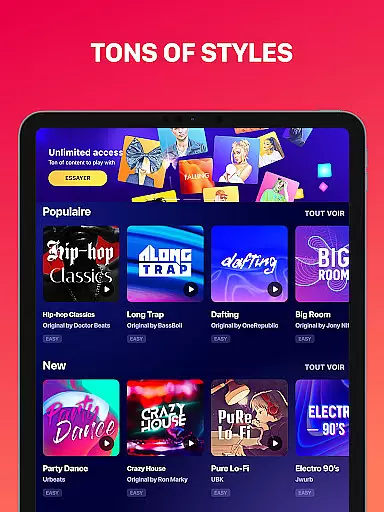
Beat Maker Pro offers an extensive music library that caters to a wide array of genres including dubstep, trap, EDM, and hip-hop. This vast collection ensures that users have access to a diverse set of sounds and loops, which is crucial for creating unique and engaging beats.
The app emphasizes copyright authenticity, providing users with the assurance that all samples and loops are legally cleared for use. This feature is particularly important for creators who wish to share or monetize their music without facing legal issues related to sample clearance.
With its rich content library, Beat Maker Pro empowers users to experiment with different musical styles and find inspiration in new sounds. The ease of access to such a comprehensive range of audio resources makes it an invaluable tool for both amateur beat makers and professional DJs.
Furthermore, regular updates to the music library ensure that users always have fresh material to work with, keeping their creations current and exciting. This commitment to maintaining a robust and authentic music library sets Beat Maker Pro apart as a premier choice for music production on mobile devices.
Audio quality is paramount when producing music, and Beat Maker Pro excels in delivering high-quality audio output. The app supports various audio formats and bitrates, allowing users to choose the level of quality that best suits their needs, whether they're creating tracks for personal enjoyment or professional distribution.
Users can fine-tune their audio settings within the app, ensuring that every beat, loop, and melody is captured with clarity and precision. This flexibility in audio quality options enables producers to maintain the integrity of their sound throughout the creative process.
Moreover, Beat Maker Pro's advanced audio engine minimizes latency and distortion, providing a seamless experience when laying down tracks or performing live. This technical prowess guarantees that the final product not only sounds good but also meets industry standards for audio fidelity.
By prioritizing superior audio quality, Beat Maker Pro ensures that musicians and producers can focus on their artistry without being hindered by subpar sound reproduction. This dedication to sonic excellence reinforces the app's position as a leading tool in the music creation space.
User-friendly interface
Wide range of genres supported
Comprehensive music lessons included
High-quality sound output
Portable music studio solution
Limited free content available
Advanced features require purchase
Occasional bugs reported
Steep learning curve for beginners
Subscription model may deter some users

Most Advanced AI Song Generator and Music Creator. Rap, Pop, Rock, Gospel & more
 4.70
4.70
Save hundreds of dollars for a physical strobe tuner and instead use this app.
4.50
Ultimate Sonos Controller
4.70
Guzheng Master supports many playing techniques as an acoustic Guzheng
4.50
Smart piano keyboard, Classical to Pop, Real-time multiplayer connection!
4.20
A complete sound package for the sound engineer or enthusiast
4.60
Manage your Sonos system directly from your home-screen!
4.40
Full featured mp3 and audio player with Chromecast and Android Auto support.
4.40
Offline Tunes, Unlimited Vibes
3.90
24,000 free audio books and no ads!
4.90
AI Music Maker: Generate And Compose AI Tunes & AI Songs & AI Music & AI Melody!
4.60
Fun & Easy Voice Changer – Record, Edit & Add Hilarious Effects!
4.50
Enhance the sound quality of your devices, listen to what you want
4.50
Let your Android device with the sound effects you want
4.50
Time Guru will strengthen your internal sense of musical time via random muting.
4.30
Equalizer, Bass Booster and Volume Booster (Eq & Bass) improve sound quality
4.30
Time Trainer: accurate metronome w tools to help you develop your internal time!
4.20
Turn your Android phone into a professional audio analyser with up to 120 bands.
4.00
Remove ads permanently from Music Visualizer
4.2


User Reviews