
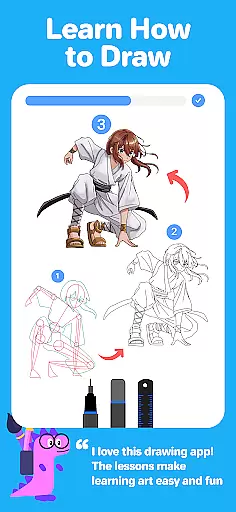
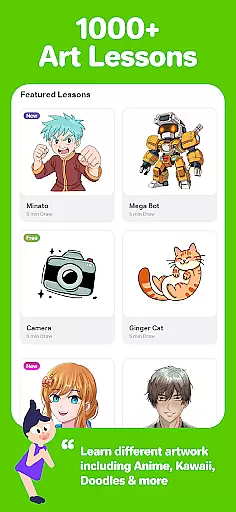
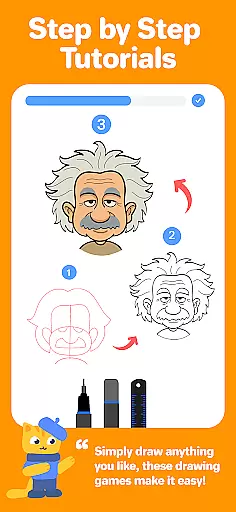
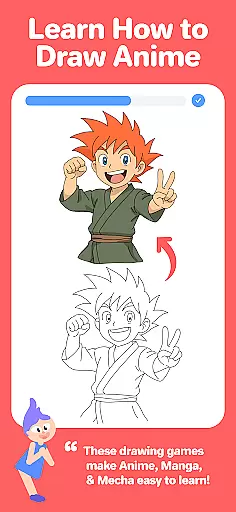
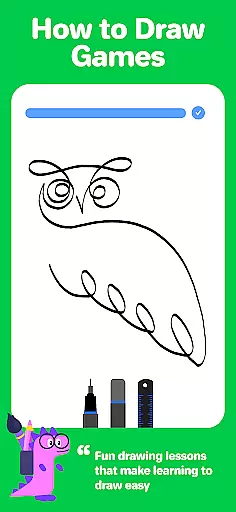
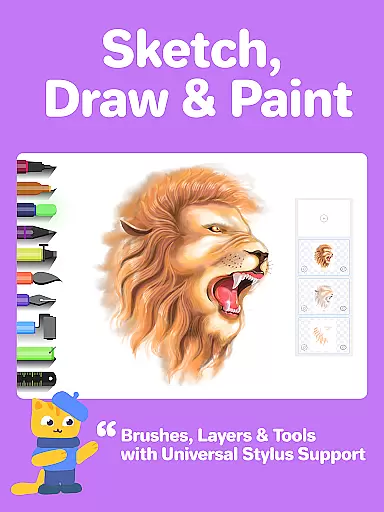
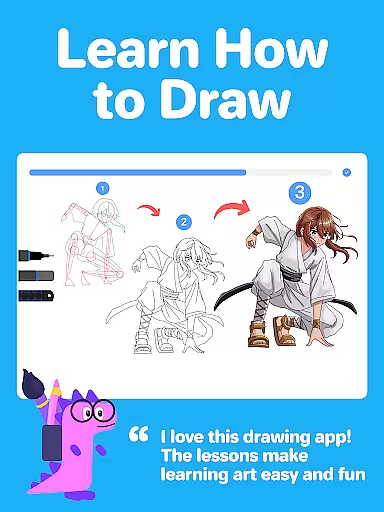
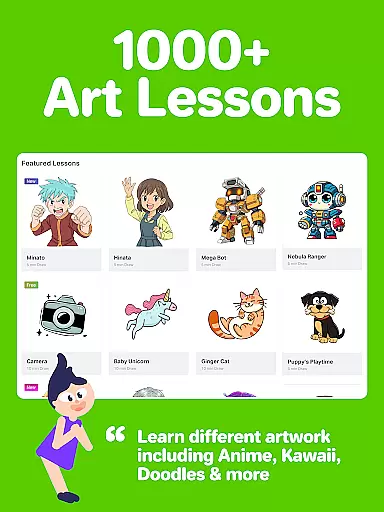
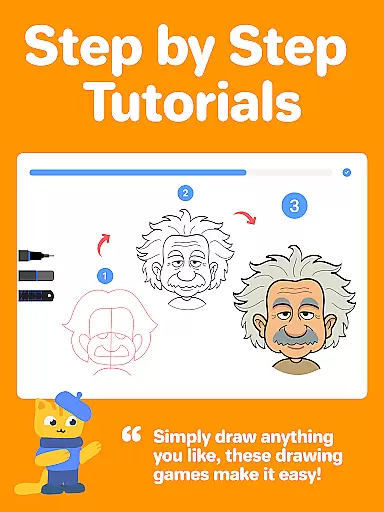
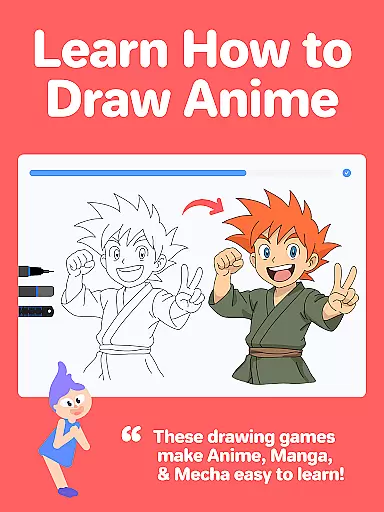
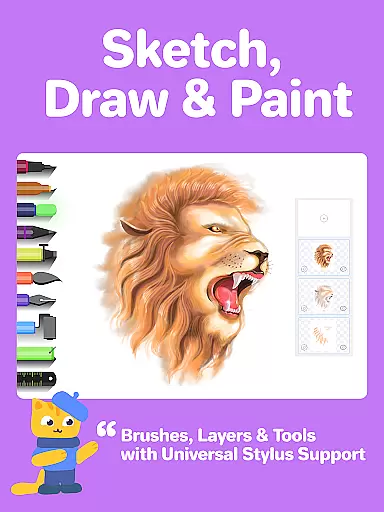
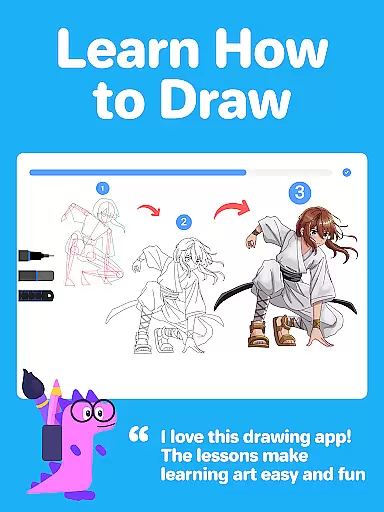
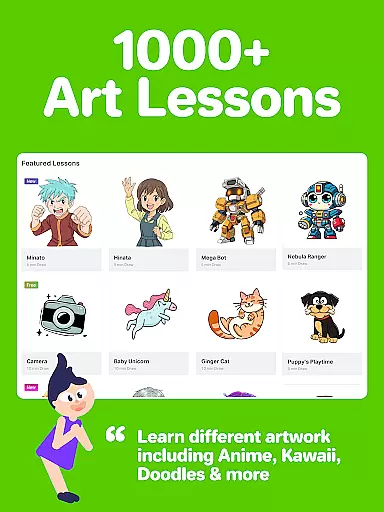
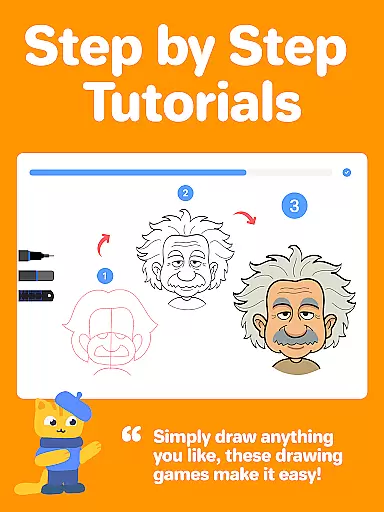
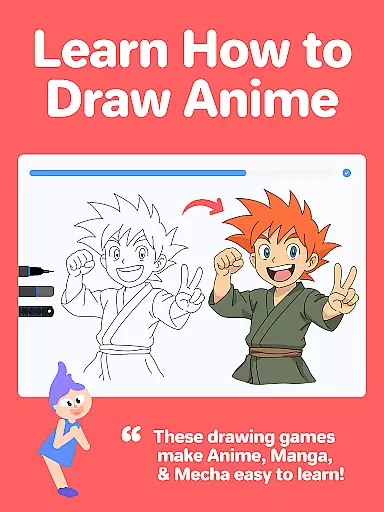
Drawing Desk is a premier digital art application designed for both beginners and advanced artists. With over 70 million users globally, this app offers an extensive suite of drawing and painting tools including pencils, crayons, watercolor brushes, and more. It provides a platform to learn and practice art skills with 1000+ step-by-step lessons covering various styles like Anime, Manga, and Kawaii.
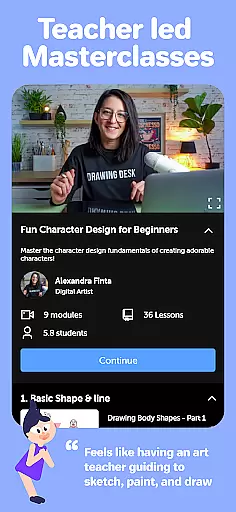
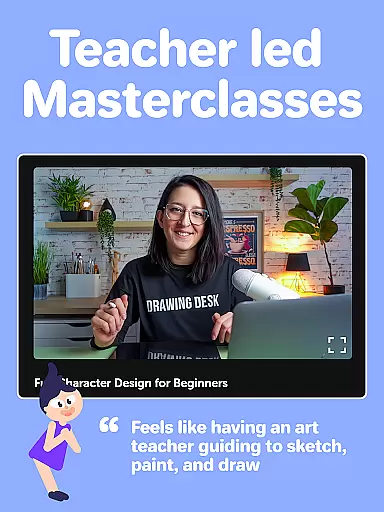
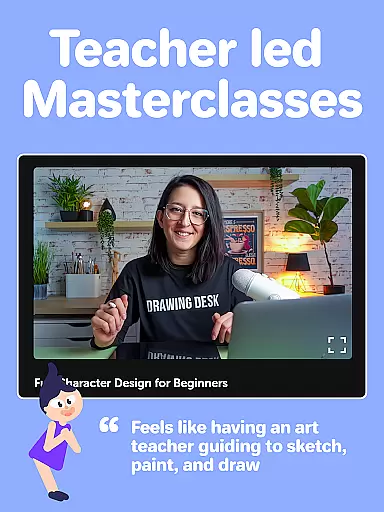
One of the standout features is its structured learning paths where users can select an artistic goal and receive personalized lesson plans. Additionally, Drawing Desk offers Masterclasses conducted by professional artists, providing comprehensive guidance from basic to advanced digital art techniques. The app also incorporates AI-powered tools such as Sketch to Art AI and Auto Colorize, enhancing creativity and efficiency.
Whether you're looking to refine your skills or explore new artistic avenues, Drawing Desk caters to all levels of expertise. Its intuitive interface and robust feature set make it an essential tool for anyone interested in digital art, ensuring a seamless and enjoyable creative experience on both phones and tablets.
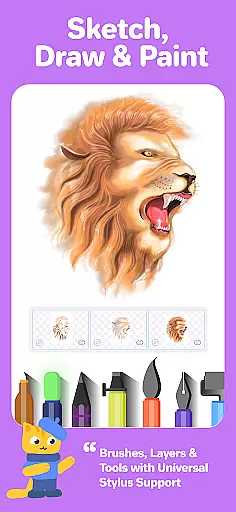
Drawing Desk boasts an impressive array of features tailored to enhance the digital art creation process. The app includes over 25 sketch tools such as pens, pencils, crayons, watercolor brushes, and specialized tools like smudge and fill bucket. These tools support various canvas sizes and unlimited layers, allowing for intricate and detailed artwork.
In addition to traditional drawing tools, Drawing Desk leverages AI technology to offer innovative features like Sketch to Art AI, Text to Art AI, and Auto Colorize, which can transform sketches into artworks or colorize drawings within seconds. Users can also remove backgrounds or unwanted objects from photos using AI-powered tools, streamlining the editing process.
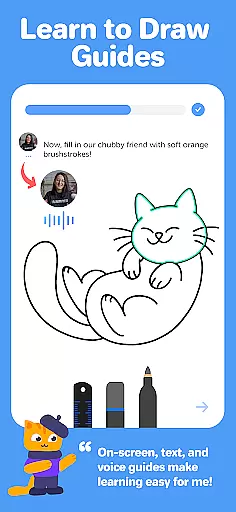
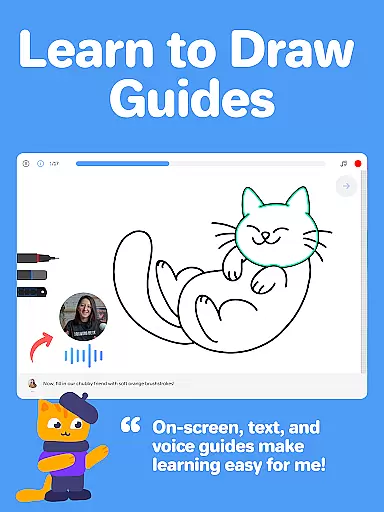
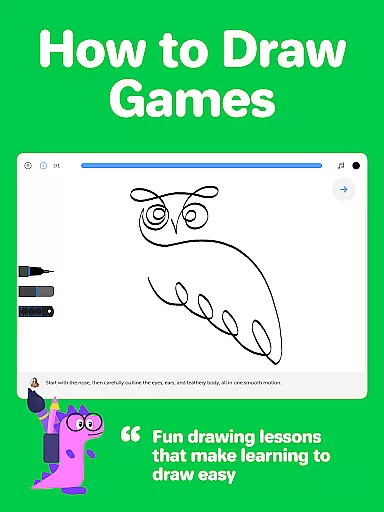
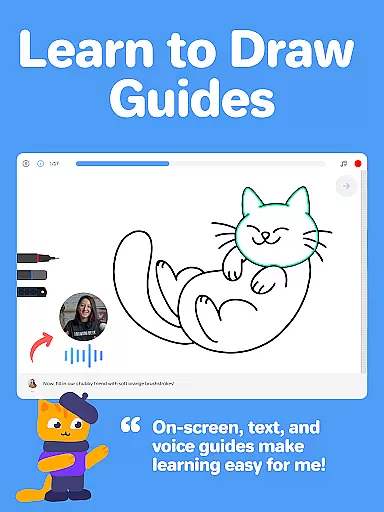
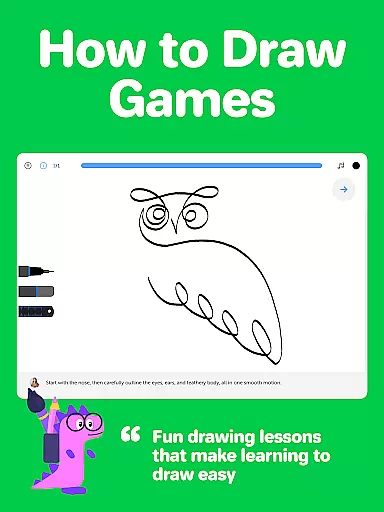
The app's educational aspect is equally robust, featuring interactive drawing games and Masterclasses led by professional artists. These classes provide video tutorials, step-by-step guides, and voice instructions, making it easier for users to follow along and improve their skills systematically. This combination of powerful tools and educational resources ensures that Drawing Desk remains a top choice for digital artists worldwide.
In the realm of digital art, having a comprehensive set of creative tools is essential for artists to fully express their visions. Drawing Desk rises to the occasion by offering an extensive suite of over 25 sketch tools that include various pens, pencils, crayons, and watercolor brushes. These instruments not only mimic traditional media but also provide functionalities like smudging, erasing, and filling with over 125 textures, which are unique to digital platforms.
Moreover, Drawing Desk caters to advanced artistic needs by supporting unlimited layers and canvas sizes, allowing artists to work on complex projects with ease. The inclusion of features such as quick shape drawing, symmetry tools, and an expansive library of 200+ instant shapes further enhances its utility. This vast array of options empowers users to experiment with different styles and techniques, thus refining their skills and expanding their creative boundaries.
The app's dedication to equipping artists with all they need in one place ensures that whether they're beginners or professionals, they can seamlessly transition from concept to creation without the constraints often found in less-equipped applications.
A canvas in the digital world should offer more than just a space to draw; it should be adaptable to the artist's evolving needs. Drawing Desk understands this necessity and provides flexible canvas sizes, especially within its Pad app variant. This adaptability allows creators to choose the perfect dimensions for their artwork, accommodating everything from small sketches to large-scale digital paintings.
Beyond size, format flexibility is crucial for artists who wish to export their work in various file types for different purposes. Whether it's for high-resolution printing or web-friendly images, Drawing Desk's support for multiple formats ensures that artwork retains its quality across platforms. Additionally, the ability to work with unlimited layers adds another dimension of format versatility, enabling intricate designs without compromising performance.
This dual commitment to both canvas expansiveness and format compatibility makes Drawing Desk a robust platform where creativity isn't confined by technical limitations, empowering artists to focus solely on their craft.
User-friendly interface
Extensive toolset
AI-powered features
Comprehensive lessons
Professional Masterclasses
Some features may require purchase
Advanced tools have a learning curve
Occasional performance issues
Limited offline functionality
Subscription model

Create sweet, cool and unique couple avatars easily, in just a few steps!
 3.40
3.40
AI Assistant, powered by ChatGPT GPT-4 & GPT-4o. Your intelligent companion.
3.50
Unleash your drawing and painting potential
4.50
Draw beautiful mandala's very easily
4.60
Draw anime easily with AR guidance, sketch templates & trace tools!
3.10
Novices can also easily complete diamond painting masters
4.70
Create amazing pictures and unleash your creative genius with AR Drawing Sketch
4.40
Multiplayer Drawing game, Coloring, Painting・Sketch, Handwriting・Paint, draw
4.30
Unleash your inner artist! Sketchar: AR Drawing for Limitless Creativity
4.40
Photo editor for art, avatars, filters & fun transformations.
4.60
Draw, fidget, and spin glow art! Relax and express your creativity with a finger
4.60
Digital illustration drawing & painting pad app to paint Anime and Manga art
4.50
Paint with oils and sketch with natural tools on a realistic virtual canvas.
3.80
Powerful home decoration & house design that allows you to design dream home.
3.80
Create cute cat emojis & PFPs! Fun, custom avatars for cat lovers.
3.70
Meet the magic aı 3d photo generator and smart AI video generator app.
3.20
Create stunning video, photo & magic from text with FlixAI GPT video generator.
3.10
Inky runs Inkscape on Android devices and Chromebooks
2.90
Art of Combination Wear OS Watch faces
4.2


User Reviews