

SketchPro is a professional-grade drawing and design application tailored for digital artists, illustrators, and creative professionals. The app offers an extensive suite of advanced AI tools alongside traditional drawing features, making it ideal for creating professional illustrations, comics, manga, and more. With customizable brushes, smart shapes, layer systems, and text tools, SketchPro provides everything needed for high-quality digital art creation.
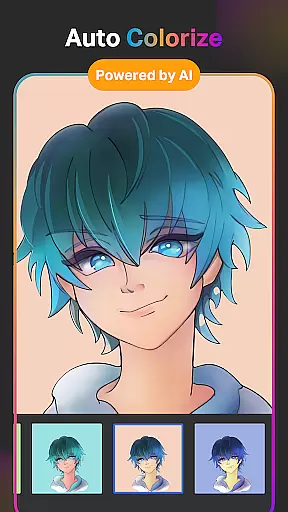
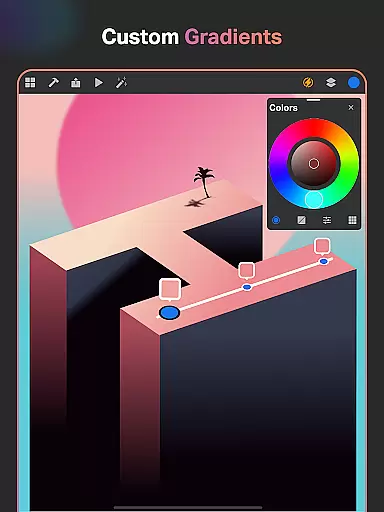
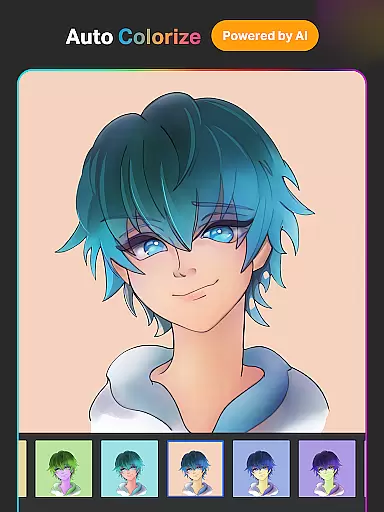
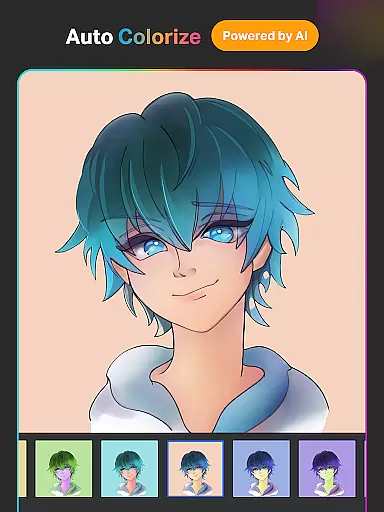
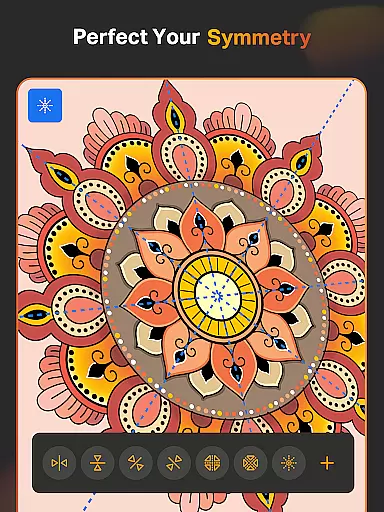
The app stands out with its AI-powered functionalities such as Text to Image, Sketch to Image, and Auto-Coloring, which streamline the creative process. These tools allow users to transform simple sketches into polished artworks effortlessly. Additionally, SketchPro supports professional workflows with features like symmetry tools, gradient options, and an expansive color palette system, catering to both amateur doodlers and seasoned designers alike.
Whether you're working on graphic design projects or detailed illustrations, SketchPro enhances productivity while maintaining creative freedom. Its intuitive interface combined with powerful tools makes it suitable for tablets and phones, ensuring a seamless experience across devices. This versatility allows artists to work efficiently whether they're in the studio or on the go.
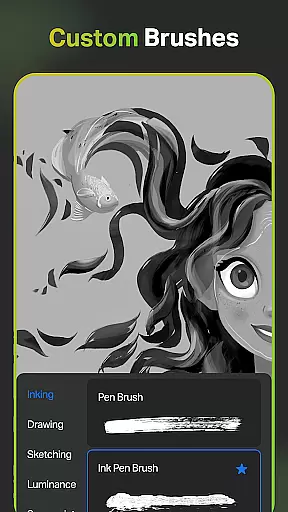
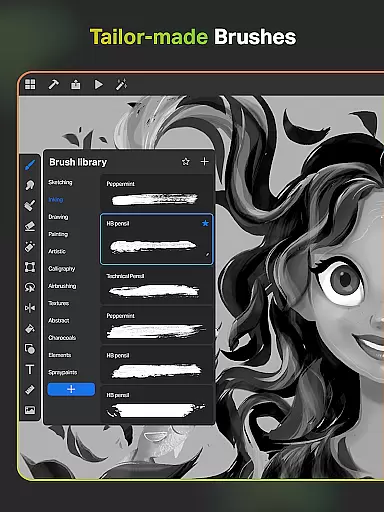
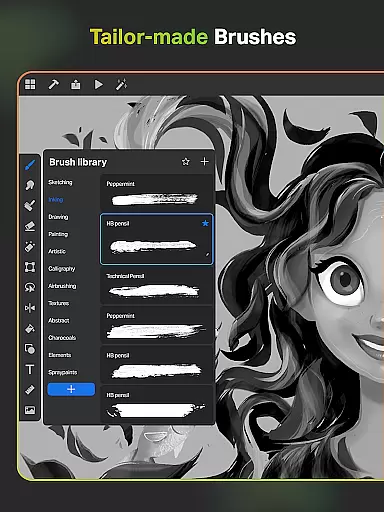
SketchPro boasts an impressive array of features designed to elevate the digital art experience. One standout aspect is its collection of customizable brushes, including specialized options for sketching, painting, and illustrating. Artists can tailor brush settings to their preference, save favorite configurations, and utilize the unique Roller Brush with over 100 patterns for intricate designs.
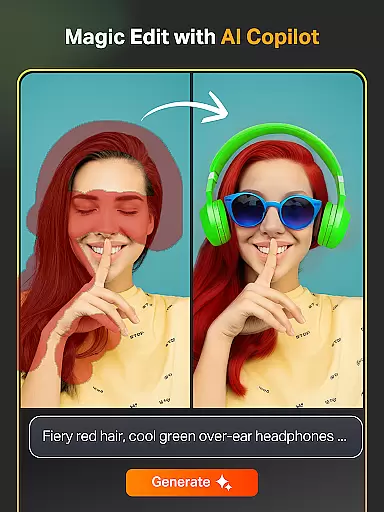
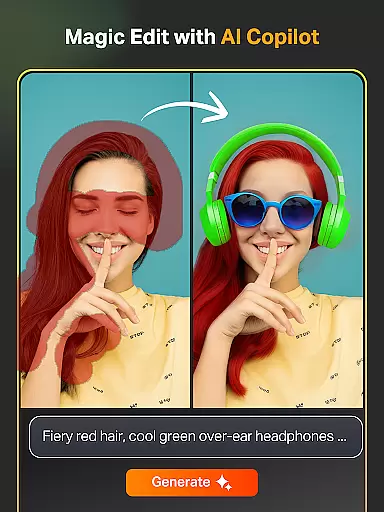
In addition to traditional tools, SketchPro incorporates cutting-edge AI technology to accelerate creativity. Users can generate artwork from text prompts, convert hand-drawn sketches into refined images, and edit colors/textures through simple AI commands. Tools like Magic Edit and Expand Artwork enable precise modifications without compromising quality. Furthermore, the app includes practical utilities such as background removal and line art extraction, enhancing workflow efficiency.
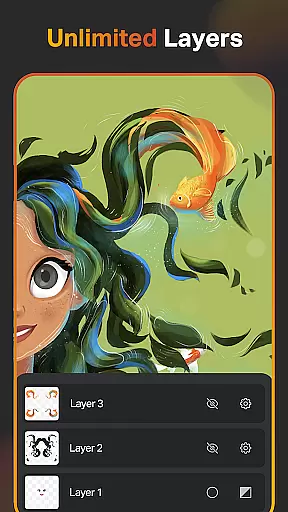
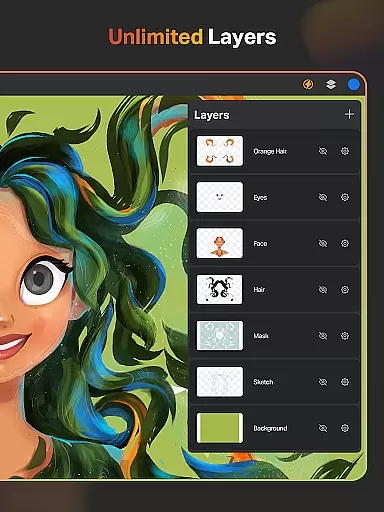
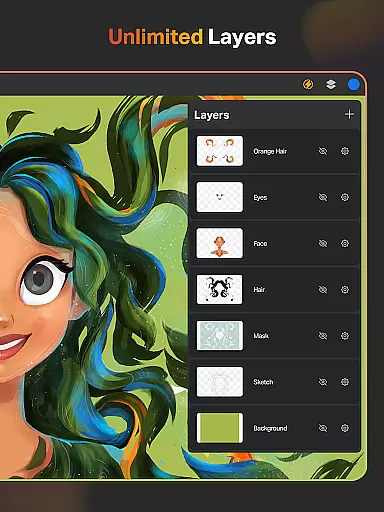
For organization and convenience, SketchPro offers unlimited layers, cloud syncing, and automatic saving. These features ensure that projects remain secure and accessible across devices. The inclusion of time-lapse playback allows artists to review their creative process, while dark mode provides comfort during extended sessions. Overall, SketchPro's comprehensive toolkit empowers artists to focus on their craft without technical limitations.
SketchPro offers an extensive suite of creative tools that cater to the needs of professional digital artists. The app includes customizable brushes for sketching, painting, and illustrating, allowing users to tailor their tools to fit specific artistic styles.
In addition to traditional drawing tools, SketchPro provides advanced AI-driven features such as Text to Image, Sketch to Image, and Magic Edit, which revolutionize the creative process. These tools enable artists to transform simple prompts into complex artworks, revamp colors and textures, and modify objects within their creations effortlessly.
The inclusion of a layer system with unlimited layers, along with options like rasterizing, duplicating, merging, and locking layers, supports intricate graphic designing and drawing. This comprehensive set of features ensures that all aspects of the artistic workflow are covered, from initial sketch to final design.
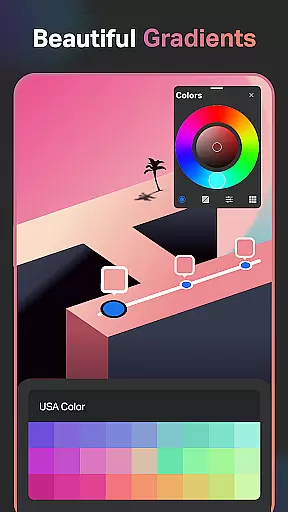
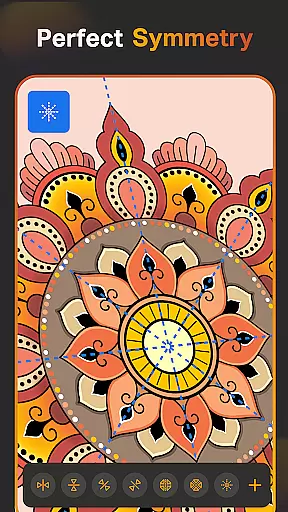
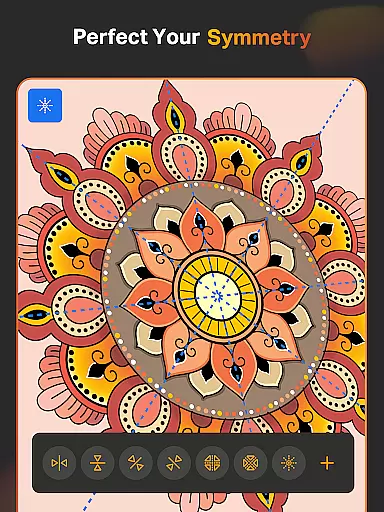
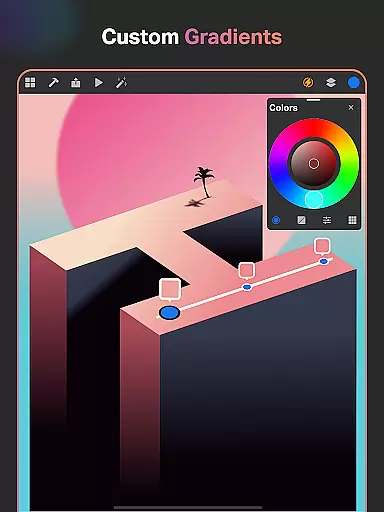
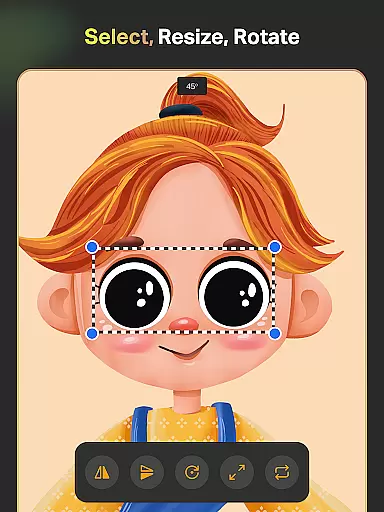
With smart shapes, symmetry tools, gradient options, and assisted drawing capabilities, SketchPro accelerates the drawing and designing process while maintaining professional standards. Artists can organize and save their work automatically, with cloud syncing for secure access from anywhere, making it an indispensable tool for modern creators.
SketchPro stands out in its ability to offer canvas and format flexibility that meets the demands of various artistic projects. Users have access to a custom canvas feature, enabling them to define their workspace according to the requirements of each project, whether it's for illustrations, designs, or professional drawings.
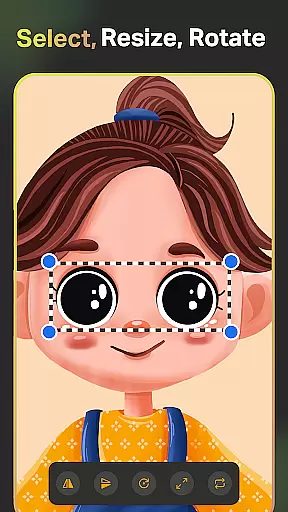
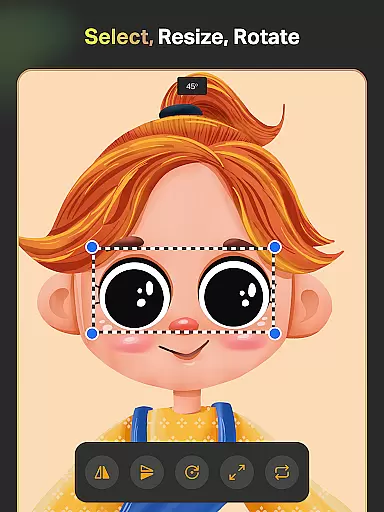
The app also includes essential tools like the smudge tool, fill bucket, cutter tool, and reference tool, which enhance the drawing experience by providing precision and control over the artwork. These tools allow artists to manipulate their creations with ease, ensuring high-quality results every time.
Moreover, SketchPro supports an extensive color palette with a full color wheel, adjustable color values, and themed palettes, empowering artists to explore different hues and shades needed for their art. The option to import colors from photos and images further expands the creative possibilities within the app.
With 15+ categories of free shapes, signs, and symbols, users can incorporate diverse elements into their work, creating more dynamic and engaging pieces. By favoriting frequently used shapes, artists streamline their workflow, allowing for greater efficiency and creativity in their projects.
User-friendly interface
Advanced AI tools
Customizable brushes
Unlimited layers
Cloud syncing
Steep learning curve
Premium subscription required
Occasional bugs
Limited free features
High device requirements

Art of Combination Wear OS Watch faces (for Wear OS 5+ devices)
 3.00
3.00
Custom Character Creator & PFP Maker!
4.20
AI Assistant, powered by ChatGPT GPT-4 & GPT-4o. Your intelligent companion.
3.50
Paint with oils and sketch with natural tools on a realistic virtual canvas.
3.80
Art of Combination Wear OS Watch Faces
4.4
Draw glowing spinners, relax, and spin your creative art
4.60
Image resizer to resize, crop, rotate, flip, change dpi photo or picture in bulk
4.60
Unleash the artist in you with our AR drawing and tracing tool for photo drawing
4.10
Sketch and paint on your device with the feel and freedom of drawing on paper
4.00
Your AI soulmate — meaningful chats, and unique emotional moments
4.70
Logo Generator powered by AI: Create stunning logos effortlessly!
4.70
Digital, Abstract, Classic - all types of color wheels in one app!
4.60
Create color palette from Image, RGB & RYB Color wheel harmonies, Color Scheme
4.50
Painting, drawing, & sketching
4.50
AI generated images & photos, turn your words into drawing, painting & pictures.
4.30
Create Logos, Tattoos, AI Art & more with our AI Photo Generator & Design Editor
4.20
Floor Plan Creator lets you create, edit and share floor plans.
4.00
Apply cartoon, caricature, and portrait effects to make your photos stand out!
3.60
Art of Combination Wear OS Watch faces
4.4


User Reviews