
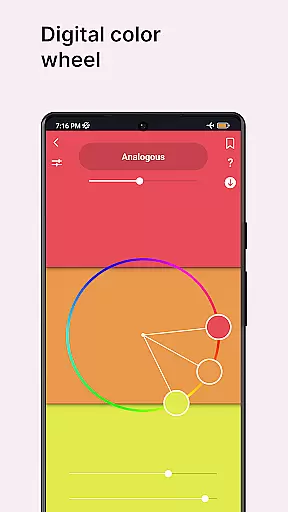
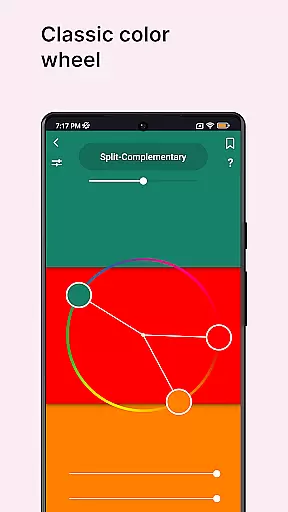
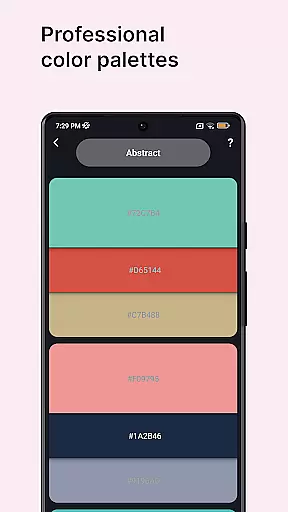
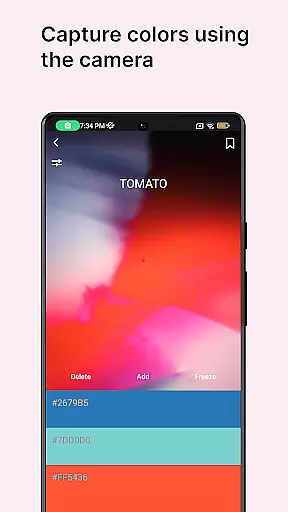
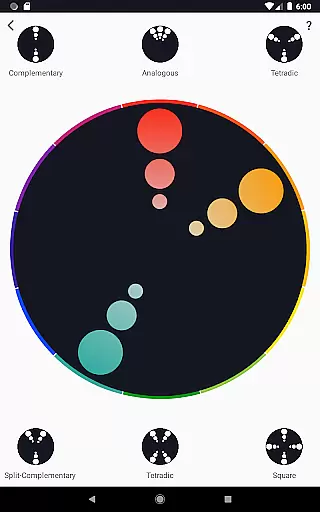
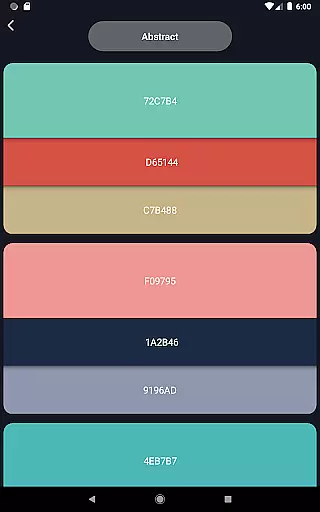
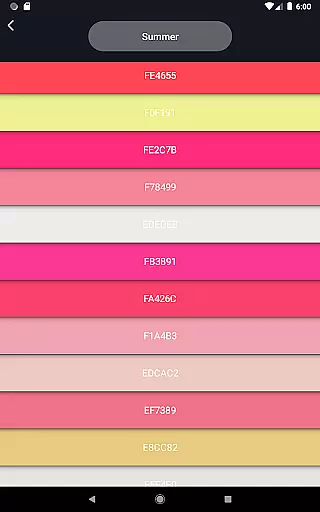
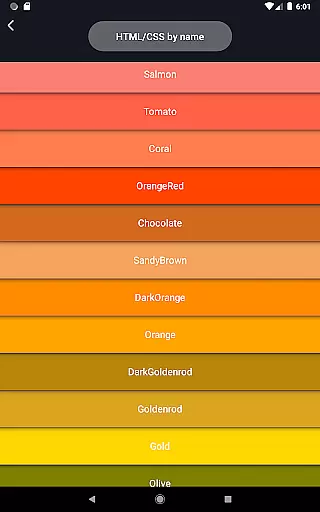
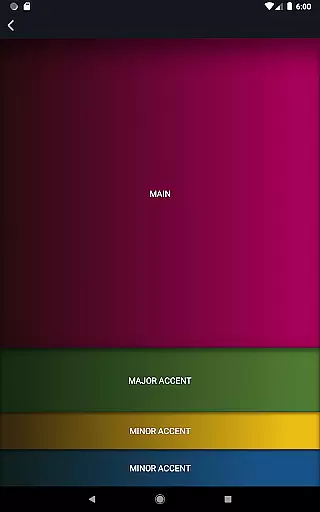
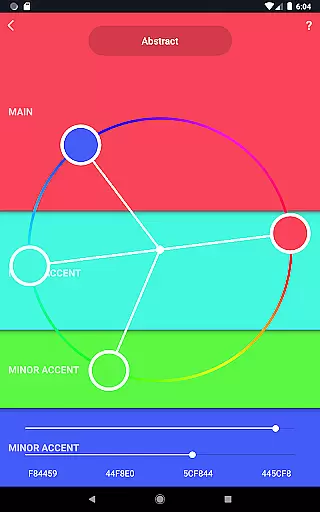
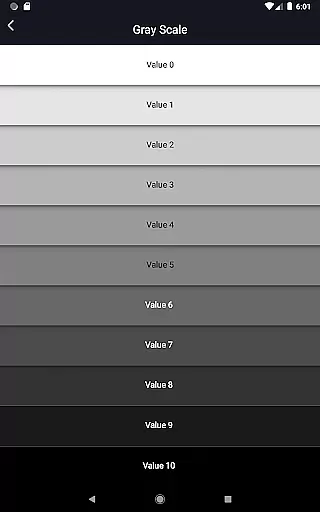
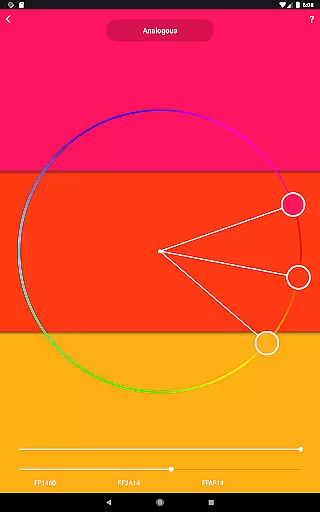
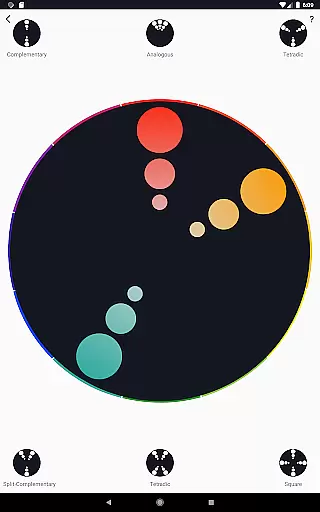
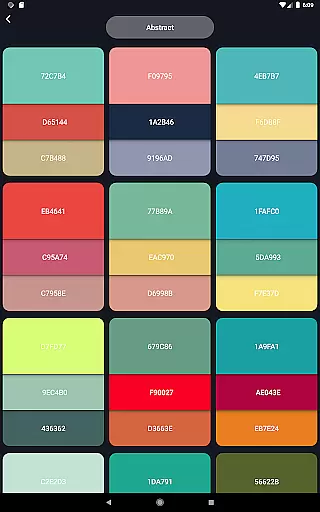
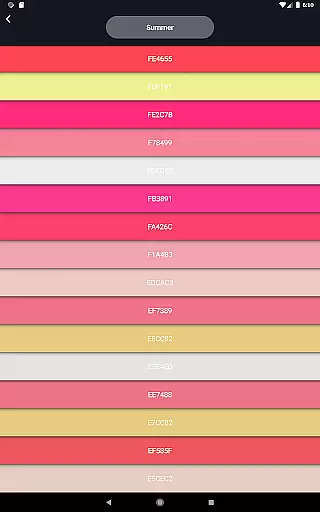
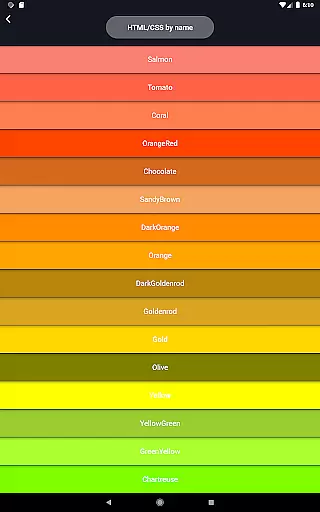
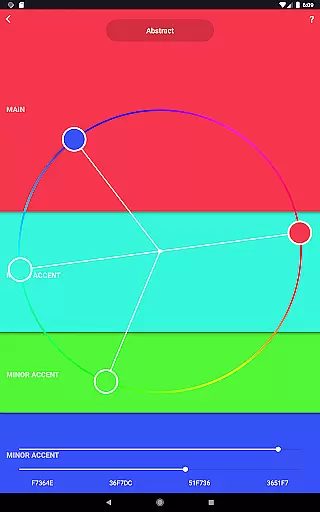
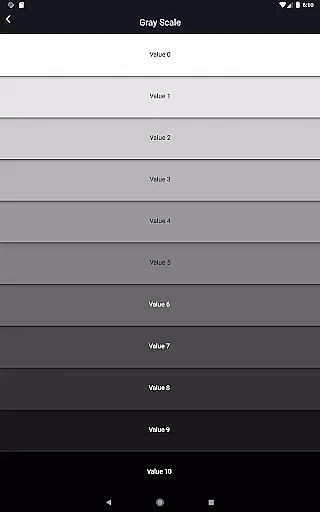
Color Wheel is an all-in-one solution for artists and designers, offering multiple types of color wheels including Digital, Abstract, and Classic. This app serves as a versatile tool for graphic designers, painters, and digital artists by providing professional color palettes, a color picker, image color extraction, seasonal color swatches, grayscale tools, value checkers, and value breakers.
With its comprehensive suite of features, Color Wheel helps users create balanced designs, choose harmonious color combinations, and simplify painting techniques. Whether you're working on digital design projects or traditional art pieces, this app ensures that your color choices are both inspired and technically sound.
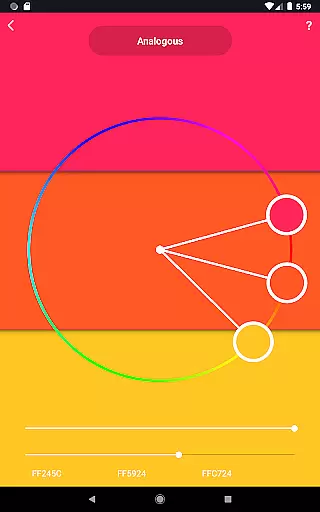
Color Wheel stands out with its diverse range of specialized tools tailored to different artistic needs. The Digital color wheel is perfect for graphic designers who need precise color matching. The Abstract color wheel caters to abstract painters seeking unique color schemes, while the Classic color wheel provides a reliable option for general use.
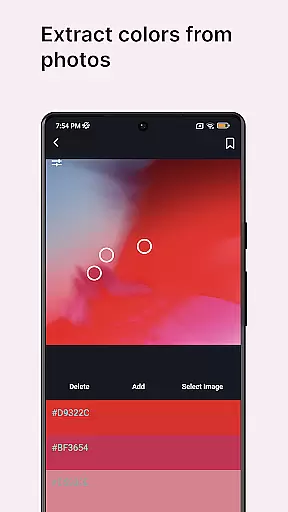
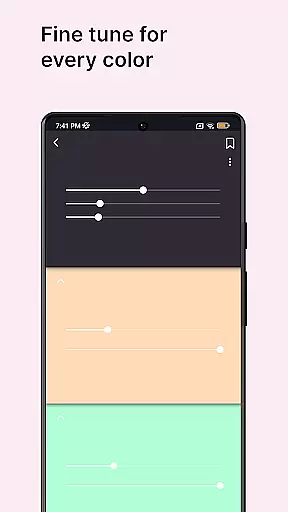
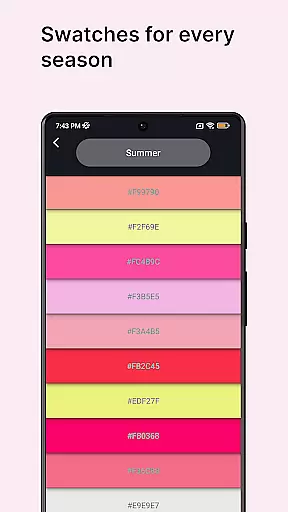
In addition to the various color wheels, the app includes practical tools like the color picker for extracting colors from images or the camera, image color extraction for analyzing existing visuals, and color swatches organized by seasons and moods. Advanced features such as the grayscale tool, value checker, and value breaker assist in maintaining proper contrast and simplifying complex images into manageable sections.
These features collectively enhance the creative process, allowing users to experiment with confidence and achieve professional results in their artwork.
In the realm of digital and traditional art, having a comprehensive set of creative tools is essential for artists to fully express their visions. Color Wheel offers an impressive suite of features that cater to various artistic needs.
From the Digital color wheel tailored for graphic designers to the Abstract and Classic color wheels that serve painters, the app ensures that each artist finds their perfect palette. The inclusion of professional color combinations and a versatile color picker enhances its utility across different art forms.
Furthermore, additional tools such as Image colors, Color swatches, Grayscale, Value checker, and Value breaker provide unparalleled depth in managing and analyzing colors. These instruments not only aid in creating aesthetically pleasing designs but also simplify complex tasks for beginners.
By consolidating these diverse yet crucial tools into one application, Color Wheel empowers artists with seamless access to everything they need for their creative endeavors, significantly boosting productivity and creativity.
The flexibility of canvas and format options can greatly influence an artist's workflow, allowing them to adapt their work to various mediums and dimensions effortlessly. Color Wheel addresses this need by offering adaptable solutions within its platform.
Artists can utilize the Digital color wheel for projects requiring pixel-perfect precision or turn to the Abstract and Classic color wheels when working on more fluid, interpretive pieces. This versatility ensures that whether the output is intended for screen displays or physical prints, the colors remain consistent and true.
Moreover, features like the Color picker and Image colors enable users to extract and apply colors from any source, providing unlimited possibilities for customization. With specialized tools such as Color swatches based on seasons and moods, artists can quickly adapt their palettes to fit specific themes or client requirements.
By integrating these flexible canvas and format options, Color Wheel supports a dynamic range of artistic expressions, making it an indispensable companion for both digital and traditional artists seeking adaptability in their creative processes.
User-friendly interface
Comprehensive color tools
Versatile design options
Professional color palettes
Advanced painting aids
Limited free features
Occasional bugs
Steep learning curve
High system requirements
Subscription fees

Discover Cartoon Dream : Unleash Your Creativity with CuttingEdge AI
 4.50
4.50
Apply cartoon, caricature, and portrait effects to make your photos stand out!
3.60
Remove Background, Magic Eraser, Photo Enhancer, Story Templates, Collage Maker
4.30
Nano Banana AI Image Generator, Anime Filter, AI Portrait, AI Photo Generator
4.30
Unleash the artist in you with our AR drawing and tracing tool for photo drawing
4.10
Inky runs Inkscape on Android devices and Chromebooks
2.90
Beauty Camera - Selfie Camera is the ultimate beauty camera and selfie app
4.30
Explore future self face age filter & remove background image for a unique look.
3.50
How to draw anime step by step for beginner easily by AR drawing sketch & paint.
3.60
Make your phone cooler and have a fantastic experience
4.80
Draw on screen: FP sDraw is a simple and lightweight drawing app
4.70
Castle is social media for creating and playing games!
4.60
Create color palette from Image, RGB & RYB Color wheel harmonies, Color Scheme
4.50
Share the joy of painting with ibis Paint! Drawing anime and manga art.
4.50
Everything you need to create hand drawn animation, anywhere you go!
4.40
Draw, make movies & animate cartoons easily with our 2D animation maker app
4.40
Text to Image, Image to Video & AI Chat
4.20
Paint with oils and sketch with natural tools on a realistic virtual canvas.
3.80
Transform photos into amazing monochrome dither art with professional algorithms
4.1


User Reviews