
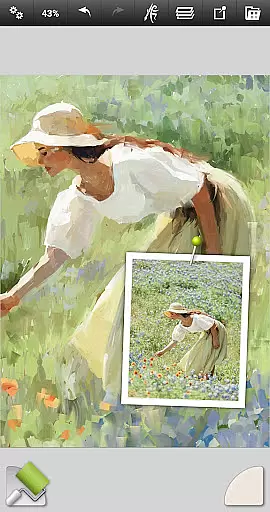
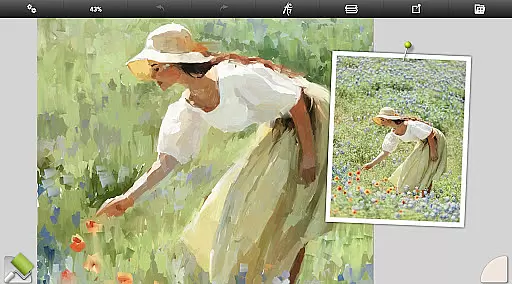
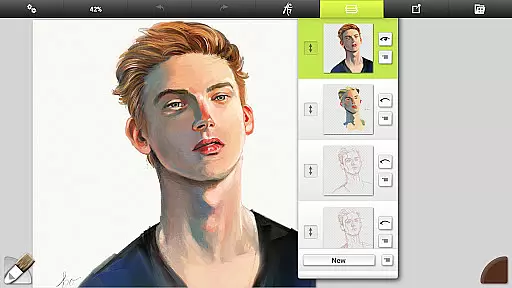
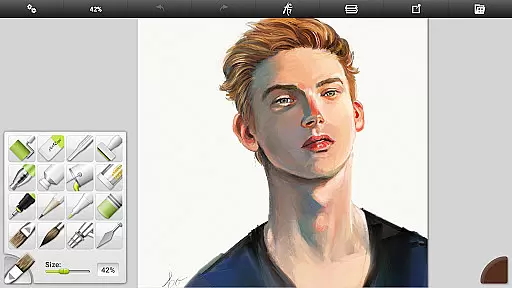
ArtRage Vitae Mobile Painting is a premium natural painting application designed for mobile devices, offering realistic painting and drawing experiences. The app provides real color blending for natural paint mixing, professional tool options, and more layer options for exporting and merging. With a maximum canvas size of 4096px x 4096px and tool size up to 500%, it caters to both beginners and professionals. Users can mix oil paints on textured canvas, draw with pencils or pastels, and blend watercolors to create delicate gradients.
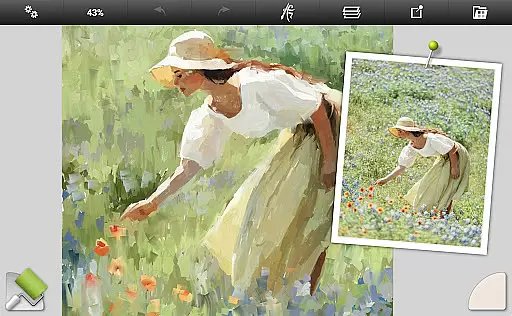
The app includes powerful digital utilities such as Layers and Blend Modes, Tracing and Reference Images, and Tool Presets. It supports the Android sharing system, allowing users to showcase their artwork. Whether you're a hobbyist or a professional artist, ArtRage Vitae offers an intuitive interface and tools that mimic real-world art supplies, unlocking creativity and providing a platform for artistic expression.
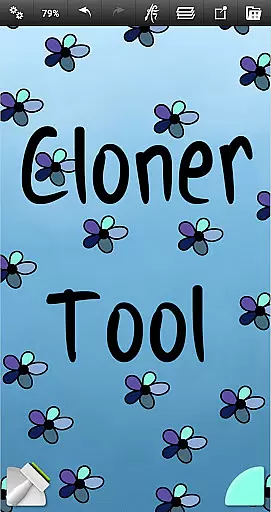
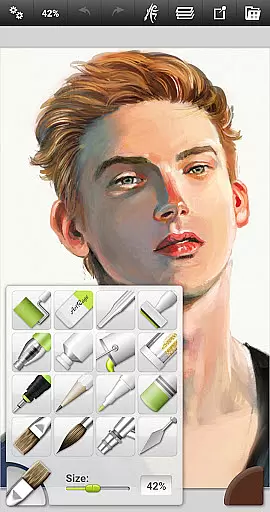
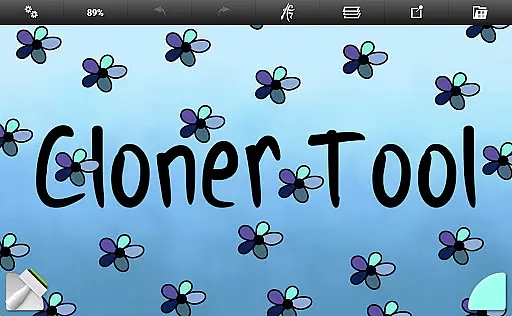
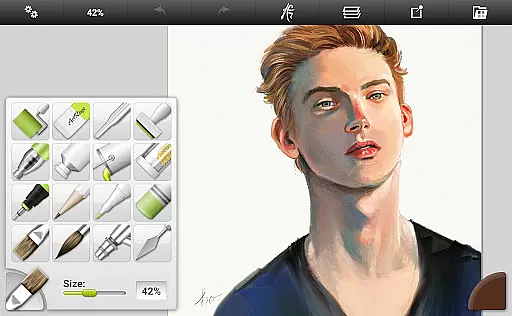
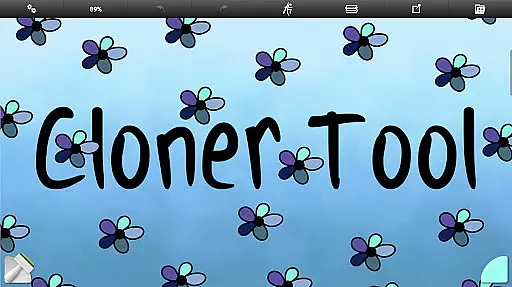
ArtRage Vitae stands out with its comprehensive set of features tailored for artists. The app includes 16 tools with countless variations via presets and settings, ranging from natural painting tools like Oil Brush and Watercolor to sketching and drawing tools such as Pencil and Wax/Chalk Pastel. Utility tools like Flood Fill and Color Sampler, along with special effect tools like Cloner and Glitter Tube, provide versatility in artistic expression.
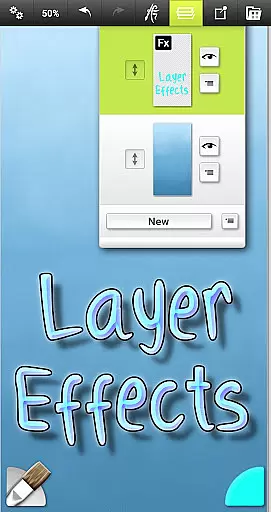
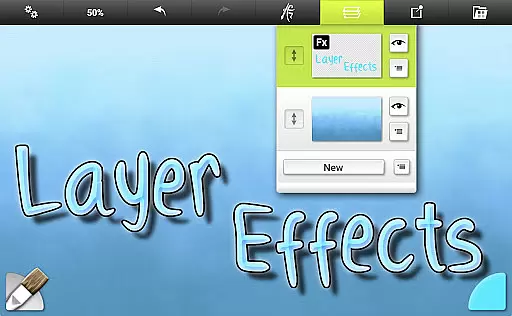
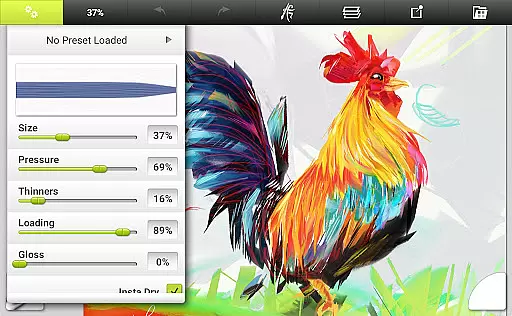
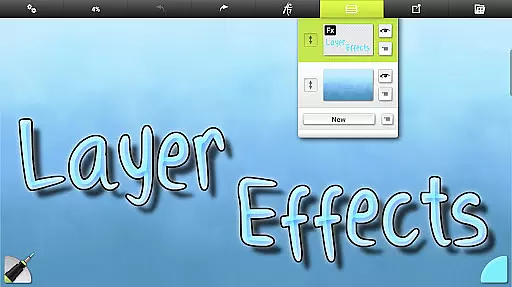
Each tool reflects natural properties like paint thickness or pencil softness, applying texture and blend under the digital brush. Canvas texture can be adjusted, and real color blending options are available. Layer Effects allow adding highlights, shadows, and 3D effects to individual layers. Additionally, the app supports storing preset combinations, importing images for tracing or references, and managing paintings in the ArtRage Vitae Gallery.
In the realm of digital art, having a comprehensive set of creative tools is paramount. ArtRage Vitae Mobile Painting excels in this area by offering 16 diverse tools with countless variations through presets and settings. These include natural painting tools like Oil Brush, Watercolor, Palette Knife, as well as sketching and drawing tools such as Airbrush, Ink Pen, and Pencil.
Each tool within ArtRage Vitae is designed to reflect natural properties, ensuring that whether you're mimicking the softness of a pencil or the thickness of paint, the app responds accordingly. This level of detail extends to utility tools like Flood Fill and Color Sampler, and special effect tools including Cloner and Glitter Tube, providing artists with everything needed to create amazing art.
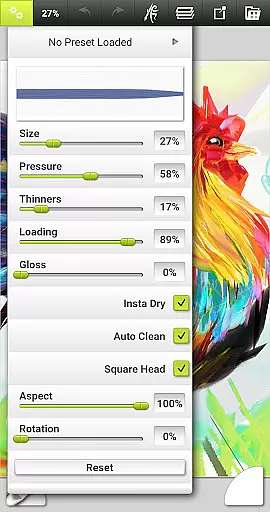
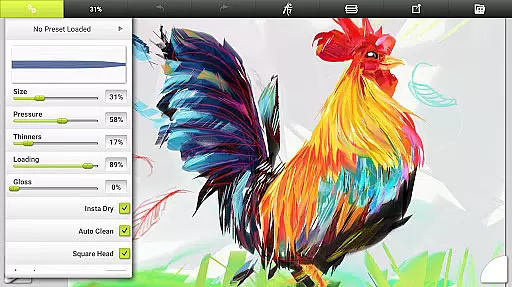
Artists can store their own favorite settings as custom presets, allowing for quick access to personalized tool configurations. The app also supports canvas texture adjustments, enabling users to work on coarse surfaces or smooth papers, thus further enhancing the creative process. With real color blending options and layer effects, ArtRage Vitae ensures that every artist has the necessary utilities to bring their visions to life.
Flexibility in canvas and format options is crucial for artists who demand precision and adaptability in their work. ArtRage Vitae Mobile Painting addresses this need by significantly increasing the maximum canvas size to 4096px x 4096px on all devices, allowing for highly detailed artwork creation without constraints.
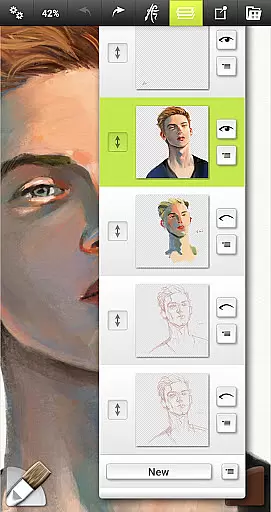
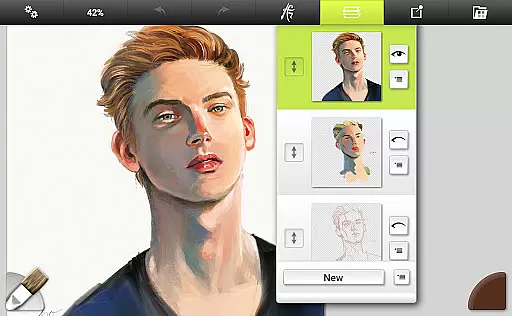
The application provides support for layers with opacity control and industry-standard Layer Blend Modes, empowering artists to experiment with complex compositions. Unlimited Undo/Redo functionality adds another layer of flexibility, giving users the freedom to explore creative avenues without fear of making irreversible mistakes.
Furthermore, ArtRage Vitae facilitates exporting and sharing artwork as JPG or PNG via Android's sharing system, ensuring that artists can easily distribute their creations. Compatibility with desktop versions of ArtRage means projects started on mobile can be seamlessly continued on larger platforms, offering unparalleled flexibility in how and where art is produced.
User-friendly interface
Realistic painting tools
Versatile tool settings
Layer and blend modes
Active community support
Premium priced app
Steep learning curve
Limited free features
Requires storage access
Network connection needed

AI generated images & photos, turn your words into drawing, painting & pictures.
 4.30
4.30
Create neon drawing with magic doodle and fun doodle art effects!
4.50
The perfect place to start sketching! Use Sketchbook to draw and paint sketches.
4.50
Photo editor for art, avatars, filters & fun transformations.
4.60
Turn your drawings into flipbook-style animations with simple creative tools
4.60
Image resizer to resize, crop, rotate, flip, change dpi photo or picture in bulk
4.60
Android 14 style widgets and wallpapers app.
4.2
Explore future self face age filter & remove background image for a unique look.
3.50
Unleash your inner artist! Sketchar: AR Drawing for Limitless Creativity
4.40
Your AI soulmate — meaningful chats, and unique emotional moments
4.70
Photo stitcher for automatically screenshot stitching into a long screenshot
4.70
Image/ Text to Video Generator
4.40
Everything you need to create hand drawn animation, anywhere you go!
4.40
Draw, make movies & animate cartoons easily with our 2D animation maker app
4.40
800+ Drawing, Painting Lessons App to Practice, Sketch & Paint Art.
4.30
Create stylish invitation cards using templates for weddings, birthdays & RSVP.
4.20
Powerful home decoration & house design that allows you to design dream home.
3.80
Create cute cat emojis & PFPs! Fun, custom avatars for cat lovers.
3.70
Retouch photos. Create or edit images. Endless capabilities.
2.70


User Reviews