
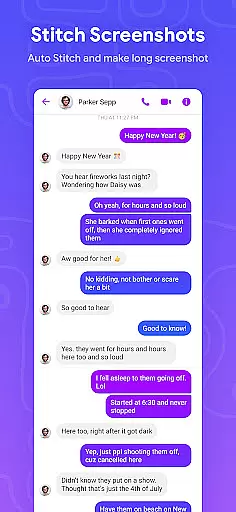
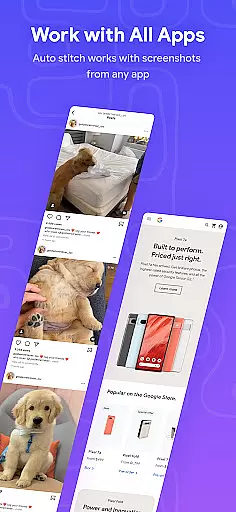



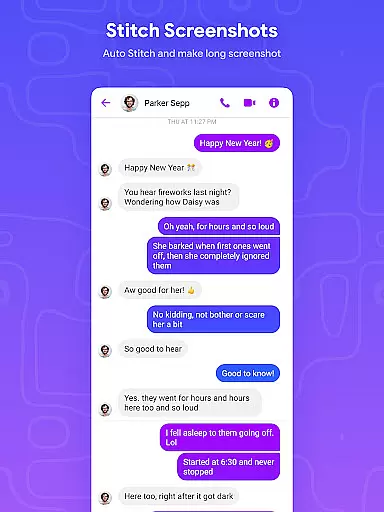
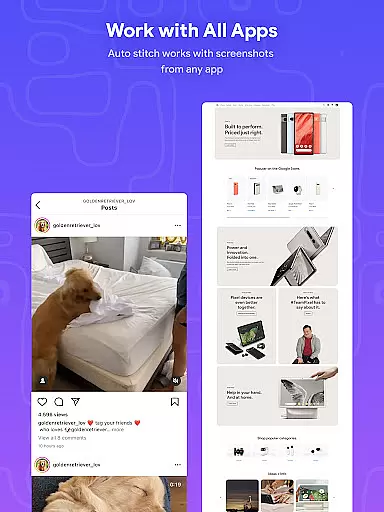
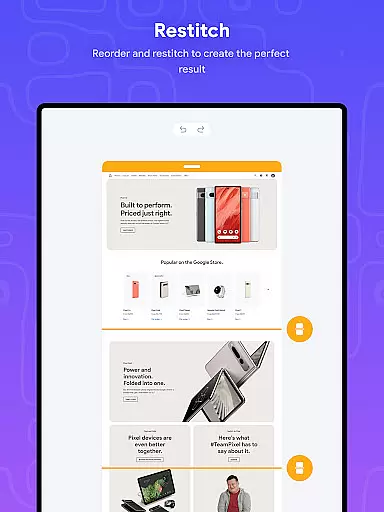
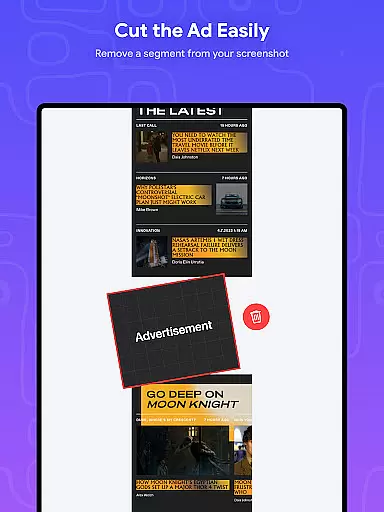
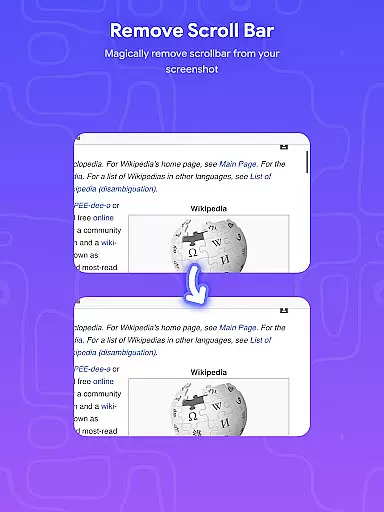
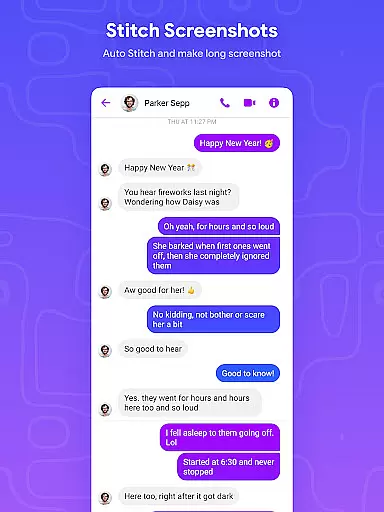
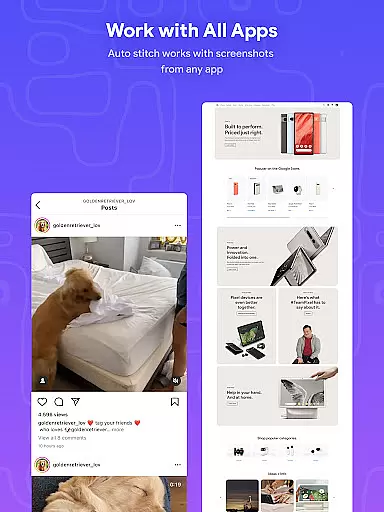
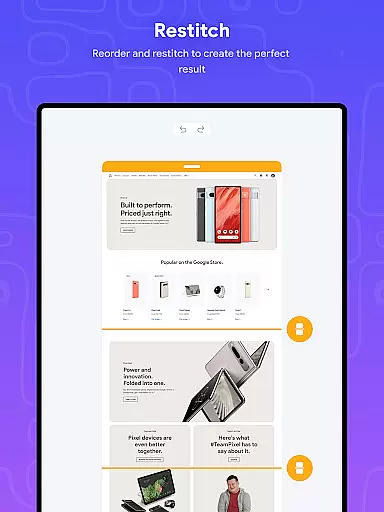
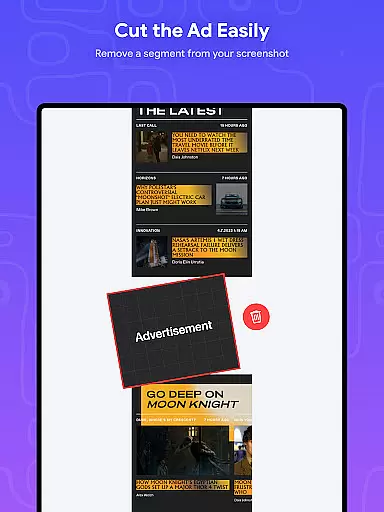
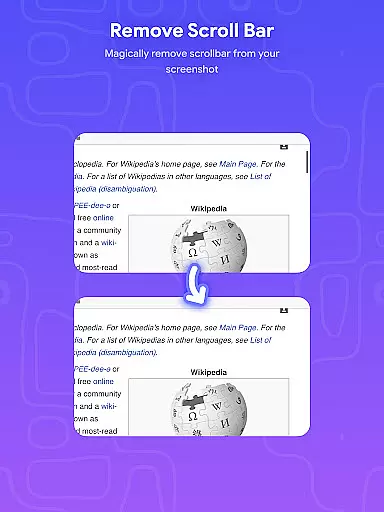
Stitch Photos is an innovative photo stitching application designed for users who want to create seamless panoramas and document scans. With advanced AI-powered technology, the app automatically recognizes and stitches screenshots or long website captures both vertically and horizontally.
The app's core functionality lies in its ability to flawlessly stitch images, making it perfect for capturing majestic landscapes or creating detailed document scans. Whether you're a photographer looking to tell a story through panoramic images or someone who needs to compile long web pages into a single image, Stitch Photos ensures no detail is missed.
This versatile tool is particularly useful for digital artists and designers who need to work with high-resolution images. The app's user-friendly interface provides a hassle-free experience, allowing users to effortlessly create professional-quality stitched images in just a few taps.
Stitch Photos stands out with its powerful features that cater to various photo stitching needs. The app can automatically stitch photos both vertically and horizontally, providing flexibility for different use cases. This feature is especially beneficial when working with long screenshots or capturing entire websites.
One of the key strengths of Stitch Photos is its ability to create high-resolution long screenshots without losing quality. The app maintains image clarity even when stitching multiple images together, ensuring professional-grade results every time. Additionally, the seamless stitching capability eliminates visible joins between images, creating a natural flow in the final composition.
The user-friendly interface enhances the overall experience by providing intuitive controls and straightforward navigation. Users can easily adjust settings, preview results, and make modifications before finalizing their stitched images. This combination of advanced technology and thoughtful design makes Stitch Photos an essential tool for anyone working with digital imagery.
In the realm of digital creativity, having a comprehensive set of tools is paramount. Stitch Photos rises to the occasion by offering an innovative suite of features powered by AI technology. This app allows users to automatically stitch photos both vertically and horizontally, providing a versatile platform for creating panoramas or document scans with precision.
The application's automatic stitching functionality extends to long screenshots or website captures, ensuring that every detail is captured without distortion. With high-resolution saving capabilities, your stitched images retain their quality, making them perfect for both personal and professional use. The inclusion of these advanced features showcases the app's commitment to delivering a complete creative toolkit.
Stitch Photos' user-friendly interface further enhances its toolset, allowing users of all skill levels to seamlessly navigate and utilize its powerful features. Whether you're capturing majestic landscapes or compiling detailed document scans, this app ensures a hassle-free photo stitching experience. By combining sophisticated AI-powered technology with intuitive design, Stitch Photos stands out as an essential companion for anyone looking to expand their creative possibilities.
Flexibility in canvas and format options is crucial for unleashing creative potential. Stitch Photos excels in this area by providing users with the ability to effortlessly stitch photos both vertically and horizontally. This versatility allows for the creation of flawless panoramas, document scans, and even long website captures, catering to a wide range of creative needs.
The app's seamless handling of long screenshots or website captures ensures that users can save high-resolution images without compromising on quality. Whether you're aiming to capture expansive landscapes or detailed web pages, Stitch Photos offers a smooth, glitch-free experience that adapts to your specific requirements. This adaptability makes it an invaluable tool for artists, designers, and everyday users alike.
Moreover, Stitch Photos supports direct sharing via social media or other platforms, enhancing its format flexibility. Users can easily share their creations in various formats, reaching wider audiences without limitations. By prioritizing canvas and format flexibility, Stitch Photos empowers users to explore new dimensions of digital artistry while maintaining exceptional image quality across different mediums.
AI-powered stitching
High-resolution output
User-friendly interface
Vertical and horizontal stitching
Seamless image alignment
Limited editing tools
No batch processing
Premium features locked
Occasional glitches
Ads in free version

The ultimate tool for creating animations
 4.60
4.60
Create trending AI photos & videos with powerful effects and 3D styles.
3.20
Draw anime & manga drawing, art with templates to create stunning picture!
4.50
Photo blender app to create overlay photos & double exposure.
4.40
See Color, Paint Color
4.90
Convert image to JPG PNG HEIC PDF, support almost all kinds of image formats
4.70
Get creative and make art with your Sesame Friends!
4.00
Resize photos and print photos in exact size with our powerful photo printer!
3.80
Create Logos, Tattoos, AI Art & more with our AI Photo Generator & Design Editor
4.20
Draw beautiful mandala's very easily
4.60
Digital, Abstract, Classic - all types of color wheels in one app!
4.60
Draw glowing spinners, relax, and spin your creative art
4.60
The perfect place to start sketching! Use Sketchbook to draw and paint sketches.
4.50
AI Tattoo Generator: Create Tattoo Designs & Get Ideas! Ink & Stencil Maker
4.50
AI Face Swap, Video Effects Editor, Realtime Morph, Funny Video FX,AI Filters
3.70
Create sweet, cool and unique couple avatars easily, in just a few steps!
3.40
Download now for a stylish and functional timepiece
4.3
Art of Combination Wear OS Watch faces
4.3
Art of Combination Wear OS Watch Faces
4.2


User Reviews