
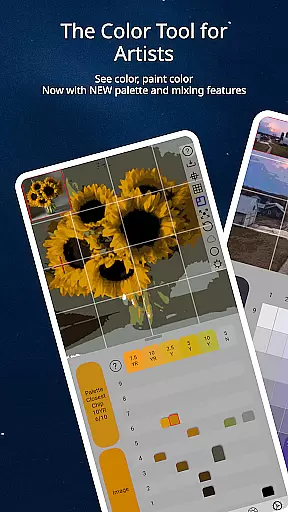
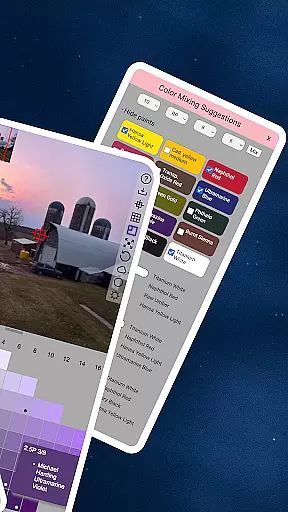
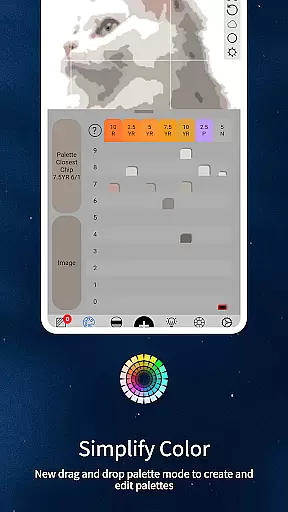
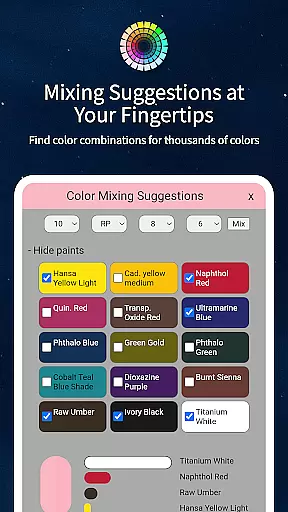
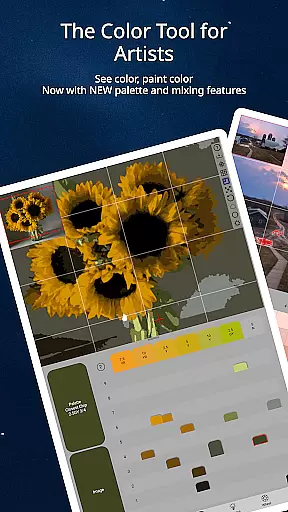
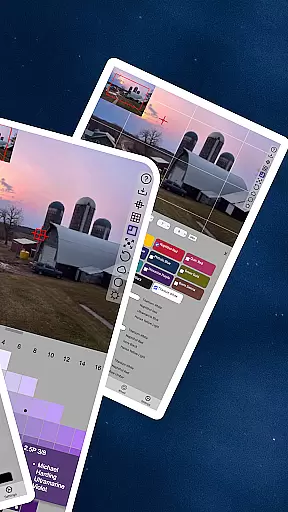
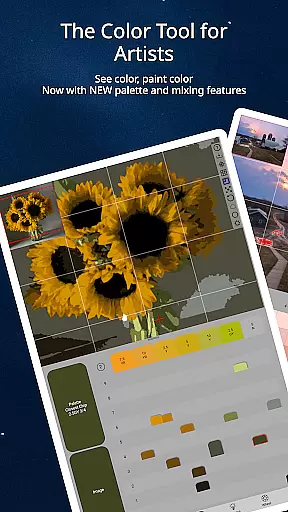
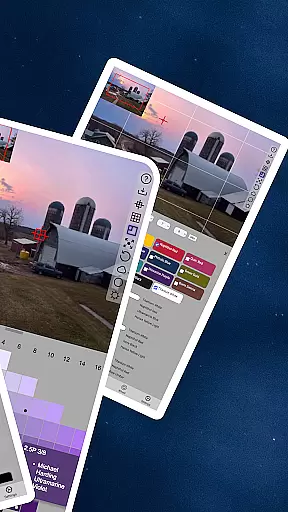
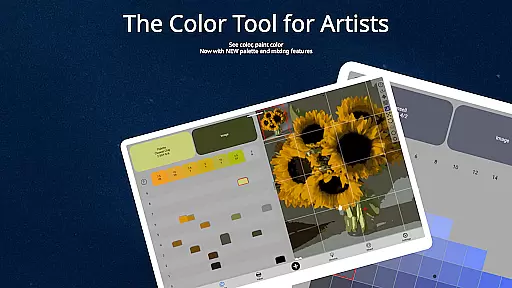
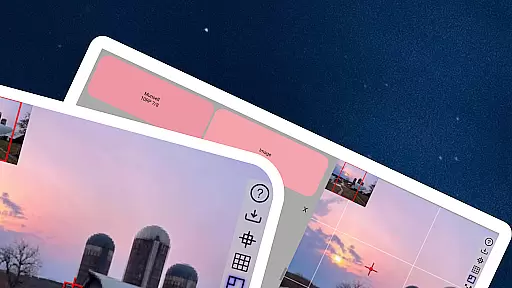
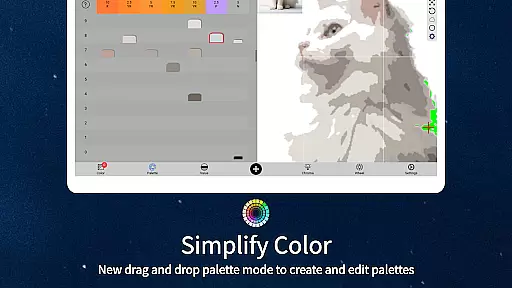
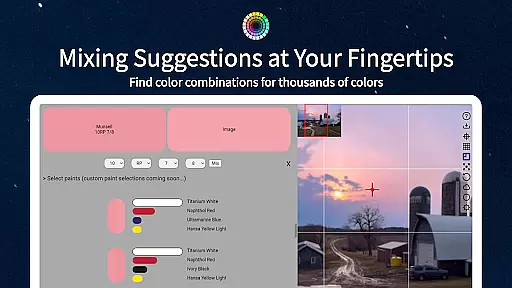
ChromaMagic is an innovative color analysis tool designed specifically for artists. This application allows users to load any photo or reference image and instantly identify the exact color properties using the Munsell color system. The app provides detailed breakdowns of hue, value, and chroma, enabling artists to understand and replicate colors accurately.
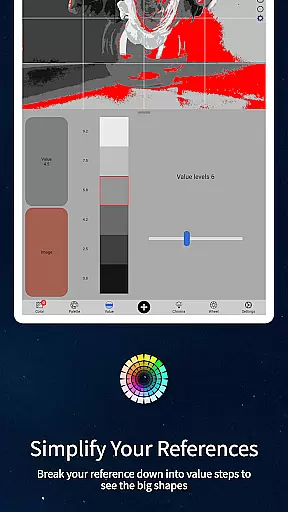
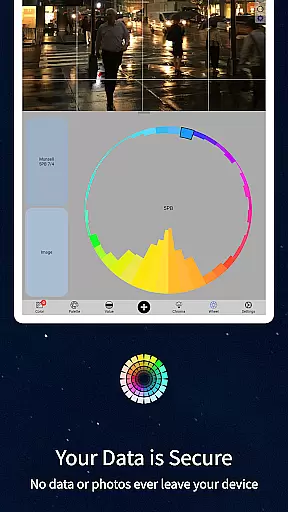
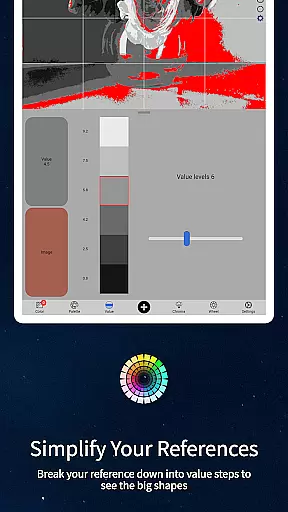
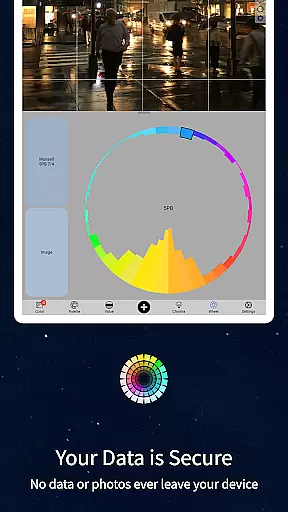
Beyond basic color identification, ChromaMagic offers advanced features including multiple viewing modes that help artists analyze their references in new ways. Users can view images in grayscale, organize them into major value shapes, or examine color distribution across the color wheel. These tools are particularly valuable for painters seeking to improve their color mixing skills and create more realistic artwork.
The application's intuitive interface supports buttery-smooth zooming and panning, making it easy to work with detailed images. ChromaMagic works seamlessly both online and offline, allowing artists to use it anywhere - from studio settings to outdoor painting sessions. Its comprehensive feature set makes it an indispensable tool for professional artists and hobbyists alike.
ChromaMagic distinguishes itself through its sophisticated color analysis capabilities. The application's core feature is its implementation of the Munsell color system, which breaks down colors into three essential components: hue, value, and chroma. This scientific approach helps artists understand color relationships more effectively than traditional color wheels.
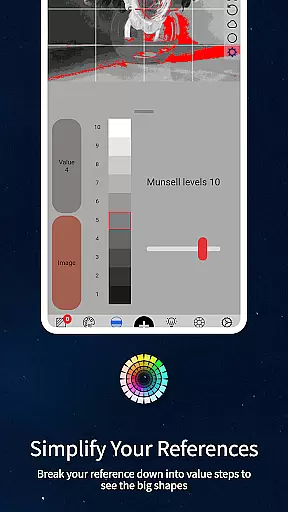
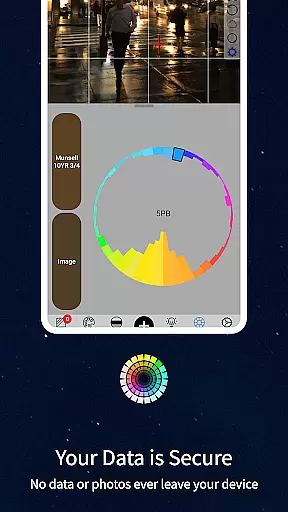
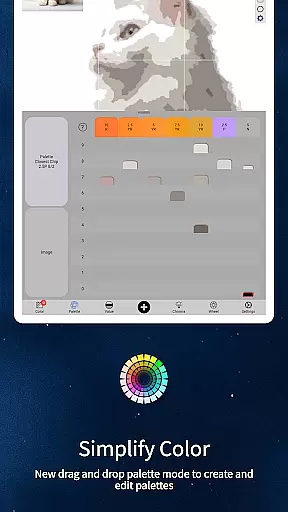
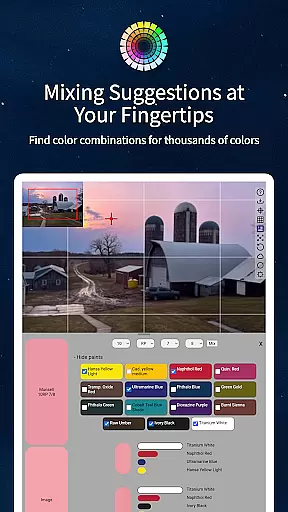
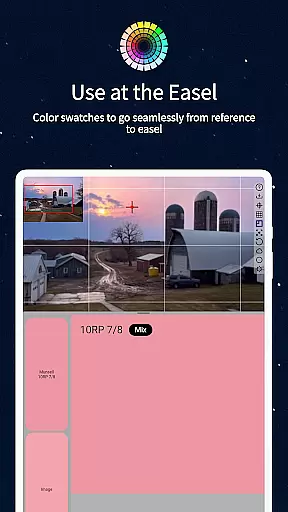
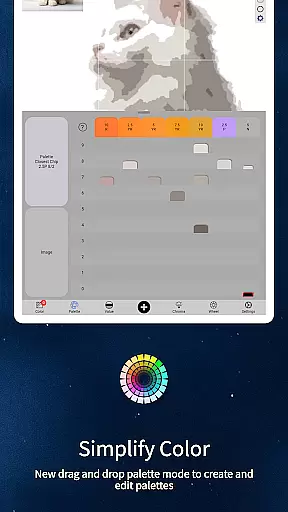
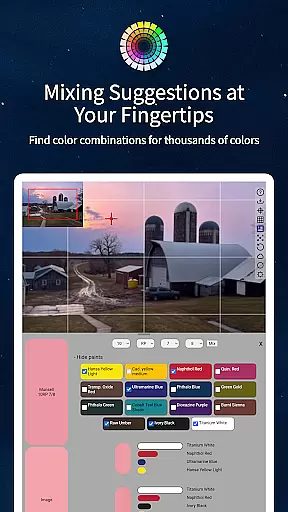
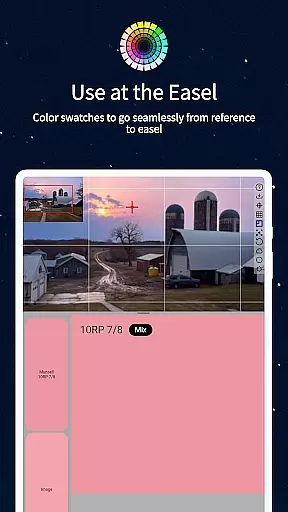
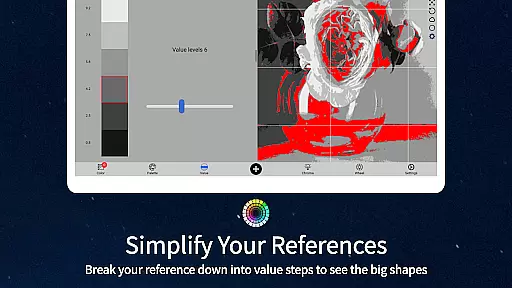
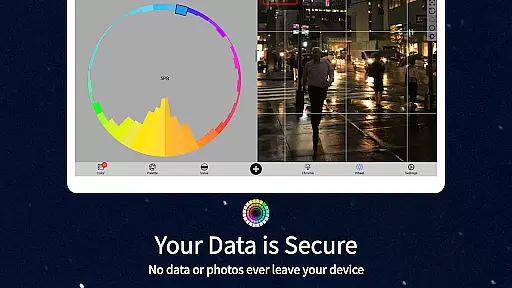
The application includes five distinct viewing modes that cater to different artistic needs. Value mode simplifies complex images into major tonal shapes, while grayscale mode reveals subtle value differences. Chroma mode highlights saturation levels, and color wheel mode shows hue distribution. Additionally, the paint matching feature connects digital colors to real-world oil paint equivalents from top manufacturers.
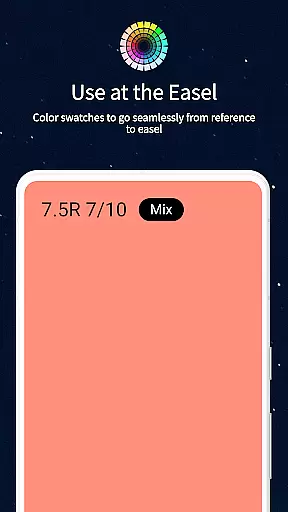
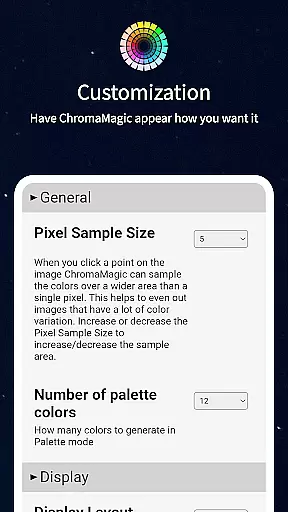
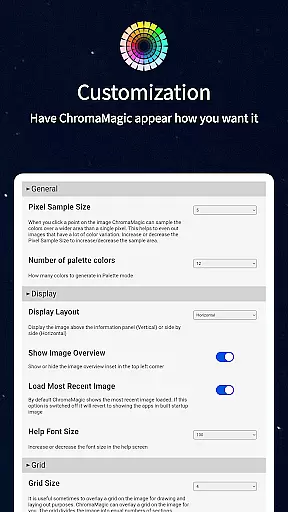
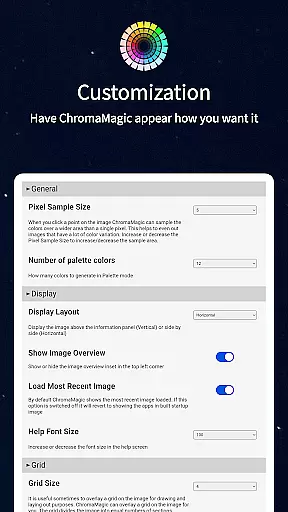
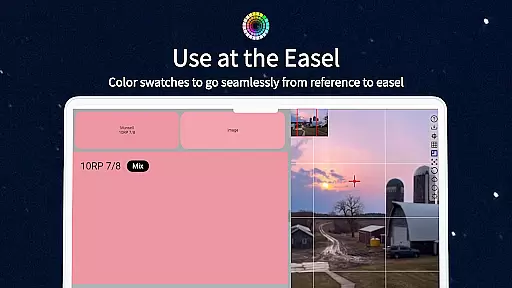
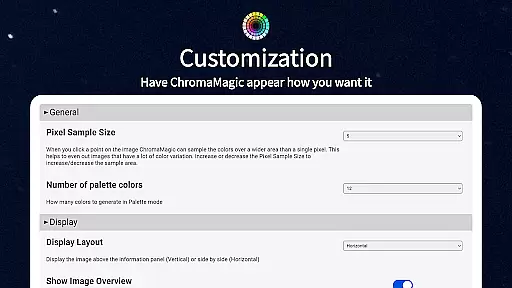
Usability enhancements include a responsive interface with smooth zoom functionality, drag-and-drop file loading on desktop, and offline capability. Advanced options allow users to average colors over multiple pixels, calibrate their workspace, and utilize mixing swatches. These features combine to create a powerful tool that supports artists throughout their creative process.
In the realm of digital artistry, having access to comprehensive creative tools is paramount. ChromaMagic stands out by offering artists an extensive suite of features designed to enhance their color perception and usage. The app includes functionalities such as Munsell color mode, which allows users to understand colors through hue, value, and chroma, aligning with professional artistic standards.
Moreover, ChromaMagic provides four additional modes that further assist in dissecting and understanding color compositions. These include value organization, grayscale representation, chroma visualization, and color wheel distribution. Such diverse approaches ensure that artists can analyze references from multiple perspectives, thus refining their ability to replicate or modify colors accurately in their work.
The significance of these tools lies in their capacity to transform how artists interact with color. By integrating traditional theories with modern technology, ChromaMagic empowers users to transcend conventional limitations. This leads to improved color mixing skills and a deeper comprehension of color dynamics, ultimately elevating the quality of artwork produced.
Flexibility in canvas and format options is crucial for artists who require adaptability in their creative process. ChromaMagic addresses this need by providing a versatile platform where artists can manipulate images with ease. Its interface supports buttery smooth zooming and panning, enabling seamless navigation across various image sizes and resolutions without compromising on detail or performance.
Additionally, ChromaMagic caters to different working environments and preferences. Whether it's on a desktop using drag-and-drop functionality or on-the-go with mobile devices, the app ensures consistent accessibility. Artists can work comfortably whether they're at home, commuting, or even painting en plein air atop a mountain, thanks to its offline capabilities.
This level of flexibility not only enhances user experience but also broadens the scope of artistic endeavors. By removing technical barriers and offering customizable solutions, ChromaMagic fosters an environment where creativity can flourish unimpeded by technological constraints.
Accurate color analysis
Multiple viewing modes
Offline functionality
Intuitive user interface
Paint matching feature
Steep learning curve
High system requirements
Limited free features
No iOS version
Occasional bugs

Download now for a stylish and functional timepiece
 4.5
4.5
Pose and morph realistic male and female models! 3D poser app
3.00
Transform photos into amazing monochrome dither art with professional algorithms
4.3
Stylish letters, Stylish Keyboard, Symbols, Emojis, Cool nickname
4.40
Sketch, trace and master AR drawing with awesome anime art!
3.30
Easy 3D drawing design maker & creator. Model designing, Sculpting. Create&paint
4.00
Apply cartoon, caricature, and portrait effects to make your photos stand out!
3.60
Powerful home decoration & house design that allows you to design dream home.
3.80
Art of Combination Wear OS Watch Faces
3.30
Logo Generator powered by AI: Create stunning logos effortlessly!
4.70
Draw on screen: FP sDraw is a simple and lightweight drawing app
4.70
Convert image to JPG PNG HEIC PDF, support almost all kinds of image formats
4.70
Photo blender app to create overlay photos & double exposure.
4.40
Everything you need to create hand drawn animation, anywhere you go!
4.40
Just trace a projected picture on paper and color! Draw & Paint with AR drawing
4.40
AI generated images & photos, turn your words into drawing, painting & pictures.
4.30
Unleash the artist in you with our AR drawing and tracing tool for photo drawing
4.10
Experience next-gen icons with a modern liquid glass look.
3.60
Draw anime easily with AR guidance, sketch templates & trace tools!
3.10


User Reviews