
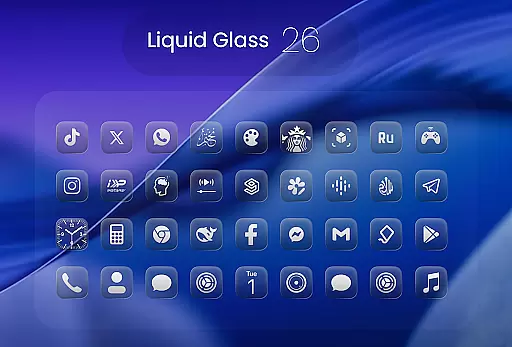
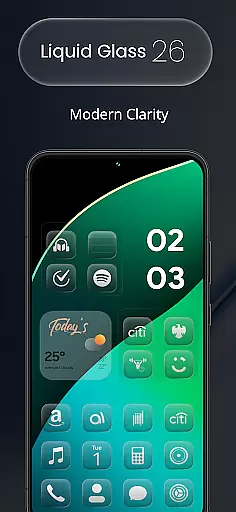
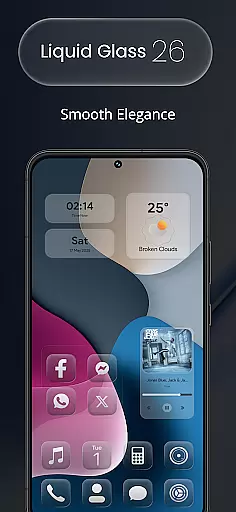
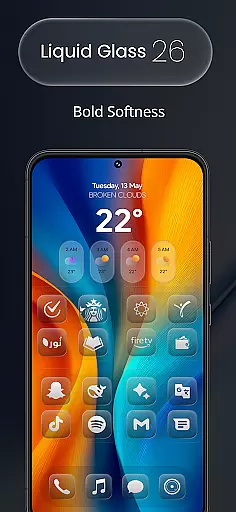
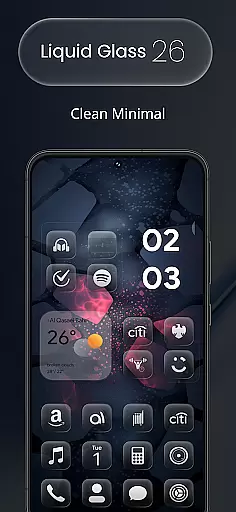
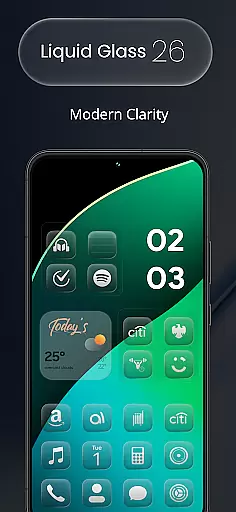
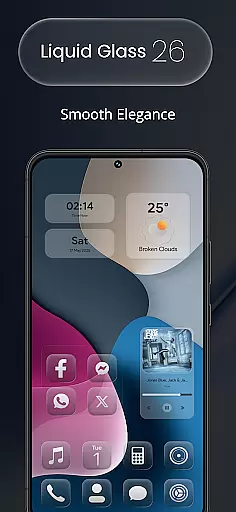
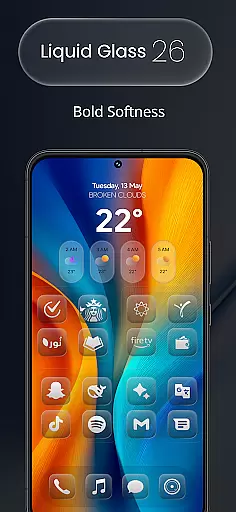
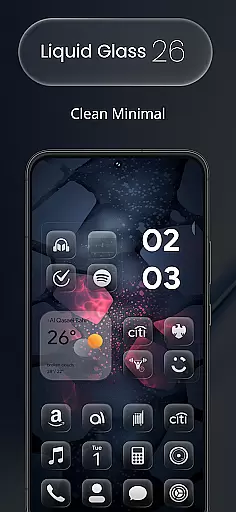
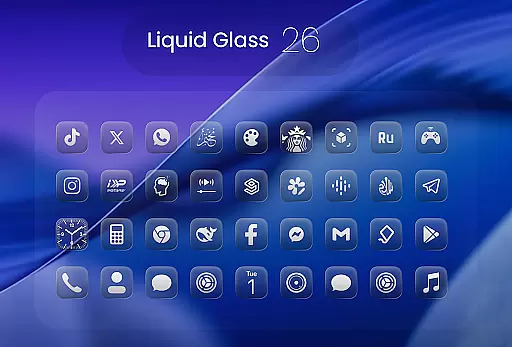
Liquid Glass 26 Icon Pack is a premium customization tool designed for users who want to enhance their device's appearance with sleek, futuristic icons. Featuring over 2500 handcrafted icons inspired by the translucent elegance of iOS 26, this pack combines glassmorphism and minimalism to deliver a fresh aesthetic experience.
Whether you're using popular launchers like Nova or Lawnchair, Liquid Glass 26 supports all major platforms while offering dynamic calendar functionality. With multiple alternate icons for popular apps and an in-app request tool for missing icons, it ensures your home screen stays stylish and up-to-date.
This icon pack stands out with its unique design language that blends modern aesthetics with practical usability. The initial release includes 2500+ high-quality icons, each crafted to reflect the Liquid Glass style made popular by iOS 26. These icons are not only visually appealing but also adaptable to various launcher environments.
One of the key highlights is the support for multiple alternate icons for frequently used apps, giving users flexibility in personalizing their screens. Additionally, the dynamic calendar feature adds functionality beyond mere visuals, making it more than just an artistic upgrade. The inclusion of an icon request tool further enhances user convenience by ensuring no app gets left behind.
Creative tools are essential for users who want to customize their device's appearance with precision and style. Liquid Glass 26 Icon Pack offers a comprehensive suite of creative options, ensuring that every user can achieve the look they desire.
With over 2500 handcrafted icons included in the initial release, this icon pack provides an extensive range of design choices. Each icon is crafted with attention to detail, blending glassmorphism and minimal design principles inspired by iOS 26u2019s Liquid Glass aesthetic.
The inclusion of multiple alternate icons for popular apps adds another layer of customization. Users can select from different styles for their favorite applications, allowing them to tailor their home screens even further.
Moreover, support for all major launchers such as Nova, Smart, Lawnchair, etc., ensures compatibility across various devices and setups. This broad compatibility makes it easier than ever to apply these stunning designs without worrying about technical limitations.
Flexibility in canvas and format options is crucial for seamless integration into any digital environment. The Liquid Glass 26 Icon Pack excels in providing adaptable solutions that cater to diverse user needs.
Each icon within the pack supports dynamic calendar functionality, which means your device will always display current information elegantly. This feature not only enhances visual appeal but also improves usability by keeping you informed at a glance.
In cases where specific icons might be missing from the initial set, Liquid Glass 26 includes an in-app request tool. This innovative solution empowers users to suggest new additions, ensuring continuous improvement based on community feedback.
Furthermore, regular updates keep the collection fresh and aligned with evolving trends. By following the appu2019s progress, users gain access to new designs and themes that expand their customization possibilities over time.
Stylish futuristic design
Wide launcher compatibility
Dynamic calendar integration
Alternate icon options
Regular updates via requests
Initial learning curve
Not all launchers supported
Some features require setup
Premium pricing model
Icon uniformity limitations

AI Face Swap, Video Effects Editor, Realtime Morph, Funny Video FX,AI Filters
 3.70
3.70
Make your phone cooler and have a fantastic experience
4.80
Unleash Your Creativity with Draw Cartoon - AR Drawing App
4.10
Create stunning art with AI.
4.80
800+ Drawing, Painting Lessons App to Practice, Sketch & Paint Art.
4.30
Minecraft & Roblox Clothes
4.70
Android 14 style widgets and wallpapers app.
4.3
Retouch photos. Create or edit images. Endless capabilities.
2.70
Create Logos, Tattoos, AI Art & more with our AI Photo Generator & Design Editor
4.20
Convert image to JPG PNG HEIC PDF, support almost all kinds of image formats
4.70
Learn how to draw with step-by-step tutorials, fun lessons & multiplayer drawing
4.70
Draw anime & manga drawing, art with templates to create stunning picture!
4.50
Create and Design Custom Logos in Seconds with AI-Powered Tools!
4.40
AI generated images & photos, turn your words into drawing, painting & pictures.
4.30
Trace, draw, and create art with AR - from memes to masterpieces!
4.30
Custom Character Creator & PFP Maker!
4.20
Easy 3D drawing design maker & creator. Model designing, Sculpting. Create&paint
4.00
AI Assistant, powered by ChatGPT GPT-4 & GPT-4o. Your intelligent companion.
3.50
Art of Combination Wear OS Watch faces
4.5


User Reviews