
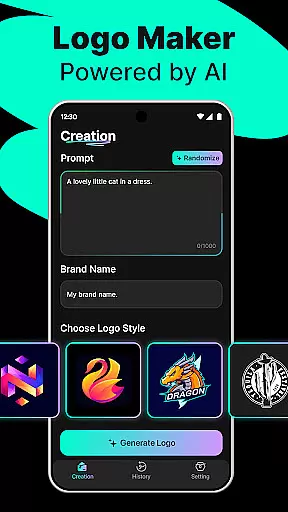
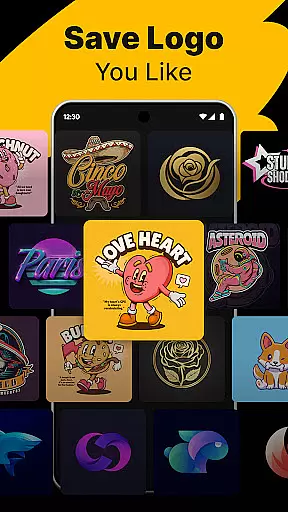
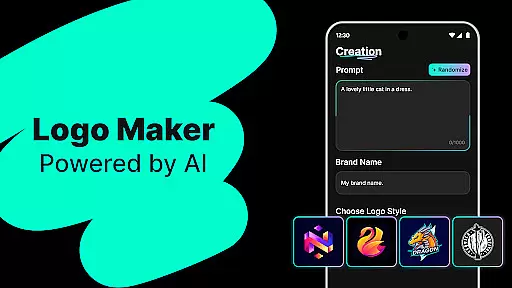
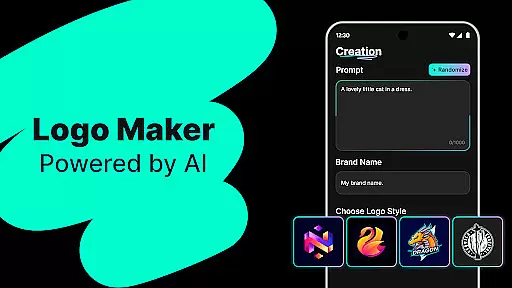
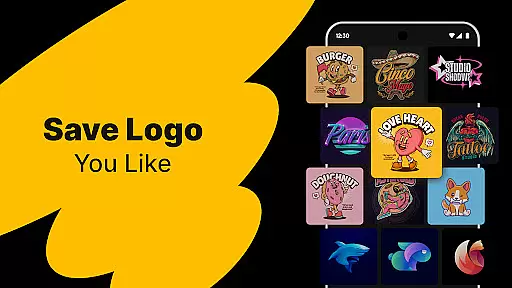
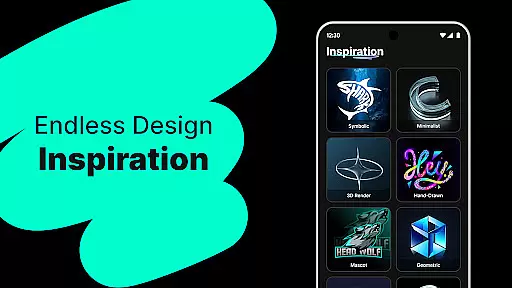
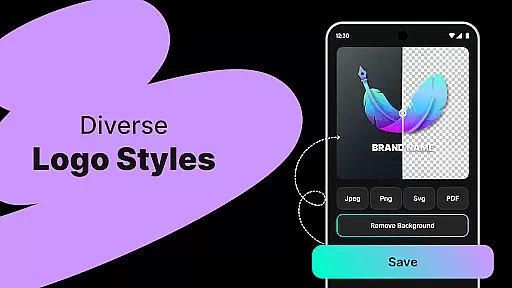
Logo Maker is an AI-powered logo design tool that enables users to create professional logos effortlessly. The app's core functionality lies in its ability to generate unique logo designs based on user-provided keywords and brand names. It offers a user-friendly interface with drag-and-drop features, making it accessible even for non-designers.
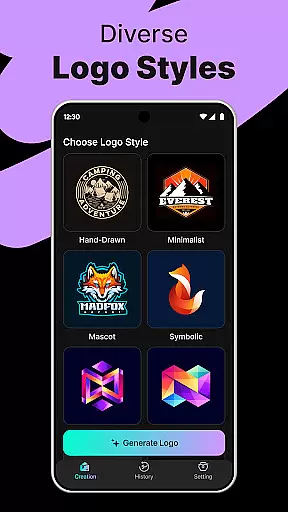
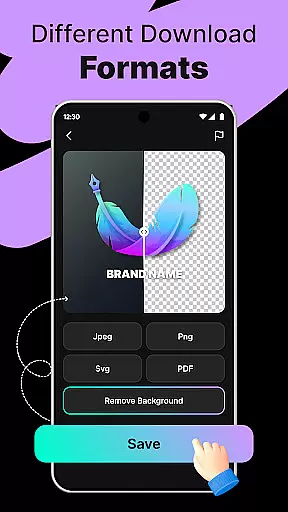
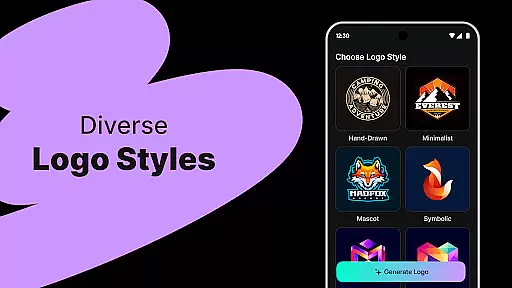
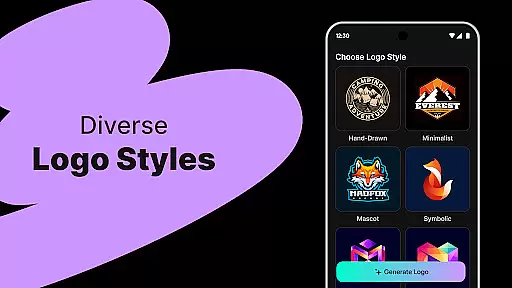
The application provides hundreds of customizable templates across various styles including modern, minimalist, vintage, and hand-drawn designs. Users can export high-quality logo files in multiple formats like PNG and JPG, suitable for both digital and print use. Whether you're a startup, freelancer, or content creator, Logo Maker helps establish a strong brand identity quickly and affordably.
This app is particularly valuable for small businesses and entrepreneurs who need professional branding without the expense of hiring a designer. Its lightning-fast generation and budget-friendly approach make it an ideal solution for creating logos for websites, social media platforms, business cards, and marketing materials.
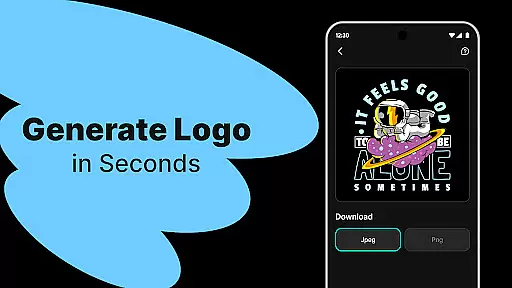
Logo Maker stands out with its innovative AI-powered logo generation feature. This functionality allows users to input their brand name and relevant keywords, instantly receiving multiple unique logo concepts. The smart algorithm ensures fresh and creative designs with every generation, eliminating the need for professional design skills.
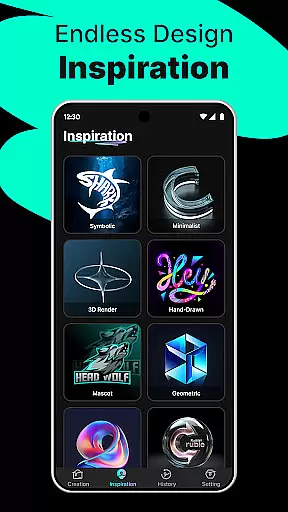
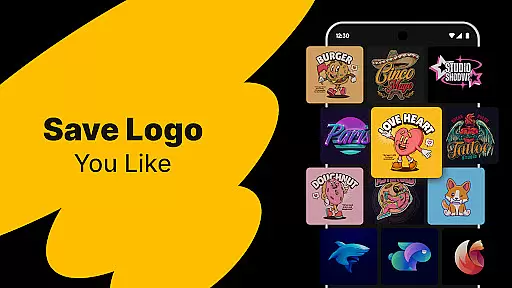
The app includes a comprehensive library of customizable templates covering diverse design aesthetics. These templates serve as excellent starting points for users who want more control over their logo's appearance. With the intuitive drag-and-drop editor, users can easily modify elements, colors, and fonts to match their brand identity.
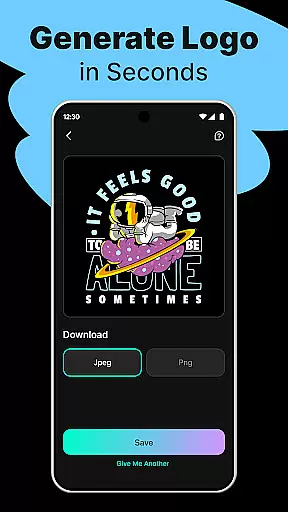
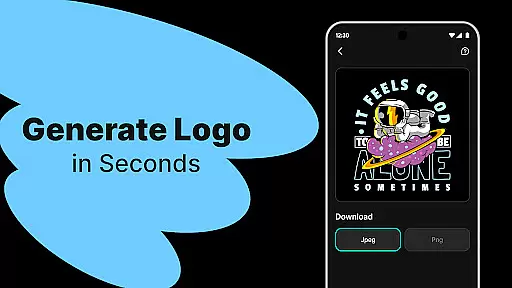
Additional notable features include high-quality export options in various formats (PNG, JPG) suitable for both digital and print applications. The app's speed and efficiency are remarkable, delivering professional-grade logo designs within seconds. This combination of advanced AI technology, extensive customization options, and user-friendly interface makes Logo Maker a powerful tool for anyone needing quick and professional logo creation.
In the realm of digital design, having a comprehensive suite of creative tools is essential for unleashing one's artistic potential. Logo Maker stands out by offering an extensive array of features that cater to both novices and seasoned designers. At the heart of this application lies its AI-Powered Logo Generation, which allows users to conjure unique logo designs simply by inputting their brand name and relevant keywords.
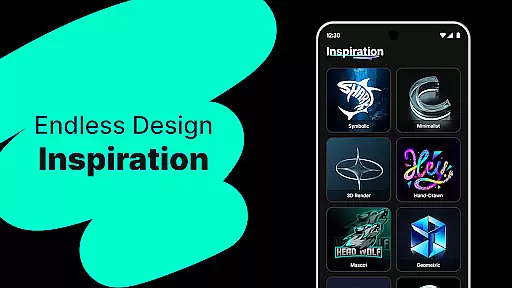
Moreover, the platform boasts hundreds of customizable templates spanning various styles such as modern, minimalist, vintage, and hand-drawn aesthetics. This diversity ensures that every user can find a template that resonates with their brand identity. The inclusion of a User-Friendly Editor further enhances the creative process, enabling effortless drag-and-drop customization without necessitating prior design experience.
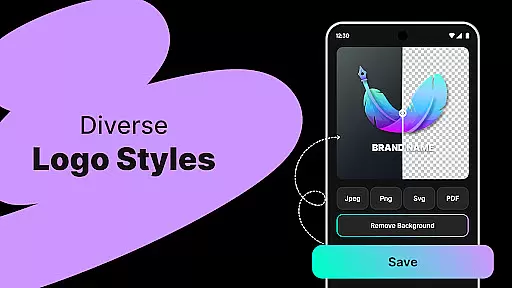
The true value of these complete creative tools becomes apparent when considering the High-Quality Exports feature. Users can download their meticulously crafted logos in multiple formats including PNG and JPG, suitable for websites, business cards, social media profiles, and print materials. Such versatility empowers entrepreneurs, small businesses, freelancers, solopreneurs, content creators, and even those planning events or personal projects to maintain a consistent professional image across all platforms.
Flexibility in canvas size and format options is crucial for accommodating diverse design needs and ensuring that final outputs are optimized for their intended use. Logo Maker excels in this area by providing adaptable solutions tailored to meet varying project requirements. Whether it's designing for digital interfaces or preparing files for high-resolution prints, the application equips users with the necessary tools to adjust dimensions seamlessly.
This adaptability extends beyond mere resizing capabilities; it encompasses an understanding of different mediums where logos will be displayed. For instance, creating assets specifically for social media platforms like Instagram or YouTube demands precise specifications that preserve visual integrity while adhering to platform guidelines. Similarly, producing materials for physical items such as business cards requires attention to detail regarding resolution and bleed areas.
By facilitating downloads in versatile formats such as PNG and JPG, Logo Maker guarantees compatibility across numerous devices and software ecosystems. This not only simplifies integration into existing workflows but also future-proofs creations against evolving technological standards. Ultimately, whether you're establishing a startupu2019s visual identity or crafting bespoke graphics for special occasions, the flexible canvas and format support within Logo Maker ensures your designs remain impactful and professionally polished.
AI-driven design
User-friendly interface
Cost-effective solution
Quick logo generation
Multiple export formats
Limited advanced tools
Basic color options
Template dependency
No vector exports
Internet required

AI generated images & photos, turn your words into drawing, painting & pictures.
 4.30
4.30
Trace, draw, and create art with AR - from memes to masterpieces!
4.30
Logo Generator powered by AI: Create stunning logos effortlessly!
4.70
Digital, Abstract, Classic - all types of color wheels in one app!
4.60
Create stunning video, photo & magic from text with FlixAI GPT video generator.
3.10
Design unique, funny and adorable cat stickers that reflect your own style!
3.80
Get creative and make art with your Sesame Friends!
4.00
Bring One UI 8.5 Icons to life -elegant dark icons with a modern, premium touch.
4.30
Unleash your inner artist! Sketchar: AR Drawing for Limitless Creativity
4.40
Nano Banana AI Image Generator, Anime Filter, AI Portrait, AI Photo Generator
4.30
Remove Background, Magic Eraser, Photo Enhancer, Story Templates, Collage Maker
4.30
Create Logos, Tattoos, AI Art & more with our AI Photo Generator & Design Editor
4.20
Unleash Your Creativity with Draw Cartoon - AR Drawing App
4.10
Floor Plan Creator lets you create, edit and share floor plans.
4.00
Sketch and paint on your device with the feel and freedom of drawing on paper
4.00
Your homescreen as an elegant glass with customized blur, lighting, and visuals.
3.70
Art of Combination Wear OS Watch faces
4.4
Your Essential Color Theory Guide: Red, Yellow, Blue (RYB)
4.4
Art of Combination Wear OS Watch faces
4.3


User Reviews