
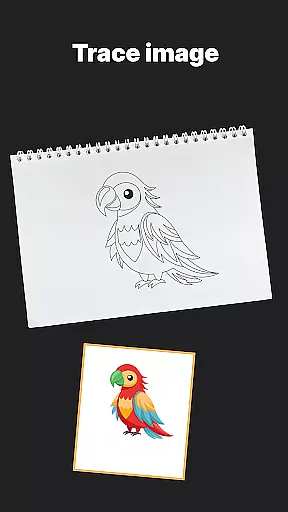
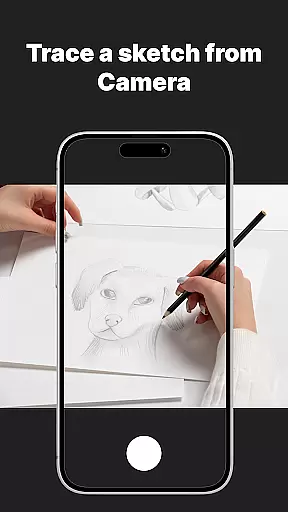
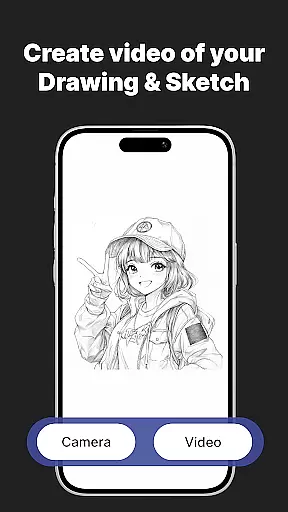
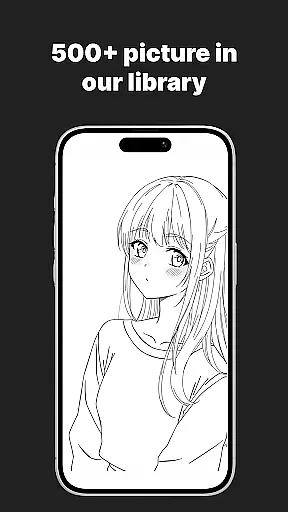
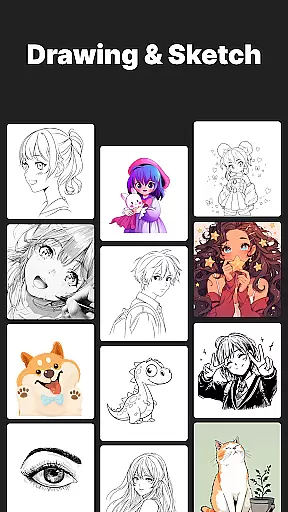
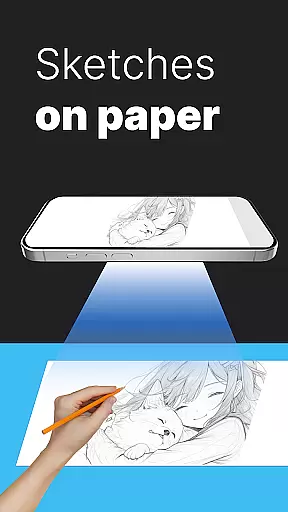
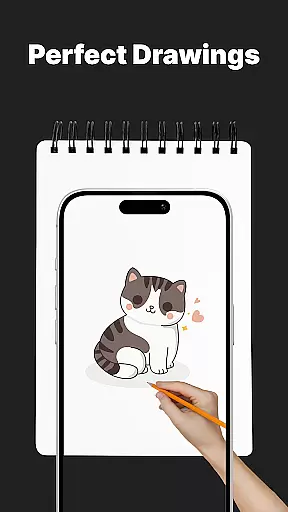
AR Drawing Sketch Painting App is an innovative mobile application that transforms your smartphone into a powerful AR-powered sketchpad. This app allows users to trace drawings, create meme art, and learn to draw step-by-step directly on real paper using augmented reality technology. With its massive template library featuring thousands of designs including anime, portraits, animals, and trending memes, the app caters to artists of all skill levels.
The app's standout feature is its AR Trace Drawing functionality, which projects templates onto paper through the phone's camera, enabling precise tracing. Additionally, it offers guided drawing lessons, customization tools for adjusting opacity and zoom, and time-lapse video capture of the drawing process. These features make it an ideal tool for both beginners looking to learn drawing techniques and professional artists wanting to create stunning artwork or jump on meme trends.
Whether you're a student, parent, art teacher, or professional illustrator, AR Drawing Sketch Painting App provides a versatile platform for creative expression. Its beginner-friendly interface and diverse template options ensure users of all ages can enjoy creating art while learning new skills and staying up-to-date with online trends.
AR Drawing Sketch Painting App stands out with its comprehensive set of features designed to enhance the drawing experience. The app boasts a massive template library containing thousands of designs across various categories such as anime, portraits, animals, cars, flowers, tattoos, icons, and trending memes. This extensive collection ensures that users will always find inspiration for their next project.
The app's core functionality lies in its AR Trace Drawing feature, which allows users to place their phone on a stand and trace projected lines onto paper through the camera view. This innovative approach to drawing makes it easy for beginners to create professional-looking artwork while offering experienced artists a new way to experiment with styles. Additional features include step-by-step drawing lessons, customization tools for adjusting opacity, zoom, and rotation, and a built-in flashlight for better visibility.
One of the app's most valuable aspects is its ability to save and share creations. Users can capture time-lapse videos of their drawing process and instantly share them on social media platforms. The app also promises weekly updates with fresh templates, ensuring that users never run out of creative inspiration. These features combine to create a comprehensive drawing tool that blends traditional art techniques with cutting-edge augmented reality technology.
AR Drawing Sketch Painting App offers a comprehensive suite of creative tools that cater to both beginners and professional artists. The app provides an extensive template library with thousands of options, including anime, portraits, animals, cars, flowers, tattoos, icons, and trending memes.
One of the standout features is the AR Trace Drawing function, which allows users to select a template and trace the lines directly onto paper using their phoneu2019s camera. This feature bridges the gap between digital convenience and traditional art forms, making it easier for anyone to create stunning artwork.
In addition to tracing, the app includes step-by-step drawing lessons that help users improve their skills. These guided tutorials are suitable for all levels, ensuring that everyone can benefit from them. Customization tools such as adjusting opacity, zooming, rotating, and enabling the flashlight further enhance the user experience by providing better visibility and precision.
The combination of these features ensures that users have everything they need to explore their creativity fully. Whether you're looking to learn new techniques or jump on the latest meme trends, AR Drawing Sketch Painting App equips you with the necessary tools to bring your ideas to life.
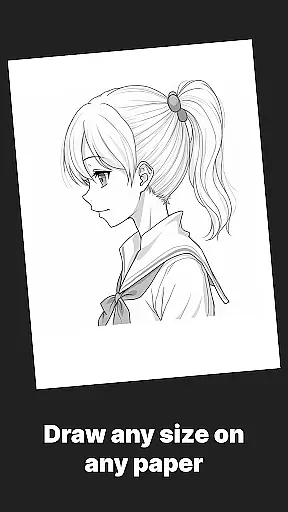
Flexibility in canvas and format options is crucial for any art application, and AR Drawing Sketch Painting App excels in this area. Users can choose from a wide variety of templates or even upload their own images, giving them complete control over their creative process.
The app supports multiple styles, from realistic portraits to hilarious meme drawings, ensuring that there's something for everyone. This versatility makes it suitable for all ages, including kids, students, parents, art teachers, and professional illustrators who want to experiment with different artistic expressions.
Another significant advantage is the ability to save and share your work effortlessly. The app captures time-lapse videos of your drawing process, allowing you to document your progress and share it with others instantly. This feature not only adds a fun element but also serves as an educational tool, helping users reflect on their techniques and improvements over time.
With weekly updates introducing fresh templates, AR Drawing Sketch Painting App keeps its content dynamic and engaging. This continuous influx of new material ensures that users never run out of inspiration and can always find new projects to tackle, maintaining long-term interest and usage.
User-friendly interface
Extensive template library
Augmented reality tracing
Step-by-step tutorials
Regular content updates
Requires stable phone positioning
Limited free templates
Premium subscription needed
Device compatibility issues
Learning curve for AR features

Digital Drawing: Draw & Paint
 4.10
4.10
Create stylish invitation cards using templates for weddings, birthdays & RSVP.
4.20
AI Face Swap, Video Effects Editor, Realtime Morph, Funny Video FX,AI Filters
3.70
Photo blender app to create overlay photos & double exposure.
4.40
Convert image to JPG PNG HEIC PDF, support almost all kinds of image formats
4.70
800+ Drawing, Painting Lessons App to Practice, Sketch & Paint Art.
4.30
Android 14 style widgets and wallpapers app.
4.5
OneUI 8.5 icons ✨ Smooth, modern & based on the latest Play Store design ??
4.10
Unleash your inner artist! Sketchar: AR Drawing for Limitless Creativity
4.40
Learn how to draw with step-by-step tutorials, fun lessons & multiplayer drawing
4.70
Draw beautiful mandala's very easily
4.60
Kling AI is an image and video generation and editing studio powered by AI.
4.50
Image/ Text to Video Generator
4.40
AR Anime Drawing: How to draw anime with AR drawing & sketching apps!
4.00
Paint with oils and sketch with natural tools on a realistic virtual canvas.
3.80
AI Assistant, powered by ChatGPT GPT-4 & GPT-4o. Your intelligent companion.
3.50
Vidu is an AI video generator made for creators and aspiring makers.
3.30
Sketch, trace and master AR drawing with awesome anime art!
3.30
Inky runs Inkscape on Android devices and Chromebooks
2.90


User Reviews