
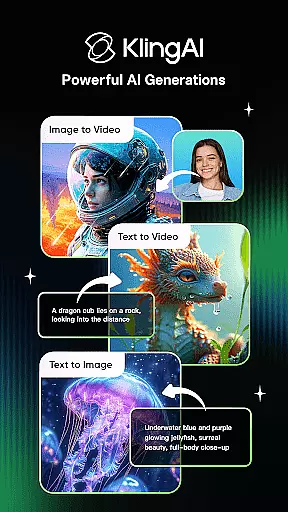
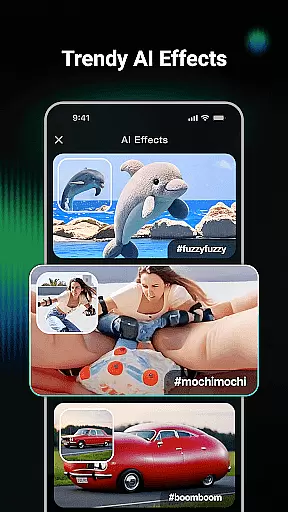
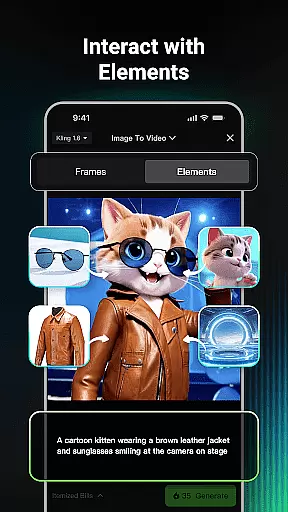
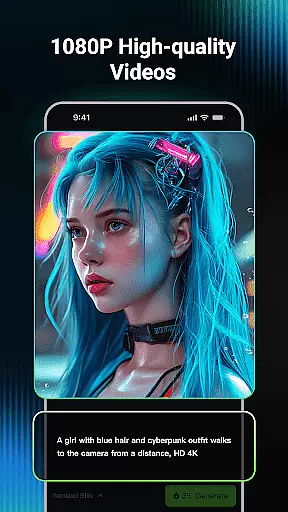
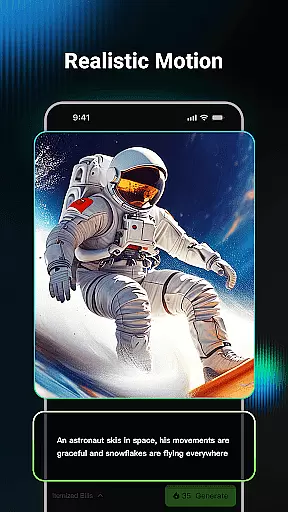
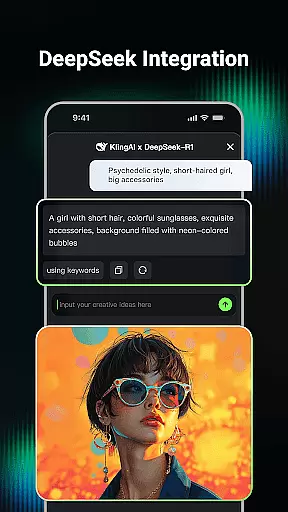
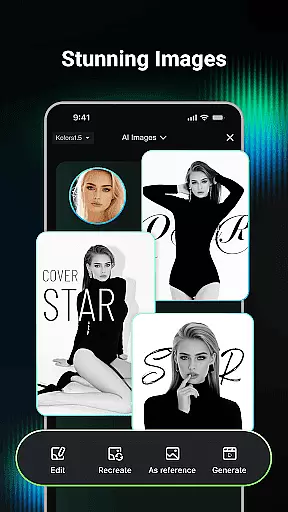
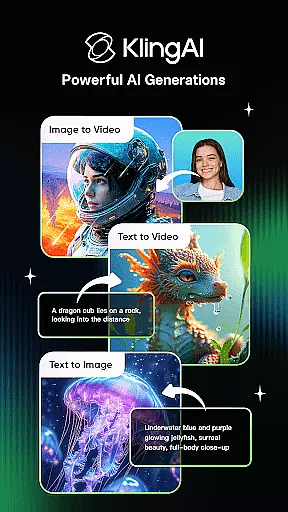
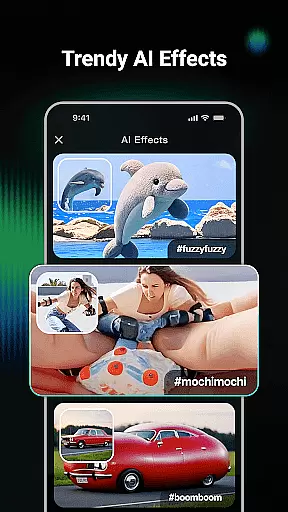
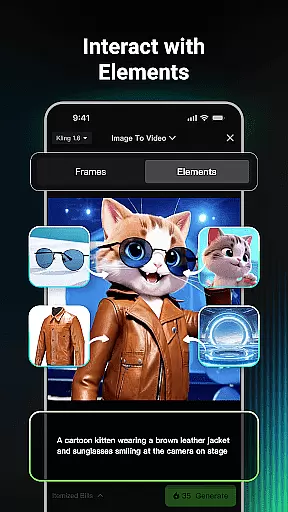
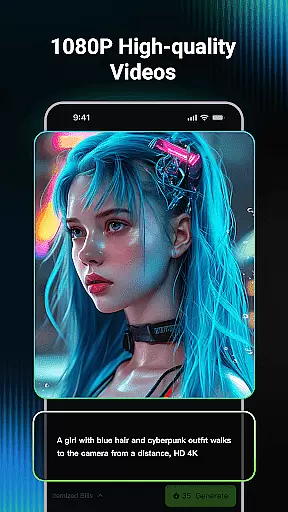
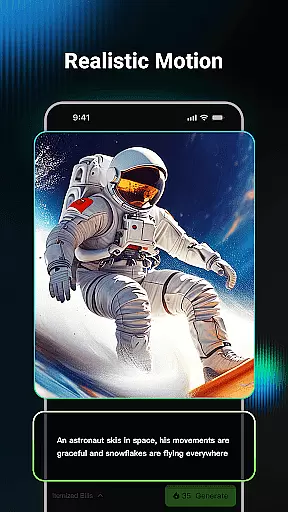
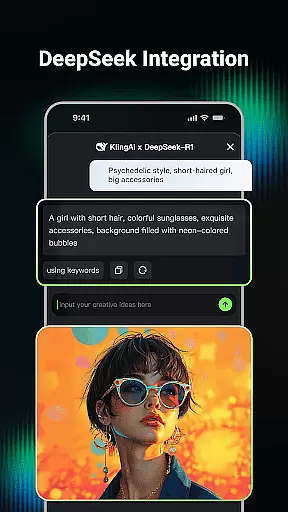
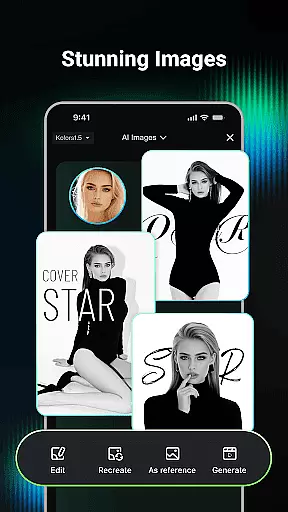
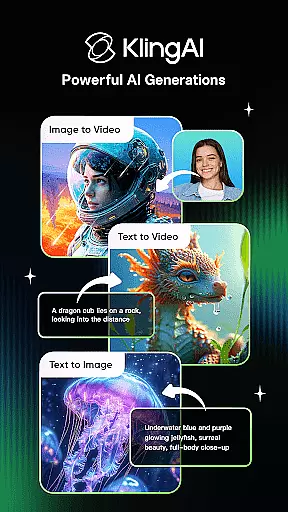
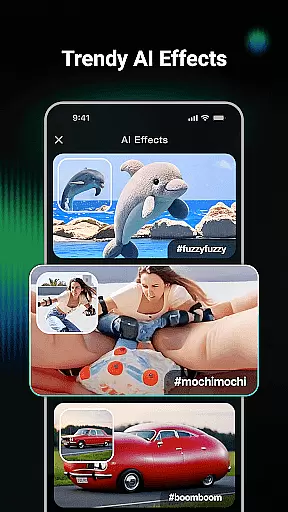
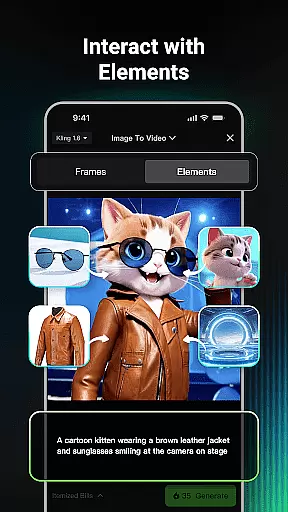
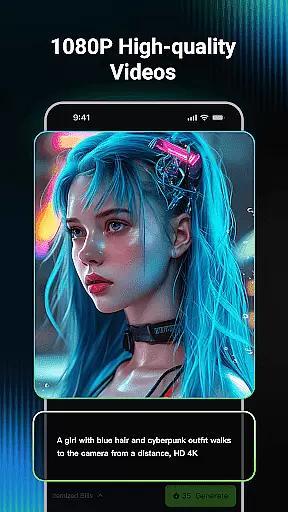
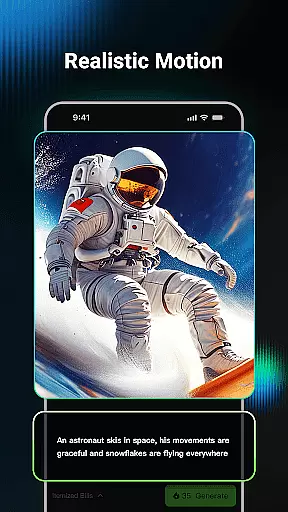
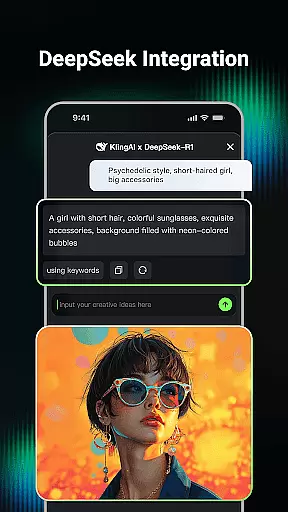
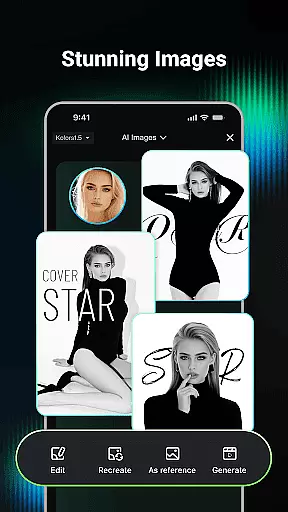
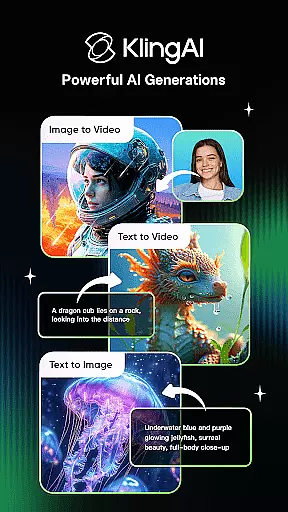
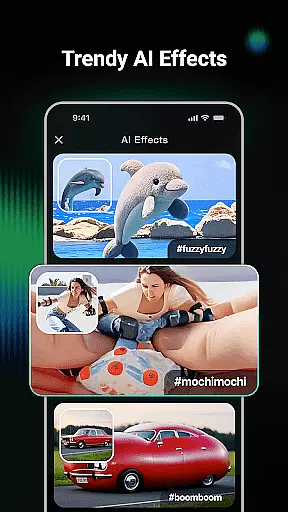
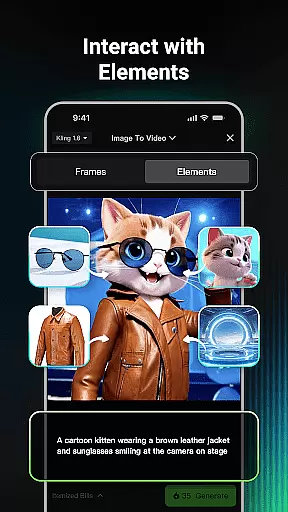
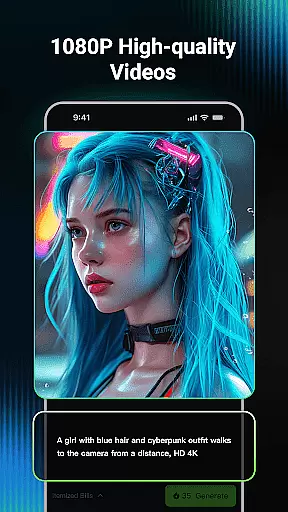
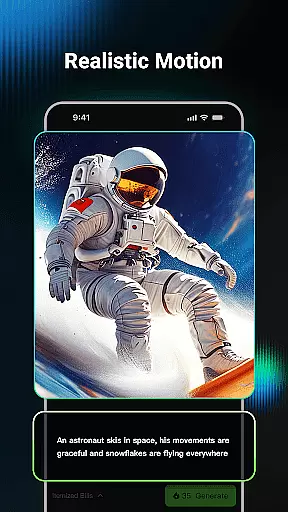
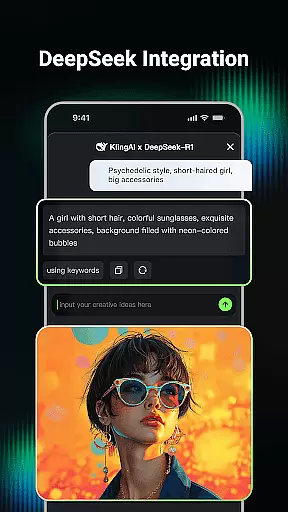
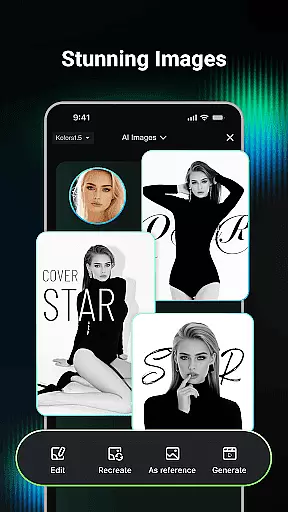
Kling AI is a cutting-edge creative studio powered by advanced AI models, designed for creators who seek innovative ways to produce video and image content. The app supports both text-to-video and image-to-video generation, allowing users to transform simple prompts into high-quality videos up to 1080P resolution. Additionally, its AI image generation feature enables the creation of diverse images in various styles.
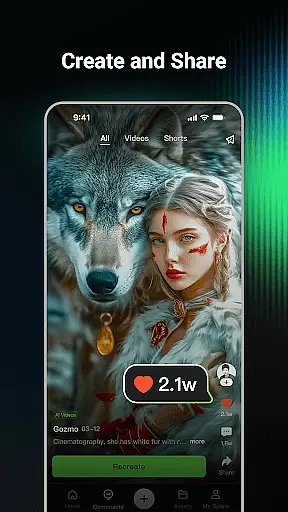
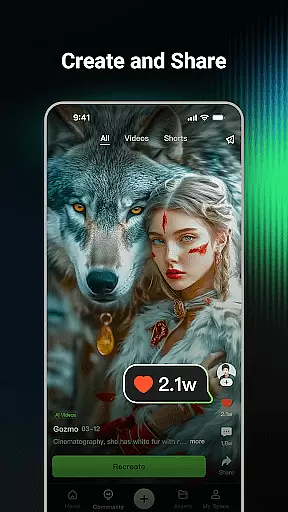
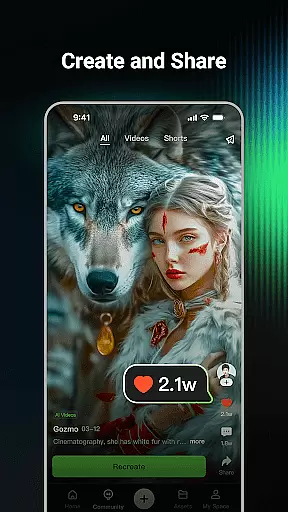
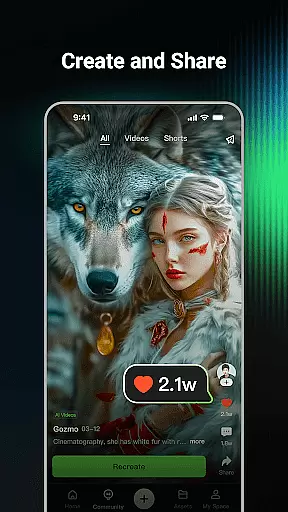
One standout aspect of Kling AI is its community-driven ecosystem. Users can browse works from fellow creators, collaborate with renowned AI artists, and even clone projects to experiment with their own ideas. Whether you're looking to generate professional-grade videos or explore unique visual concepts, this app provides an all-in-one platform for unleashing your creativity.
Kling AI stands out with its robust set of features tailored for creative professionals. The app's AI video generation allows users to create videos from either text prompts or reference images, with support for extended video lengths of up to three minutes. This makes it ideal for storytelling or creating detailed visual presentations.
In addition to video capabilities, Kling AI offers powerful image generation tools. Users can generate custom images from text descriptions or modify existing images through AI-powered editing. The Clone & Try feature further enhances usability by enabling users to replicate popular community projects and adapt them to their needs. These comprehensive features make Kling AI a versatile tool for both novice and experienced creators.
In the realm of digital creativity, having a comprehensive suite of tools is paramount. Kling AI stands out by offering an extensive array of features that cater to both video and image generation. The application supports Text-to-Video, Image-to-Video, Text-to-Image, and Image-to-Image generation, allowing creators to bring their visions to life with remarkable ease and flexibility.
Users can input simple text prompts or upload reference images to generate high-quality videos and images in various styles and dimensions. This versatility ensures that whether you're crafting a short film or designing unique artwork, Kling AI provides the necessary instruments to achieve professional-grade results.
The inclusion of advanced models like Kling and Kolors further enhances the creative process. These models empower users to produce content in up to 1080P resolution and extend video length to 3 minutes, providing ample room for storytelling and expression. Such robust capabilities make Kling AI an indispensable asset for creators seeking to push the boundaries of their artistic endeavors.
Flexibility in canvas and format options is crucial for unleashing full creative potential. Kling AI excels in this area by enabling users to work with diverse dimensions and styles, accommodating a wide range of project requirements. Whether you need a cinematic widescreen format or a square social media post, Kling AI has got you covered.
Beyond static formats, Kling AI also allows effortless conversion between mediums. With just one click, an image can be transformed into a video, opening new avenues for dynamic content creation. This seamless transition between different formats ensures that ideas are not constrained by technical limitations.
Moreover, the platform's community aspect fosters collaboration and inspiration. Users can browse through works from fellow creators, clone projects, and experiment with different formats and styles. This vibrant ecosystem not only enhances individual creativity but also contributes to a collective advancement in digital artistry, making Kling AI a versatile and powerful tool for modern creators.
User-friendly interface
High-quality output
Versatile content creation
Active creator community
Innovative cloning feature
Requires learning curve
Premium features may cost extra
Limited free usage quotas
Dependent on internet connection
Advanced tools might overwhelm beginners

AI generated images & photos, turn your words into drawing, painting & pictures.
 4.30
4.30
Draw anime & manga drawing, art with templates to create stunning picture!
4.50
Convert image to JPG PNG HEIC PDF, support almost all kinds of image formats
4.70
Draw Trace image sketch by, AR art projector app, Easy to trace any image.
4.50
800+ Drawing, Painting Lessons App to Practice, Sketch & Paint Art.
4.30
Mobile pixel art editor. Simple. Fast. Portable.
4.80
Get an overview over all your embroidery threads, projects and more.
4.60
Create Logos, Tattoos, AI Art & more with our AI Photo Generator & Design Editor
4.20
Explore future self face age filter & remove background image for a unique look.
3.50
Learn how to draw with step-by-step tutorials, fun lessons & multiplayer drawing
4.70
Logo Generator powered by AI: Create stunning logos effortlessly!
4.70
Digital, Abstract, Classic - all types of color wheels in one app!
4.60
OneUI 8.5 icons ✨ Smooth, modern & based on the latest Play Store design ??
4.10
Get creative and make art with your Sesame Friends!
4.00
Your homescreen as an elegant glass with customized blur, lighting, and visuals.
3.70
Create sweet, cool and unique couple avatars easily, in just a few steps!
3.40
Sketch, trace and master AR drawing with awesome anime art!
3.30
Create stunning video, photo & magic from text with FlixAI GPT video generator.
3.10
Your Essential Color Theory Guide: Red, Yellow, Blue (RYB)
4.5


User Reviews