
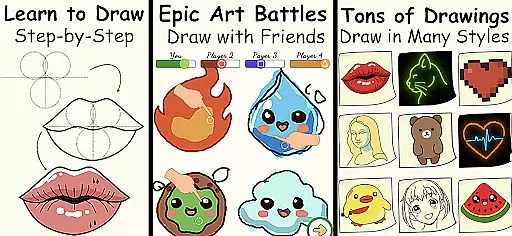
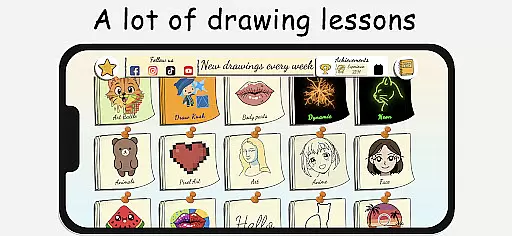
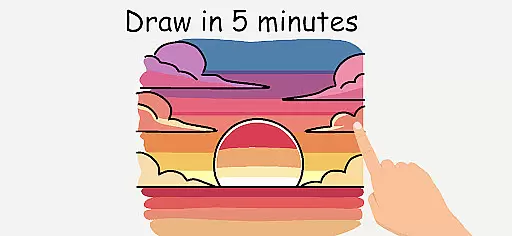
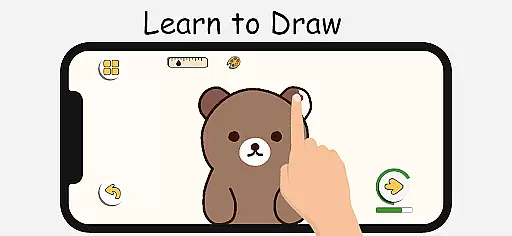
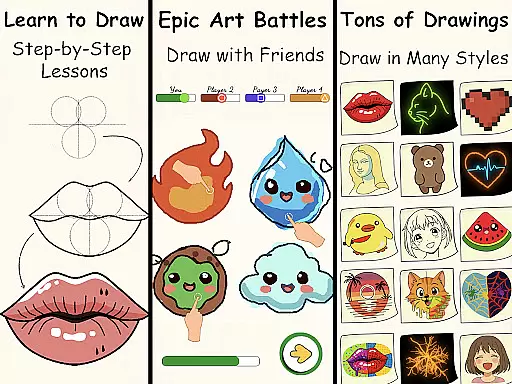
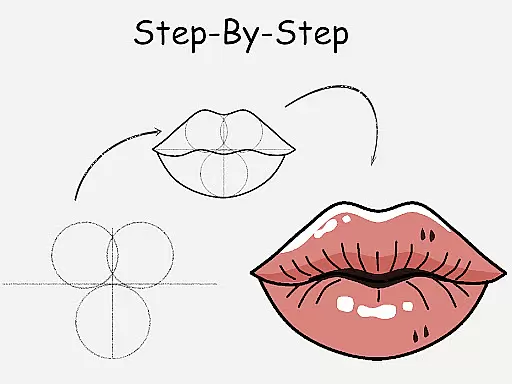
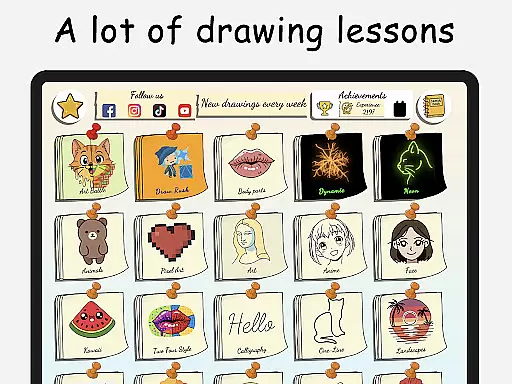
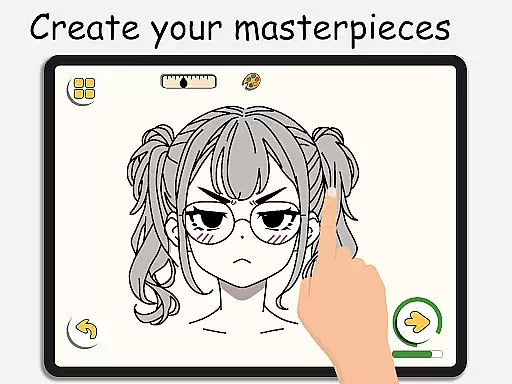
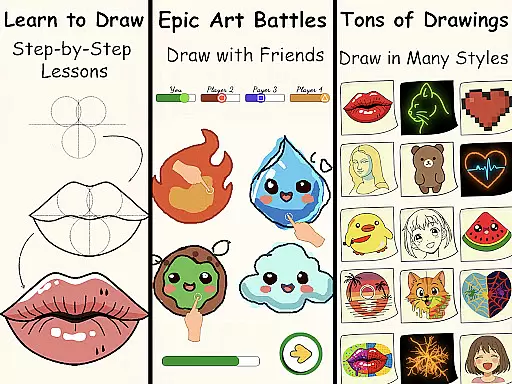
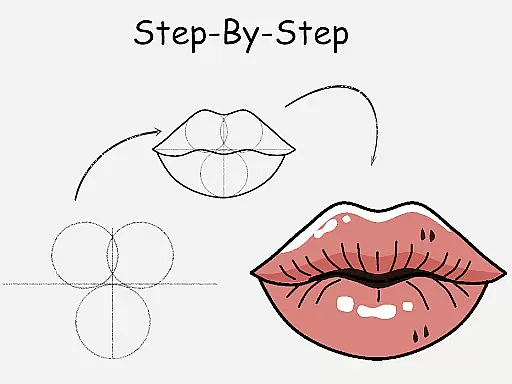
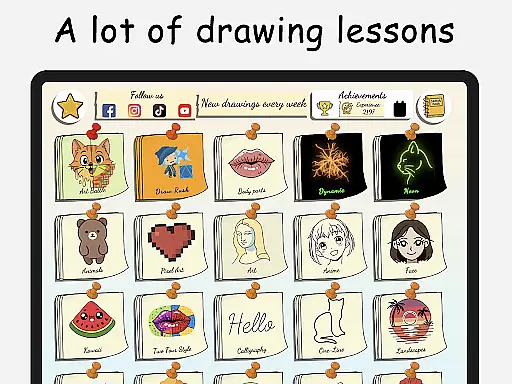
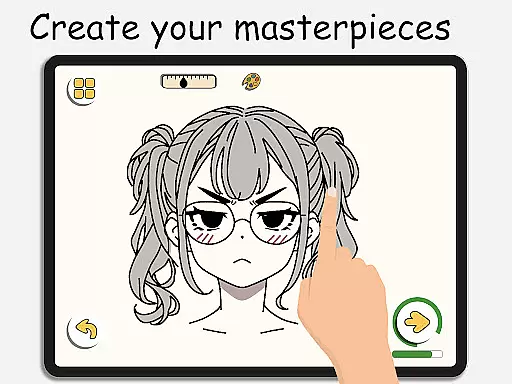
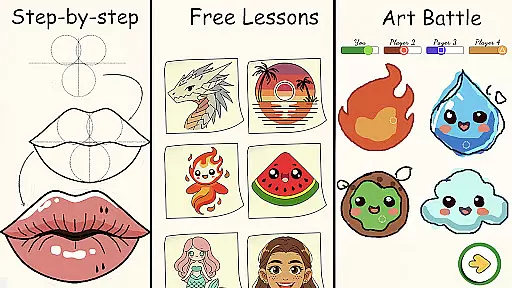
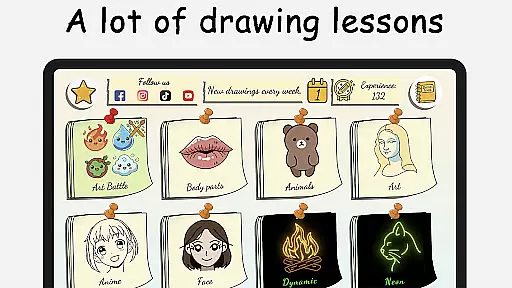
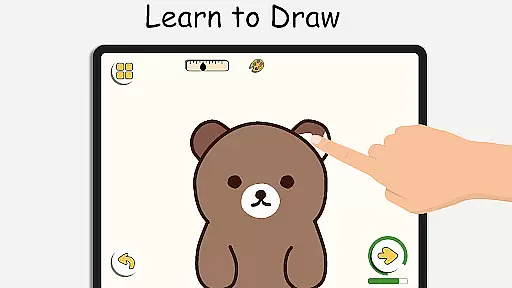
ArtLoop is a comprehensive drawing application designed to help users learn and improve their art skills through step-by-step tutorials, interactive challenges, and multiplayer drawing games. Whether you are a beginner or an experienced artist, this app offers structured lessons covering various topics such as sketching, anime, cartoon drawing, and more. With tailored learning paths and categories ranging from cute animals to pixel art, ArtLoop provides short, focused lessons ideal for all ages.
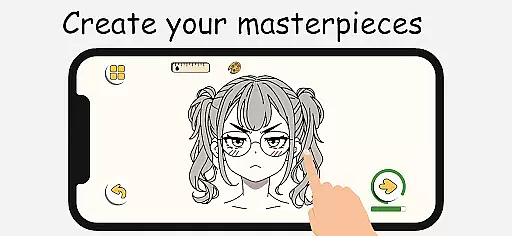
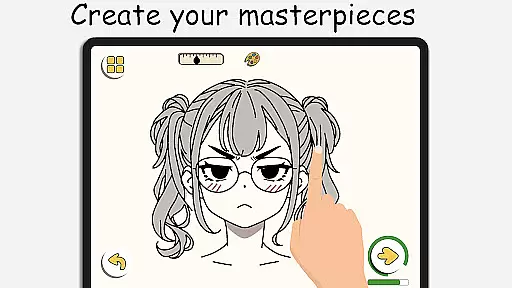
The app features intuitive drawing tools that allow for smooth and responsive drawing experiences. Users can enjoy artistic freedom with powerful editing features, making it one of the best free apps to learn drawing on mobile. Additionally, ArtLoop supports offline drawing, enabling users to practice their skills anytime, anywhere without needing an internet connection. This ensures that inspiration never has to wait, providing a seamless experience for both kids and adults.
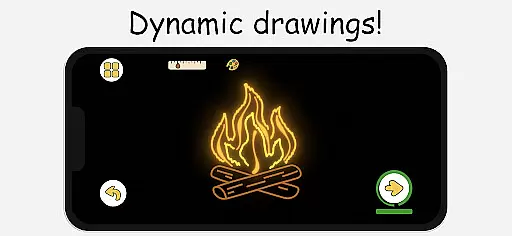
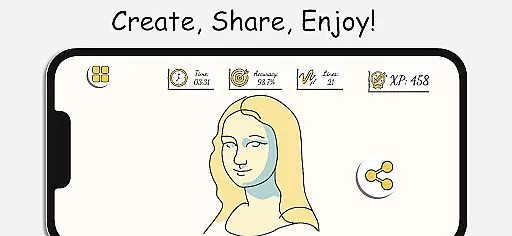
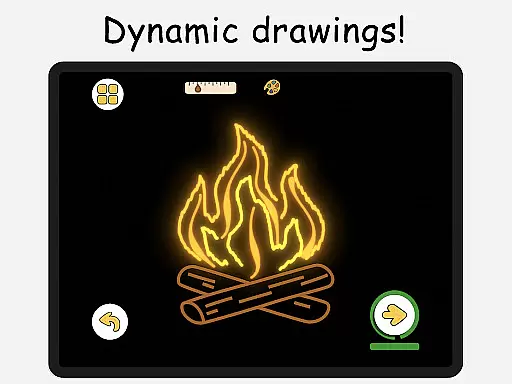
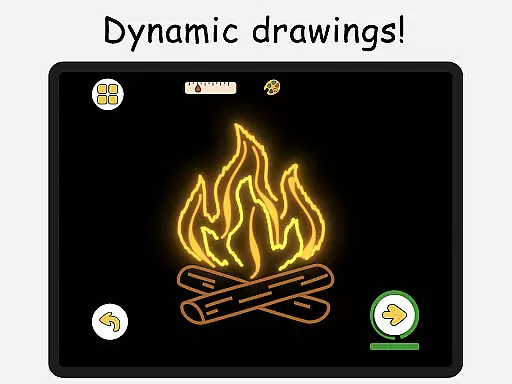
ArtLoop's unique multiplayer drawing battles and daily practice tracking offer a fun way to stay motivated while improving accuracy and technique. The app also includes smart evaluation tools to analyze your progress over time, ensuring continuous growth as an artist. With options like neon drawing and quick draw challenges, ArtLoop caters to a wide range of artistic styles and preferences, making it a versatile tool for anyone looking to explore their creativity.
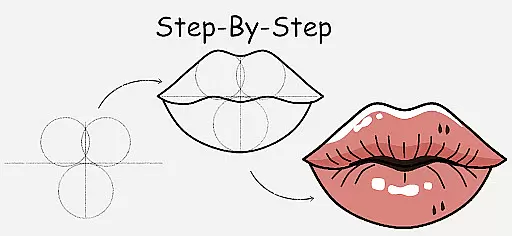
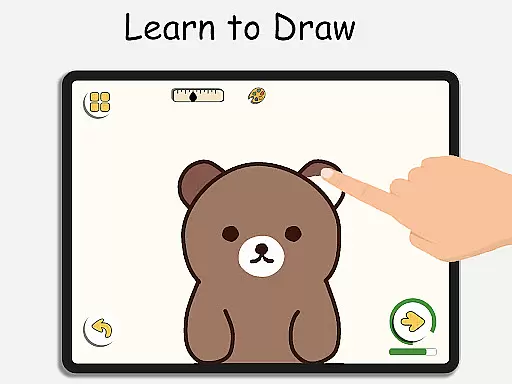
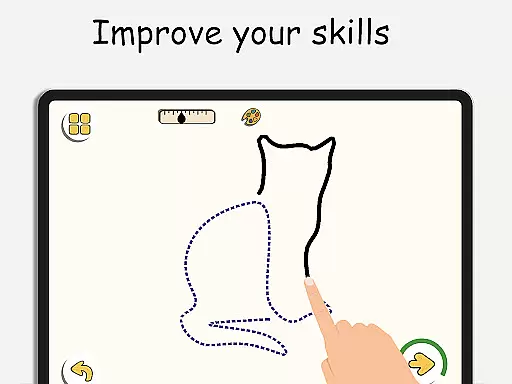
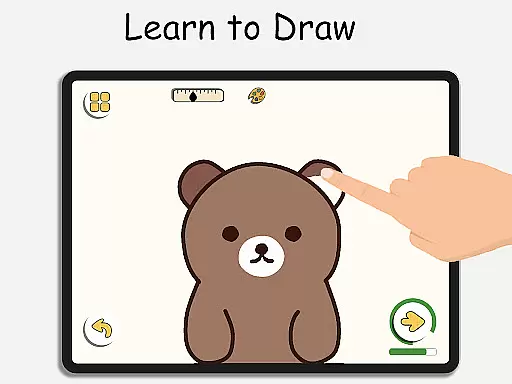
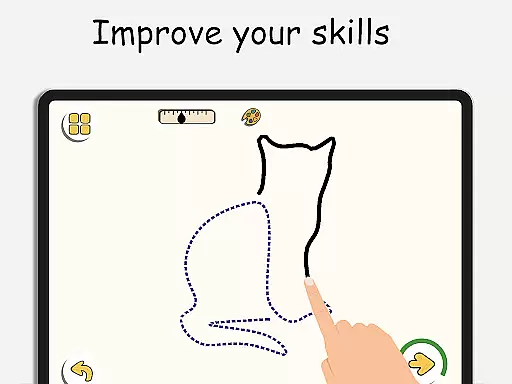
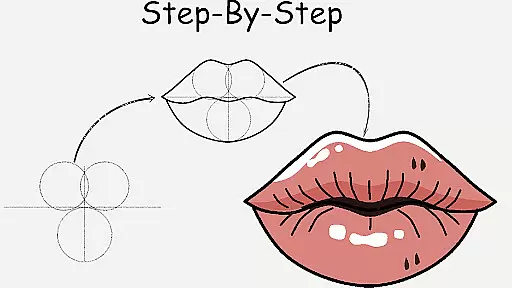
ArtLoop stands out with its rich array of features designed to enhance the drawing and learning experience. One of the key highlights is the step-by-step drawing lessons that cover a wide variety of subjects including characters, animals, food, people, emojis, and anime. Each lesson is crafted with clear instructions, making it easy for beginners to follow along and for advanced users to refine their techniques. These guided lessons ensure that users can build confidence and creativity at their own pace.
In addition to individual practice, ArtLoop offers exciting multiplayer drawing battles where users can challenge friends or random players. These battles not only make learning fun but also foster a competitive environment that encourages improvement. The app also includes daily practice tracking and smart evaluation tools, allowing users to monitor their progress and see tangible improvements over time. This feature is particularly beneficial for those who want to track their artistic journey meticulously.
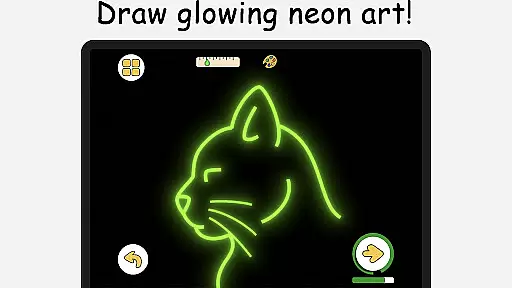
ArtLoop further enhances user experience with its intuitive drawing tools and offline functionality. The smooth, responsive tools provide everything needed to create amazing digital art, from virtual sketchpads to detailed editing features. Moreover, the ability to draw offline ensures that users can practice their skills without worrying about internet connectivity. With additional modes like pixel art, neon drawing, and quick draw challenges, ArtLoop offers a diverse set of creative options, catering to different artistic styles and preferences.
ArtLoop offers a comprehensive suite of creative tools that cater to artists of all levels. From basic sketching to advanced digital art techniques, the app provides a variety of brushes, pens, and coloring options.
The inclusion of specialized modes such as Pixel Art and Neon Drawing expands the creative possibilities. Users can craft retro-style sprites with grid-perfect precision or create vibrant pieces with luminous, glowing strokes.
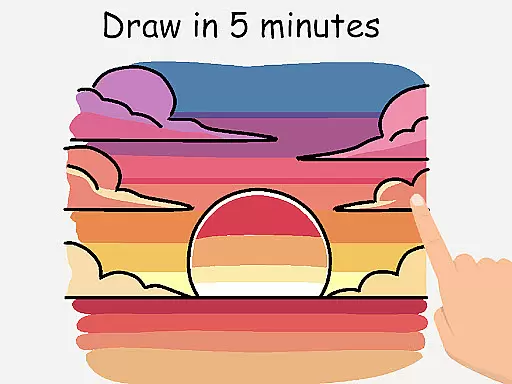
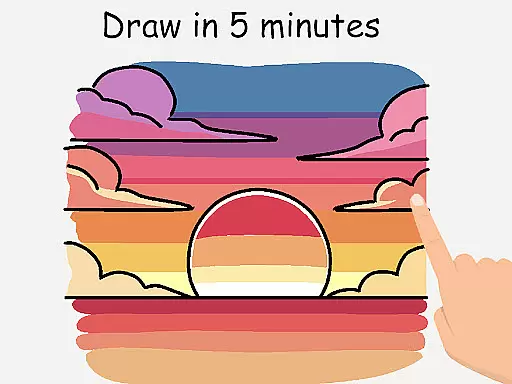
Additional features like Quick Draw & Speed Draw Challenges not only enhance skill but also inject an element of fun into the learning process. These timed exercises are perfect for improving accuracy and speed.
With its intuitive interface and robust toolset, ArtLoop ensures that users have everything they need to bring their artistic visions to life, making it one of the best free drawing apps available today.
ArtLoop stands out with its flexible canvas options that allow users to customize their workspace according to their project needs. Whether working on small sketches or large-scale artworks, the app's responsive design adapts seamlessly.
The app supports various formats, enabling artists to export their work in multiple file types suitable for both digital and print media. This versatility ensures that creations can be shared across different platforms without losing quality.
Furthermore, the ability to draw offline provides unmatched convenience. Users can continue their artistic journey without worrying about internet connectivity, making it ideal for on-the-go creativity.
This combination of adaptable canvas sizes, multi-format support, and offline functionality makes ArtLoop an exceptional choice for artists seeking flexibility in their digital art projects.
User-friendly interface
Comprehensive tutorials
Multiplayer drawing
Offline functionality
Diverse drawing modes
Limited advanced tools
Occasional bugs
Ads in free version
Learning curve
Basic social features

Create sweet, cool and unique couple avatars easily, in just a few steps!
 3.40
3.40
Stylish letters, Stylish Keyboard, Symbols, Emojis, Cool nickname
4.40
Create trending AI photos & videos with powerful effects and 3D styles.
3.20
Create neon drawing with magic doodle and fun doodle art effects!
4.50
AI Face Swap, Video Effects Editor, Realtime Morph, Funny Video FX,AI Filters
3.70
Convert image to JPG PNG HEIC PDF, support almost all kinds of image formats
4.70
Minecraft & Roblox Clothes
4.70
Inky runs Inkscape on Android devices and Chromebooks
2.90
Kling AI is an image and video generation and editing studio powered by AI.
4.50
Your AI soulmate — meaningful chats, and unique emotional moments
4.70
Logo Generator powered by AI: Create stunning logos effortlessly!
4.70
Draw beautiful mandala's very easily
4.60
Castle is social media for creating and playing games!
4.60
Draw Trace image sketch by, AR art projector app, Easy to trace any image.
4.50
AI generated images & photos, turn your words into drawing, painting & pictures.
4.30
Bring One UI 8.5 Icons to life -elegant dark icons with a modern, premium touch.
4.30
Get creative and make art with your Sesame Friends!
4.00
Art of Combination Wear OS Watch faces
4.4
Android 14 style widgets and wallpapers app.
4.4


User Reviews