
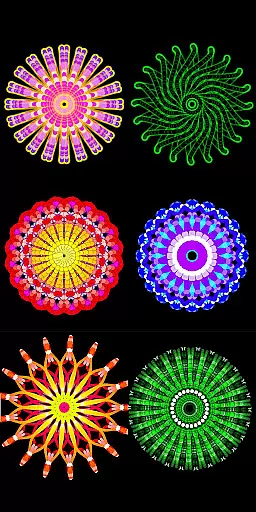
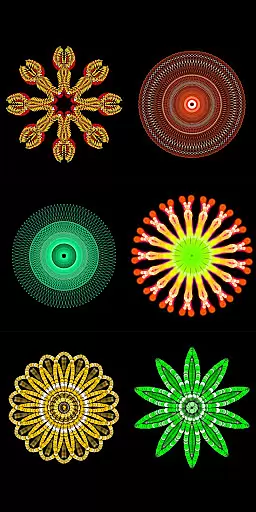
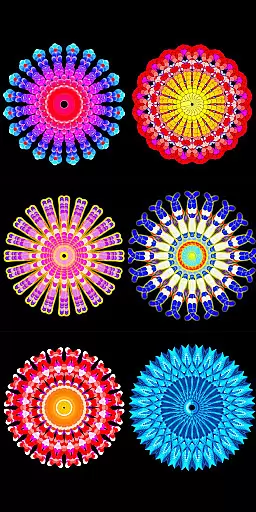
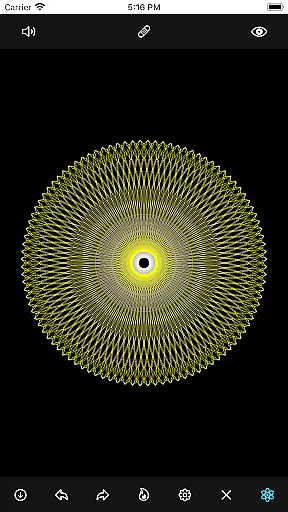
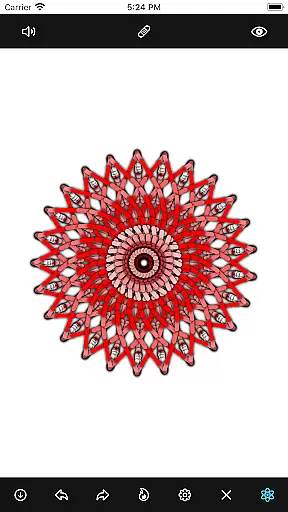
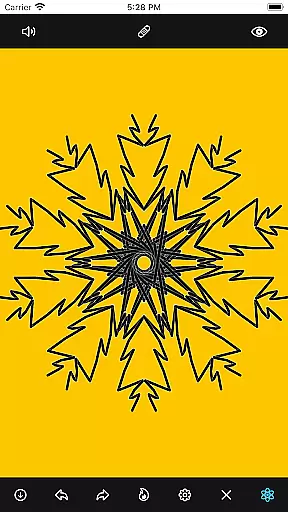
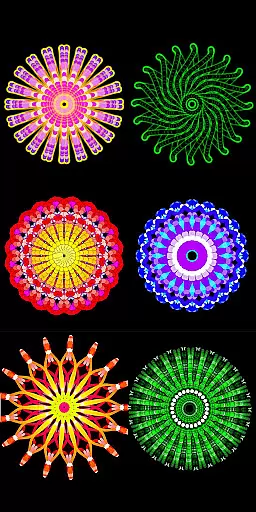
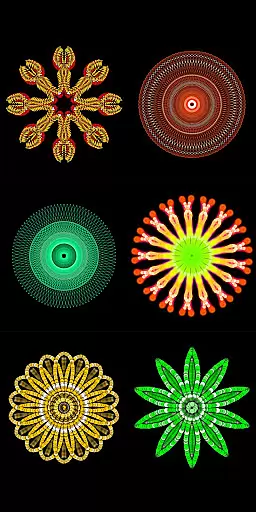
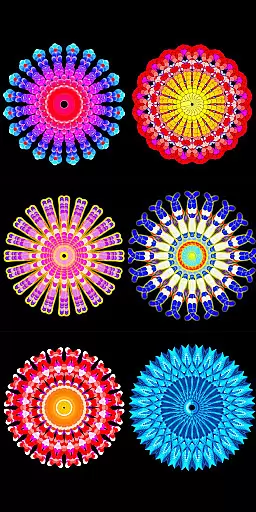
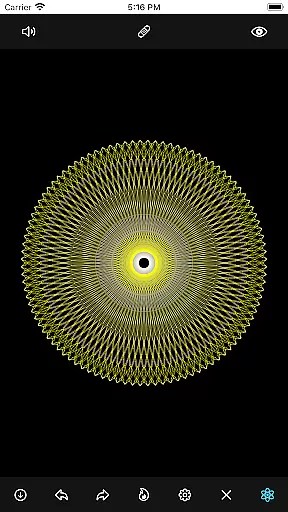
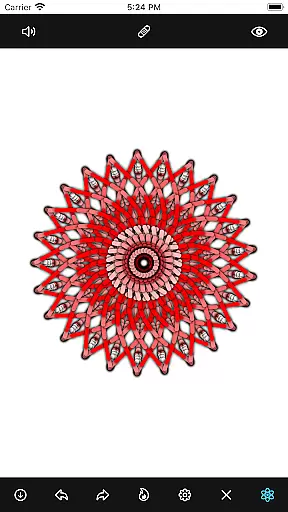
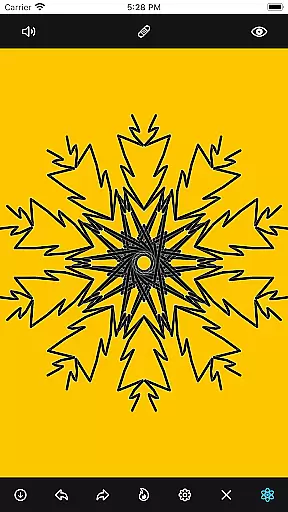
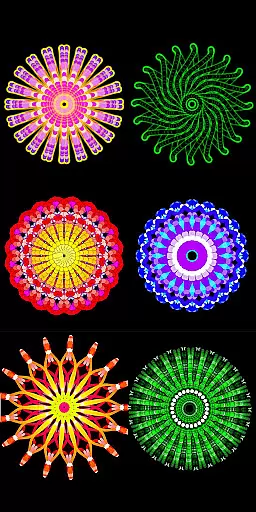
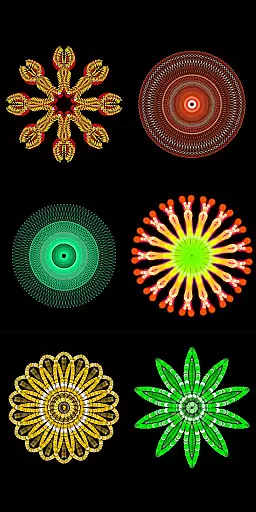
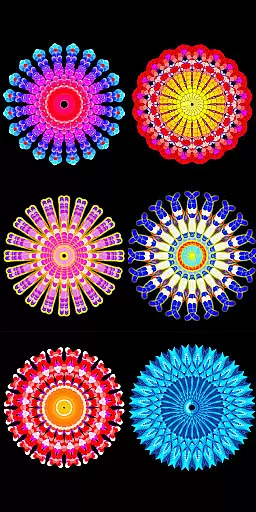
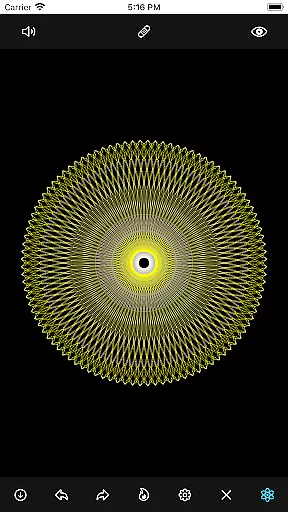
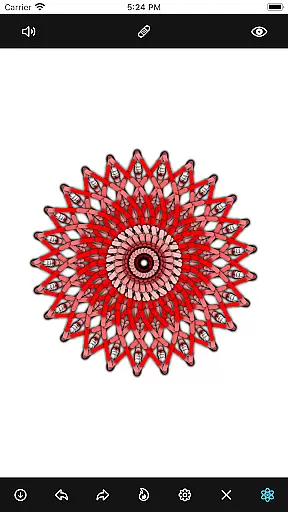
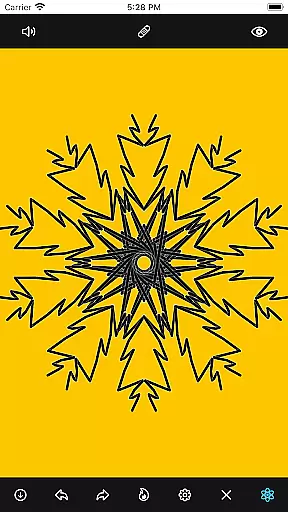
Mandala Maker 360 is a creative tool designed for both beginners and experienced artists to create stunning mandala drawings with ease. The app offers an intuitive interface that allows users to produce intricate designs in just a few steps, making it perfect for art projects or relaxation.
With extensive customization options, users can modify canvas symmetry, background color, brush settings, apply shadows, and more. It also includes predefined patterns and over 50 images to draw with, providing endless possibilities for creativity. Whether you're looking to enhance your artistic skills or simply unwind, Mandala Maker 360 delivers a valuable and enjoyable experience.
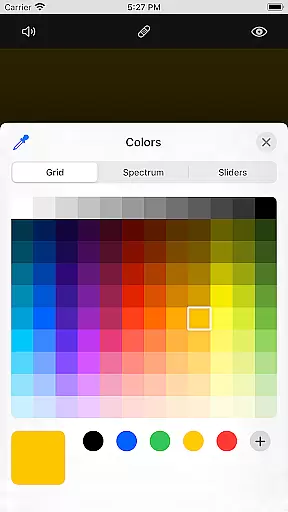
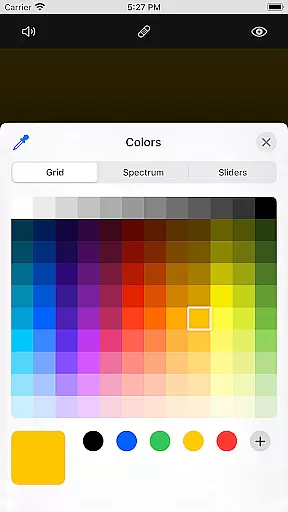
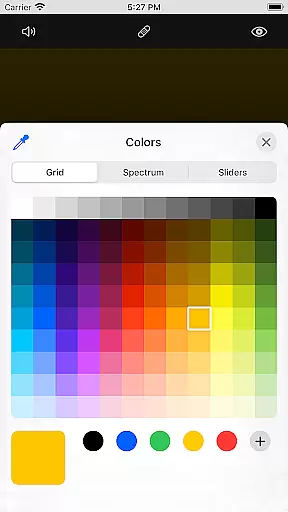
The app boasts a wide array of features that cater to various artistic needs. Canvas Customization allows users to change the background color, adjust the canvas center, enable touch-based centering, and utilize canvas mirroring for symmetrical designs.
Brush Customization offers multiple brush styles, diverse color options including random color selection, and adjustable brush sizes and types. Image Customization provides over 50 images to incorporate into your mandalas, with adjustable sizes and dimensions.
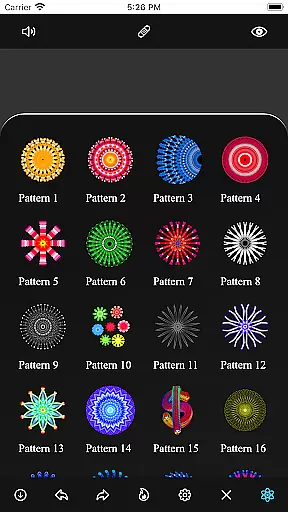
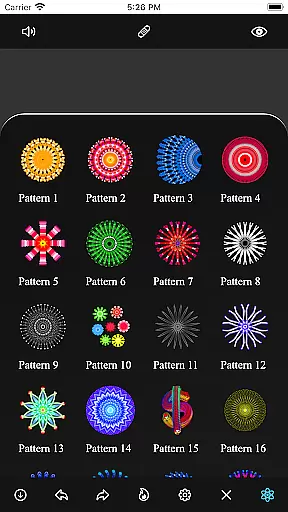
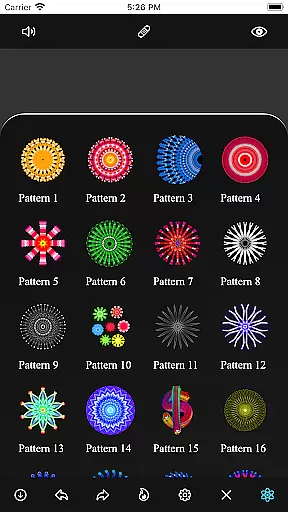
Additionally, Shadow Properties let users apply random shadows and select from different shadow sizes and colors. The app also includes predefined Patterns, offering multiple styles to choose from, enhancing the creative process.
Mandala Maker 360 offers an extensive suite of creative tools that cater to both beginners and advanced artists. The application provides a rich set of features for canvas customization, including options to change the background color, adjust the canvas center, and apply mirroring effects.
Brush customization is another highlight, allowing users to choose from multiple brush styles, select different color types, and adjust brush sizes and types. This flexibility ensures that every stroke can be tailored to the artist's preference, enhancing the drawing experience.
In addition to brush and canvas adjustments, the app includes shadow properties and predefined patterns. Users can apply random shadows with adjustable sizes and colors, as well as select from various patterns to incorporate into their mandala drawings.
The inclusion of over 50 images for tracing and drawing further enriches the creative process, making Mandala Maker 360 a comprehensive tool for creating intricate and personalized mandala art.
One of the standout features of Mandala Maker 360 is its exceptional canvas and format flexibility, which empowers users to bring their artistic visions to life without constraints. Artists can easily modify the canvas symmetry, enabling the creation of balanced and harmonious designs with precision.
The app allows for detailed image customization, where users can alter image sizes and dimensions to fit their specific needs. This feature is particularly useful when incorporating external images or patterns into a mandala drawing, ensuring seamless integration and alignment.
Moreover, the ability to apply changes at the touch point enhances the intuitive nature of the design process. Whether adjusting the canvas center or applying customizations, users can make real-time modifications that reflect their artistic intent instantly.
This level of flexibility in both canvas and format options makes Mandala Maker 360 an ideal choice for artists seeking a versatile platform to explore and create complex mandala artwork.
User-friendly interface
Extensive customization
Variety of brush styles
Over 50 images included
Predefined patterns available
Limited advanced tools
No cloud saving
In-app purchases present
Occasional bugs
Ads may appear

Premium version of Shimeji-ee app with no ads & no limit active shimeji
 4.1
4.1
Custom Character Creator & PFP Maker!
4.20
Apply cartoon, caricature, and portrait effects to make your photos stand out!
3.60
Create stunning video, photo & magic from text with FlixAI GPT video generator.
3.10
Nano Banana AI Image Generator, Anime Filter, AI Portrait, AI Photo Generator
4.30
Everything you need to create hand drawn animation, anywhere you go!
4.40
Create and Design Custom Logos in Seconds with AI-Powered Tools!
4.40
AI Tattoo Generator: Create Tattoo Designs & Get Ideas! Ink & Stencil Maker
4.50
All-in-One art, logo & collage maker. Design photos and edit video backgrounds
4.80
2D animation studio for Android tablets - unlimited layers, infinite timeline
4.70
Learn how to draw with step-by-step tutorials, fun lessons & multiplayer drawing
4.70
Draw anime & manga drawing, art with templates to create stunning picture!
4.50
Paint with oils and sketch with natural tools on a realistic virtual canvas.
3.80
Vidu is an AI video generator made for creators and aspiring makers.
3.30
Create trending AI photos & videos with powerful effects and 3D styles.
3.20
Draw anime easily with AR guidance, sketch templates & trace tools!
3.10
Pose and morph realistic male and female models! 3D poser app
3.00
Inky runs Inkscape on Android devices and Chromebooks
2.90
Art of Combination Wear OS Watch Faces
4.4


User Reviews