
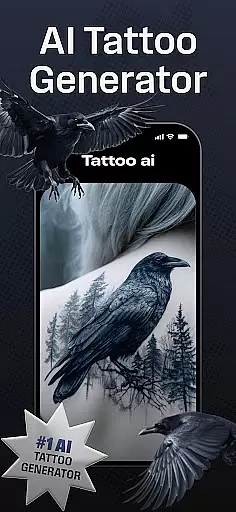
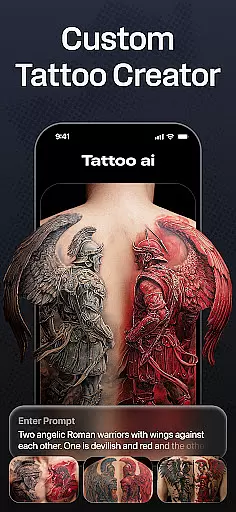
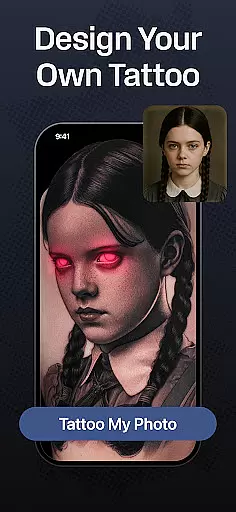
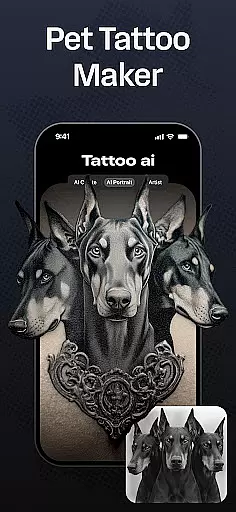
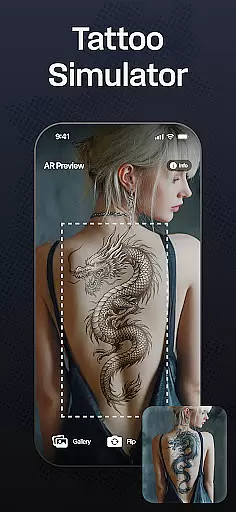
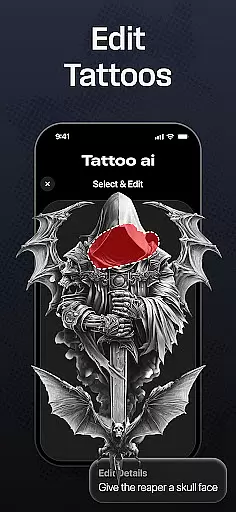
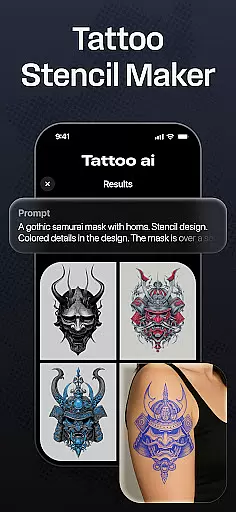
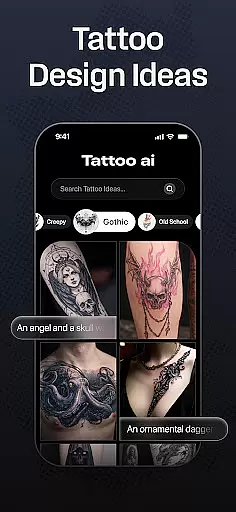
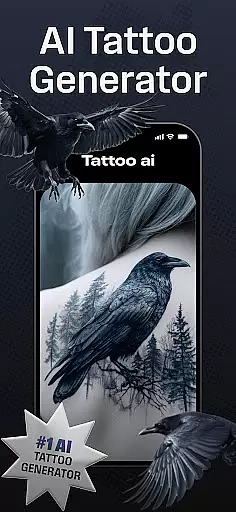
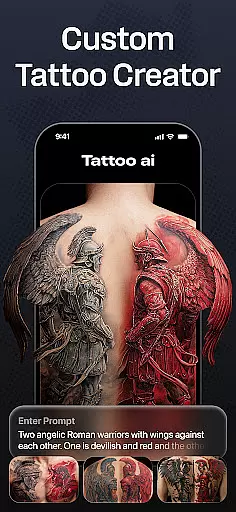
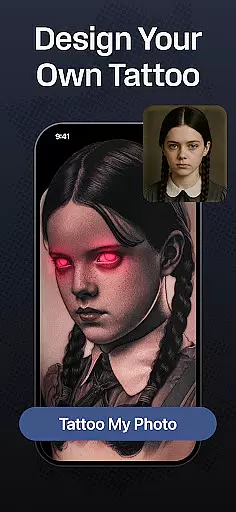
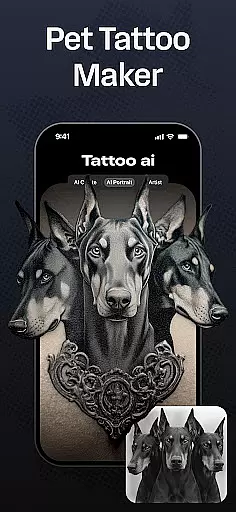
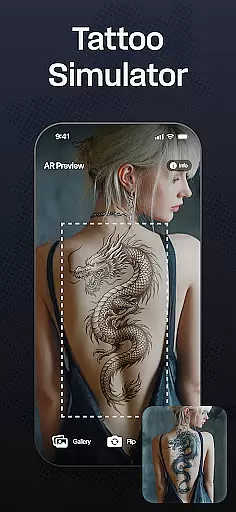
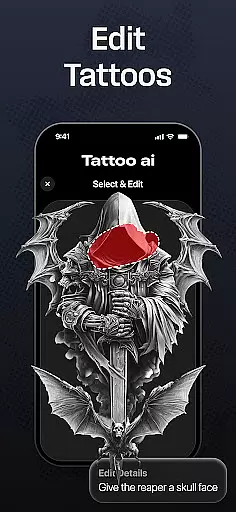
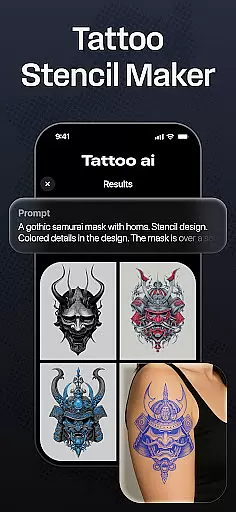
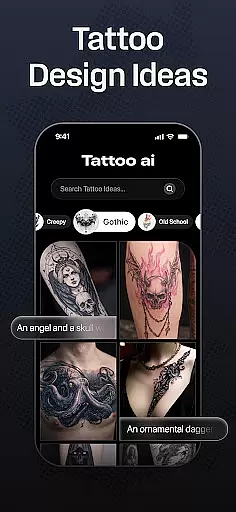
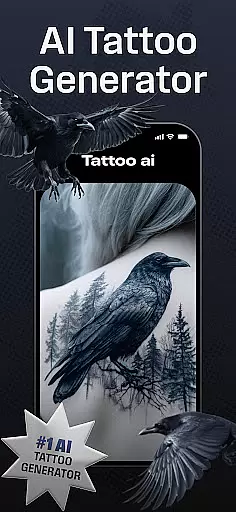
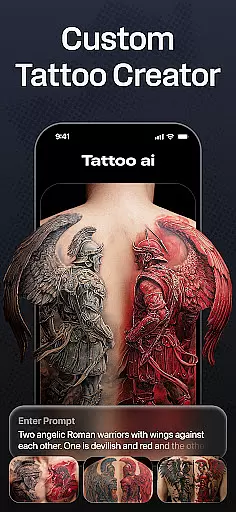
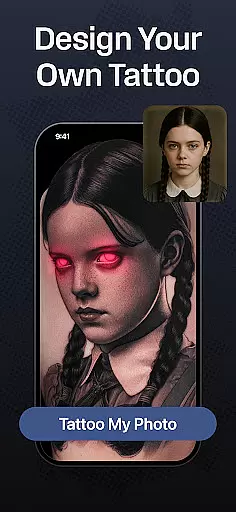
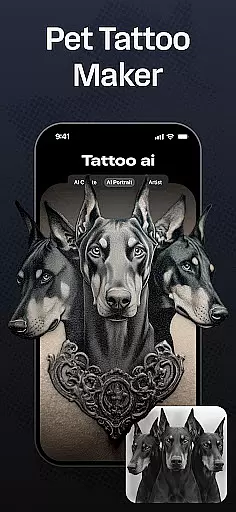
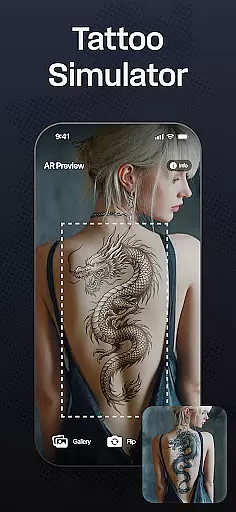
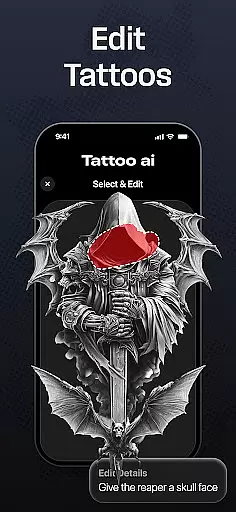
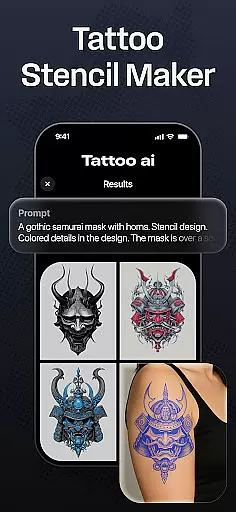
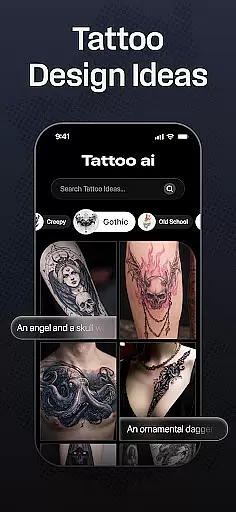
Tattoo AI is a revolutionary app in the Art & Design category, designed to assist both tattoo enthusiasts and professional artists in creating personalized tattoo designs with ease. The app's standout feature is its advanced AI tattoo generator, which allows users to input their ideas or themes and receive tailor-made designs that match their preferences. Whether you're looking for black and white classics, intricate Japanese art, or bold gaming-inspired tattoos, Tattoo AI covers a wide range of styles.
One of the key strengths of Tattoo AI is its full-body customization tool, enabling users to visualize how a tattoo will look on different parts of their body before making any permanent decisions. Additionally, the app offers text-based tattoo options, high-quality stencils for artists, and easy sharing features to collaborate with friends or tattoo professionals. With Tattoo AI, users can save time during the design process while enjoying complete creative freedom.
This app is particularly useful for those who are considering their first tattoo and want to explore various design options without feeling overwhelmed. It also serves as an excellent source of inspiration for professional tattoo artists seeking fresh ideas. By combining cutting-edge technology with artistic creativity, Tattoo AI ensures that every user can achieve a unique, meaningful tattoo design that perfectly matches their personal style.
Tattoo AI stands out in the Art & Design space due to its innovative use of artificial intelligence to simplify and enhance the tattoo design process. At the core of the app lies the AI tattoo generator, which uses sophisticated algorithms to produce custom designs based on user inputs. This feature eliminates the need for manual brainstorming and sketching, saving users valuable time while delivering highly personalized results.
In addition to its AI capabilities, Tattoo AI provides diverse style options ranging from traditional black and white patterns to vibrant Japanese and tribal art. Users can experiment with countless design variations and even create text-based tattoos using customizable fonts. Another notable feature is the full-body visualization tool, which helps users confidently decide on tattoo placement by simulating designs on different body parts. For tattoo artists, the app includes high-quality stencil generation, bridging the gap between digital concepts and real-world application.
The ability to save and share designs further enhances collaboration and feedback opportunities. Whether you're refining your own ideas or consulting with a professional artist, Tattoo AI equips you with all the tools necessary to bring your vision to life. Its seamless blend of technology, convenience, and creative freedom makes it an indispensable resource for anyone passionate about tattoos.
In the realm of digital tattoo design, having access to comprehensive creative tools is essential. Tattoo AI offers an extensive suite of features that cater to both tattoo enthusiasts and professional artists. The app's AI tattoo generator stands out as a pivotal tool, enabling users to effortlessly transform their ideas into unique designs.
With diverse style options ranging from classic black and white to intricate Japanese patterns, Tattoo AI ensures that every artistic preference is met. Users can experiment with various styles, ensuring that their final design aligns perfectly with their vision. This flexibility empowers users to explore different artistic directions without limitations.
Additionally, Tattoo AI provides specialized tools such as text-based tattoos and full-body customization. These features allow for meticulous personalization, whether it's incorporating meaningful quotes or visualizing how a tattoo will appear on specific body parts. Such detailed customization enhances user engagement and satisfaction.
The inclusion of high-quality tattoo stencils further underscores the app's commitment to creative completeness. Artists can seamlessly transition from digital designs to physical tattoos, maintaining the integrity and precision of their work. This end-to-end solution solidifies Tattoo AI's position as a leader in creative tool provision within the Art & Design category.
Flexibility in canvas and format options is crucial for creating versatile tattoo designs. Tattoo AI excels in providing users with adaptable solutions that cater to various design needs and preferences. Whether you're designing a small wrist tattoo or planning an elaborate sleeve, the app accommodates all scales and complexities.
The app allows users to visualize their designs on different body parts, offering unparalleled flexibility in placement and size adjustments. This feature is particularly beneficial for those who are uncertain about where to place their tattoo or how large it should be. By experimenting with various placements, users can make informed decisions that enhance their overall experience.
Tattoo AI also supports multiple design formats, ensuring compatibility with both digital and traditional tattooing methods. Users can easily convert their digital creations into high-quality stencils, bridging the gap between virtual design and real-world application. This seamless integration streamlines the design process for artists and enthusiasts alike.
Moreover, the ability to save and share designs adds another layer of convenience. Users can collaborate with tattoo artists, gather feedback, and refine their designs before committing to ink. This collaborative approach not only enhances creativity but also ensures that each tattoo meets the highest standards of quality and personal significance.
User-friendly interface
Wide variety of styles
Advanced AI generator
Full-body visualization
Customizable text tattoos
Limited free features
Premium subscription required
Occasional AI inaccuracies
Design export limitations
Learning curve for beginners

Premium version of Shimeji-ee app with no ads & no limit active shimeji
 4.3
4.3
Sketch, plan, take notes and illustrate on an infinite canvas.
4.20
Paint with oils and sketch with natural tools on a realistic virtual canvas.
3.80
Powerful home decoration & house design that allows you to design dream home.
3.80
Art of Combination Wear OS Watch Faces
3.30
Mobile pixel art editor. Simple. Fast. Portable.
4.80
Create cute cat emojis & PFPs! Fun, custom avatars for cat lovers.
3.70
Kling AI is an image and video generation and editing studio powered by AI.
4.50
How to draw anime step by step for beginner easily by AR drawing sketch & paint.
3.60
Make your phone cooler and have a fantastic experience
4.80
Create stunning art with AI.
4.80
Logo Generator powered by AI: Create stunning logos effortlessly!
4.70
Digital, Abstract, Classic - all types of color wheels in one app!
4.60
Draw beautiful mandala's very easily
4.60
Castle is social media for creating and playing games!
4.60
Draw, fidget, and spin glow art! Relax and express your creativity with a finger
4.60
Photo blender app to create overlay photos & double exposure.
4.40
Art of Combination Wear OS Watch faces (for Wear OS 5+ devices)
3.90
AI Face Swap, Video Effects Editor, Realtime Morph, Funny Video FX,AI Filters
3.70


User Reviews