
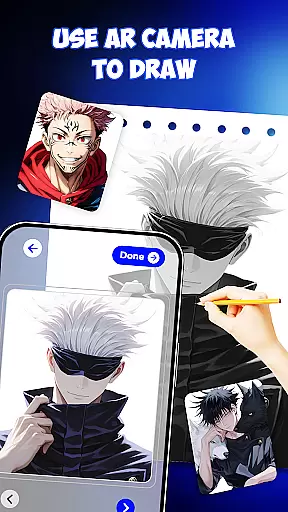
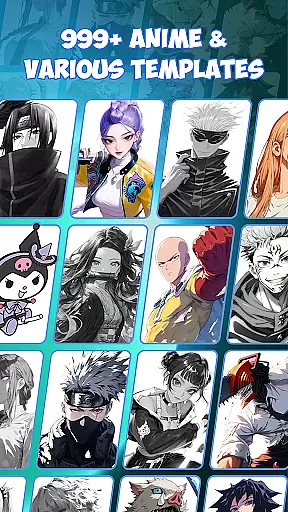
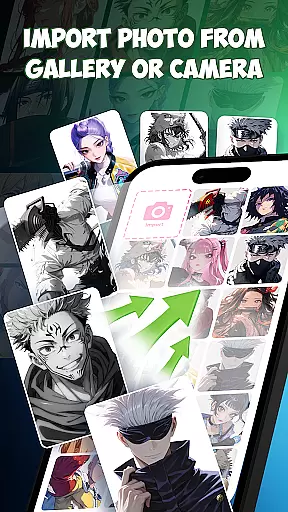
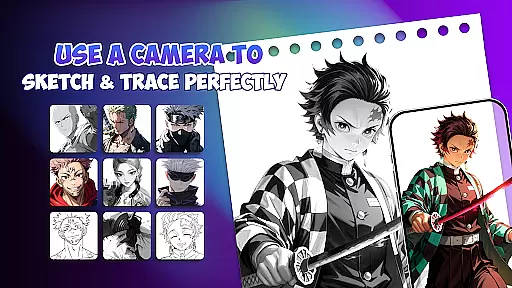
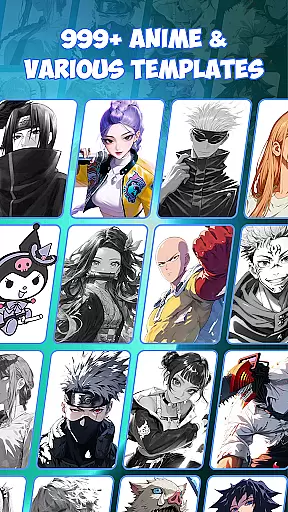
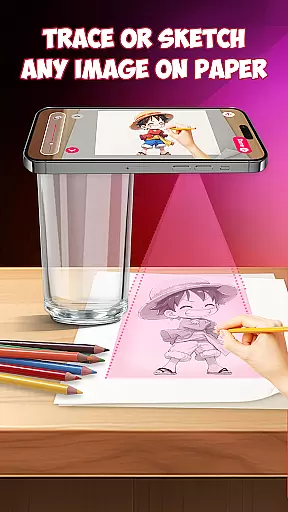
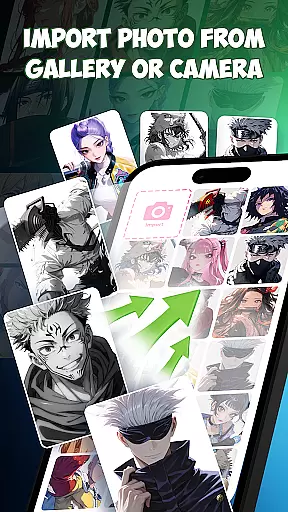
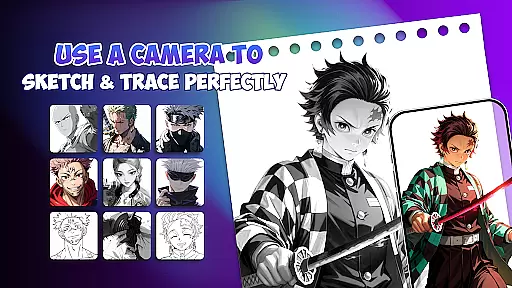
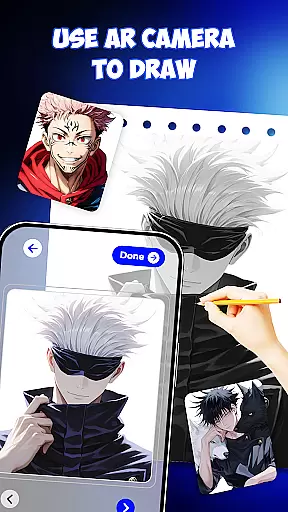
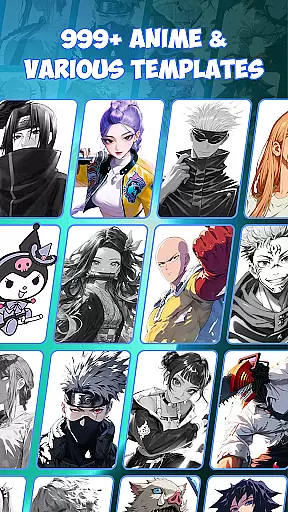
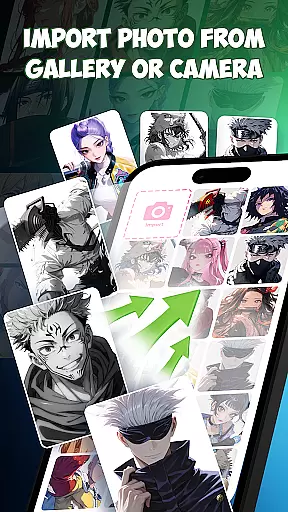
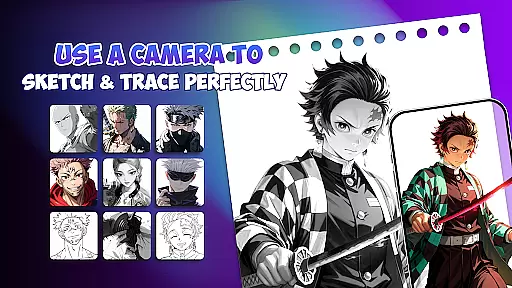
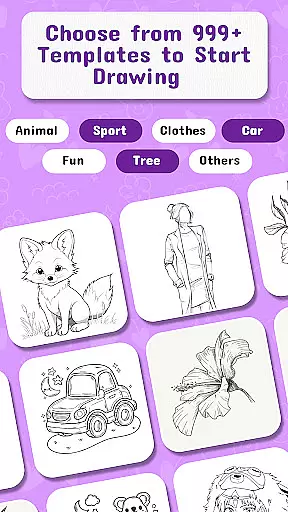
Draw Anime is an innovative AR-powered drawing application designed specifically for anime enthusiasts. This app combines augmented reality technology with traditional sketching methods, allowing users to trace and draw anime characters directly on paper with precise AR guidance. The app provides a rich library of 999+ templates featuring popular anime characters, making it perfect for both beginners and experienced artists.
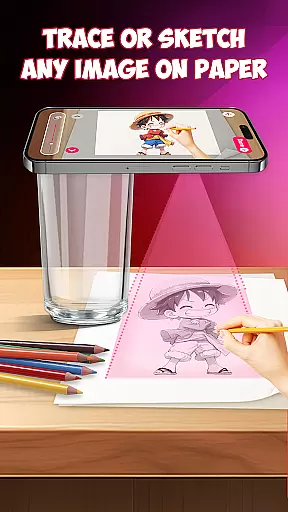
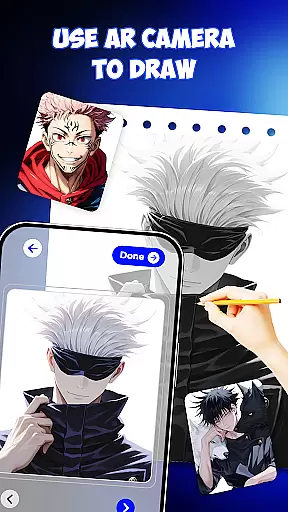
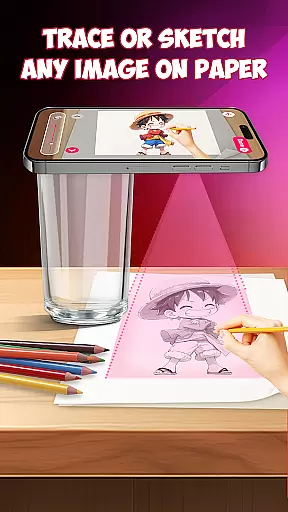
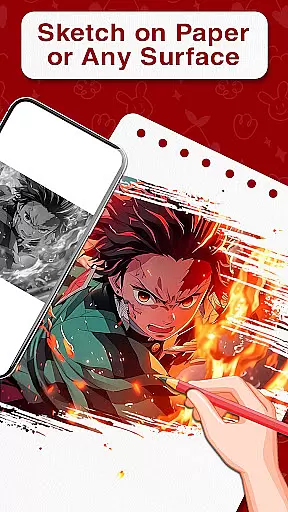
The application's unique AR guidance system projects outlines onto real paper, enabling users to follow along and create accurate sketches. With step-by-step lessons and AI-supported drawing features, the app helps users develop their skills while maintaining creative freedom. Whether you're practicing for art school or designing tattoo sketches, Draw Anime offers versatile tools that cater to various artistic needs.
This Art & Design app particularly shines in its ability to make learning accessible and fun. Users can practice anime drawing at home, improve their sketching techniques, and even experiment with different art styles including pop art and manga. The combination of traditional drawing methods with modern AR technology creates an engaging learning experience that helps users progress faster while enjoying the creative process.
Draw Anime distinguishes itself through its comprehensive set of features tailored for anime artists. The app's core functionality revolves around its advanced AR guidance system, which projects precise outlines onto physical paper. This feature allows users to trace characters accurately while maintaining proper proportions and details. The step-by-step lesson structure breaks down complex drawings into manageable stages, making it easier for beginners to follow along.
One of the app's standout features is its extensive template library containing over 999 character designs. These templates range from simple beginner-friendly sketches to more complex professional-level drawings. The AI drawing support adds another layer of creativity, suggesting enhancements and modifications to help users develop their unique style. Additionally, the app includes specialized tools for precision artists who require exact control over their work.
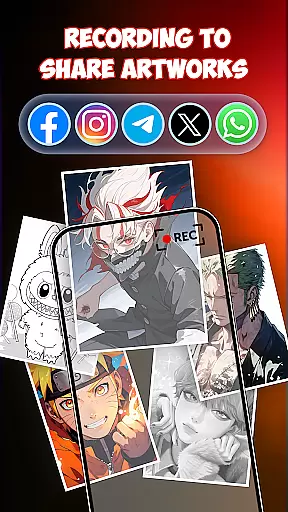
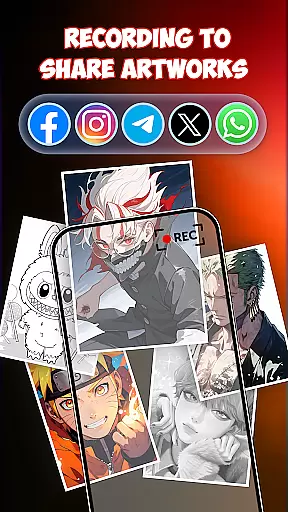
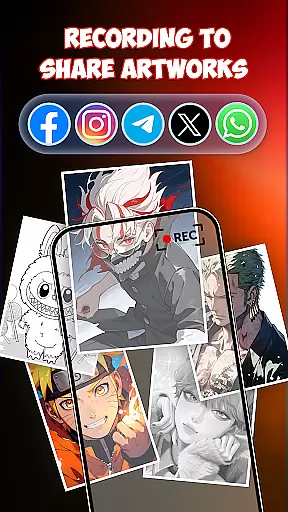
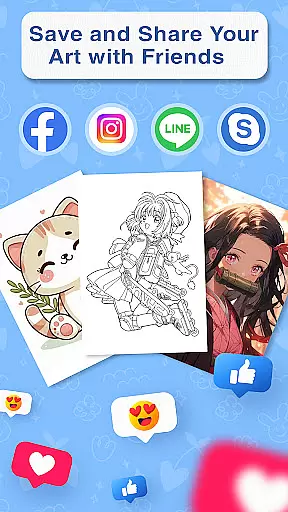
The application also incorporates elements of gamification and social sharing, making the learning process more engaging. Users can participate in art challenges, track their progress, and share their creations with the community. The combination of free drawing features with structured lessons creates a balanced learning environment that accommodates different artistic preferences and skill levels.
In the realm of digital artistry, having access to comprehensive creative tools is paramount. Draw Anime offers an extensive suite of features that cater to both budding and experienced artists. The app provides AR guidance and templates, allowing users to trace and draw anime characters with precision.
With 999+ templates, users can explore a vast array of character designs, ensuring endless inspiration and learning opportunities. This vast library supports various styles from classic anime to modern pop art, making it a versatile choice for artists looking to expand their repertoire.
The inclusion of AI drawing support adds an extra layer of creativity, enabling users to experiment with new ideas and push the boundaries of their artistic expression. These intelligent tools assist in generating unique designs and refining techniques, which is invaluable for anyone serious about improving their craft.
Moreover, the app's drafting and design tools offer precision and control, essential for detailed work. Artists can fine-tune their sketches and paintings, achieving professional-quality results. This complete toolkit empowers users to develop their skills and create stunning artwork with confidence.
Flexibility in canvas and format options is crucial for artists who wish to explore different mediums and styles. Draw Anime excels in this area by providing a dynamic platform where users can easily switch between various formats and sizes. This adaptability ensures that artists are not constrained by predefined settings and can customize their workspace according to their needs.
The app's AR picture drawing feature allows for unique designs that transcend traditional boundaries. Users can project outlines directly onto paper, merging digital convenience with tangible art forms. This innovative approach bridges the gap between digital and physical art, offering unparalleled creative freedom.
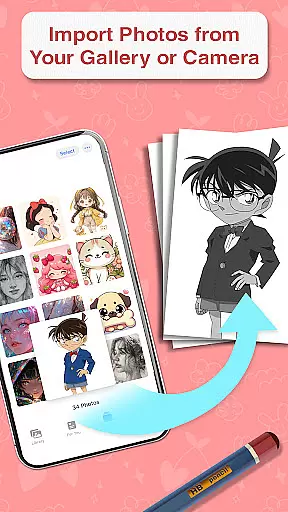
Additionally, the app supports multiple drawing modes, including sketching, tracing, and painting. Each mode is designed to enhance the user's experience by catering to specific artistic preferences and techniques. Whether you're practicing doodle art or working on detailed portraits, the app adapts to your workflow seamlessly.
For those interested in designing tattoo sketches or preparing pieces for art school, the ability to adjust canvas dimensions and formats is particularly beneficial. It enables artists to produce work that meets specific requirements while maintaining high standards of quality and creativity. With Draw Anime, flexibility is not just a featureu2014it's a core component of the artistic process.
User-friendly interface
Extensive template library
Precise AR guidance
AI-enhanced creativity
Versatile art styles
Requires stable internet
Premium features locked
Device compatibility issues
Limited offline access
Steep learning curve

Discover Cartoon Dream : Unleash Your Creativity with CuttingEdge AI
 4.50
4.50
Digital illustration drawing & painting pad app to paint Anime and Manga art
4.50
AI Assistant, powered by ChatGPT GPT-4 & GPT-4o. Your intelligent companion.
3.50
Remove Background, Magic Eraser, Photo Enhancer, Story Templates, Collage Maker
4.30
Convert image to JPG PNG HEIC PDF, support almost all kinds of image formats
4.70
Castle is social media for creating and playing games!
4.60
Create stunning art with AI.
4.80
Painting, drawing, & sketching
4.50
OneUI 8.5 icons ✨ Smooth, modern & based on the latest Play Store design ??
4.10
Digital, Abstract, Classic - all types of color wheels in one app!
4.60
Create neon drawing with magic doodle and fun doodle art effects!
4.50
Everything you need to create hand drawn animation, anywhere you go!
4.40
Draw, make movies & animate cartoons easily with our 2D animation maker app
4.40
Nano Banana AI Image Generator, Anime Filter, AI Portrait, AI Photo Generator
4.30
Floor Plan Creator lets you create, edit and share floor plans.
4.00
AR Anime Drawing: How to draw anime with AR drawing & sketching apps!
4.00
Design your dream room with AI. Get decor ideas & plan home interiors
3.90
Vidu is an AI video generator made for creators and aspiring makers.
3.30
Art of Combination Wear OS Watch faces
4.1


User Reviews