
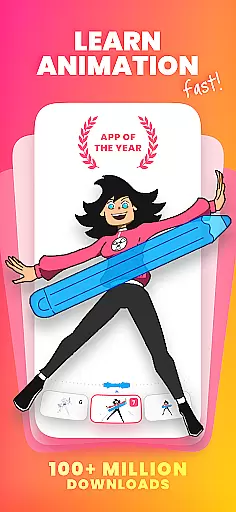
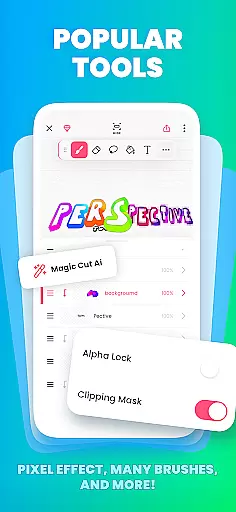
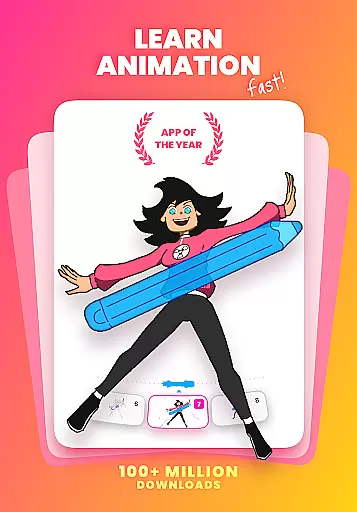
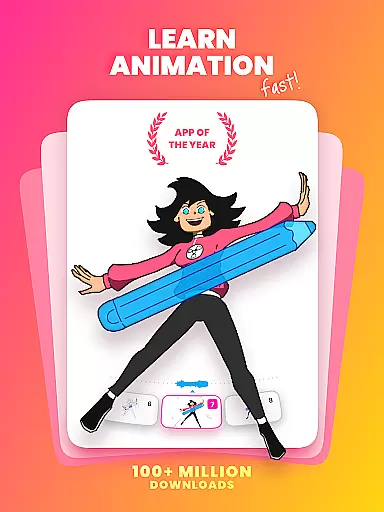
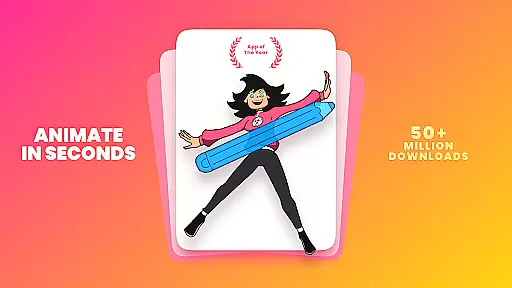
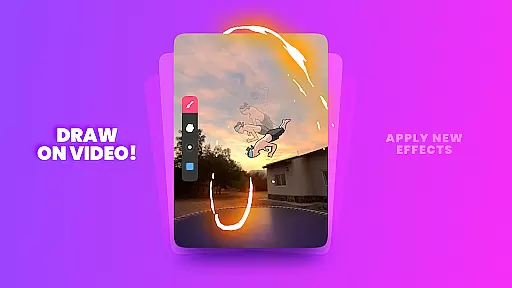
FlipaClip is a premier 2D animation app designed for artists and creators who want to bring their drawings to life. This application offers an intuitive interface that combines the simplicity of flipbook animation with professional-grade tools, making it accessible for both beginners and seasoned animators. Users can create frame-by-frame animations using a variety of drawing tools such as brushes, fill, lasso, eraser, ruler, text, and shape options.
The app stands out with its robust animation features including onion skinning for smooth transitions, up to 10 layers for complex drawings, and support for importing photos or videos to produce rotoscope animations. Additionally, FlipaClip allows users to export their creations in multiple formats like MP4, GIF, or PNG sequences with transparency. With added functionalities such as AI-powered Magic Cut and AI Voice Maker, this app ensures that your animations are not only visually appealing but also narratively engaging.
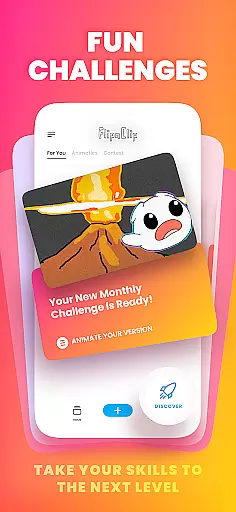
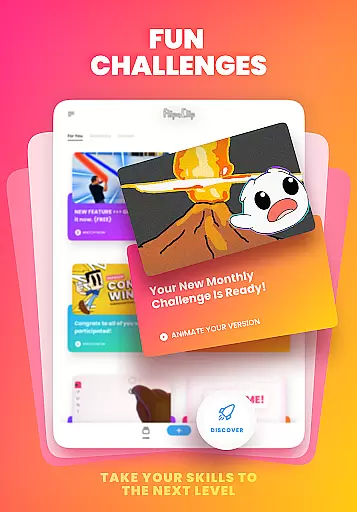
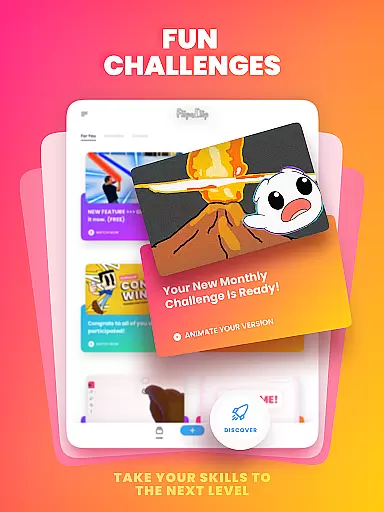
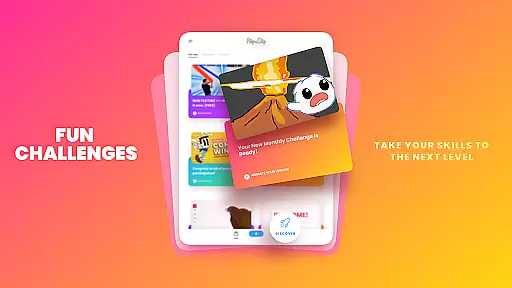
Whether you're interested in cartoon making, anime drawing, or creating memes and stick animations, FlipaClip provides all the necessary tools to make your vision a reality. It's particularly useful for YouTubers, TikTok creators, and influencers looking to enhance their content with custom animations. Join a vibrant community of over 80 million users and participate in weekly challenges and seasonal contests to refine your skills and showcase your work.
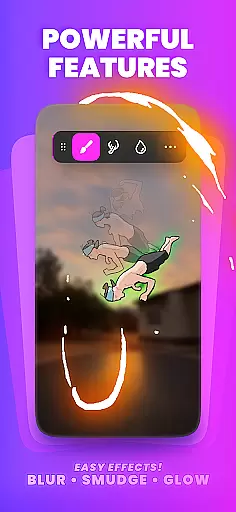
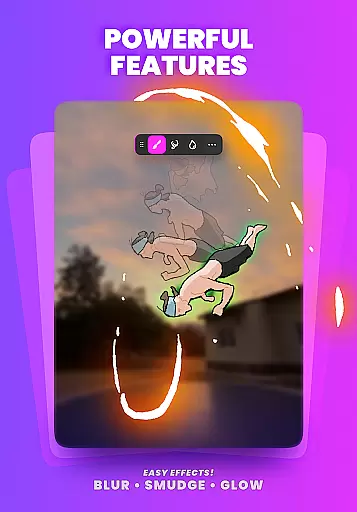
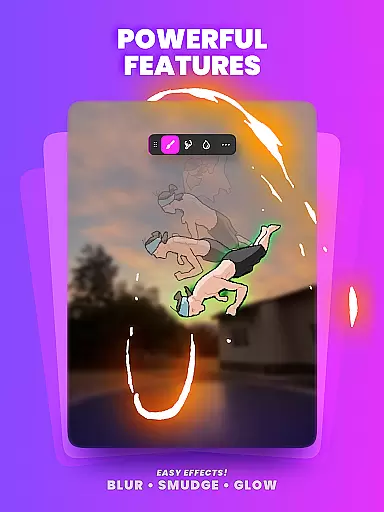
FlipaClip boasts a comprehensive suite of features tailored for animation enthusiasts. The app includes a frame-by-frame animation timeline that gives users complete control over their projects. Onion skinning is available to ensure smooth transitions between frames, while support for up to 10 layers (with 3 free) allows for intricate and detailed artwork. Users can take advantage of glow effects and blending modes to add depth and texture to their creations.
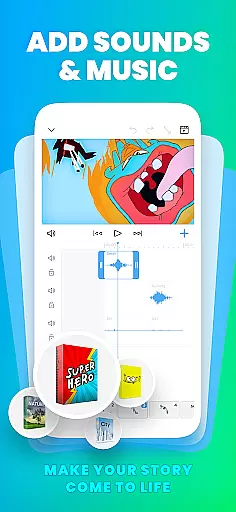
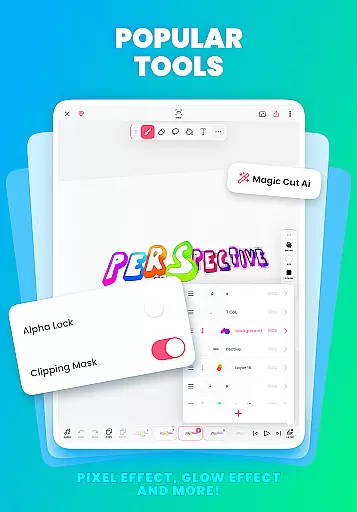
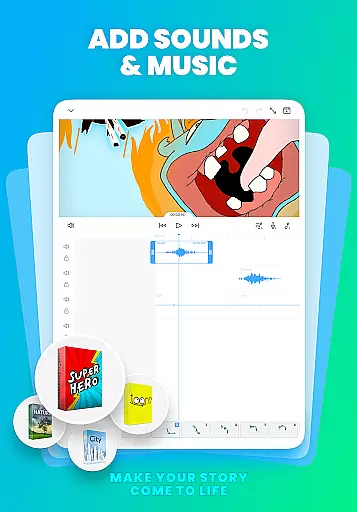
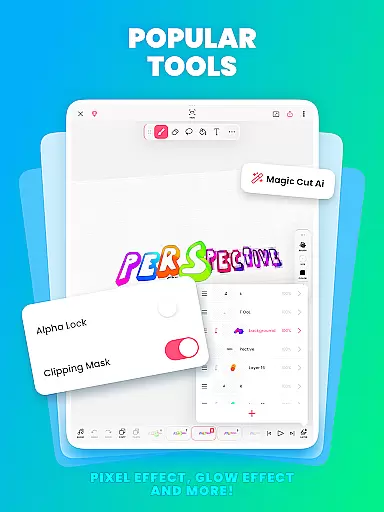
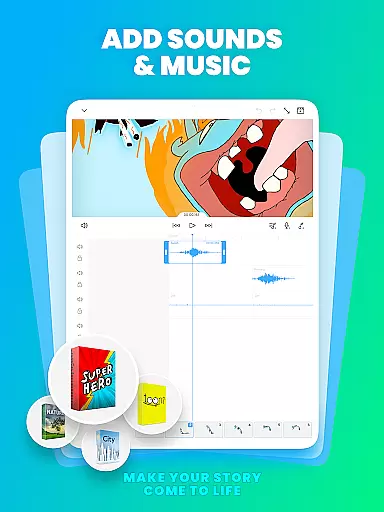
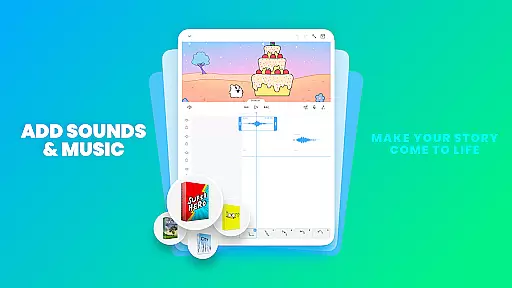
In addition to traditional drawing tools, FlipaClip integrates advanced technologies such as AI-powered Magic Cut, which simplifies the process of slicing images and objects from frames. The inclusion of AI Voice Maker enables creators to add lifelike narration to their animations, enhancing storytelling capabilities. Audio tracks can be synchronized perfectly with the animation timeline, allowing for seamless integration of sound effects and music.
FlipaClip's versatility extends beyond individual use; it serves as an excellent tool for educational purposes, enabling students to learn animation techniques and storyboard creation. Its compatibility with pressure-sensitive styluses like Samsung S Pen and SonarPen ensures precision and natural drawing experiences. Furthermore, the ability to export animations in various formats makes it easy to share your work across different platforms, ensuring maximum reach and engagement.
FlipaClip stands out as a comprehensive creative suite for both budding and professional animators. The app offers a complete set of drawing tools including brushes, fill options, lasso, eraser, ruler, text, and shape tools that cater to a wide range of artistic expressions. These features allow users to sketch their ideas with precision and ease.
One of the key strengths of FlipaClip is its support for frame-by-frame animation, which provides total control over the animation timeline. With onion skin tools for smooth transitions and up to 10 layers (3 free) for complex drawings, creators can produce detailed and layered animations. Additionally, the glow effect and blending modes enhance visual creativity without any extra cost.
The inclusion of advanced features such as importing photos or videos for rotoscope animations and exporting in MP4, GIF, or PNG sequences with transparency showcases the app's versatility. Magic Cut, an AI-powered tool, further simplifies the process by allowing users to instantly slice images and objects from frames, making sophisticated edits accessible even to novices.
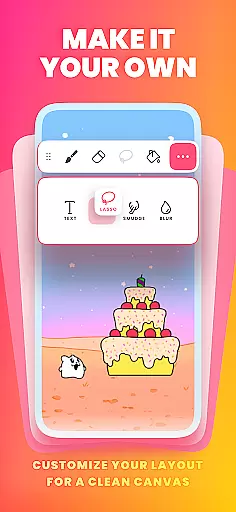
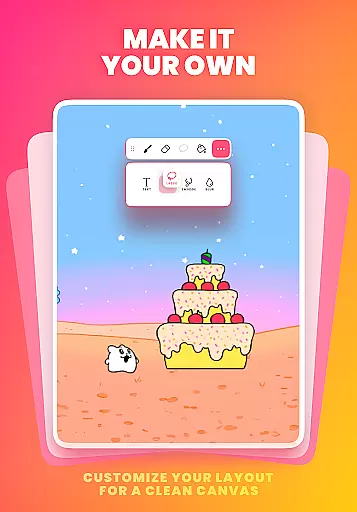
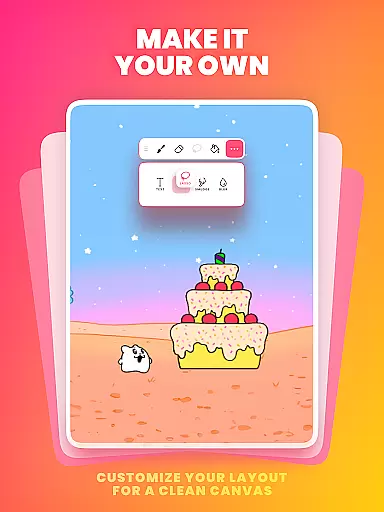
Flexibility in canvas and format options is crucial for creative freedom, and FlipaClip excels in this aspect. Users can paint on custom canvas sizes, adapting their workspace to fit the specific needs of each project. This adaptability ensures that whether you're creating simple doodles or professional-grade scenes, the app accommodates various artistic endeavors.
Pressure-sensitive stylus support, compatible with devices like Samsung S Pen and SonarPen, enhances the drawing experience by providing precise and natural input. This feature is particularly beneficial for artists who require fine control over their strokes, ensuring every detail is captured accurately.
Moreover, FlipaClip supports exporting animations in multiple formats such as MP4, GIF, or PNG sequences with transparency. This variety allows creators to choose the best format for their intended platform, be it TikTok, YouTube, Instagram, or others. By offering these flexible export options, FlipaClip empowers users to share their work seamlessly across different media channels.
User-friendly interface
Extensive drawing tools
Advanced animation features
AI-powered enhancements
Vibrant community support
Limited free layers
Premium features locked
Occasional bugs reported
Export quality varies
Learning curve for new users

Download now for a stylish and functional timepiece
 4.2
4.2
Meet the magic aı 3d photo generator and smart AI video generator app.
3.20
Logo Generator powered by AI: Create stunning logos effortlessly!
4.70
Your Essential Color Theory Guide: Red, Yellow, Blue (RYB)
4.0
Your homescreen as an elegant glass with customized blur, lighting, and visuals.
3.70
Art of Combination Wear OS Watch faces (for Wear OS 5+ devices)
3.90
Video AI: Revolutionize Your Content Creation with Advanced Video Generation
4.50
Create cute cat emojis & PFPs! Fun, custom avatars for cat lovers.
3.70
Sketch and paint on your device with the feel and freedom of drawing on paper
4.00
Your AI soulmate — meaningful chats, and unique emotional moments
4.70
Castle is social media for creating and playing games!
4.60
Painting, drawing, & sketching
4.50
Image/ Text to Video Generator
4.40
Just trace a projected picture on paper and color! Draw & Paint with AR drawing
4.40
Unleash Your Creativity with Draw Cartoon - AR Drawing App
4.10
AR Anime Drawing: How to draw anime with AR drawing & sketching apps!
4.00
Paint with oils and sketch with natural tools on a realistic virtual canvas.
3.80
Apply cartoon, caricature, and portrait effects to make your photos stand out!
3.60
Art of Combination Wear OS Watch faces (for Wear OS 5+ devices)
3.00


User Reviews