
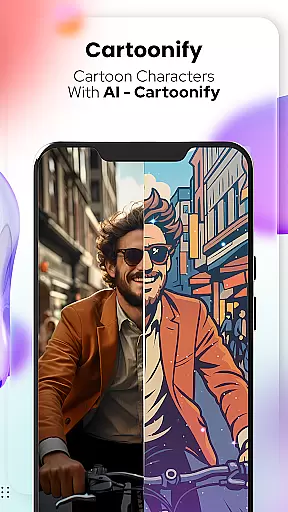
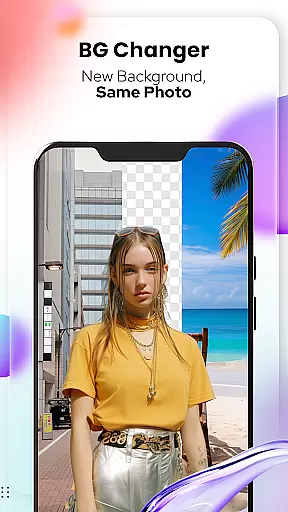
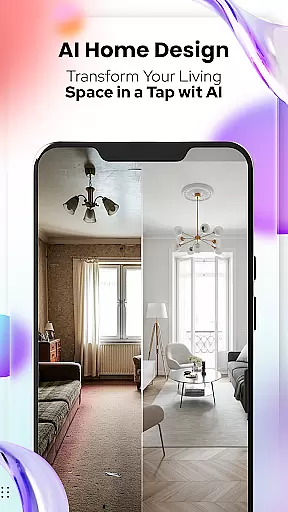
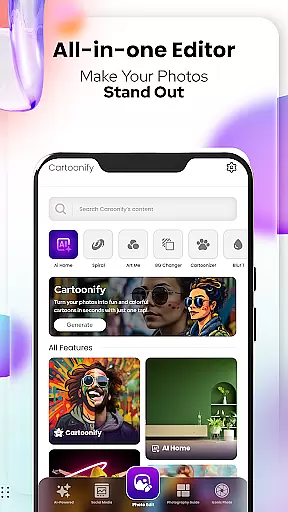
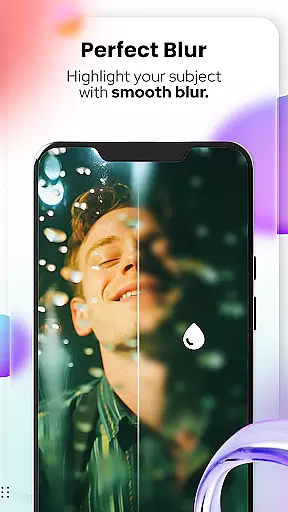
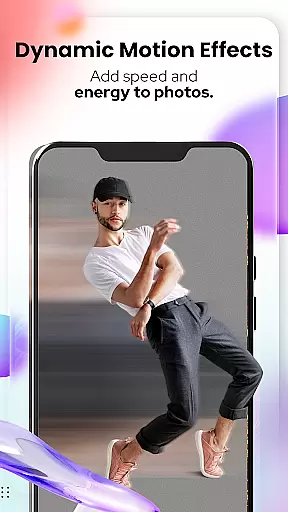
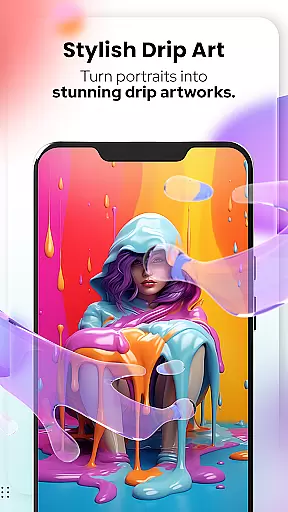
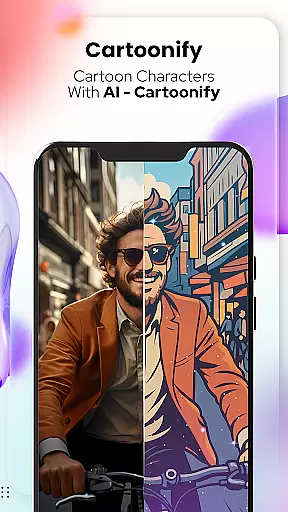
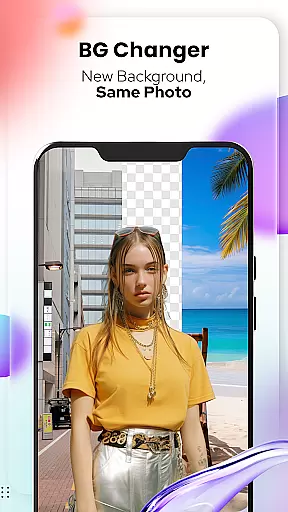
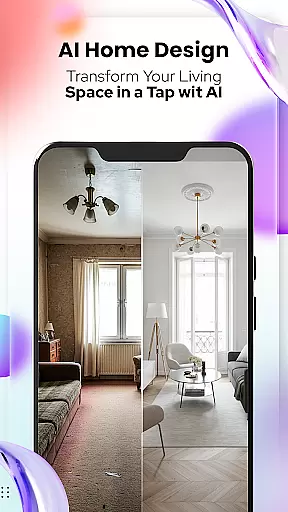
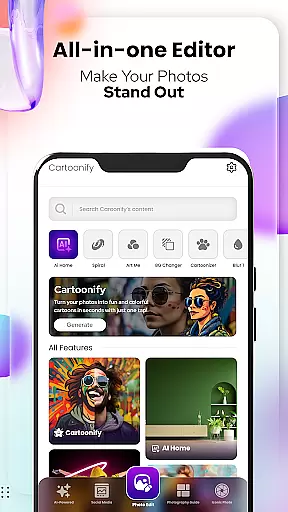
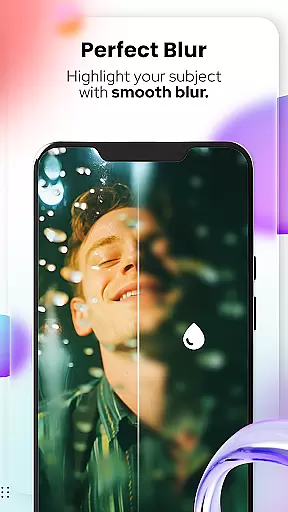
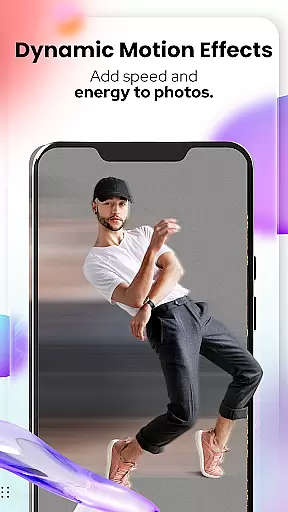
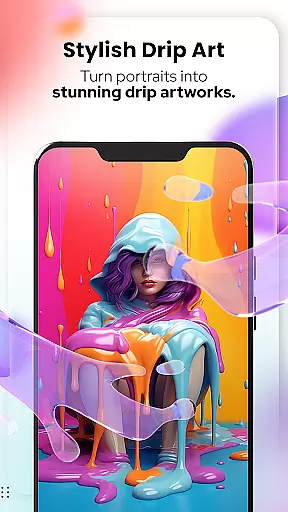
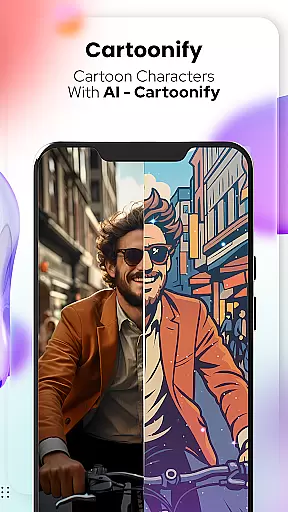
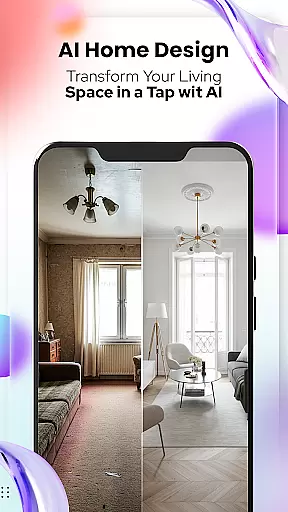
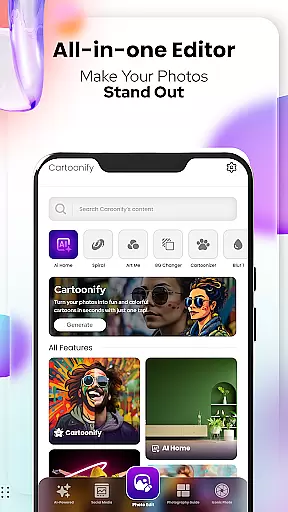
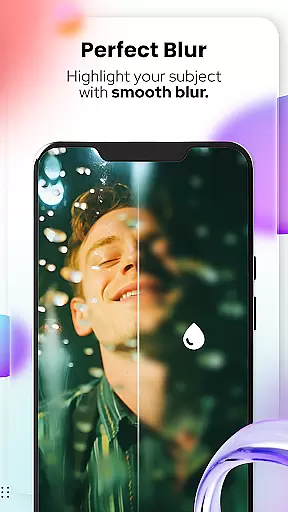
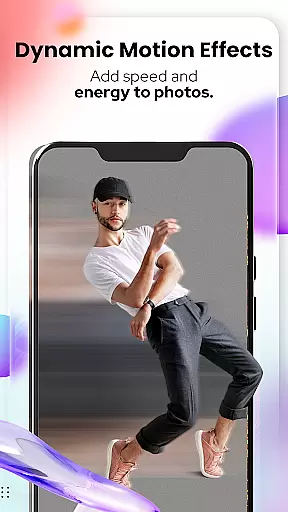
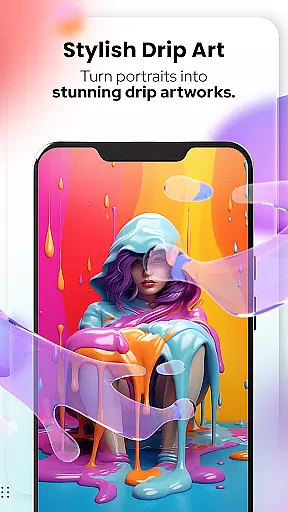
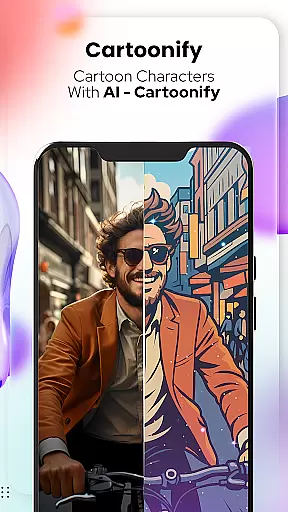
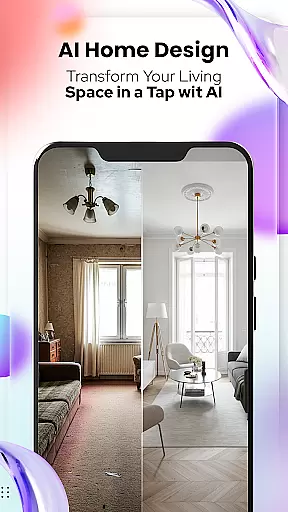
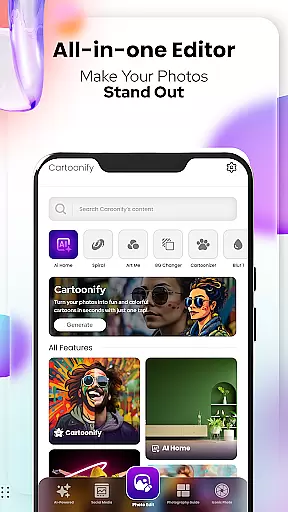
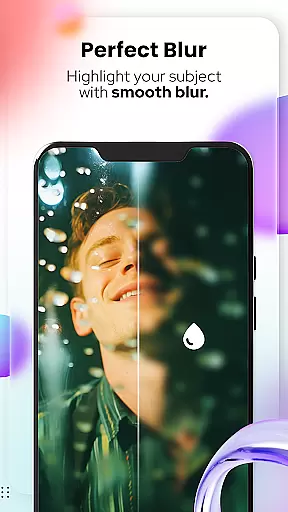
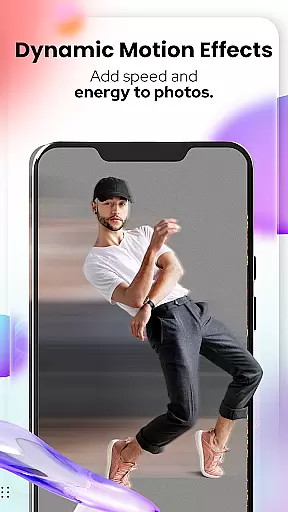
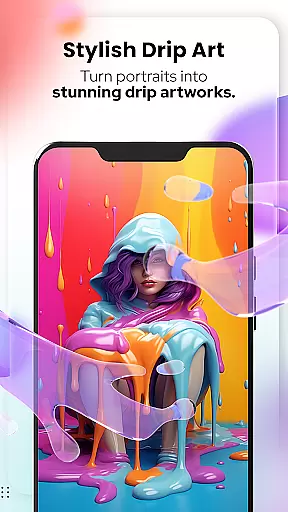
Cartoon Photo Editor - Toon Art is a creative photo editing application designed for art enthusiasts and casual users alike. This app allows you to transform ordinary photos into stunning cartoon-style artworks with just a few taps. The core feature, Cartoonify, converts any image into a fun cartoon portrait, perfect for social media profile pictures or simply for entertainment. Additionally, the app offers professional-grade artistic filters through the Art Me feature, giving your portraits a unique touch. Whether you're looking to cartoonize your pet's photo or create hand-drawn sketches from your images, this app provides all the tools you need in one place.
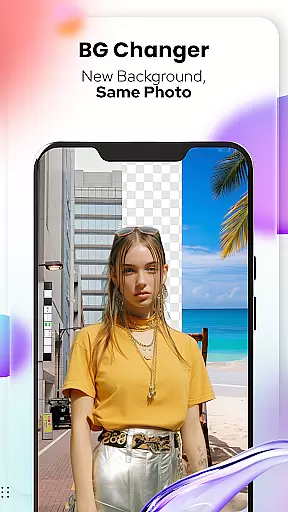
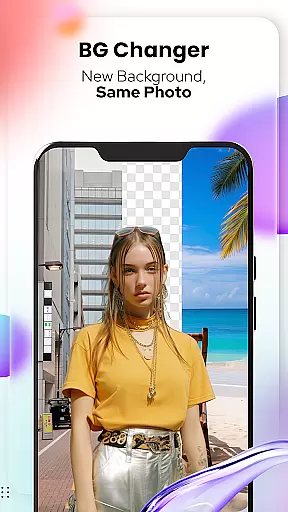
The app also includes advanced photo editing features such as Background Changer, Blur & Motion Effects, Spiral & Drip Effects, and more. These functionalities allow users to customize their creations further, making each piece truly unique. With its user-friendly interface and powerful editing capabilities, Cartoon Photo Editor - Toon Art is an ideal choice for anyone who wants to explore their artistic side without needing professional drawing skills.
Cartoon Photo Editor - Toon Art stands out with its diverse range of creative features tailored for both casual and serious art projects. The Cartoonify feature uses advanced algorithms to automatically convert uploaded photos into cartoon-style images within seconds. This functionality is complemented by the Art Me feature, which offers a selection of breathtaking artistic filters that can turn any portrait into a masterpiece. For pet lovers, the Pet Cartoonizer adds a charming pastel effect to animal photos, creating delightful caricatures of your furry friends.
Beyond basic cartoonization, the app provides robust photo editing tools. Users can remove or replace backgrounds using the Background Changer, apply dynamic effects like Blur & Motion, or experiment with creative options such as Spiral & Drip Effects. Additional features include Mosaic, Splash & Brush tools, Crop & Adjust functions, and Text overlays. Each tool is designed to enhance the creative process while maintaining ease of use, ensuring that even beginners can achieve professional-looking results. These comprehensive features make Cartoon Photo Editor - Toon Art a versatile choice for digital artists and hobbyists alike.
In the realm of digital artistry, having a comprehensive suite of creative tools is essential for unleashing one's full artistic potential. Cartoon Photo Editoruff0dToon Art offers an extensive array of features that cater to both amateur doodlers and professional artists alike.
From the Cartoonify feature that ingeniously transforms any image into a delightful cartoon, to the Art Me option which bestows a choice of stunning art styles upon your portraits, this app ensures every creative whim is accounted for. The inclusion of specialized tools such as Pet Cartoonizer and Sketching further amplifies its creative arsenal, providing unique effects that extend artistic possibilities beyond conventional photo editing.
Moreover, with NEW! Photo Edit Tools, users are equipped with powerful instruments like Background Remover/Changer, Blur & Motion Effects, Spiral & Drip Effects, and more. This complete collection empowers creators to experiment with confidence, knowing they have at their disposal everything needed to manifest their envisioned masterpieces.
A canvas in the digital world is akin to a painter's blank slate, where ideas take shape and creativity knows no bounds. Canvas and format flexibility within an application can significantly enhance user experience by allowing adaptability to various project requirements.
Cartoon Photo Editoruff0dToon Art embraces this concept wholeheartedly, offering users the ability to manipulate their workspaces with ease. Whether it's adjusting dimensions or applying different formats suitable for diverse platforms, from social media avatars to large-scale prints, the app accommodates them all.
Furthermore, features such as Crop, Adjust & Overlay provide granular control over composition and layout, ensuring that each piece conforms precisely to the creatoru2019s specifications. Such versatility not only streamlines workflow but also encourages artistic exploration without constraints imposed by rigid formatting limitations.
User-friendly interface
Wide range of artistic filters
Advanced background editing
Pet-specific cartoon effects
Comprehensive photo editing suite
Some features may require premium access
Occasional processing delays
Limited free filter options
Advertisements in free version
Steep learning curve for beginners

Art of Combination Wear OS Watch faces (for Wear OS 5+ devices)
 3.00
3.00
Create trending AI photos & videos with powerful effects and 3D styles.
3.20
Art of Combination Wear OS Watch faces
4.0
Digital Drawing: Draw & Paint
4.10
Digital illustration drawing & painting pad app to paint Anime and Manga art
4.50
AI Assistant, powered by ChatGPT GPT-4 & GPT-4o. Your intelligent companion.
3.50
Get creative and make art with your Sesame Friends!
4.00
Retouch photos. Create or edit images. Endless capabilities.
2.70
How to draw anime step by step for beginner easily by AR drawing sketch & paint.
3.60
Mobile pixel art editor. Simple. Fast. Portable.
4.80
The ultimate tool for creating animations
4.60
Draw beautiful mandala's very easily
4.60
Trace, draw, and create art with AR - from memes to masterpieces!
4.30
Create Logos, Tattoos, AI Art & more with our AI Photo Generator & Design Editor
4.20
Sketch and paint on your device with the feel and freedom of drawing on paper
4.00
Art of Combination Wear OS Watch faces (for Wear OS 5+ devices)
3.90
Paint with oils and sketch with natural tools on a realistic virtual canvas.
3.80
Your homescreen as an elegant glass with customized blur, lighting, and visuals.
3.70
Vidu is an AI video generator made for creators and aspiring makers.
3.30


User Reviews