
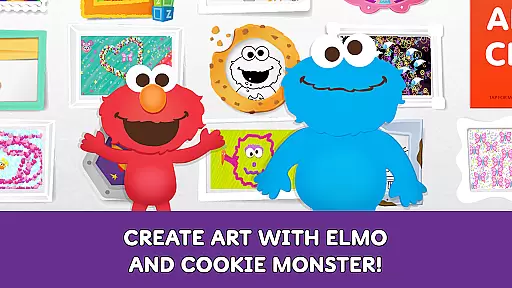
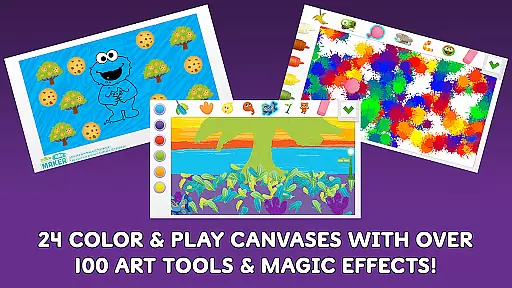
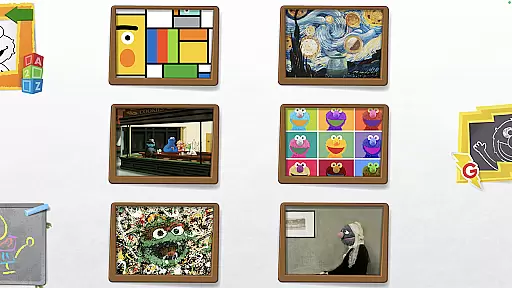
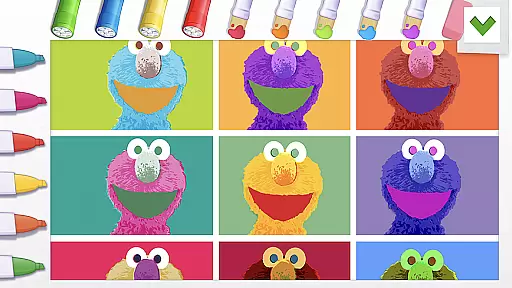
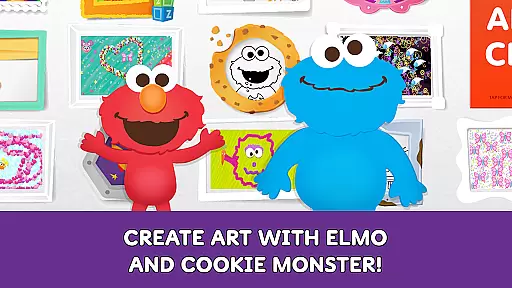
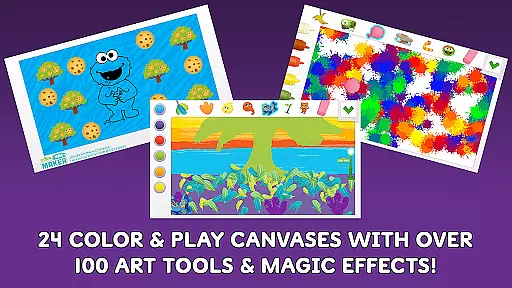
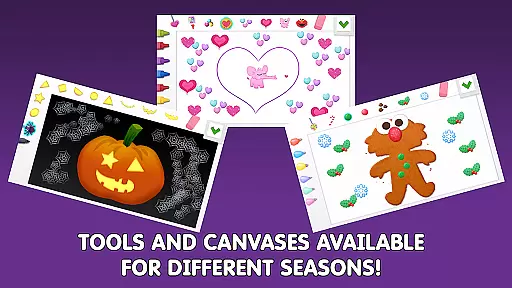
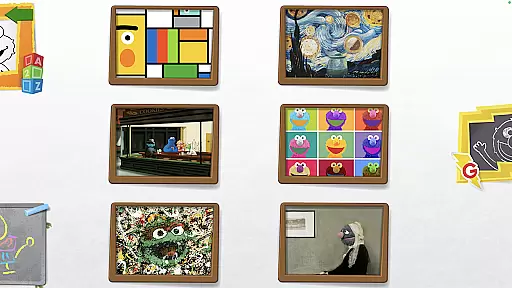
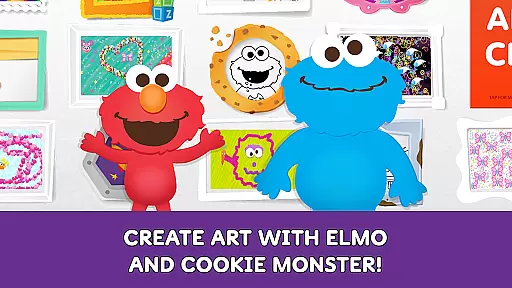
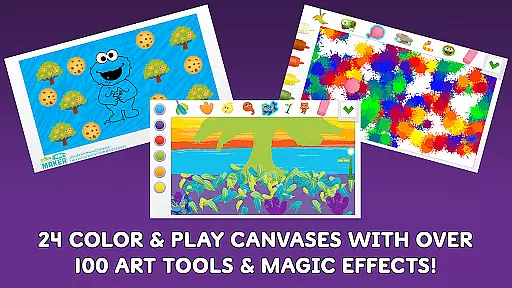
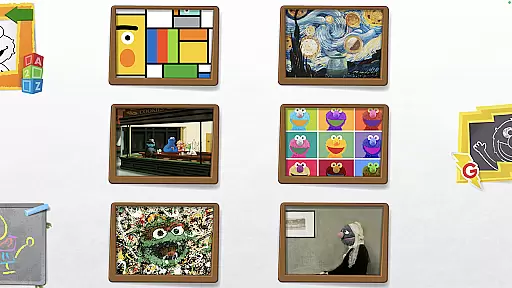
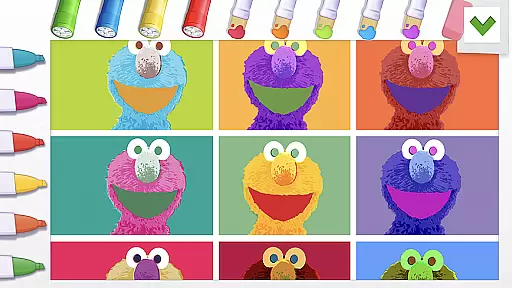
Sesame Street Art Maker is an innovative creativity app designed to inspire young artists through interactive digital experiences. The app offers a rich selection of 24 unique canvases featuring beloved Sesame Street characters, providing children with diverse starting points for their artistic explorations.
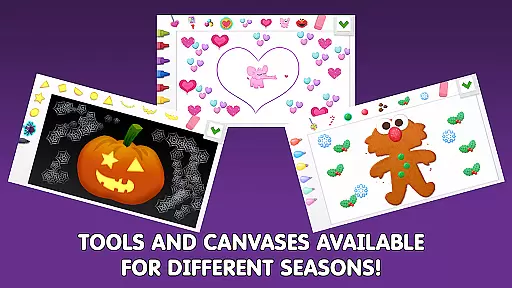
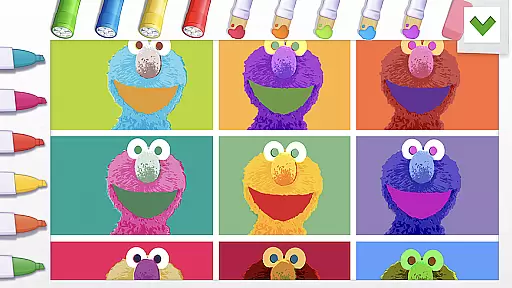
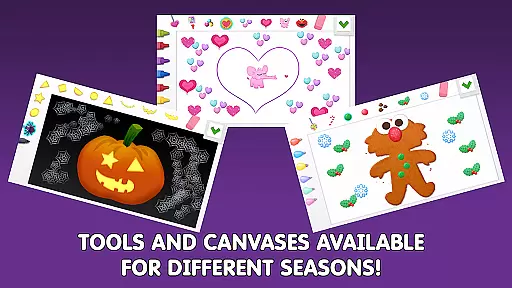
With over 100 realistic art tools including finger paints, fur textures, and Abby's magic wand, the app enables endless creative possibilities. Seasonal canvas updates keep the content fresh throughout the year, while additional Expansion Kits offer themed options for extended play. The inclusion of animated character stickers and personalized photo decoration features creates an engaging environment where children can develop their artistic skills while having fun.
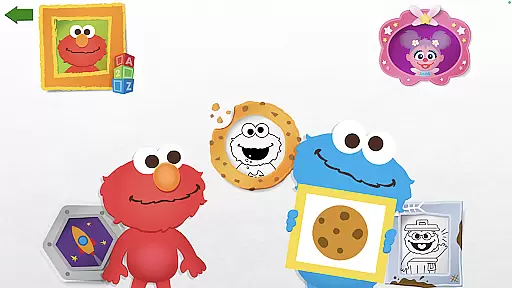
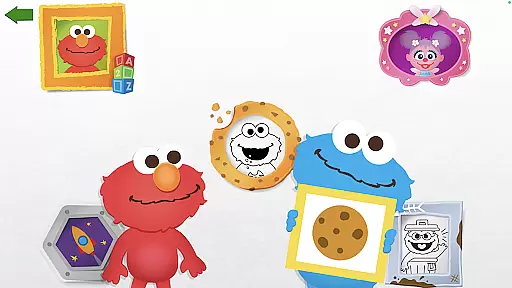
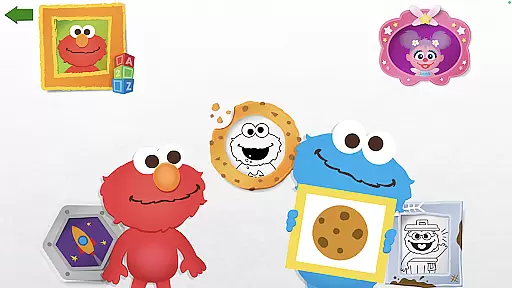
The app's standout feature is its comprehensive set of creative tools that mimic real-world art materials. From traditional finger paints to magical digital effects, each tool responds authentically to touch interactions. The integration of beloved Sesame Street characters like Elmo and Cookie Monster adds an educational dimension, as they provide encouraging feedback on children's artwork.
Unique functionalities include customizable photo canvases with silly stickers for facial decoration, and coloring pages featuring familiar Sesame Street scenes. The app's seasonal content rotation and regular updates ensure sustained engagement, while the Art Maker Challenge promotes social sharing and community building among young artists.
These features work together to create an immersive artistic experience that not only entertains but also helps develop children's creativity and fine motor skills in alignment with Sesame Workshop's educational mission.
In the realm of digital creativity, having a comprehensive set of tools is paramount. Sesame Street Art Maker offers over 100 unique art tools that cater to various artistic needs and preferences. These range from traditional finger paints to fantastical elements like Abbyu2019s magic wand, providing an extensive palette for young artists.
The app doesn't stop at just painting; it incorporates diverse canvases inspired by beloved Sesame Street characters. This variety ensures that children can explore different styles and techniques, enhancing their creative skills while keeping them engaged with familiar faces.
Moreover, the inclusion of animated stickers and coloring pages adds another layer of interaction. Users can bring their artwork to life with talking character stickers or practice precision with themed coloring pages. Such features not only enrich the creative process but also make learning fun and dynamic.
A flexible canvas is essential for unleashing creativity without constraints. Sesame Street Art Maker provides 24 unique canvases that change with the seasons, ensuring fresh inspiration year-round. This adaptability allows young artists to experiment with new themes and ideas as they grow.
Beyond static images, the app includes a photo canvas feature where users can decorate their own faces with silly stickers. This interactive element bridges the gap between personal identity and imaginative play, fostering both self-expression and creativity.
For those seeking even more variety, Expansion Kits offer additional themed options. These kits allow for further customization and exploration, catering to specific interests or occasions. With such versatile formatting options, Sesame Street Art Maker ensures every child finds a canvas that resonates with their artistic vision.
User-friendly interface
Extensive art tools
Regular content updates
Educational value
Beloved characters
In-app purchases
Expansion kit costs
Young age range
Limited advanced tools
Device compatibility

Download now for a stylish and functional timepiece
 4.4
4.4
Pose and morph realistic male and female models! 3D poser app
3.00
Customizable Outlined Fonts. Watch Face Format. Battery friendly Digital Clock.
4.20
Image/ Text to Video Generator
4.40
Paint with oils and sketch with natural tools on a realistic virtual canvas.
3.80
Photo blender app to create overlay photos & double exposure.
4.40
Art of Combination Wear OS Watch faces
4.5
Turn your drawings into flipbook-style animations with simple creative tools
4.60
Multiplayer Drawing game, Coloring, Painting・Sketch, Handwriting・Paint, draw
4.30
Logo Generator powered by AI: Create stunning logos effortlessly!
4.70
Minecraft & Roblox Clothes
4.70
2D animation studio for Android tablets - unlimited layers, infinite timeline
4.70
Digital illustration drawing & painting pad app to paint Anime and Manga art
4.50
Painting, drawing, & sketching
4.50
Easy 3D drawing design maker & creator. Model designing, Sculpting. Create&paint
4.00
Art of Combination Wear OS Watch faces (for Wear OS 5+ devices)
3.90
Vidu is an AI video generator made for creators and aspiring makers.
3.30
Sketch, trace and master AR drawing with awesome anime art!
3.30
Create stunning video, photo & magic from text with FlixAI GPT video generator.
3.10


User Reviews