

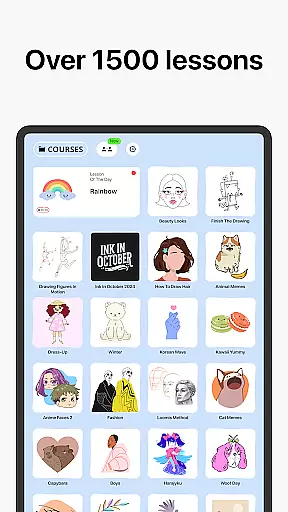
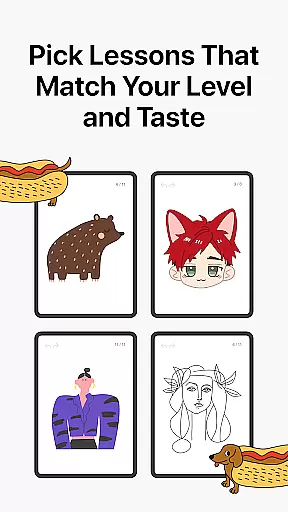
Learn how to draw is an innovative drawing and painting trainer app that combines art education with gamification, making it suitable for all ages. The app features over 1000 step-by-step tutorials that guide users through various artistic techniques while offering a unique multiplayer mode for collaborative drawing experiences.
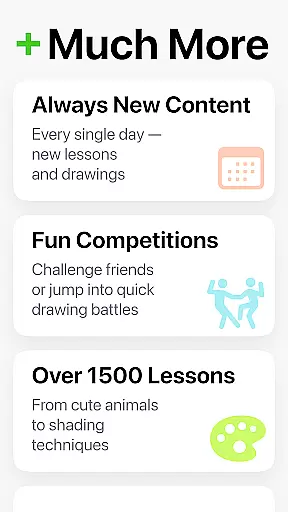
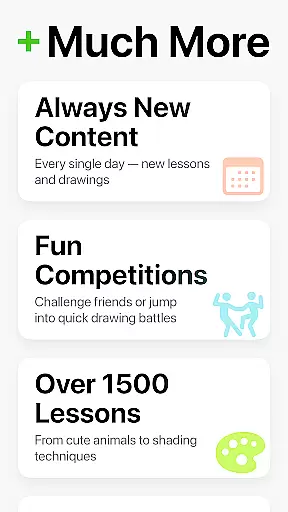
Designed for both beginners and experienced artists, the app provides dynamic tutorials broken into simple steps, a scoring system to track progress, and interactive courses covering multiple art forms. With weekly new lessons and cultural events, users can continuously expand their skills while enjoying a stress-free creative process.
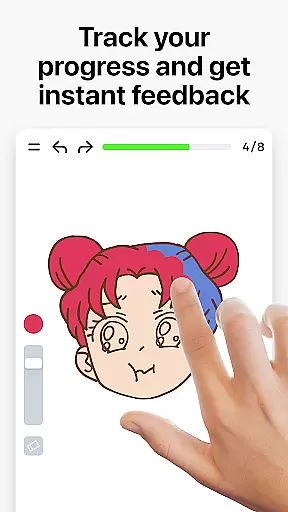
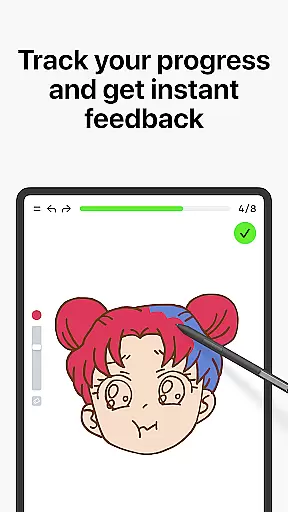
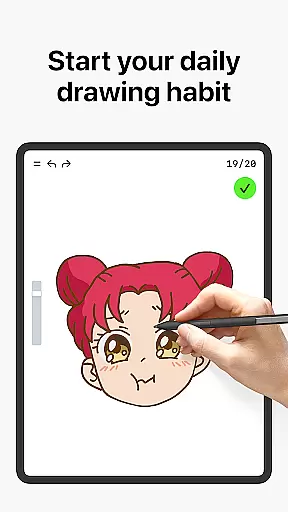
The app stands out by analyzing users' accuracy and stroke quality, offering meaningful feedback beyond basic drawing functions. This feature-rich platform creates an engaging environment where users can develop their artistic abilities in a fun and measurable way.
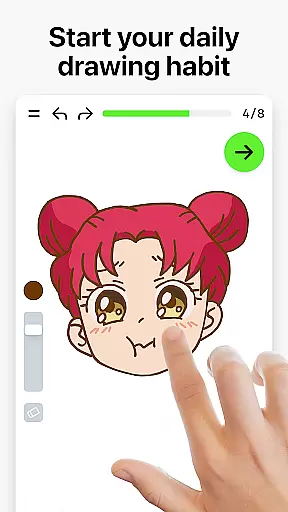
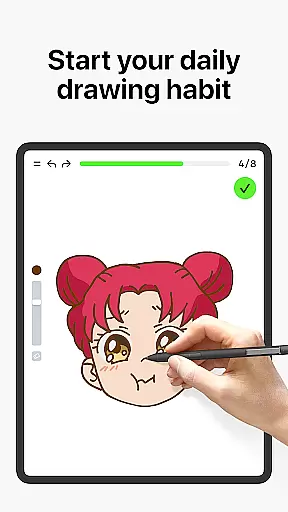
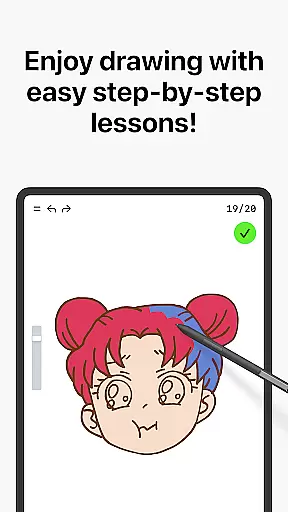
Learn how to draw offers a comprehensive suite of features designed to enhance the user's artistic journey. One standout aspect is its Dynamic Tutorials, which break down over 1000 lessons into manageable steps, allowing users to trace, paint, and master techniques at their own pace.
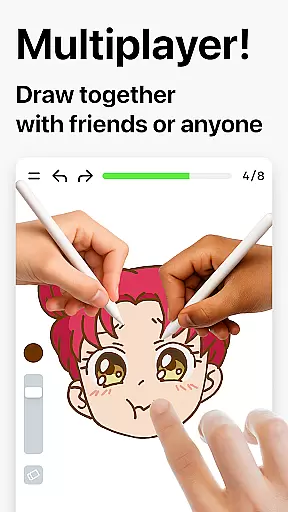
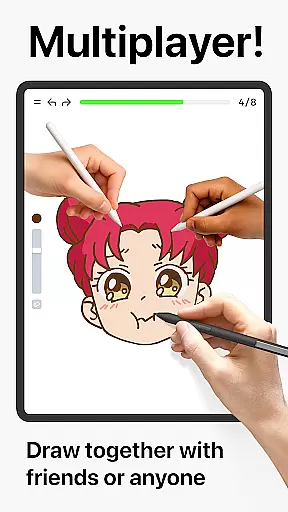
A key innovation is the Multiplayer Mode, enabling real-time collaboration with friends or other users globally. This fosters a sense of community as users engage in friendly challenges or co-learning sessions. Additionally, the app includes a scoring system that evaluates accuracy and stroke quality, providing clear metrics for improvement.
Interactive courses cover diverse topics like doodling, sketching, and painting, while weekly updates ensure fresh content. By blending theory with hands-on practice, Learn how to draw ensures steady skill development in an enjoyable, game-like environment.
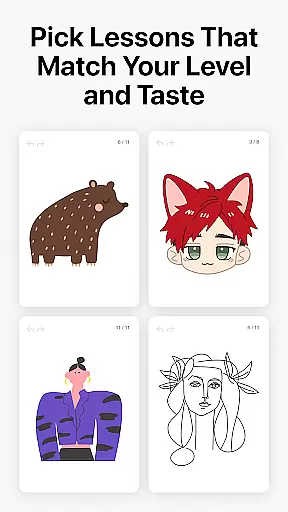
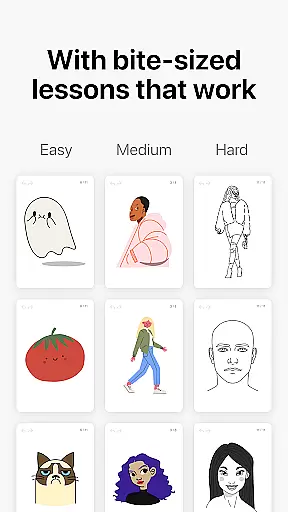
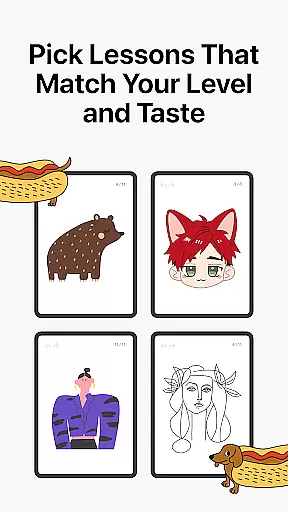
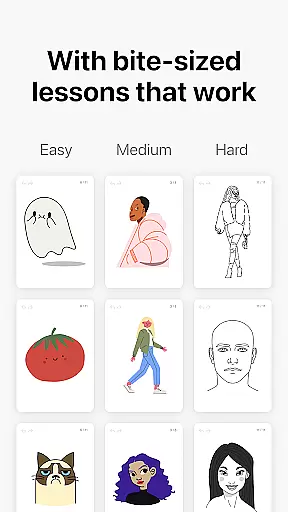
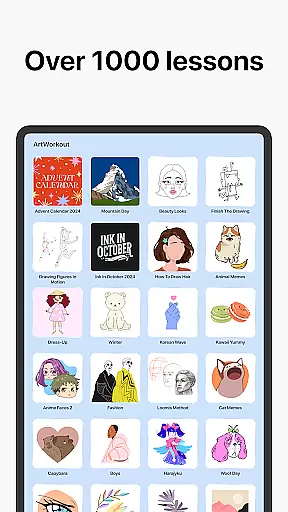
In the realm of digital art, having access to comprehensive creative tools is essential for unleashing one's artistic potential. ArtWorkout stands out by offering over 1000 step-by-step learn-to-draw tutorials, ensuring that whether you're a beginner or an experienced artist, there's something tailored for your skill level.
The app includes dynamic tutorials that break down each lesson into 10-30 simple steps, allowing users to master various techniques at their own pace. This structured approach not only teaches drawing but also covers sketching, painting, and even handwriting, providing a holistic art education experience.
Moreover, ArtWorkout introduces a unique multiplayer mode where users can draw and trace together with friends or other artists in real time. This collaborative space fosters a sense of community and friendly competition, enhancing the overall creative journey.
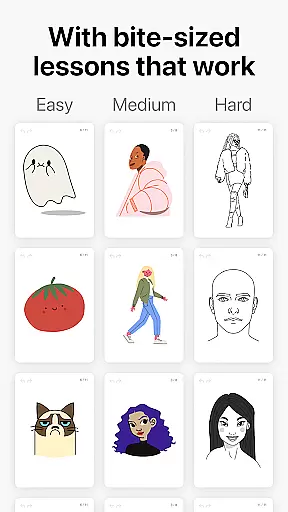
A versatile canvas is crucial for artists who wish to explore different formats and styles without limitations. ArtWorkout addresses this need by integrating features such as stress-free, easy-to-learn bite-size lessons that cater to individual preferences and artistic goals.
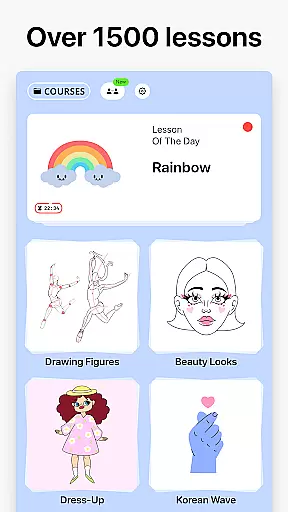
Users can choose from a wide array of interactive courses covering themes like doodling, sketching, drawing, painting, and more. The app ensures flexibility by regularly updating its content library; every week, new lessons are released, often inspired by global cultures and time-limited holiday events.
Furthermore, ArtWorkout goes beyond traditional line tracing with innovative skill trainers that provide immediate feedback on stroke accuracy and quality. This feature empowers users to refine their techniques while enjoying the freedom to experiment with diverse artistic expressions within a game-like environment.
User-friendly interface
Extensive tutorial library
Real-time multiplayer
Detailed progress tracking
Suitable for all skill levels
Limited advanced tools
Occasional bugs reported
In-app purchases required
Internet connection needed
Steep learning curve

Floor Plan Creator lets you create, edit and share floor plans.
 4.00
4.00
Create stylish invitation cards using templates for weddings, birthdays & RSVP.
4.20
See Color, Paint Color
4.90
Image resizer to resize, crop, rotate, flip, change dpi photo or picture in bulk
4.60
Art of Combination Wear OS Watch Faces
3.30
Bring One UI 8.5 Icons to life -elegant dark icons with a modern, premium touch.
4.30
Retouch photos. Create or edit images. Endless capabilities.
2.70
Video AI: Revolutionize Your Content Creation with Advanced Video Generation
4.50
AI Tattoo Generator: Create Tattoo Designs & Get Ideas! Ink & Stencil Maker
4.50
Convert image to JPG PNG HEIC PDF, support almost all kinds of image formats
4.70
Draw on screen: FP sDraw is a simple and lightweight drawing app
4.70
Minecraft & Roblox Clothes
4.70
Discover Cartoon Dream : Unleash Your Creativity with CuttingEdge AI
4.50
Digital illustration drawing & painting pad app to paint Anime and Manga art
4.50
Customizable Outlined Fonts. Watch Face Format. Battery friendly Digital Clock.
4.20
Custom Character Creator & PFP Maker!
4.20
AR Anime Drawing: How to draw anime with AR drawing & sketching apps!
4.00
AI Assistant, powered by ChatGPT GPT-4 & GPT-4o. Your intelligent companion.
3.50
Android 14 style widgets and wallpapers app.
4.4


User Reviews