
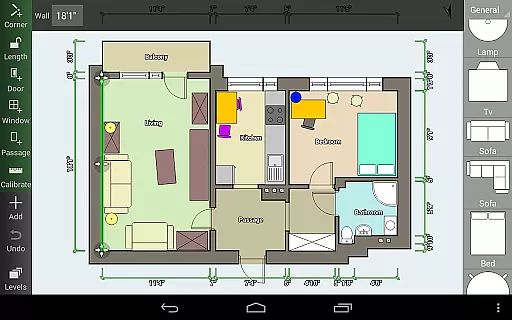
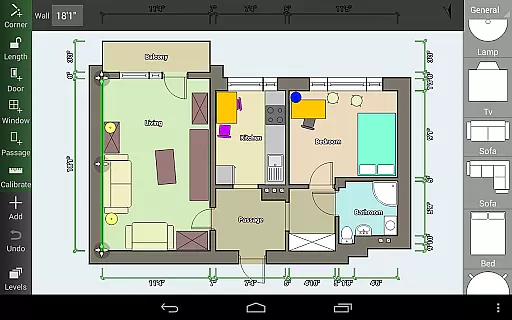
Floor Plan Creator is a comprehensive design tool that allows users to create detailed and precise floor plans with ease. The app supports multiple floors per project, automatic calculations for room dimensions, and includes a rich library of symbols for doors, windows, and furniture. Its intuitive interface works seamlessly with S-Pen and mouse input, making it versatile for both mobile devices and computers.
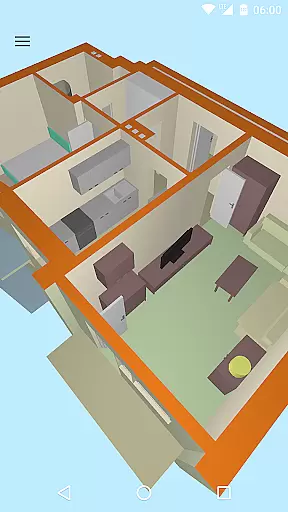
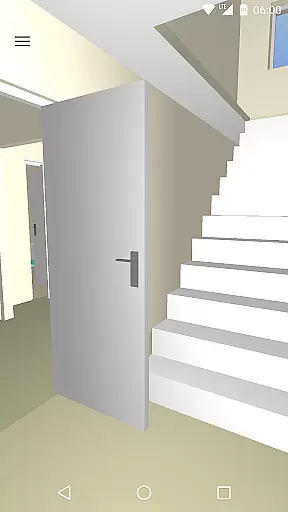
One standout feature is the 3D tour mode, which lets users visualize their designs in three dimensions. Additionally, the app offers cloud synchronization for automatic backups and easy sharing across devices. Whether you're designing your dream home or planning interior spaces, Floor Plan Creator provides all the necessary tools to bring your ideas to life while ensuring precision and flexibility.
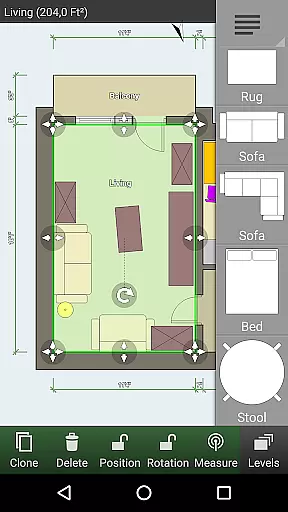
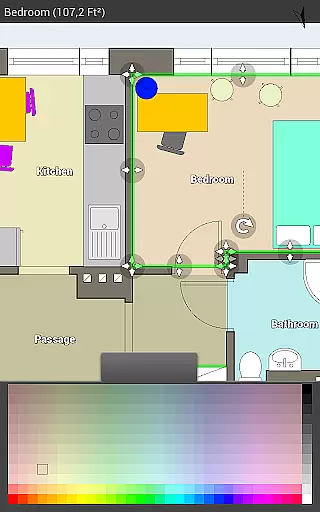
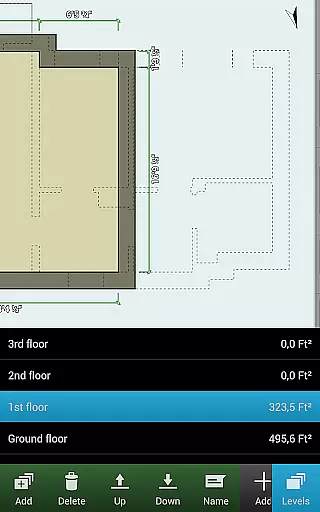
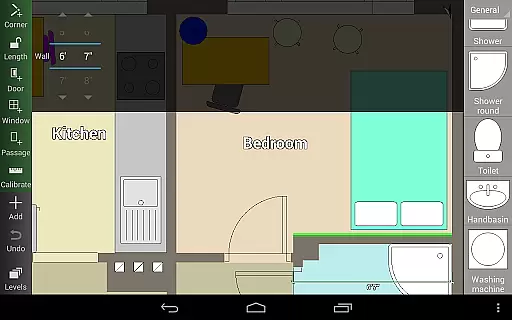
Floor Plan Creator stands out with its robust set of features tailored for both amateur designers and professionals. Users can create projects with multiple floors, each accommodating rooms of various shapes—though limited to straight walls. The app automatically calculates essential metrics such as room area, wall dimensions, level area, perimeter, and counts of symbols, streamlining the design process.
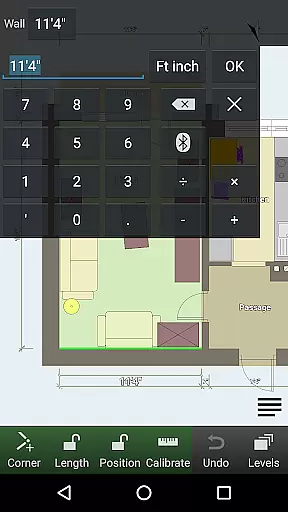
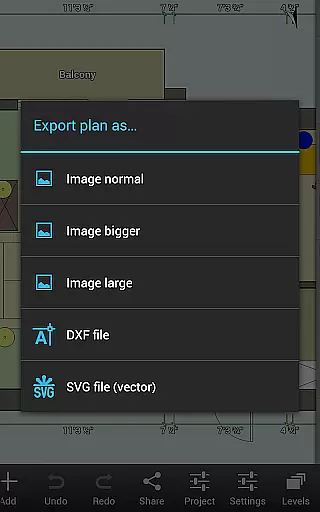
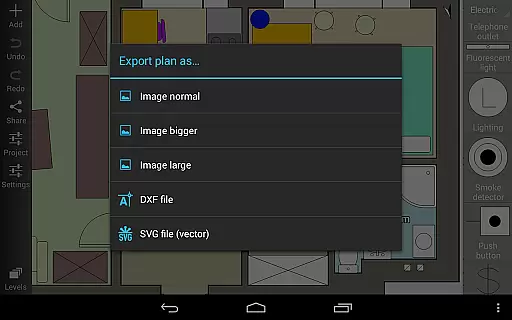
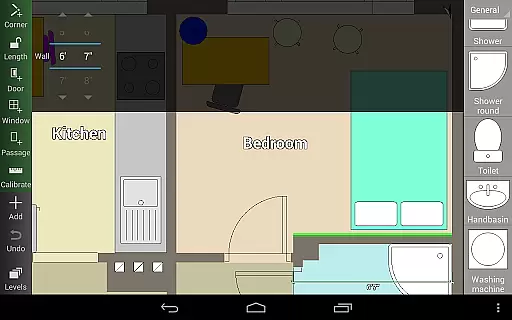
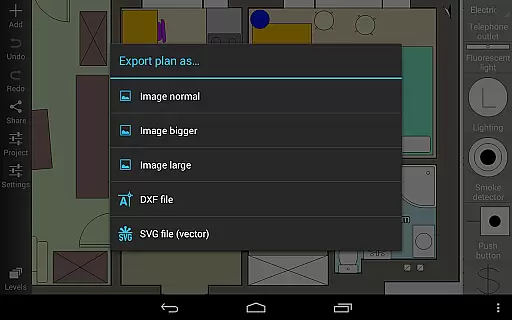
The integrated symbol library includes a wide range of elements like doors, windows, furniture, electrical components, and fire survey markers. Custom dimension lines allow users to modify distances and sizes easily. Advanced functionalities include exporting options (image, PDF, DXF, SVG), support for metric and imperial units, and compatibility with several Bluetooth laser meters from brands like Bosch, Leica, and Hilti. These features collectively enhance productivity and accuracy in creating professional-grade floor plans.
Floor Plan Creator offers a comprehensive suite of creative tools that cater to both amateur and professional designers. The app includes an extensive symbol library featuring doors, windows, furniture, electrical components, and fire survey elements.
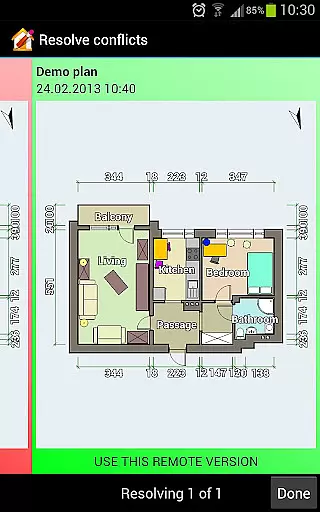
Users can create detailed and precise floor plans with multiple floors and rooms of any shape, although only straight walls are supported. The inclusion of user-defined dimension lines allows for the modification and display of distances and sizes, providing precision in design.
The automatic calculation of room, wall, and level area, along with perimeter measurements and symbol counts, ensures that users have all necessary data at their fingertips. This functionality supports both metric and imperial units, catering to an international audience.
Flexibility is a key feature of Floor Plan Creator, allowing users to adapt their canvas to various formats and needs. The app supports exporting projects as images, PDFs, DXFs, and SVGs, which is particularly useful for professionals who require different file types for various purposes.
For those needing to print their designs to scale, this feature is available as part of the paid options. Additionally, cloud synchronization provides a seamless experience when backing up and sharing plans across devices, enhancing workflow efficiency.
Moreover, users can edit their uploaded plans on the web platform https://floorplancreator.net, ensuring that whether they're on a computer or a mobile device, their work remains accessible and adaptable. This cross-platform compatibility underscores the app's commitment to format flexibility.
User-friendly interface
Comprehensive feature set
Cloud synchronization
Supports multiple formats
3D visualization mode
Limited to straight walls
Paid export features
Advanced tools may overwhelm beginners
Bluetooth device dependency
Occasional sync issues

Create stylish invitation cards using templates for weddings, birthdays & RSVP.
 4.20
4.20
Create neon drawing with magic doodle and fun doodle art effects!
4.50
Paint with oils and sketch with natural tools on a realistic virtual canvas.
3.80
See Color, Paint Color
4.90
Create stunning art with AI.
4.80
Turn your drawings into flipbook-style animations with simple creative tools
4.60
Beauty Camera - Selfie Camera is the ultimate beauty camera and selfie app
4.30
Kling AI is an image and video generation and editing studio powered by AI.
4.50
Turning simple sketches into captivating tales filled with life and motion
3.90
Novices can also easily complete diamond painting masters
4.70
Draw glowing spinners, relax, and spin your creative art
4.60
Video AI: Revolutionize Your Content Creation with Advanced Video Generation
4.50
Photo blender app to create overlay photos & double exposure.
4.40
Just trace a projected picture on paper and color! Draw & Paint with AR drawing
4.40
800+ Drawing, Painting Lessons App to Practice, Sketch & Paint Art.
4.30
OneUI 8.5 icons ✨ Smooth, modern & based on the latest Play Store design ??
4.10
AR Anime Drawing: How to draw anime with AR drawing & sketching apps!
4.00
Powerful home decoration & house design that allows you to design dream home.
3.80
AI Art Generator transforms your words into AI generated art & paintings.
3.70


User Reviews