
Vidu is an AI video generator made for creators and aspiring makers.
 3.30
3.30
The ultimate tool for creating animations
4.60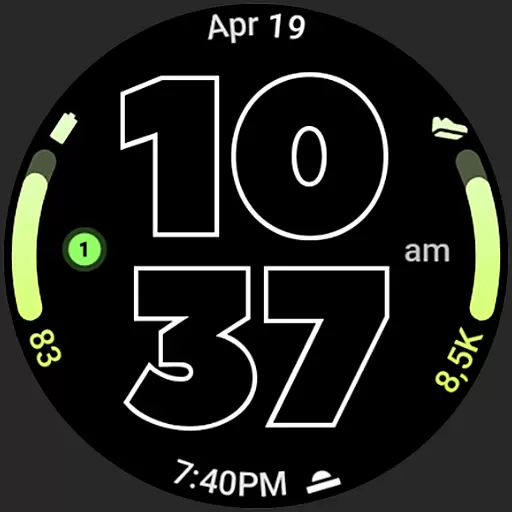
Customizable Outlined Fonts. Watch Face Format. Battery friendly Digital Clock.
4.20
Unleash your drawing and painting potential
4.50
Draw on screen: FP sDraw is a simple and lightweight drawing app
4.70
Your Essential Color Theory Guide: Red, Yellow, Blue (RYB)
4.1
Turn your drawings into flipbook-style animations with simple creative tools
4.60
Android 14 style widgets and wallpapers app.
4.0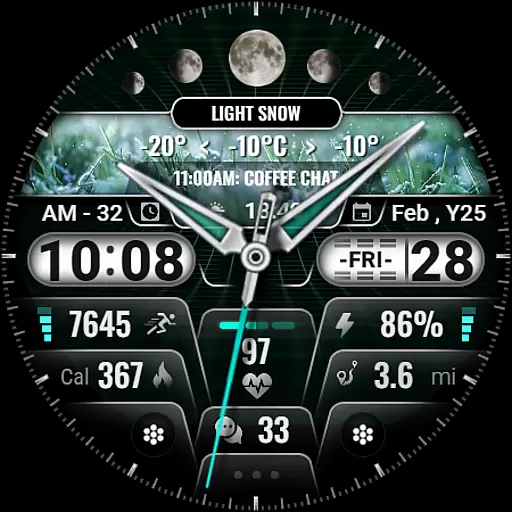
Art of Combination Wear OS Watch faces (for Wear OS 5+ devices)
3.90
Create stunning art with AI.
4.80
Mobile pixel art editor. Simple. Fast. Portable.
4.80
Novices can also easily complete diamond painting masters
4.70
Your AI soulmate — meaningful chats, and unique emotional moments
4.70
Image/ Text to Video Generator
4.40
Create and Design Custom Logos in Seconds with AI-Powered Tools!
4.40
Trace, draw, and create art with AR - from memes to masterpieces!
4.30
Remove Background, Magic Eraser, Photo Enhancer, Story Templates, Collage Maker
4.30
OneUI 8.5 icons ✨ Smooth, modern & based on the latest Play Store design ??
4.10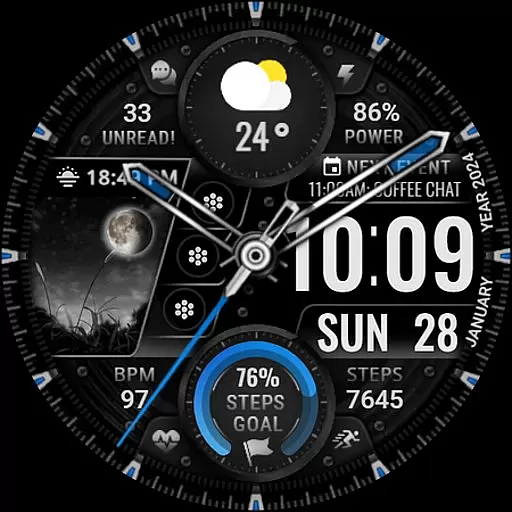
Art of Combination Wear OS Watch Faces
3.30


