
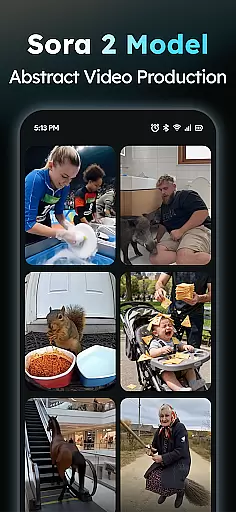
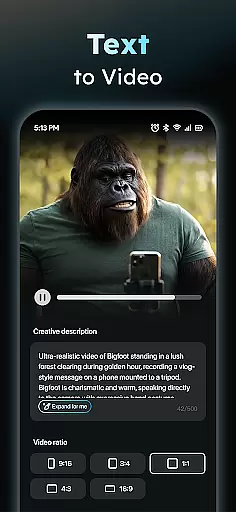
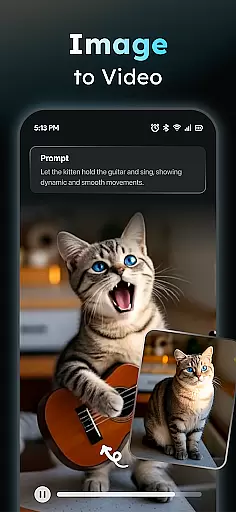
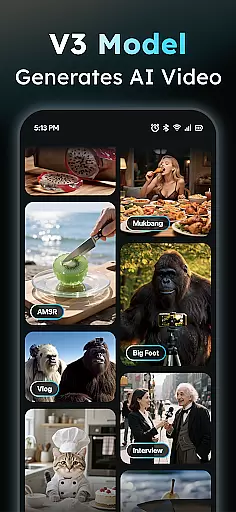
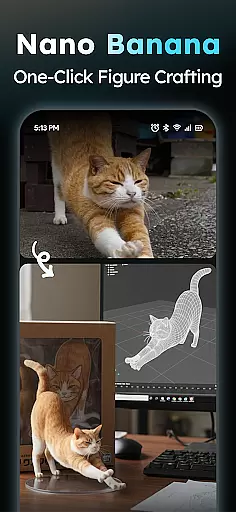
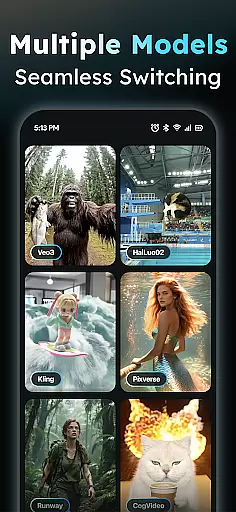
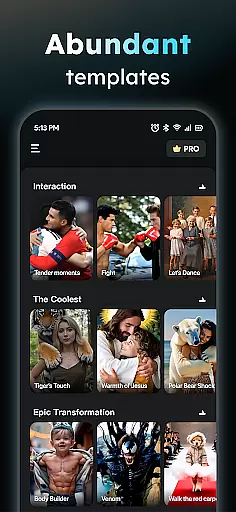
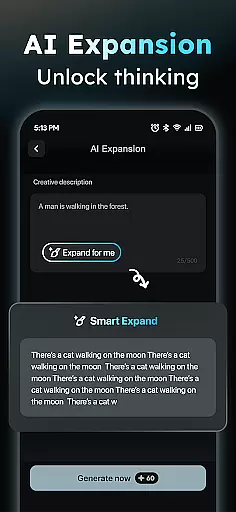
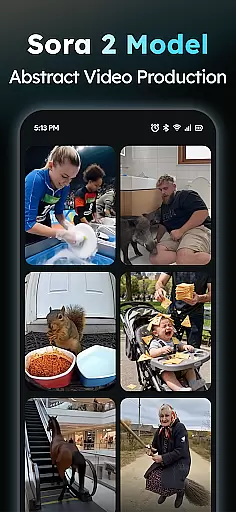
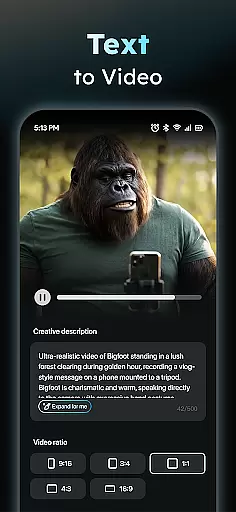
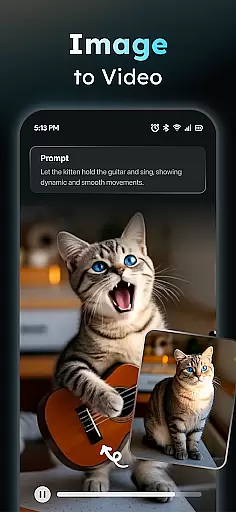
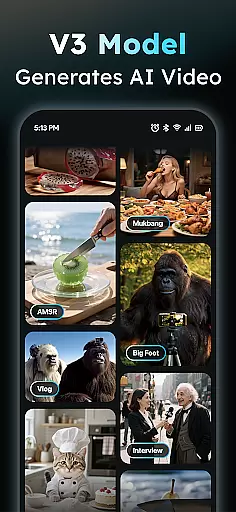
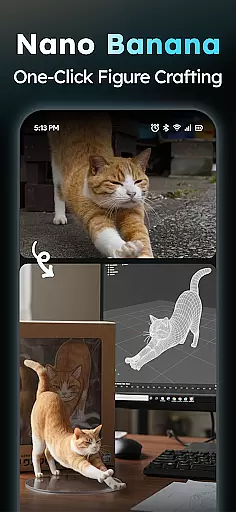
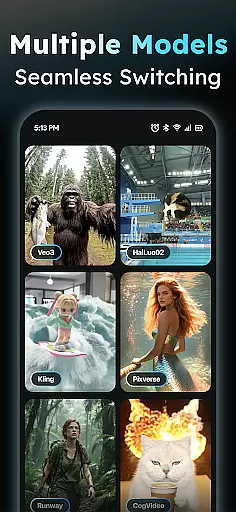
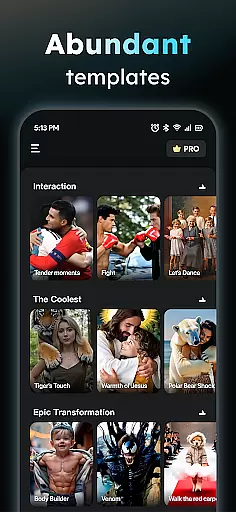
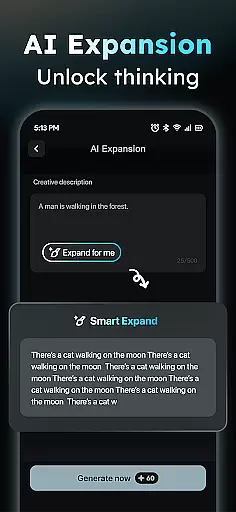
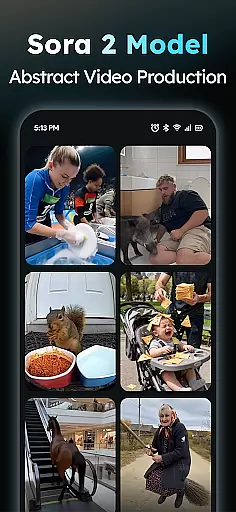
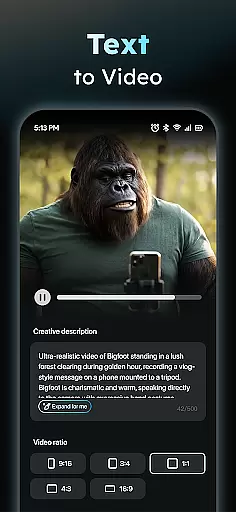
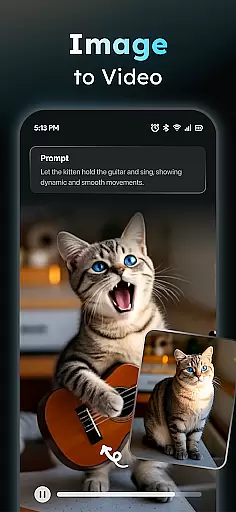
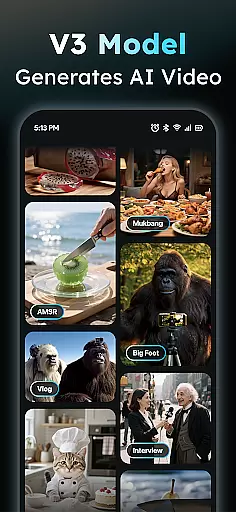
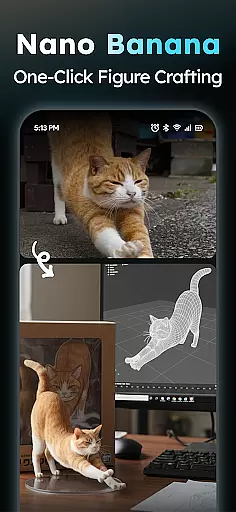
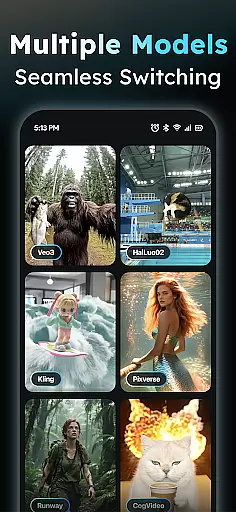
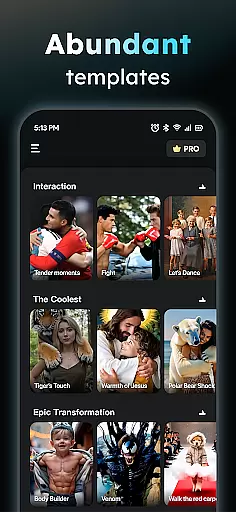
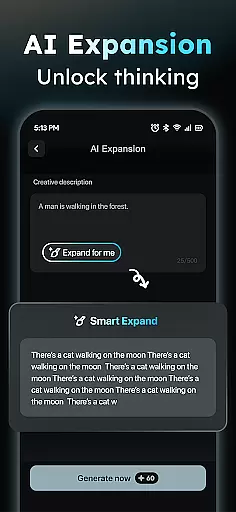
AIreel is an advanced AI-powered video creation tool designed for the Art & Design category, enabling users to produce professional-quality viral videos effortlessly. The application integrates state-of-the-art AI models such as Veo 3, Hailluo, and Runway to power its dual engines for both Text-to-Video and Image-to-Video generation. Whether you're a beginner or a seasoned creator, AIreel allows you to generate cinematic content with zero prior experience.
One of the standout features of AIreel is its ability to transform simple text prompts into fully-realized short videos complete with auto-generated scenes and music. Additionally, it supports converting static images into dynamic videos, catering to various formats including real-person, anime, and pet subjects. With daily updates to its Social Template Hub, users can access trending TikTok, Reels, and Shorts templates, ensuring their content remains fresh and engaging.
AIreel is particularly useful for social media marketers, content creators, and designers who need to produce high-quality video content quickly and efficiently. By offering faster rendering speeds than mainstream tools and supporting multiple aspect ratios, AIreel ensures your videos are optimized for all platforms, from Instagram to YouTube.
AIreel stands out in the Art & Design category due to its innovative integration of cutting-edge AI technologies. The app's AI Video Generator allows users to input any text and automatically generates a viral short video complete with scenes and music. This feature significantly lowers the barrier for video creation, making it accessible even to those without prior experience.
In addition to its text-based capabilities, AIreel offers a Photo to Video AI feature that transforms static JPG or PNG images into moving masterpieces. This functionality supports various subjects, including real-person, anime, and pet images, providing versatility for different creative needs. The Prompt Assistant further enhances user experience by helping turn basic ideas into professional-grade prompts, streamlining the creative process.
Another notable feature is the Social Template Hub, which provides daily updates on trending TikTok, Reels, and Shorts templates. This ensures users have access to the latest design trends and can create content that resonates with current audiences. Furthermore, AIreel's local processing on compatible devices emphasizes privacy, while human moderation allows users to report inappropriate content directly through the app.
In the realm of digital creativity, having a comprehensive suite of tools is paramount. AIReel stands out by integrating advanced AI models such as veo3, hailluo, and runway to power its dual engines for both Text-to-Video and Image-to-Video transformations. This means users have at their disposal an array of options to turn simple inputs into complex visual narratives without needing any prior experience in video production.
The application's feature set includes an AI Video Generator that turns text into cinematic content complete with scenes and music, a Photo to Video AI that animates still images including real-persons, anime characters, or pets, and a Prompt Assistant that simplifies the process of crafting professional-grade prompts. Additionally, the Social Template Hub provides daily updates on trending TikTok, Reels, and Short templates, ensuring that creators always have fresh material to work with.
By offering these robust functionalities, AIReel empowers artists and designers to push the boundaries of their creative expression while maintaining ease of use and accessibility.
Flexibility in canvas size and format options is crucial for adapting creative projects to various platforms and uses. AIReel addresses this need by allowing users to export videos in multiple aspect ratios, including 9:16 for mobile screens, 16:9 for traditional video formats, and 1:1 for social media posts. This versatility ensures that no matter where your audience resides online, you can tailor your creations perfectly to fit those spaces.
Moreover, AIReel supports local processing on compatible devices which not only enhances privacy but also allows creators more control over their workflow. Whether working from a desktop or mobile device, users can generate high-quality outputs without sacrificing personal data security.
This combination of adaptable formatting choices alongside privacy-focused features makes AIReel a compelling choice for creatives who demand both flexibility and security in their design toolkit.
User-friendly interface
Fast rendering speed
Versatile content creation
Privacy-focused design
Daily template updates
Limited free features
Device compatibility issues
Occasional bugs
Premium subscription cost
Learning curve for new users

Sketch, trace and master AR drawing with awesome anime art!
 3.30
3.30
Digital illustration drawing & painting pad app to paint Anime and Manga art
4.50
Create neon drawing with magic doodle and fun doodle art effects!
4.50
Remove Background, Magic Eraser, Photo Enhancer, Story Templates, Collage Maker
4.30
Photo blender app to create overlay photos & double exposure.
4.40
Make your phone cooler and have a fantastic experience
4.80
The perfect place to start sketching! Use Sketchbook to draw and paint sketches.
4.50
Photo stitcher for automatically screenshot stitching into a long screenshot
4.70
Video AI: Revolutionize Your Content Creation with Advanced Video Generation
4.50
Passport size photo maker, create ID photo and visa photo in seconds
4.80
2D animation studio for Android tablets - unlimited layers, infinite timeline
4.70
Castle is social media for creating and playing games!
4.60
Photo editor for art, avatars, filters & fun transformations.
4.60
Draw anime & manga drawing, art with templates to create stunning picture!
4.50
Custom Character Creator & PFP Maker!
4.20
Art of Combination Wear OS Watch faces (for Wear OS 5+ devices)
3.90
Turning simple sketches into captivating tales filled with life and motion
3.90
Create cute cat emojis & PFPs! Fun, custom avatars for cat lovers.
3.70
Premium version of Shimeji-ee app with no ads & no limit active shimeji
4.0


User Reviews