
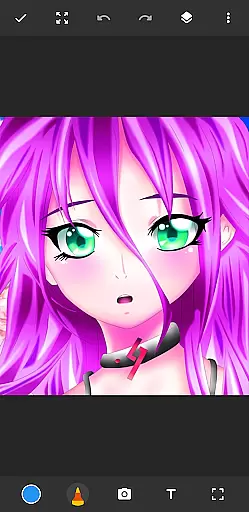
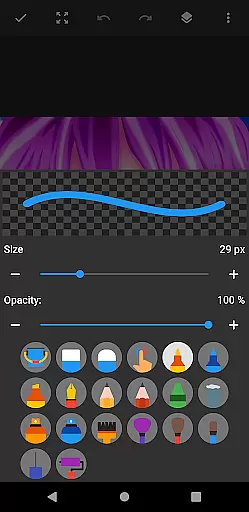
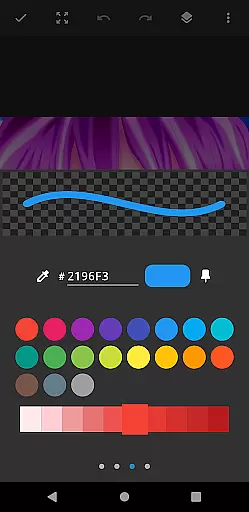
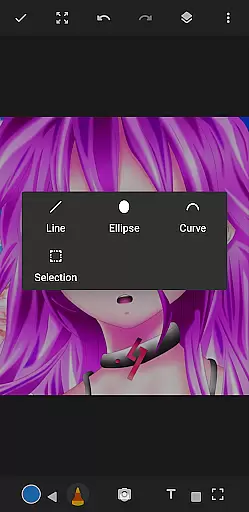
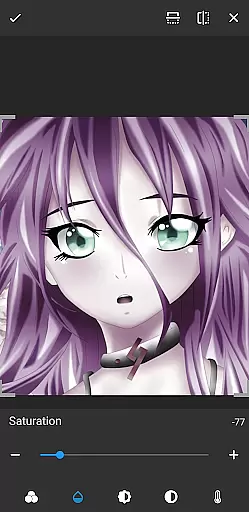
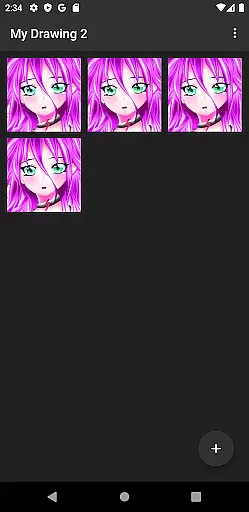
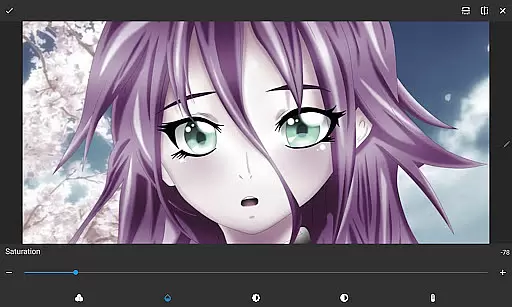
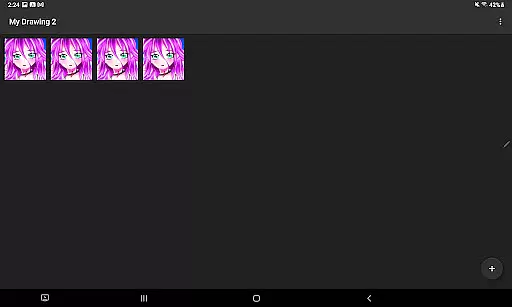
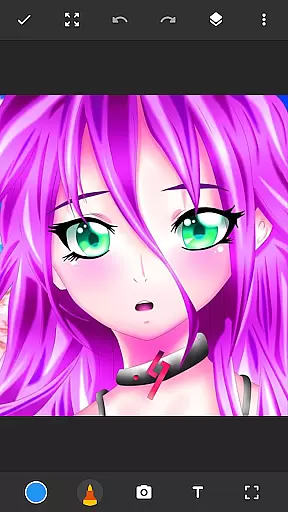
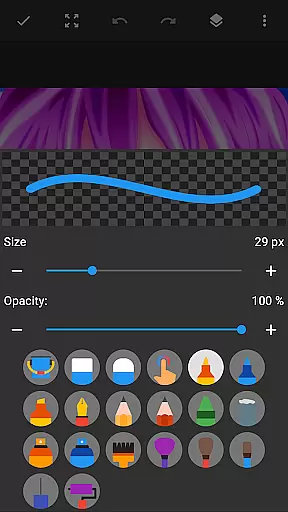
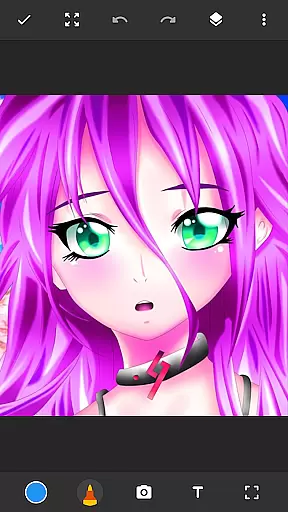
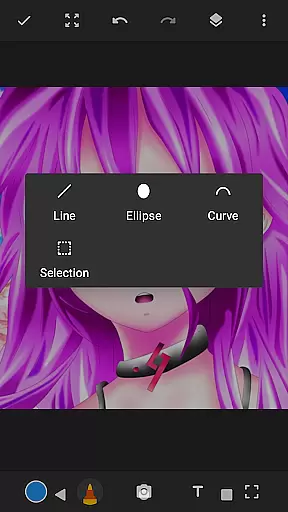
Drawing Pad Lite is a premier digital art application tailored for both budding and professional artists. This app provides an intuitive platform to create stunning sketches, drawings, and digital artwork with ease. Featuring a robust set of brushstrokes, pencil tools, and vibrant color options, it allows users to express their creativity without limits.
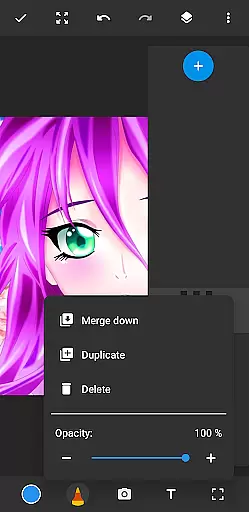
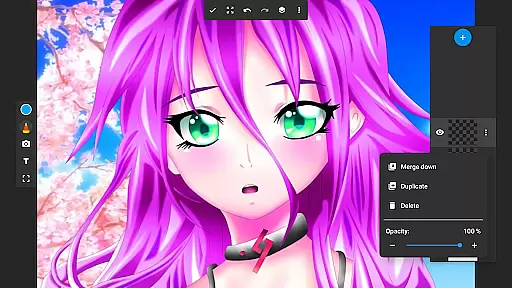
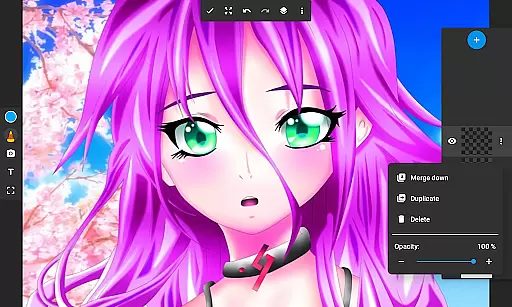
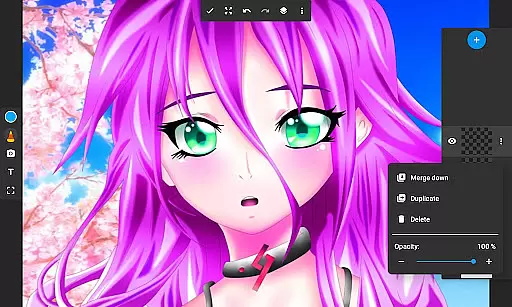
One of the standout features of Drawing Pad Lite is its layer functionality, which enables artists to organize their work efficiently and experiment with different ideas. Whether you're into anime coloring, manga, or simply doodling for fun, this app offers all the necessary tools to bring your visions to life. Its user-friendly interface ensures that even beginners can start creating art right away.
The app is perfect for anyone looking to explore the world of digital art. With its comprehensive editing options and versatile drawing tools, Drawing Pad Lite serves as a portable artbook that empowers users to refine their work until it reaches perfection.
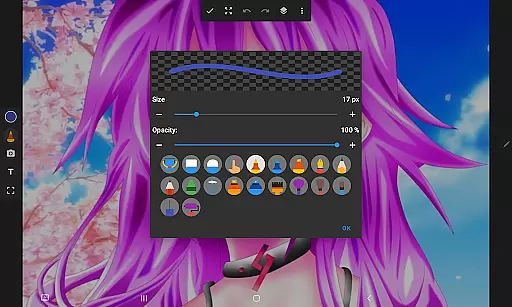
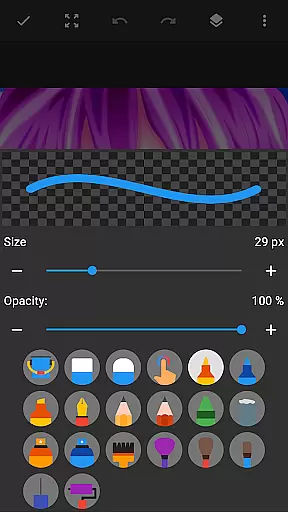
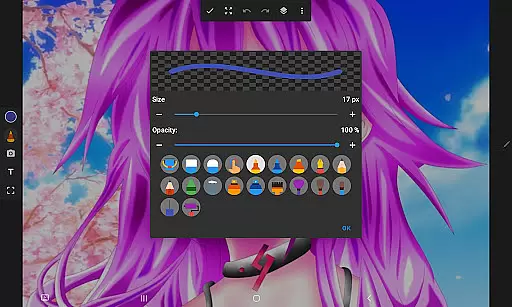
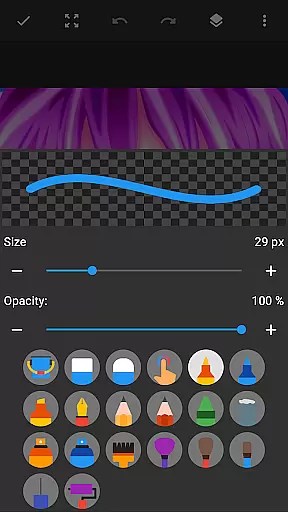
Drawing Pad Lite stands out due to its extensive range of artistic tools and user-centric features. The app includes various brush and pencil types, each available in multiple sizes and styles, providing complete control over your creations. These tools are designed to mimic real-world art supplies, giving a natural feel to every stroke.
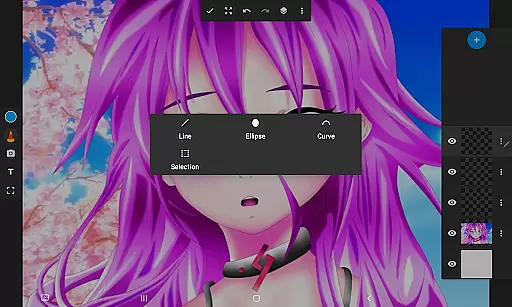
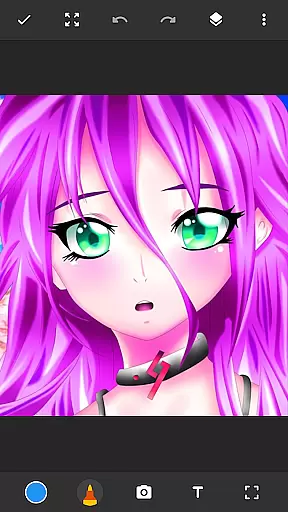
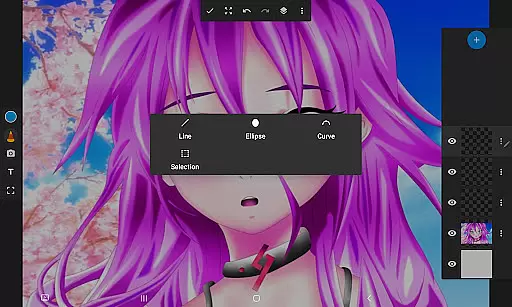
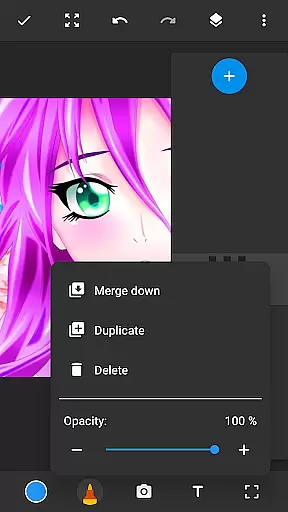
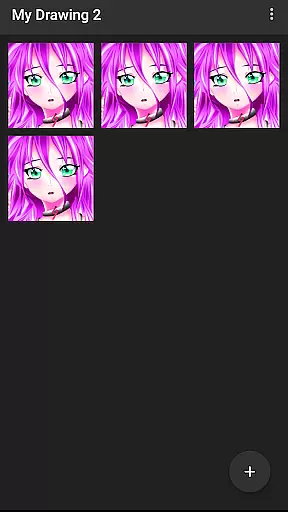
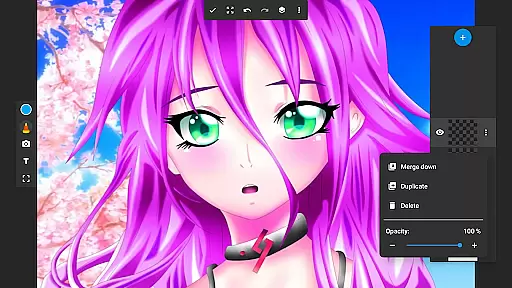
In addition to its impressive brush toolkit, Drawing Pad Lite offers advanced features such as layers, allowing artists to save their digital art in organized layers. This feature is particularly useful for complex projects where different elements need to be managed separately. Users can also draw on photos, adding another dimension to their creative process.
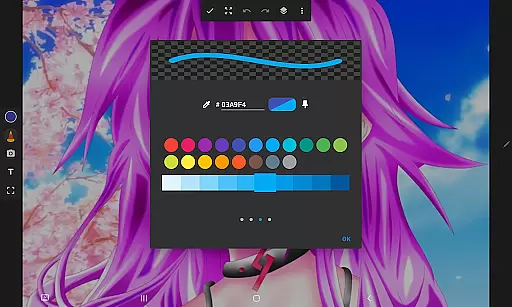
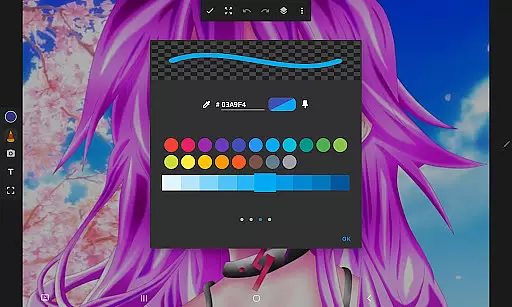
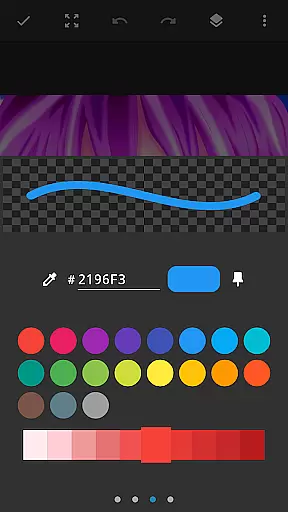
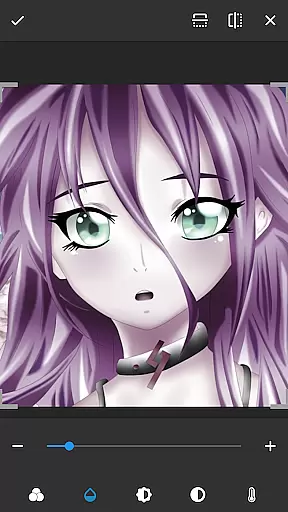
Another notable aspect is the app's ability to support detailed customization. Artists can adjust opacity, rearrange layers, and experiment with vibrant colors to achieve the desired effects. These capabilities ensure that Drawing Pad Lite remains a versatile and powerful tool for digital art creation.
In the realm of digital art, having a comprehensive set of creative tools is paramount. Sketchbook Lite - Artbook rises to the occasion by offering an extensive array of brushstrokes, pencil types, pens, and markers. This diverse selection empowers artists to experiment with different styles and techniques, ensuring that their creative vision can be fully realized within the app.
Each tool within Sketchbook Lite has been designed to provide complete control over the drawing process. Whether it's adjusting the size, style, or opacity of a brushstroke, users can fine-tune their instruments to match their artistic needs. This level of customization not only enhances the drawing experience but also encourages artists to push the boundaries of their creativity.
Moreover, the inclusion of layers in Sketchbook Lite adds another dimension to the creative process. Artists can organize their work more efficiently, experiment with new ideas without fear of damaging their original piece, and achieve complex effects through layer manipulation. This feature truly sets Sketchbook Lite apart as a powerful ally for both budding and professional artists alike.
Flexibility in canvas and format options is essential for artists who wish to explore various dimensions of digital art. Sketchbook Lite - Artbook addresses this need by providing a versatile platform where creators can draw on photos, use vibrant colors, and adjust their artwork to fit specific sizes or formats. This adaptability ensures that no matter the project requirements, artists have the freedom to express themselves fully.
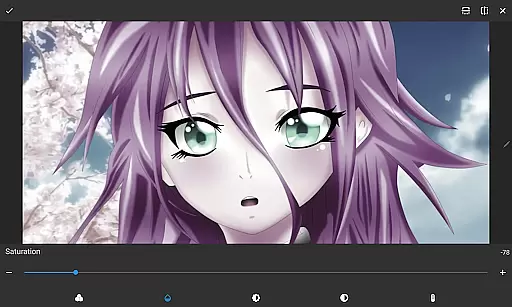
The ability to draw on photos opens up a world of possibilities for creative expression. Users can import images and transform them into unique pieces of art, adding personal touches or experimenting with mixed media approaches. The app's support for vibrant colors further enhances these creations, allowing every stroke to pop with life and energy.
Additionally, Sketchbook Lite supports saving digital art in layers, which greatly contributes to format flexibility. Artists can easily rearrange elements, modify individual components without affecting the whole composition, and export their work in various formats suitable for sharing or printing. Such robust functionality makes Sketchbook Lite an indispensable tool for anyone serious about pursuing digital artistry.
User-friendly interface
Vibrant color options
Comprehensive layer support
Wide range of brushes
Easy photo integration
Limited free features
Occasional bugs
Ads in free version
Advanced tools locked
Steep learning curve

Discover Cartoon Dream : Unleash Your Creativity with CuttingEdge AI
 4.50
4.50
Vidu is an AI video generator made for creators and aspiring makers.
3.30
Digital Drawing: Draw & Paint
4.10
Text to Image, Image to Video & AI Chat
4.20
Convert image to JPG PNG HEIC PDF, support almost all kinds of image formats
4.70
Nano Banana AI Image Generator, Anime Filter, AI Portrait, AI Photo Generator
4.30
Draw glowing spinners, relax, and spin your creative art
4.60
Share the joy of painting with ibis Paint! Drawing anime and manga art.
4.50
Sketch and paint on your device with the feel and freedom of drawing on paper
4.00
Minecraft & Roblox Clothes
4.70
Draw beautiful mandala's very easily
4.60
Create neon drawing with magic doodle and fun doodle art effects!
4.50
Video AI: Revolutionize Your Content Creation with Advanced Video Generation
4.50
Photo blender app to create overlay photos & double exposure.
4.40
AI Face Swap, Video Effects Editor, Realtime Morph, Funny Video FX,AI Filters
3.70
Apply cartoon, caricature, and portrait effects to make your photos stand out!
3.60
Meet the magic aı 3d photo generator and smart AI video generator app.
3.20
Download now for a stylish and functional timepiece
4.4
A luxurious gold watch face for an elegant and refined look.
4.1


User Reviews