
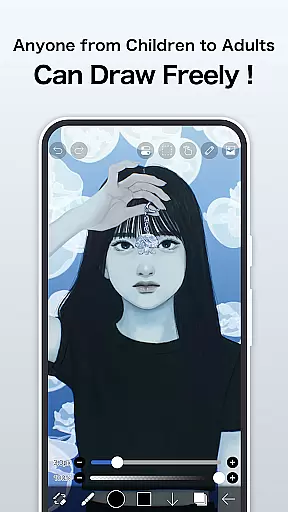
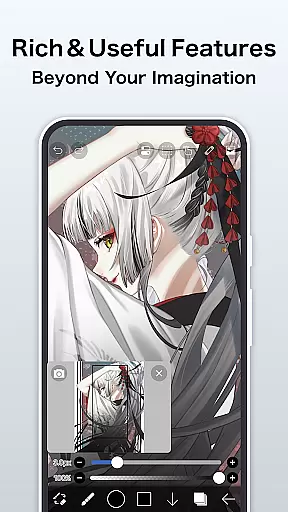
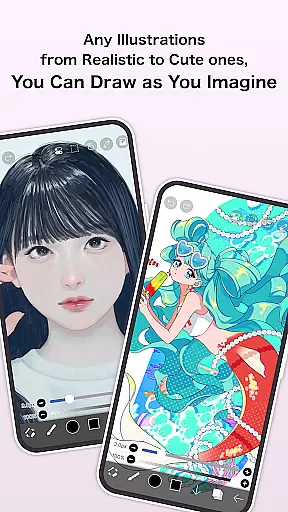
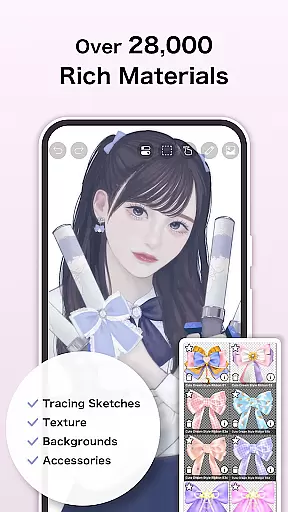
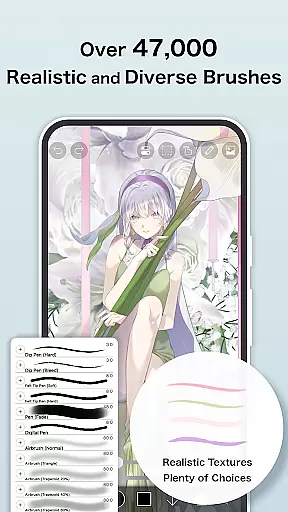
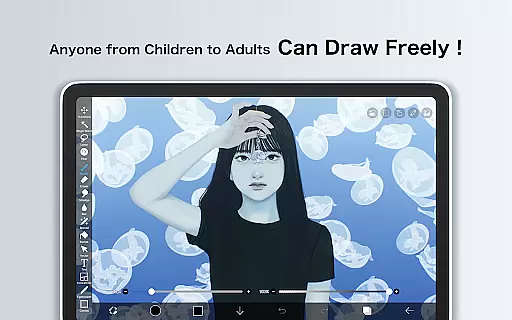
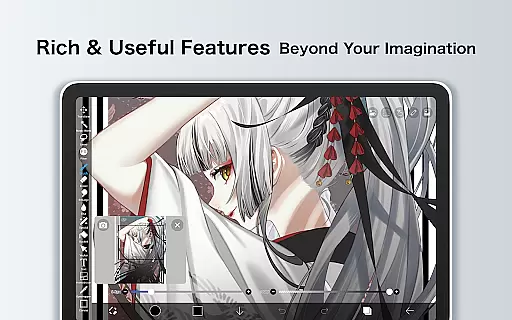
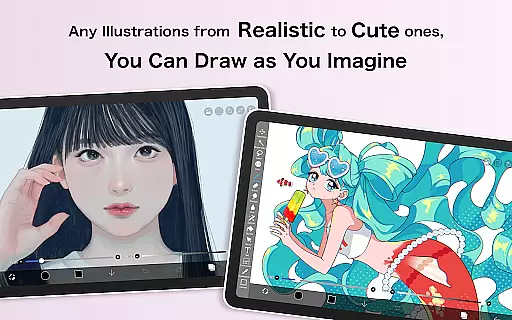
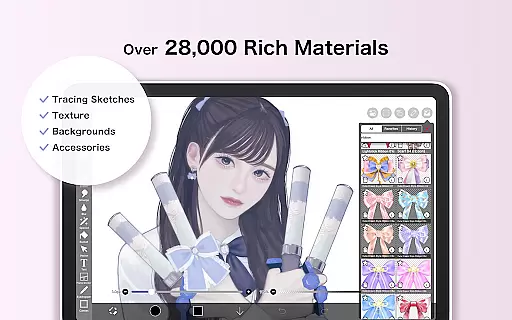
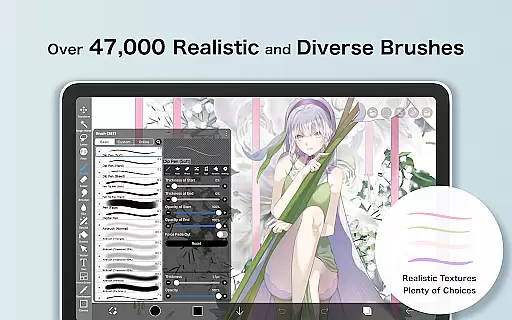
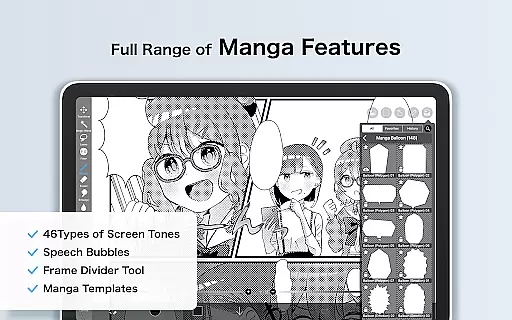
ibis Paint is a premier digital art studio designed for both amateur and professional artists. This app offers an extensive collection of over 47,000 brushes, 2,700 materials, and 2,100 fonts, allowing users to explore limitless creative possibilities. With advanced features like stroke stabilization, 84 filters, 46 screentones, and 27 blending modes, it ensures precision and quality in every artwork.
The app stands out with its unique sharing capabilities, enabling users to record and share their drawing processes. It also includes specialized tools such as radial line rulers, symmetry rulers, and clipping mask features that cater to complex design needs. Whether you're sketching, painting, or creating manga, ibis Paint provides all the necessary tools in one comprehensive package.
One of the standout features of ibis Paint is its vast array of brush options, including dip pens, felt tip pens, digital pens, air brushes, fan brushes, flat brushes, pencils, oil brushes, charcoal brushes, crayons, and stamps. These brushes ensure that every stroke can be customized to fit the artist's unique style. Additionally, the app supports up to 60 fps smooth drawing, making the creation process seamless and responsive.
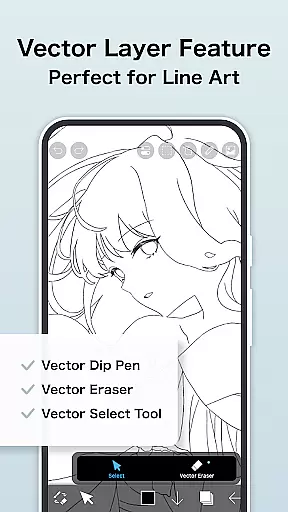
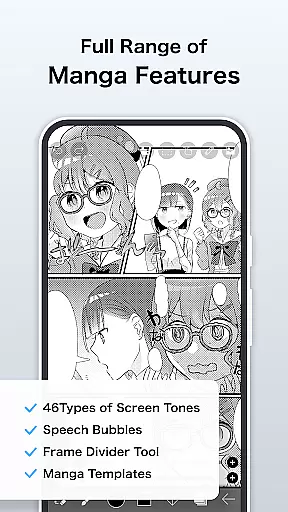
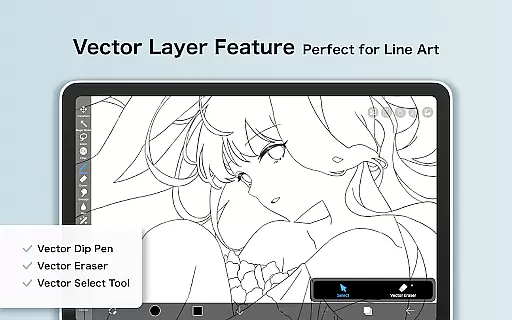
Layer management in ibis Paint is highly sophisticated, allowing users to add unlimited layers and adjust parameters such as opacity, alpha blending, adding, subtracting, and multiplying. The app also includes manga-specific features like an advanced text tool with vertical, horizontal, stroke, font selection, and multiple text functions. For those looking to enhance their workflow further, Prime Membership unlocks exclusive features such as vector tools, cloud storage, and AI disturbance, among others.
ibis Paint stands out as a comprehensive drawing app that offers an extensive range of creative tools, making it a versatile choice for artists. With over 47000 brushes, users can explore various textures and styles, from dip pens to oil brushes.
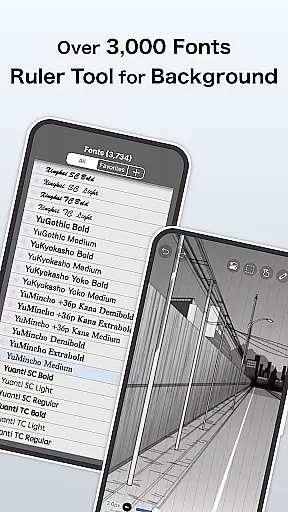
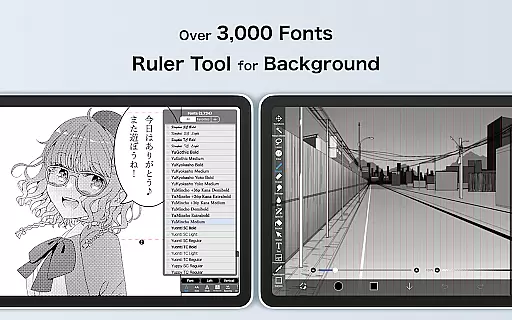
The app also provides more than 2700 fonts and 84 filters, allowing creators to enhance their artwork with unique typography and visual effects. These features ensure that artists have everything they need to bring their visions to life without leaving the app.
Advanced layer features enable complex compositions by offering unlimited layers and diverse blending modes such as alpha blending, adding, subtracting, and multiplying. This flexibility empowers artists to experiment with different techniques and achieve professional-grade results.
One of ibis Paint's strengths is its canvas and format flexibility, which caters to a wide array of artistic needs. Users can customize their workspace with options like radial line rulers or symmetry rulers, ensuring precision in every stroke.
The app supports manga creation through an advanced text tool that includes vertical, horizontal, stroke, font selection, and multiple text functions. Such capabilities make it suitable for both casual doodlers and serious manga artists looking to refine their craft.
Additionally, ibis Paint allows importing images from the photo library and applying transformations such as horizontal inversion, vertical inversion, rotation, moving, and zooming. These functionalities provide artists with the freedom to manipulate their workspaces according to their specific project requirements.
User-friendly interface
Extensive brush library
Advanced layer management
Unique sharing capabilities
Comprehensive manga tools
Prime Membership required for full access
In-app purchases can add up
Ads present in free version
Steep learning curve for beginners
High system requirements

Discover Cartoon Dream : Unleash Your Creativity with CuttingEdge AI
 4.50
4.50
Digital Drawing: Draw & Paint
4.10
Draw on screen: FP sDraw is a simple and lightweight drawing app
4.70
Draw beautiful mandala's very easily
4.60
Create stunning art with AI.
4.80
Draw Trace image sketch by, AR art projector app, Easy to trace any image.
4.50
Turn your drawings into flipbook-style animations with simple creative tools
4.60
Unleash the artist in you with our AR drawing and tracing tool for photo drawing
4.10
AI-powered photo & video creation—fast, fun, and effortless with Quick Actions
4.60
Your AI soulmate — meaningful chats, and unique emotional moments
4.70
Draw anime & manga drawing, art with templates to create stunning picture!
4.50
Photo blender app to create overlay photos & double exposure.
4.40
Trace, draw, and create art with AR - from memes to masterpieces!
4.30
Remove Background, Magic Eraser, Photo Enhancer, Story Templates, Collage Maker
4.30
Apply cartoon, caricature, and portrait effects to make your photos stand out!
3.60
Create sweet, cool and unique couple avatars easily, in just a few steps!
3.40
Create stunning video, photo & magic from text with FlixAI GPT video generator.
3.10
Pose and morph realistic male and female models! 3D poser app
3.00
Art of Combination Wear OS Watch Faces
4.1


User Reviews