

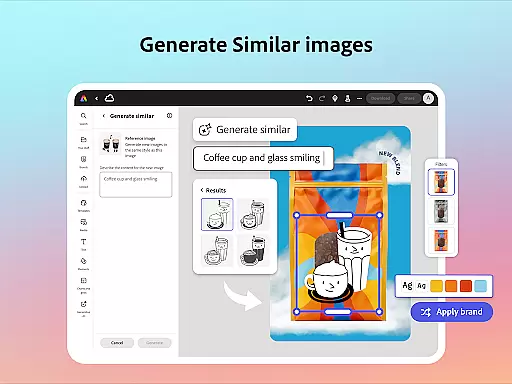
Adobe Express is a versatile design application that enables businesses and individuals to create impactful, on-brand content with ease. The app offers an extensive suite of tools for video editing, photo enhancement, background removal, QR code generation, and PDF editing. Whether you're crafting marketing materials or refining business documents, Adobe Express ensures brand consistency across all platforms.
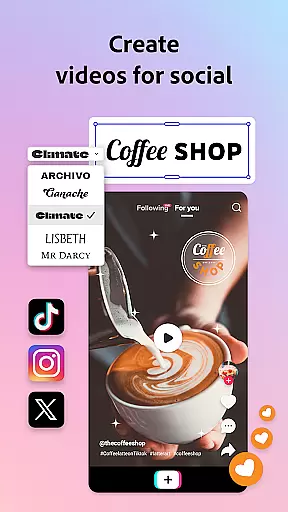
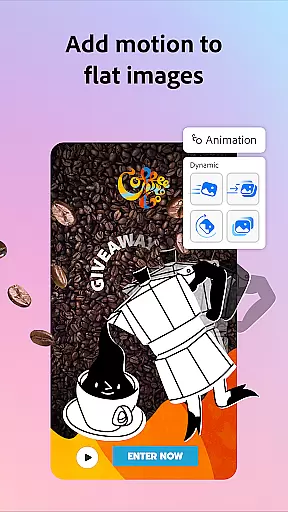
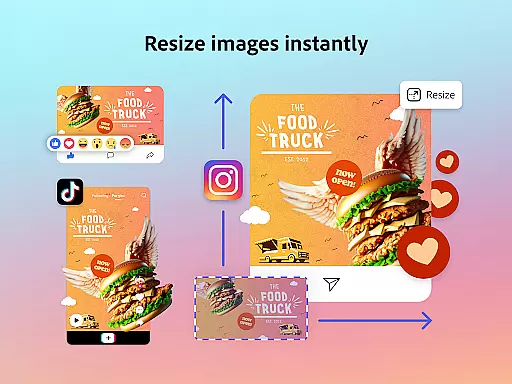
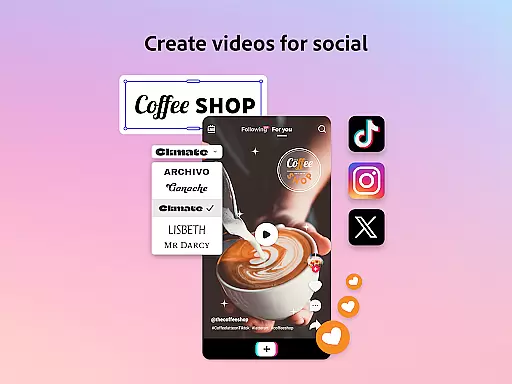
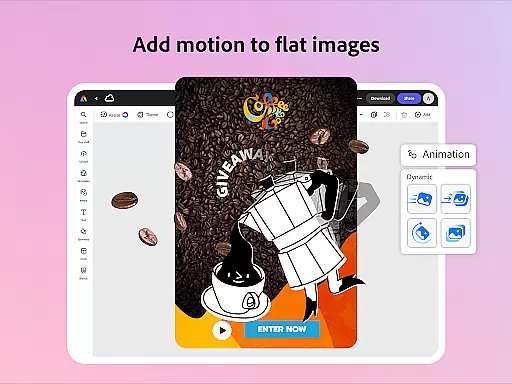
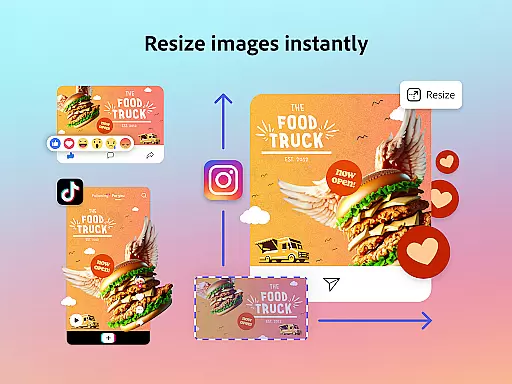
The application stands out with its AI-powered features such as automatic captioning, object removal, and customizable templates. These capabilities make it suitable for both beginners and experienced designers. With Quick Actions, users can effortlessly resize designs, convert files, and animate characters. Adobe Express proves particularly valuable for social media managers who need to reformat content for various channels while maintaining a cohesive brand identity.
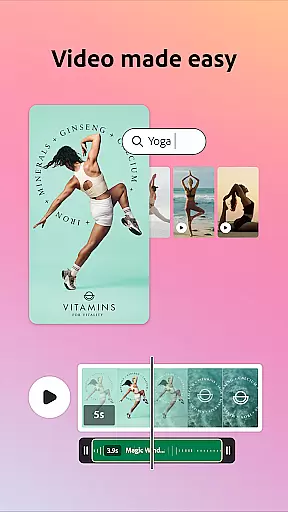
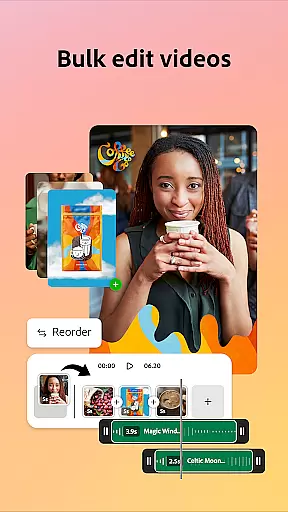
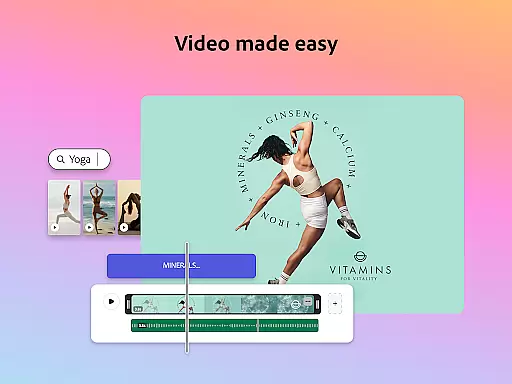
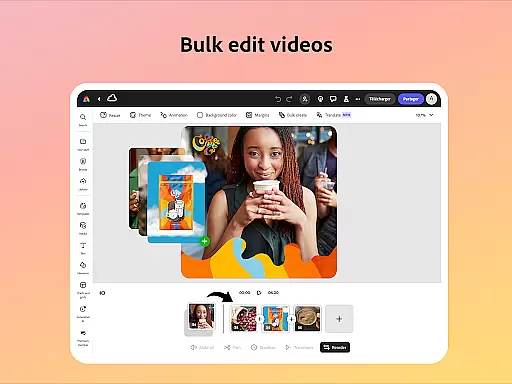
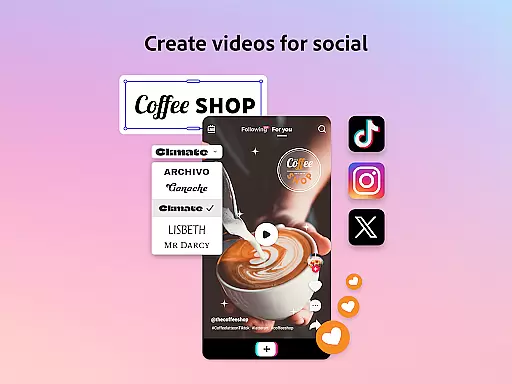
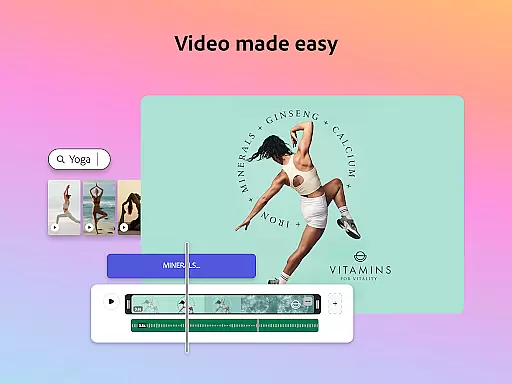
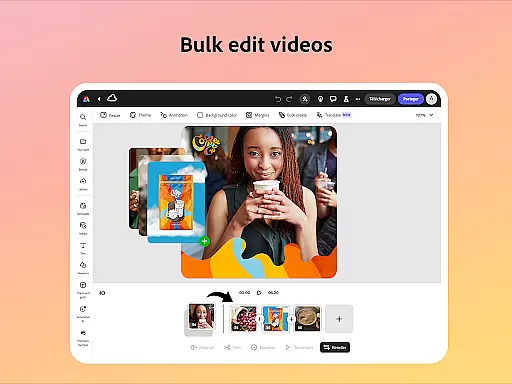
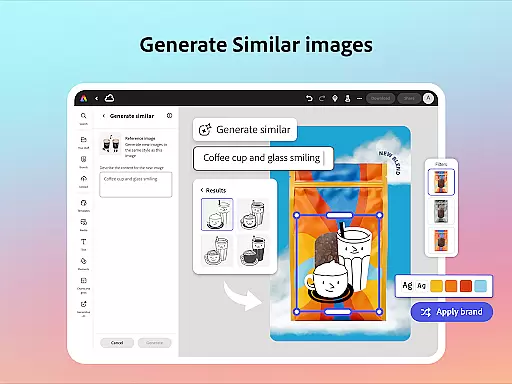
Adobe Express distinguishes itself through its comprehensive feature set tailored for modern content creators. The video editing functionality includes trimming, combining footage, adding text and music, plus automatic captioning and noise removal. Photo editing tools leverage Photoshop-powered filters and AI capabilities, allowing users to generate unique photo art and manipulate images with unprecedented ease.
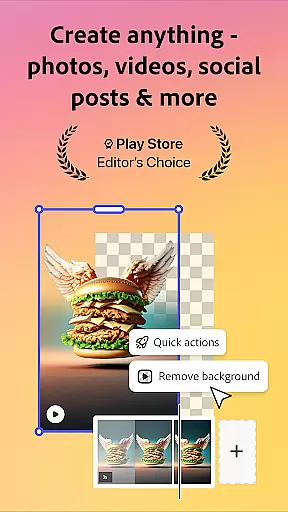
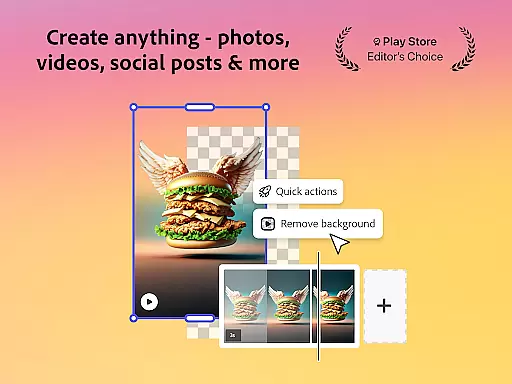
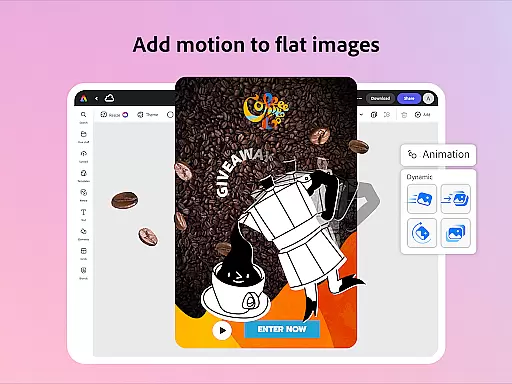
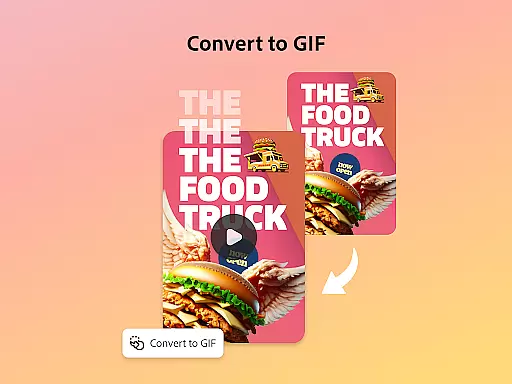
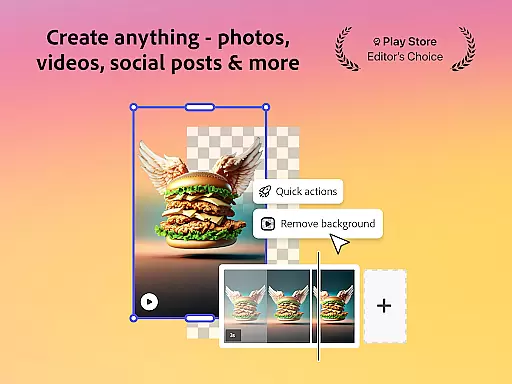
The app's Quick Actions provide essential utilities including background removal, file conversion, and animation creation. Brand kits help maintain visual consistency by storing fonts, colors, and logos for easy application across designs. Premium members gain access to over 200 million royalty-free assets and advanced features like video background removal. These robust capabilities position Adobe Express as an all-in-one solution for professional-grade content creation.
Adobe Express offers a comprehensive suite of creative tools that cater to both beginners and seasoned creators. The application provides customizable templates for video editing, allowing users to trim and combine footage, add text, music, transitions, and sound effects effortlessly.
In addition to video capabilities, Adobe Express stands out as the best free photo editor for beginners. It employs intuitive tools enhanced by AI technology, enabling users to add or remove objects, apply Photoshop-powered filters, and generate stunning photo art with ease.
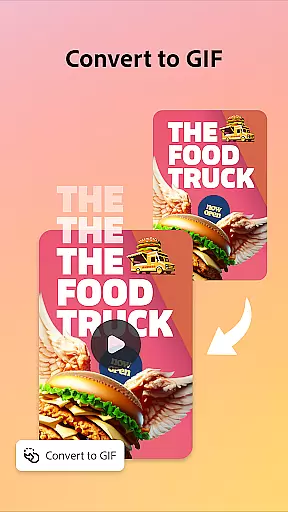
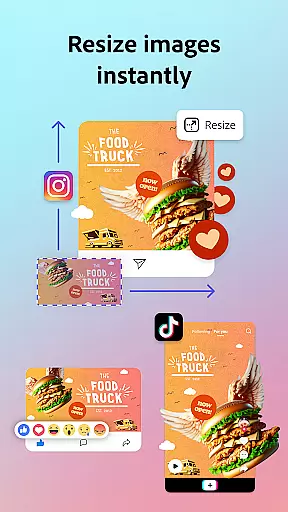
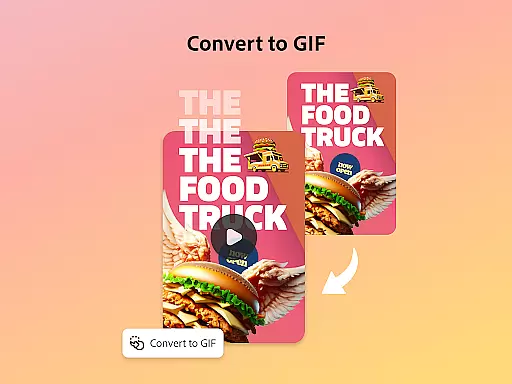
The app also features Quick Actions, which simplify tasks such as removing backgrounds from photos or videos, converting images to GIFs, and resizing content with a single tap. These robust functionalities ensure that users have all the necessary tools at their disposal to create high-quality marketing and business materials while maintaining brand consistency.
One of Adobe Express's key strengths is its canvas and format flexibility, empowering users to edit PDFs quickly and efficiently. Users can update content, swap images, refine layouts, or add their brandu2019s colors, fonts, and visuals in just a few clicks. This feature allows for seamless conversion and export of PDFs to share with teams or audiences instantly.
Moreover, Adobe Express supports various quick action tools that enhance design adaptability. Users can trim and resize designs for any channel, crop photos, convert image files, and even animate characters using voice commands. Such versatility ensures that your creative projects are not limited by format constraints.
While some advanced features may not be available on all devices currently, Adobe continuously rolls out support over time. This commitment guarantees that users will consistently experience increased flexibility and functionality within the app, making it an indispensable tool for staying on-brand across multiple platforms.
User-friendly interface
Extensive template library
Powerful AI tools
Cross-platform functionality
Brand consistency features
Premium features locked
Device support limited
Internet connection required
Steep learning curve
File size restrictions

Learn how to draw with step-by-step tutorials, fun lessons & multiplayer drawing
 4.70
4.70
Sketch, trace and master AR drawing with awesome anime art!
3.30
AI Assistant, powered by ChatGPT GPT-4 & GPT-4o. Your intelligent companion.
3.50
Castle is social media for creating and playing games!
4.60
Turn your drawings into flipbook-style animations with simple creative tools
4.60
Art of Combination Wear OS Watch Faces
3.30
Unleash the artist in you with our AR drawing and tracing tool for photo drawing
4.10
Create cute cat emojis & PFPs! Fun, custom avatars for cat lovers.
3.70
Create Logos, Tattoos, AI Art & more with our AI Photo Generator & Design Editor
4.20
See Color, Paint Color
4.90
Photo editor for art, avatars, filters & fun transformations.
4.60
Image resizer to resize, crop, rotate, flip, change dpi photo or picture in bulk
4.60
Kling AI is an image and video generation and editing studio powered by AI.
4.50
Unleash Your Creativity with Draw Cartoon - AR Drawing App
4.10
AR Anime Drawing: How to draw anime with AR drawing & sketching apps!
4.00
Art of Combination Wear OS Watch faces (for Wear OS 5+ devices)
3.90
Paint with oils and sketch with natural tools on a realistic virtual canvas.
3.80
Download now for a stylish and functional timepiece
4.2
Art of Combination Wear OS Watch faces
4.4


User Reviews