
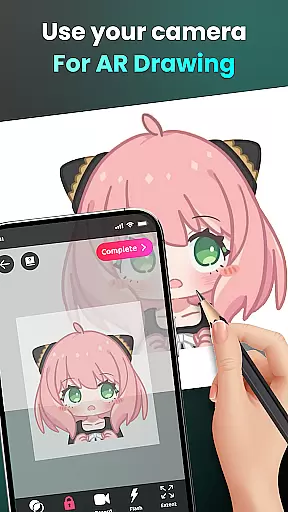
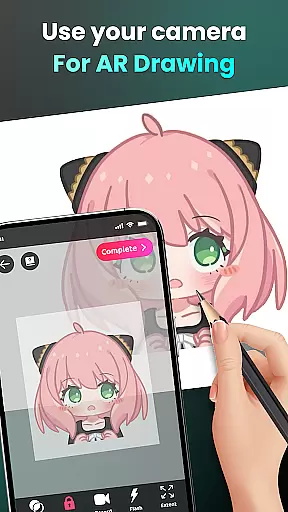
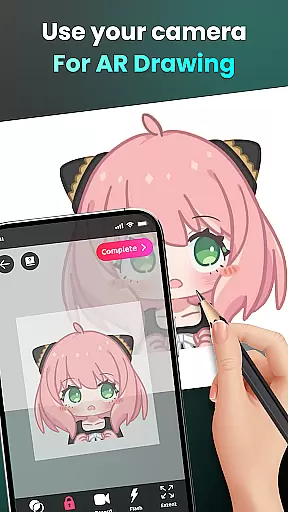
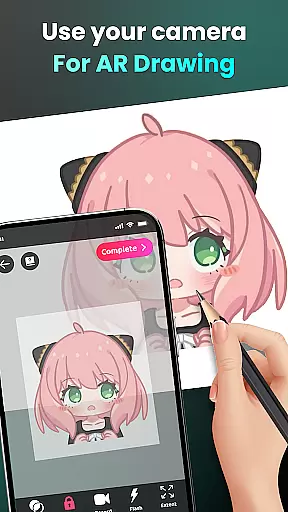
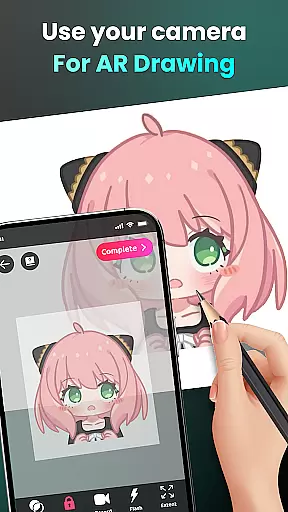
AR Drawing - Sketchar App is a revolutionary tool in the Art & Design category that combines augmented reality with creative expression. This app allows users to transform their real-world environment into a canvas for drawing and sketching, offering an innovative way to create art. With features like camera-based drawing, AR technology lets you sketch everything from sample photos to surrounding objects.
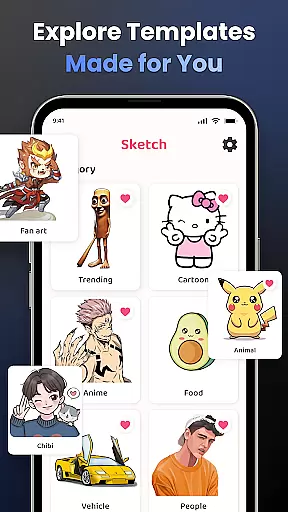
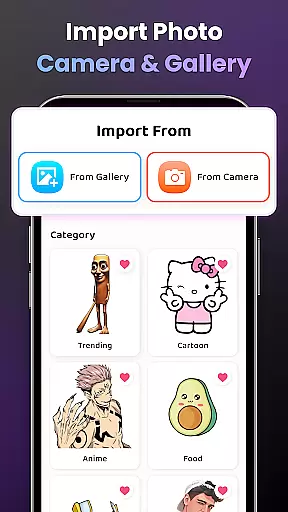
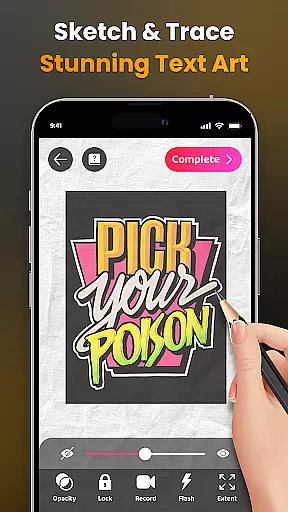
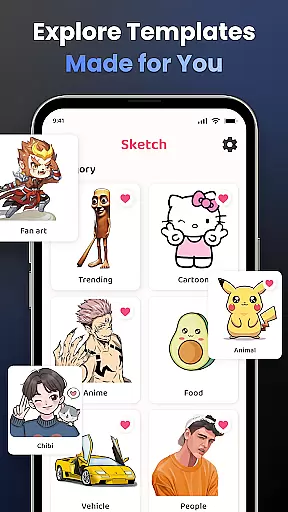
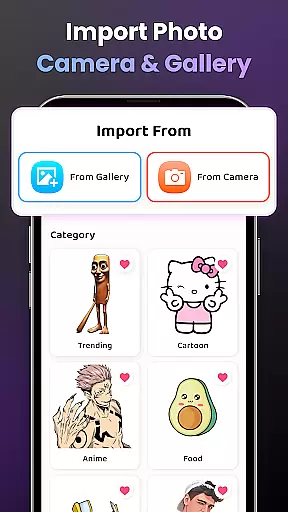
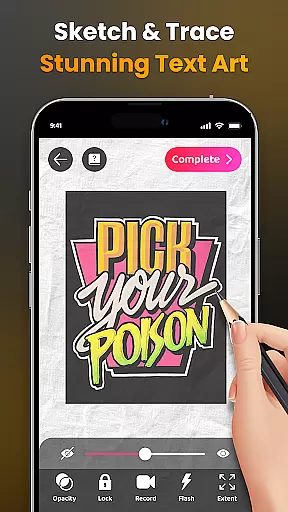
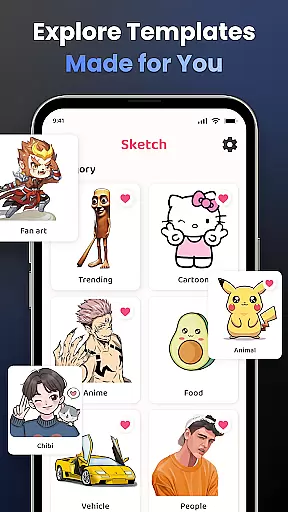
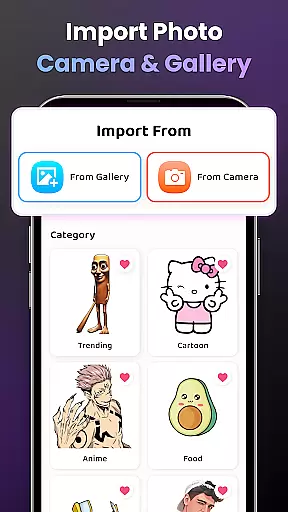
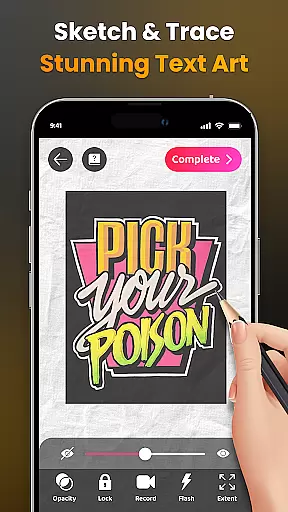
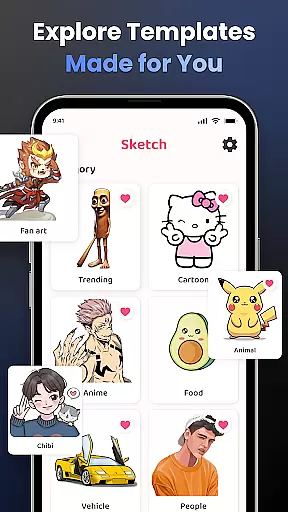
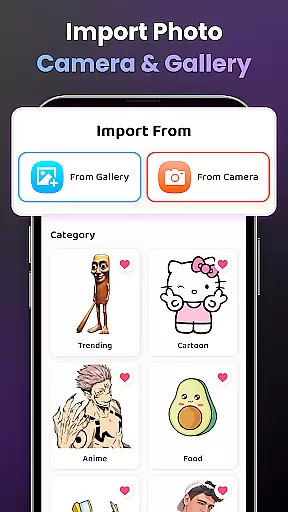
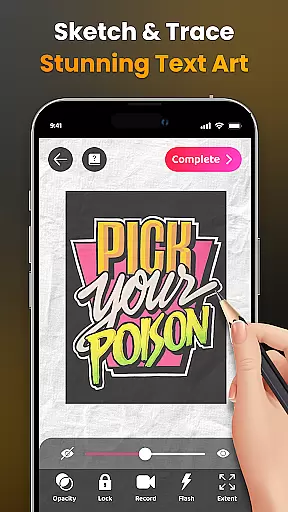
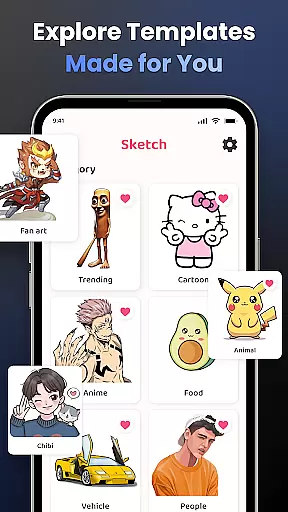
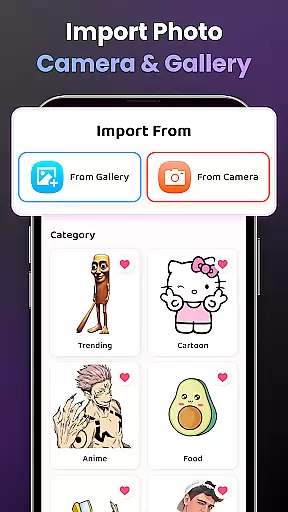
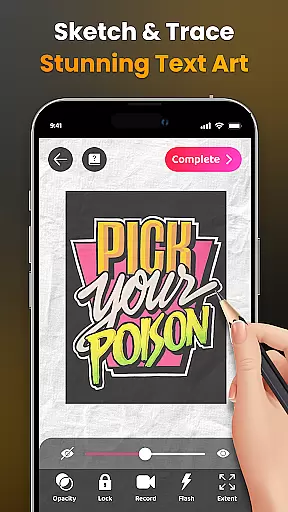
The app provides an extensive library of samples and supports importing personal photos for tracing and drawing. It includes advanced options such as opacity adjustment, video recording of the drawing process, zoom functionality, and flash control. Whether you're a beginner or a professional artist, AR Drawing offers diverse lessons and difficulty levels to suit your skill level while helping you improve over time.
This application is particularly useful for those who want to learn how to draw using guided outlines or who wish to experiment with AR techniques. The ability to share finished artwork with a community of 50 million users makes it not just a learning tool but also a platform for showcasing your creativity.
AR Drawing - Sketchar App stands out with its comprehensive feature set tailored for artists of all levels. One of the key highlights is its camera-based drawing capability, which uses augmented reality to let users sketch real-world objects and scenes directly through their phone's camera. This feature bridges the gap between traditional drawing and modern technology, making it accessible for anyone interested in art.
In addition to its AR capabilities, the app offers an impressive library of samples covering various themes such as anime, animals, nature, and more. Users can also import images from their gallery for personalized tracing. Advanced tools include adjustable opacity settings, video recording of the drawing process, zoom controls, and flash adjustments. These features ensure that users have full control over their creative process while maintaining ease of use.
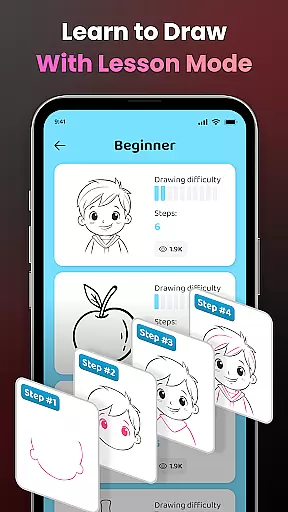
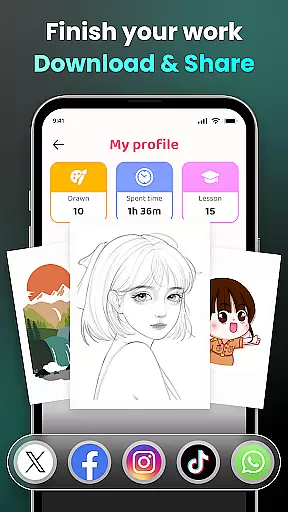
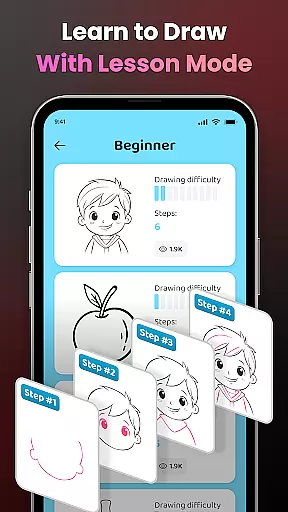
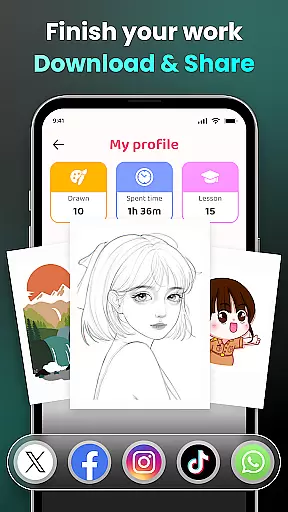
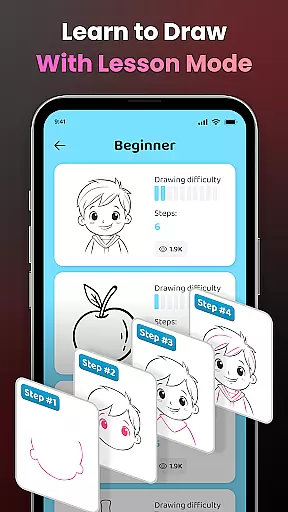
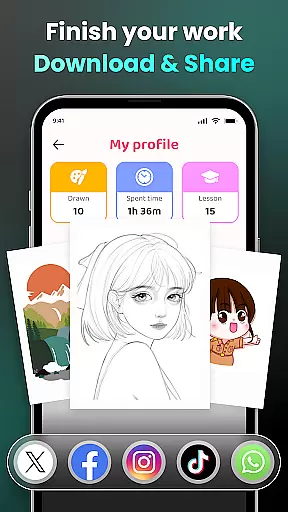
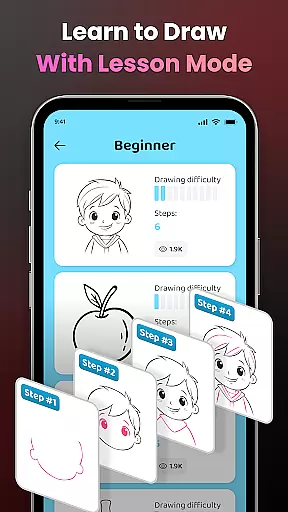
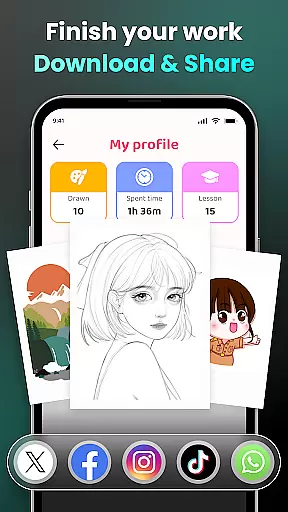
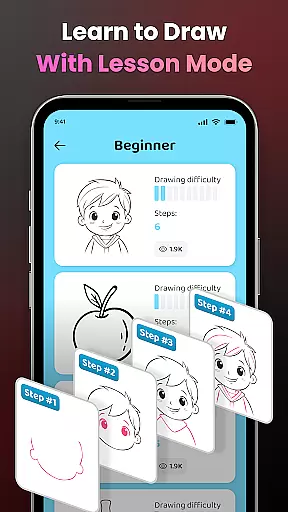
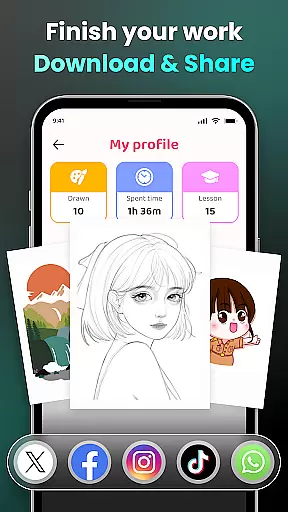
Another notable aspect is the structured learning path provided by the app. With three difficulty levels and detailed video tutorials, users can progressively enhance their skills. The inclusion of a personal profile to track progress adds a gamified element to the learning experience, ensuring users remain engaged and motivated as they develop their artistic abilities.
AR Drawing - Sketchar App offers an extensive suite of creative tools that cater to both novice and professional artists. The app's augmented reality (AR) technology allows users to transform any real-world surface into a canvas, providing limitless possibilities for creativity.
With features such as drawing through the camera, users can sketch everything from sample photos to entire scenes with ease. The ability to adjust opacity, record videos of the drawing process, zoom in and out, toggle the flash, and extend images ensures that artists have full control over their creations.
The inclusion of a diverse sample library and the option to import personal photos further enhance the creative experience. Additionally, detailed video tutorials guide beginners through specific drawings, making it easier than ever to start creating art regardless of skill level.
This comprehensive set of tools not only supports artistic expression but also encourages users to experiment and improve their skills continuously.
Flexibility in canvas and format options is a standout feature of AR Drawing - Sketchar App, allowing artists to customize their workspace according to their preferences and project requirements. Users can select from various predefined formats or create custom dimensions tailored to their artwork.
The appu2019s advanced AR capabilities enable artists to draw on any physical surface, effectively turning the world around them into a potential canvas. This adaptability is particularly beneficial for those who wish to integrate real-world elements into their digital artwork seamlessly.
Moreover, the ability to import images from one's gallery and adjust settings like opacity and zoom provides additional layers of customization. These features ensure that whether you're working on intricate anime sketches or large-scale murals, AR Drawing - Sketchar App can accommodate your needs.
By offering such versatile canvas and format options, the app empowers artists to push the boundaries of their creativity without being constrained by traditional limitations.
User-friendly interface
Augmented reality features
Versatile drawing tools
Active community support
Customizable lessons
Requires stable internet
Premium content locked
Steep learning curve
Limited offline features
Device compatibility issues

Easy 3D drawing design maker & creator. Model designing, Sculpting. Create&paint
 4.00
4.00
See Color, Paint Color
4.90
Unleash Your Creativity with Draw Cartoon - AR Drawing App
4.10
A luxurious gold watch face for an elegant and refined look.
4.5
Art of Combination Wear OS Watch faces (for Wear OS 5+ devices)
3.90
Retouch photos. Create or edit images. Endless capabilities.
2.70
Create and Design Custom Logos in Seconds with AI-Powered Tools!
4.40
Just trace a projected picture on paper and color! Draw & Paint with AR drawing
4.40
Draw, fidget, and spin glow art! Relax and express your creativity with a finger
4.60
Passport size photo maker, create ID photo and visa photo in seconds
4.80
Draw glowing spinners, relax, and spin your creative art
4.60
Image resizer to resize, crop, rotate, flip, change dpi photo or picture in bulk
4.60
Unleash your drawing and painting potential
4.50
Everything you need to create hand drawn animation, anywhere you go!
4.40
Custom Character Creator & PFP Maker!
4.20
Digital Drawing: Draw & Paint
4.10
OneUI 8.5 icons ✨ Smooth, modern & based on the latest Play Store design ??
4.10
AI Face Swap, Video Effects Editor, Realtime Morph, Funny Video FX,AI Filters
3.70
Draw anime easily with AR guidance, sketch templates & trace tools!
3.10


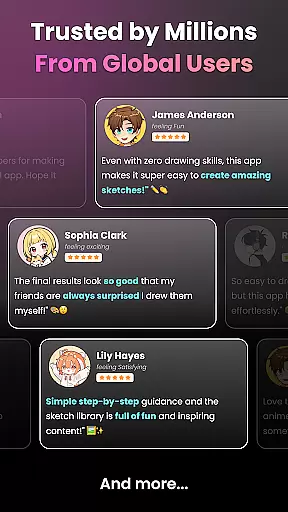
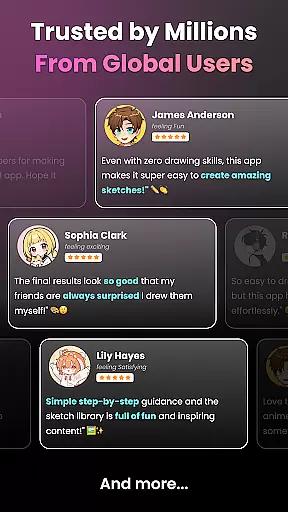
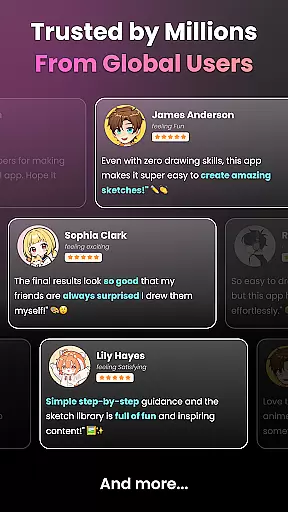
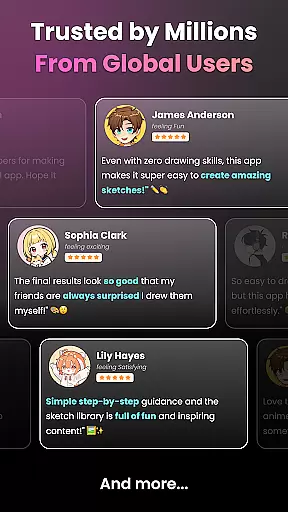
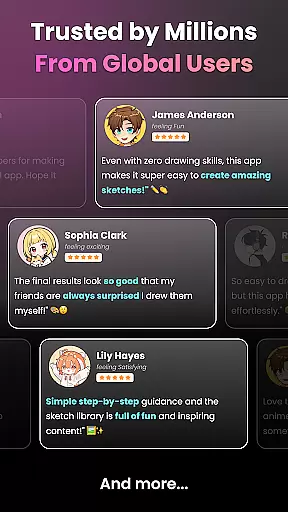
User Reviews