
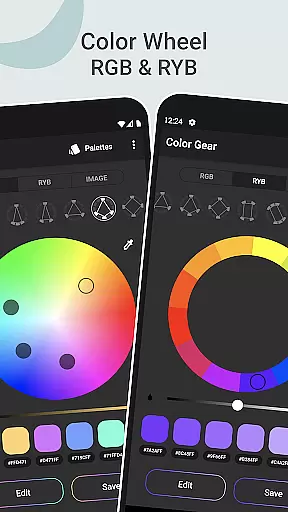
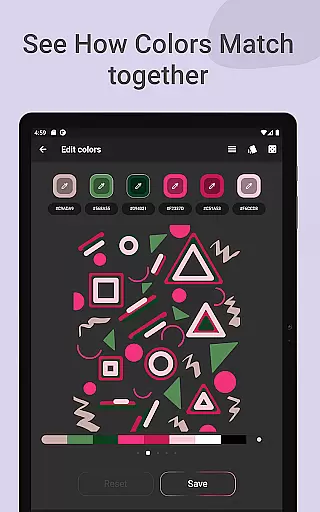
Color Gear is an essential tool for designers and artists seeking to master color theory and create harmonious palettes. The app provides a comprehensive suite of features including two types of color wheels - RGB and Itten (RYB), which cater to both digital media and traditional art forms. With over 10 color schemes available, users can explore various combinations to find the perfect palette.
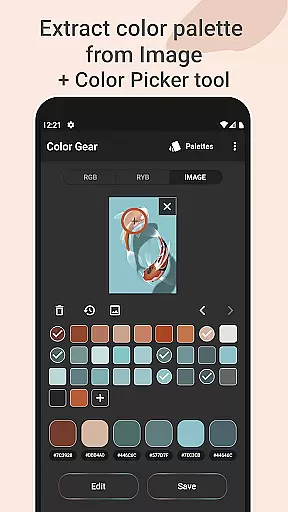
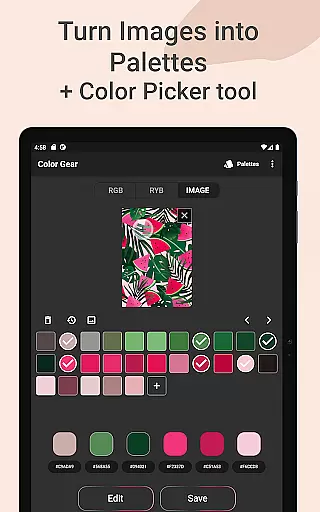
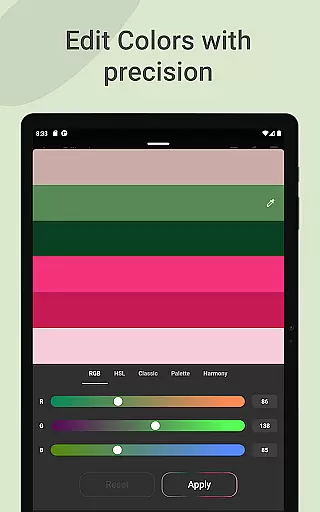
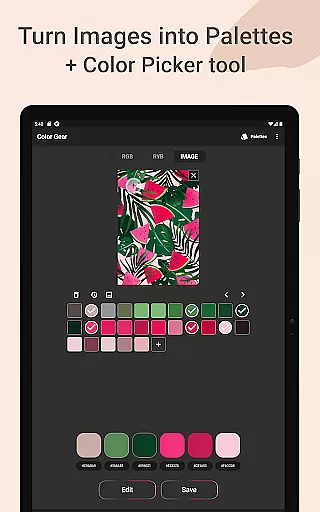
In addition to its robust color wheel functionality, Color Gear allows users to build palettes from HEX color codes or extract them directly from images using advanced algorithms. This feature not only identifies colors within photos but also enables manual selection through a Hex Color Picker. Users can further refine their palettes with precise editing tools that adjust Hue, Saturation, and Lightness values.
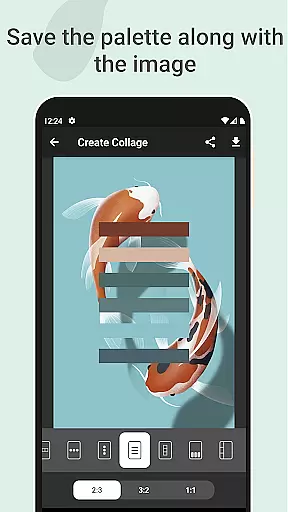
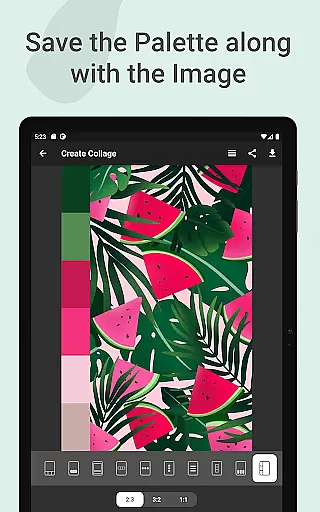
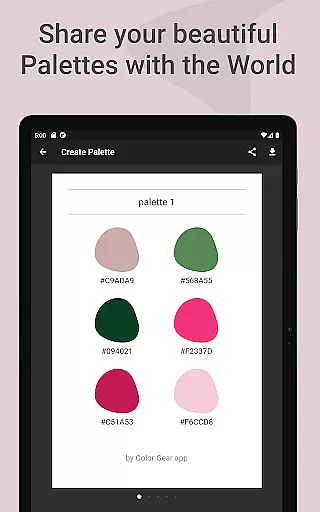
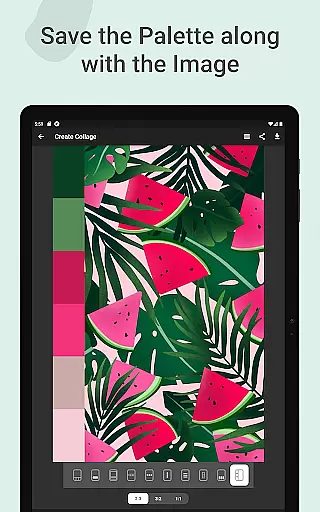
The app's ability to save palettes alongside images as collages adds another layer of creativity, allowing for easy sharing across platforms. Whether you're working on graphic design projects or exploring artistic concepts, Color Gear offers all necessary tools in one offline-accessible application, making it indispensable for professionals and hobbyists alike.
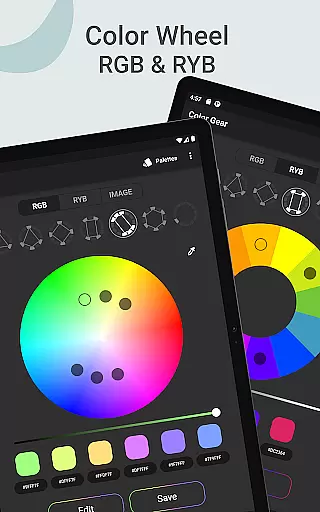
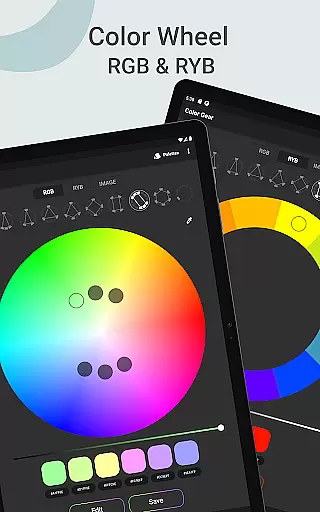
Color Gear stands out with its versatile feature set designed to enhance the color selection process. At its core are two distinct color models: RGB Color Wheel for digital creations and Itten Color Wheel tailored for paint and pigment-based artwork. Each model supports more than ten color schemes, empowering users to experiment with different harmonies based on established theories.
A unique aspect of this app is the capability to input specific HEX or RGB color codes and generate matching palettes instantly. Additionally, the image extraction tool transforms any photo into a customizable palette. By utilizing the built-in Hex Color Picker, users can pinpoint exact shades from their images, ensuring accuracy in every project they undertake.
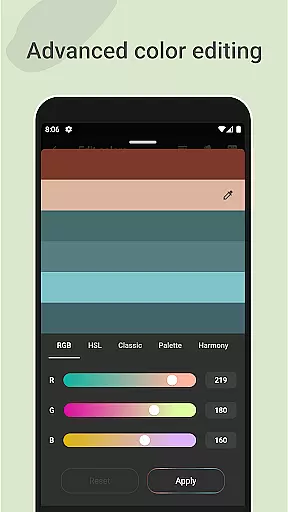
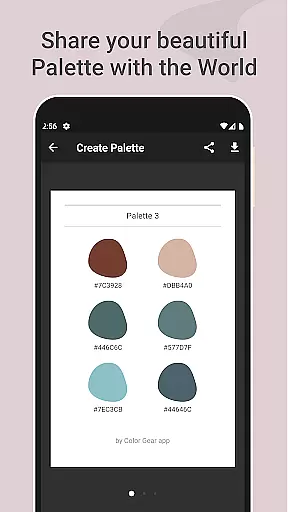
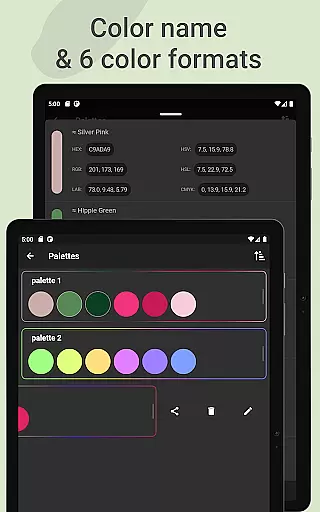
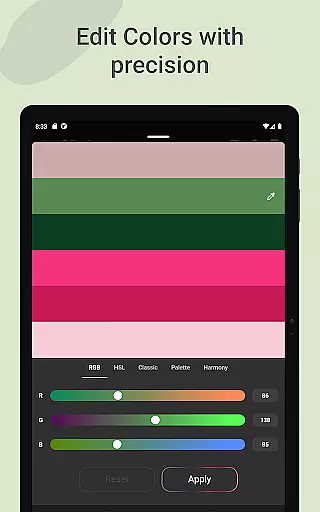
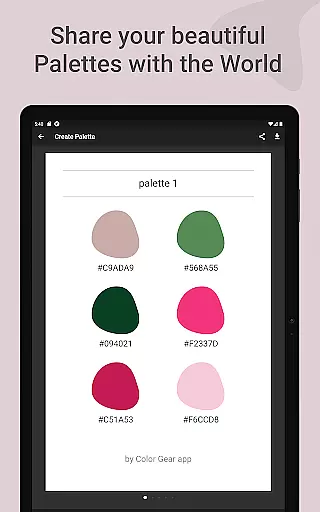
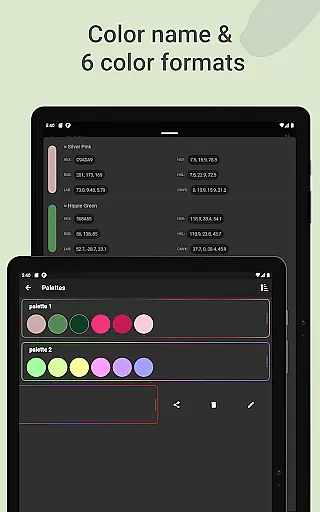
Advanced color editing options provide fine control over individual swatches, enabling adjustments to Hue, Saturation, and Lightness with precision. Sharing these meticulously crafted palettes is effortless thanks to support for multiple color formats such as RGB, HEX, LAB, HSV, HSL, and CMYK. These comprehensive features make Color Gear a go-to solution for anyone involved in visual arts or design work.
Color Gear offers a comprehensive suite of creative tools that cater to both designers and artists. The app includes two color models, RGB and Itten Color Wheel, allowing users to work within digital media or traditional paint and pigment formats.
With over 10 color schemes available for each model, the app supports a wide range of artistic needs. Users can build palettes based on added HEX color codes, ensuring precision and personalization in their work.
The inclusion of advanced features such as extracting palettes from images and using a Hex Color Picker demonstrates the app's dedication to providing complete color editing capabilities. These tools enable users to replicate colors from real-life sources accurately.
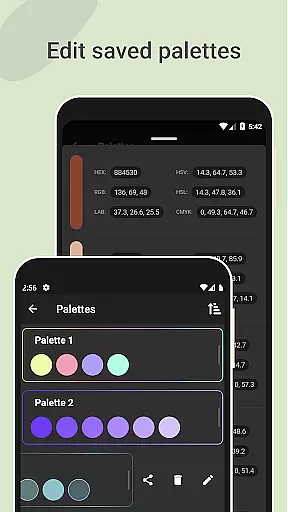
Moreover, the ability to save and manage palettes, along with sharing in multiple color formats, ensures that Color Gear stands out in its category. This makes it an indispensable tool for professionals who require extensive creative options at their fingertips.
Flexibility in canvas and format options is where Color Gear truly shines. Designers can experiment with different color harmonies by simply inputting a HEX or RGB color code, which the app then uses to generate matching color schemes.
The app allows for the extraction of palettes directly from images, granting users the power to transform any photo into a customizable palette. This feature provides unparalleled versatility in adapting artwork to various formats.
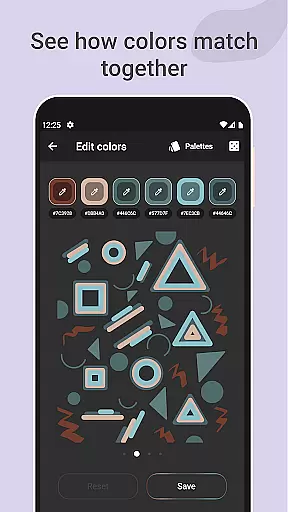
Additionally, users have access to advanced color editing, where they can tweak hue, saturation, and lightness values with precision. This level of control ensures that each swatch in a palette can be fine-tuned to fit specific project requirements.
Sharing options are equally flexible, with support for six color formats including RGB, HEX, LAB, HSV, HSL, and CMYK. This adaptability guarantees that whatever the output needs may be, Color Gear can accommodate them seamlessly.
User-friendly interface
Comprehensive color theory tools
Offline functionality
Multiple color models
Precise color editing
Limited advanced tutorials
No cloud sync option
Basic UI design
Few social media integrations
Occasional bugs reported

Download now for a stylish and functional timepiece
 4.0
4.0
Customizable Outlined Fonts. Watch Face Format. Battery friendly Digital Clock.
4.20
Art of Combination Wear OS Watch faces
4.4
Meet the magic aı 3d photo generator and smart AI video generator app.
3.20
Digital illustration drawing & painting pad app to paint Anime and Manga art
4.50
Get creative and make art with your Sesame Friends!
4.00
Resize photos and print photos in exact size with our powerful photo printer!
3.80
Video AI: Revolutionize Your Content Creation with Advanced Video Generation
4.50
Create cute cat emojis & PFPs! Fun, custom avatars for cat lovers.
3.70
Mobile pixel art editor. Simple. Fast. Portable.
4.80
Image/ Text to Video Generator
4.40
Remove Background, Magic Eraser, Photo Enhancer, Story Templates, Collage Maker
4.30
Sketch, plan, take notes and illustrate on an infinite canvas.
4.20
Unleash the artist in you with our AR drawing and tracing tool for photo drawing
4.10
Sketch and paint on your device with the feel and freedom of drawing on paper
4.00
Your homescreen as an elegant glass with customized blur, lighting, and visuals.
3.70
Create stunning video, photo & magic from text with FlixAI GPT video generator.
3.10
Retouch photos. Create or edit images. Endless capabilities.
2.70
Art of Combination Wear OS Watch Faces
4.2


User Reviews