
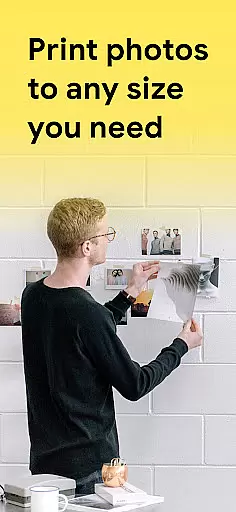
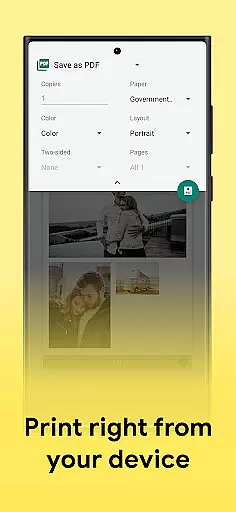
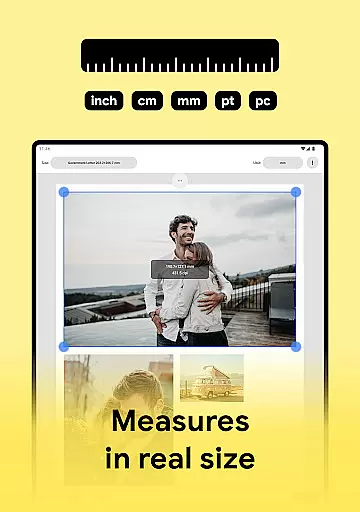
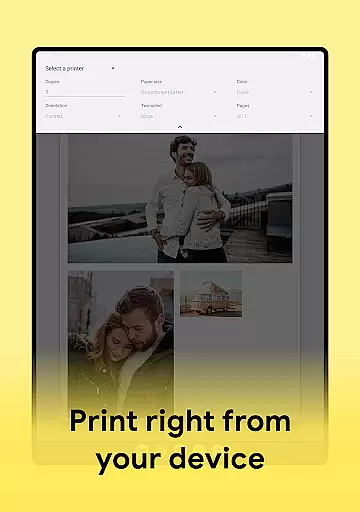
Print Photo is an innovative mobile application designed specifically for photo printing, scanning, and resizing tasks. This app serves as a comprehensive solution for users who need to print various types of photos, including passport-sized pictures, badges, labels, and more directly from their mobile devices. With compatibility across multiple printer brands such as HP Smart, Samsung Print, Canon Pixma, Brother iPrint, and Epson Print, it offers a seamless printing experience.
The app's core functionality revolves around its ability to adjust print resolution, crop images, and fit multiple pictures on a single sheet of paper. Users can also save their edited images in different formats like PDF, PNG, and JPG or upload them to cloud storage services. Whether you're looking to create high-quality prints or optimize your photo editing workflow, Print Photo delivers both convenience and professional-grade features right at your fingertips.
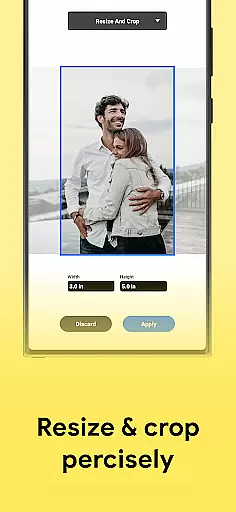
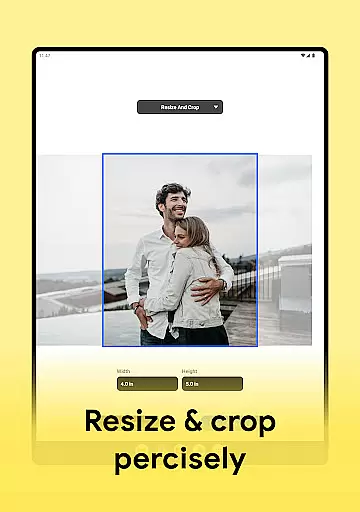
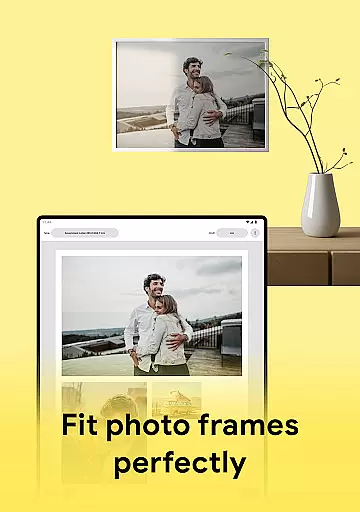
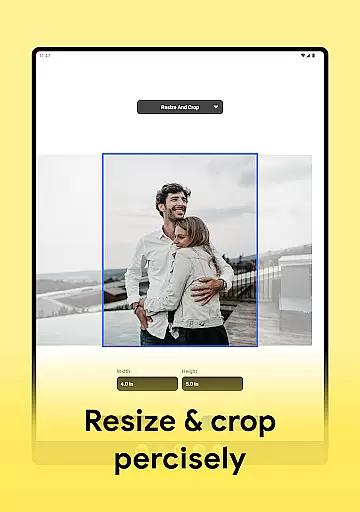
Print Photo stands out with its diverse range of features tailored for both amateur and professional use. One of the key highlights is its versatile photo editing capabilities, which allow users to resize, crop, and adjust the resolution of their images before printing. The app supports high-quality photo printing, ensuring that every picture maintains its clarity and detail even after being resized or formatted.
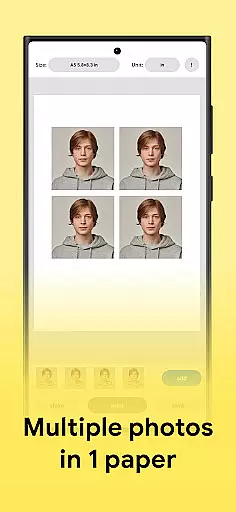
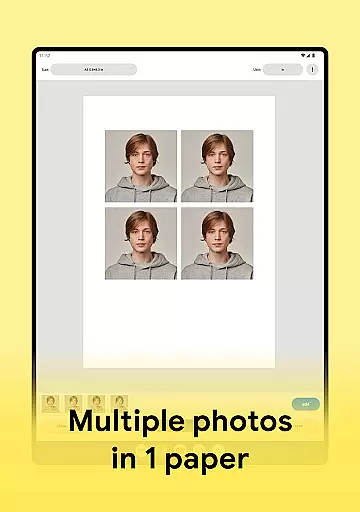
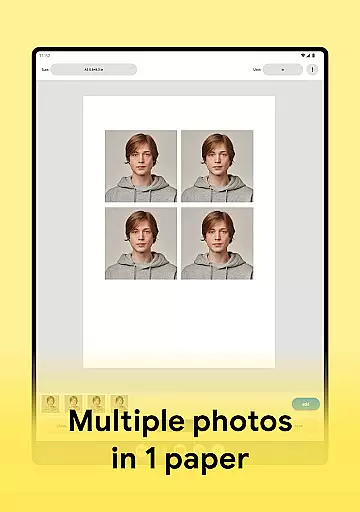
Another notable feature is the ability to create passport-sized photos by arranging multiple images on a single sheet of paper. Additionally, users can choose from pre-designed templates or customize their own formats to suit specific printing needs. The app also facilitates saving projects in various file formats and enables direct uploads to popular cloud storage platforms. These robust functionalities make Print Photo an indispensable tool for anyone involved in graphic design or regular photo printing tasks.
Print Photo offers a comprehensive suite of creative tools that cater to all your photo editing and printing needs. The app allows users to adjust dpi and print resolution, ensuring that each printed photo meets high-quality standards. With features like cropping, resizing, and the ability to create passport-sized photos, it provides a versatile toolkit for both amateur and professional use.
The inclusion of customizable templates adds another layer of creativity, enabling users to design their prints according to specific requirements or preferences. Whether you need to print badges, labels, or full-sized images, Print Photo supports various paper sizes and formats, making it an adaptable choice for diverse projects.
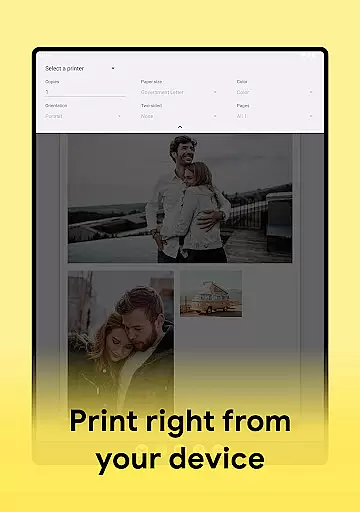
Moreover, the app's compatibility with popular printer brands such as HP, Samsung, Canon, Brother, and Epson enhances its utility by providing seamless integration across different devices. This extensive support ensures that no matter what type of printer you own, you can easily send your edited photos directly from your device to the printer without any hassle.
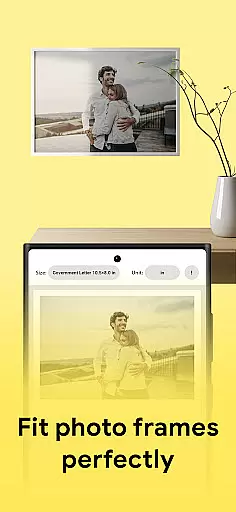
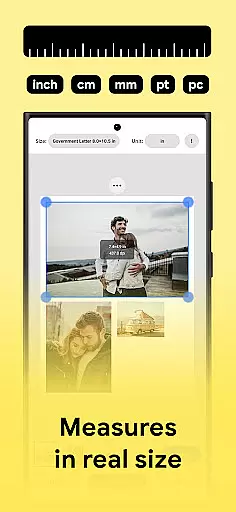
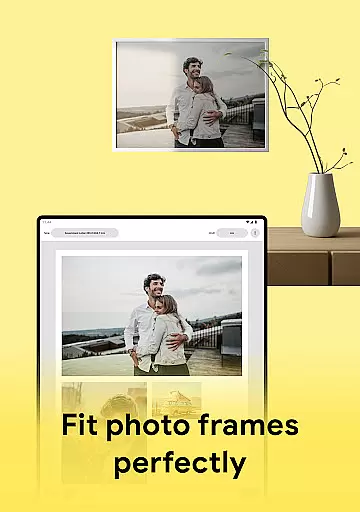
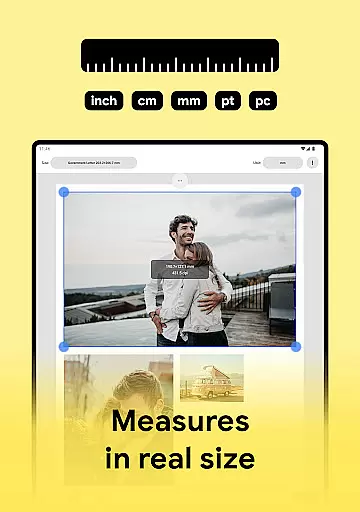
One of the standout features of Print Photo is its remarkable canvas and format flexibility. Users have the freedom to select from predefined paper sizes or customize their own dimensions, allowing for precise control over how their photos are presented. This feature is particularly beneficial when preparing specialized documents such as passports or ID cards where exact measurements are crucial.
In addition to physical print options, the app also supports digital file formats including PDF, PNG, and JPG. This means users can save their work in multiple formats suitable for either online sharing or offline storage on cloud services. Such versatility not only simplifies workflow but also ensures that every project remains accessible regardless of platform constraints.
Furthermore, the ability to handle multiple pictures simultaneously while maintaining optimal print quality underscores the appu2019s commitment to user convenience and efficiency. By offering robust solutions tailored towards both digital and physical outputs, Print Photo stands out as a reliable tool within the realm of art and design applications.
User-friendly interface
Wide printer compatibility
High-quality prints
Multiple image formats
Cloud storage integration
Limited advanced editing
No batch processing
Occasional bugs
Ads in free version
Subscription required

Create trending AI photos & videos with powerful effects and 3D styles.
 3.20
3.20
Draw anime & manga drawing, art with templates to create stunning picture!
4.50
Convert image to JPG PNG HEIC PDF, support almost all kinds of image formats
4.70
Turn your drawings into flipbook-style animations with simple creative tools
4.60
Image resizer to resize, crop, rotate, flip, change dpi photo or picture in bulk
4.60
2D animation studio for Android tablets - unlimited layers, infinite timeline
4.70
Art of Combination Wear OS Watch faces (for Wear OS 5+ devices)
3.90
Sketch and paint on your device with the feel and freedom of drawing on paper
4.00
AI-powered photo & video creation—fast, fun, and effortless with Quick Actions
4.60
Make your phone cooler and have a fantastic experience
4.80
Photo stitcher for automatically screenshot stitching into a long screenshot
4.70
Create neon drawing with magic doodle and fun doodle art effects!
4.50
Draw, make movies & animate cartoons easily with our 2D animation maker app
4.40
Trace, draw, and create art with AR - from memes to masterpieces!
4.30
Bring One UI 8.5 Icons to life -elegant dark icons with a modern, premium touch.
4.30
Unleash Your Creativity with Draw Cartoon - AR Drawing App
4.10
AI Face Swap, Video Effects Editor, Realtime Morph, Funny Video FX,AI Filters
3.70
Sketch, trace and master AR drawing with awesome anime art!
3.30
Download now for a stylish and functional timepiece
4.2


User Reviews