
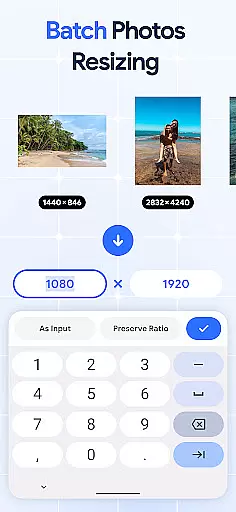
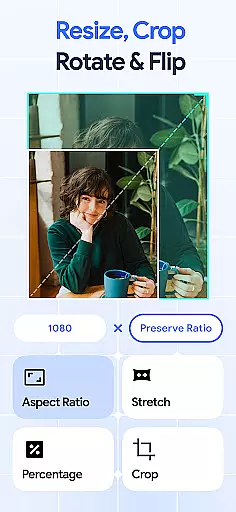
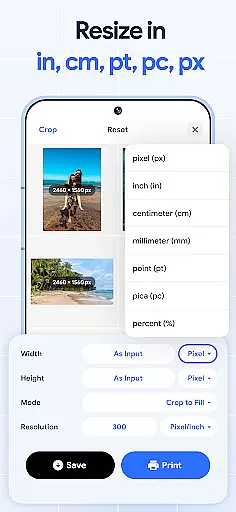
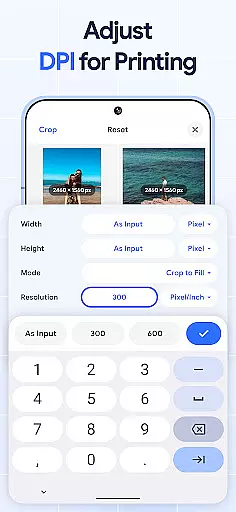
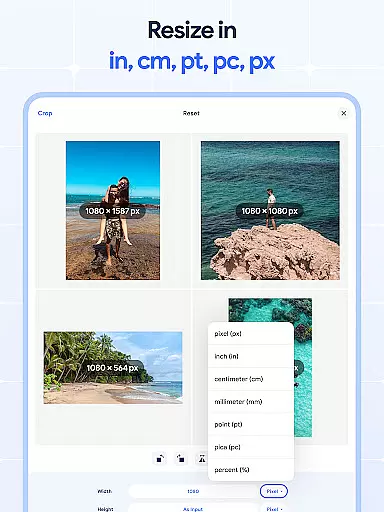
Image Resizer: Crop Photo is a versatile tool designed for resizing, cropping, rotating, flipping, and compressing images with ease. This app caters to users who need to adjust photo resolution, change image size, or prepare images for storage and sharing on social media platforms. With its intuitive interface, the app allows both quick edits and detailed adjustments.
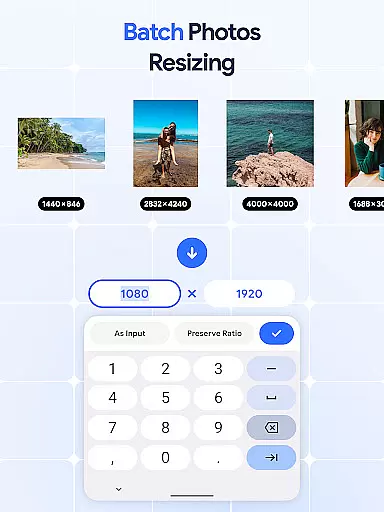
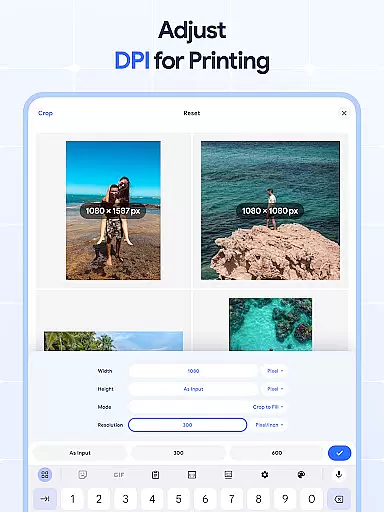
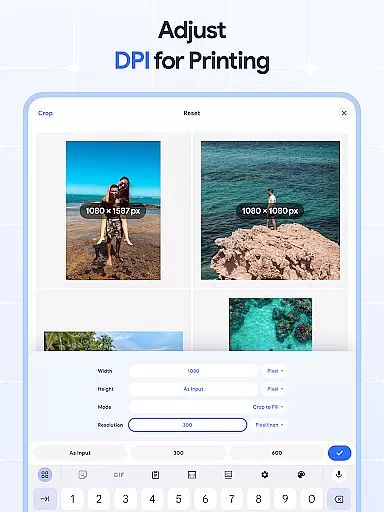
The application stands out with its batch processing capabilities, enabling users to resize multiple images simultaneously. Whether you're looking to crop pictures precisely, rotate photos in bulk, or flip images for creative effects, this app provides all the necessary tools. Additionally, the built-in DPI changer helps optimize images for printing, while the photo compressor ensures smaller file sizes without compromising quality.
For anyone involved in digital art, graphic design, or simply managing personal photo collections, Image Resizer offers an efficient solution. Its comprehensive feature set makes it an indispensable tool for enhancing productivity and streamlining image editing tasks across various use cases.
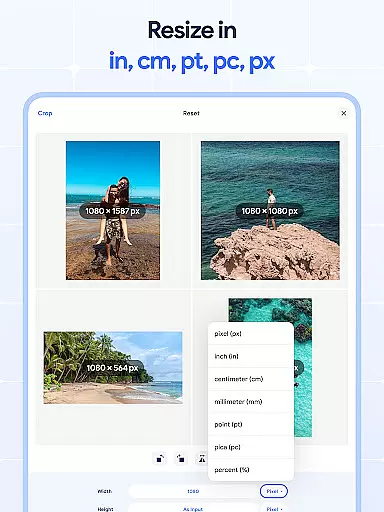
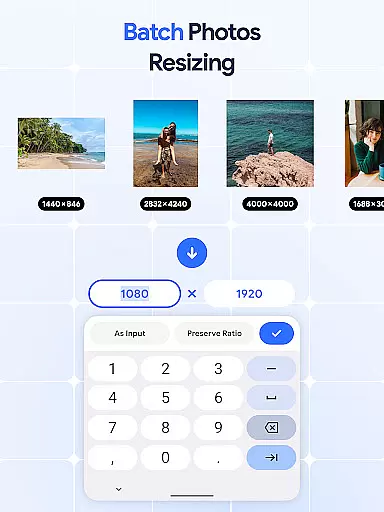
Image Resizer: Crop Photo boasts a rich set of features tailored for comprehensive image editing. One of its core functionalities is the ability to quickly resize images for different purposes, whether for social media optimization or adjusting photo resolution for professional use. The app's image resizer allows effortless modification of image dimensions, while the batch resize option enables simultaneous adjustments for multiple pictures, saving significant time and effort.
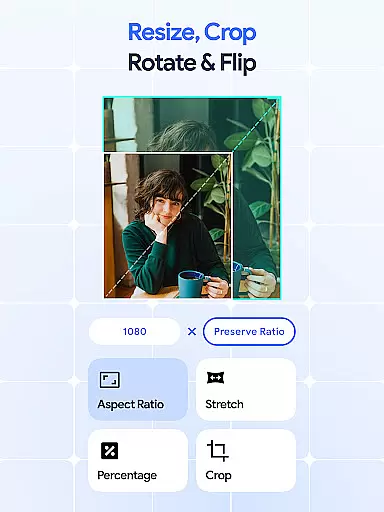
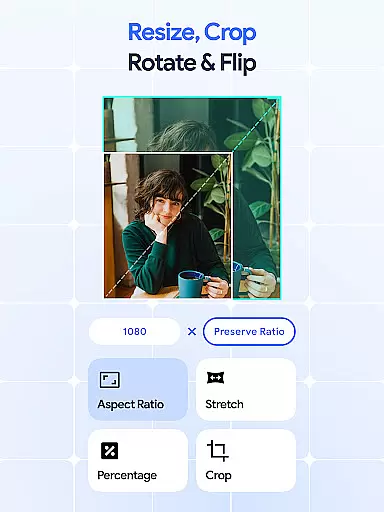
In addition to resizing, the app excels in precise cropping and rotation. Users can crop images to remove unwanted sections or adjust aspect ratios using the photo cropper. The photo rotator function simplifies orientation adjustments, with options for bulk rotations when handling large numbers of images. For creative projects, the flip feature provides mirrored effects, allowing one-tap horizontal or vertical flips for unique visual outcomes.
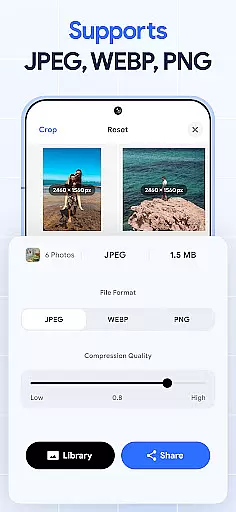
The app also includes advanced tools like DPI modification and compression. The DPI changer helps users optimize images for printing by adjusting resolution settings, while the photo compressor reduces file sizes without noticeable quality loss. These features collectively ensure that images are properly formatted for various mediums, from web uploads to physical prints, making Image Resizer a complete solution for all image editing needs.
In the realm of digital art and design, having access to comprehensive tools is essential for bringing creative visions to life. Image Resizer stands out by offering a wide array of features that cater to various image editing needs.
From resizing and cropping to rotating and flipping images, this application provides artists and designers with everything they need to modify their visuals accurately. The inclusion of a dpi changer and photo compressor further extends its utility, allowing users to prepare their artwork for both digital and print mediums without compromising on quality.
The true value of Image Resizer lies in its batch processing capabilities. This feature enables users to apply changes to multiple images simultaneously, drastically reducing the time and effort required for large-scale projects. Whether you're a professional photographer managing vast galleries or a social media manager optimizing content for online platforms, these tools ensure efficiency and consistency across your work.
A versatile canvas is crucial for artistic expression, and Image Resizer excels in providing flexible formatting options that adapt to diverse project requirements. Users can easily adjust the dimensions and resolution of their images, ensuring compatibility with different devices and platforms.
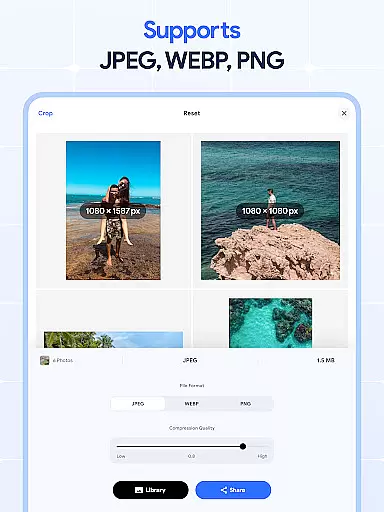
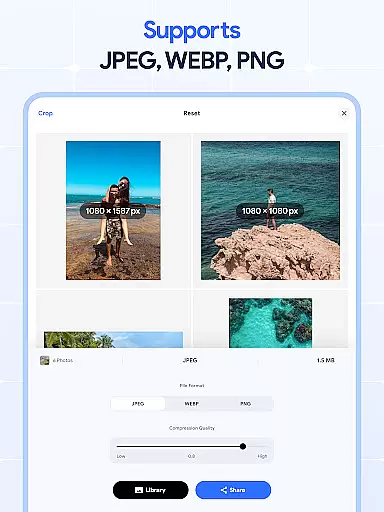
This app supports an extensive range of file formats, making it simple to import and export artwork without worrying about compatibility issues. Whether you're working with high-resolution photographs or vector graphics, Image Resizer maintains the integrity of your original files while allowing for precise modifications.
Moreover, the ability to create mirrored effects and reduce file sizes through compression adds another layer of versatility. These features empower creators to experiment with unique visual styles and optimize their work for specific uses, such as web publishing or physical prints. With Image Resizer, artists have the freedom to explore new creative possibilities without being constrained by technical limitations.
User-friendly interface
Batch processing support
High-quality compression
Comprehensive editing tools
Cross-platform compatibility
Limited advanced filters
No cloud integration
Premium feature costs
Occasional slow processing
Basic color adjustments

AI generated images & photos, turn your words into drawing, painting & pictures.
 4.30
4.30
Art of Combination Wear OS Watch faces
4.0
Sketch, trace and master AR drawing with awesome anime art!
3.30
Trace, draw, and create art with AR - from memes to masterpieces!
4.30
Convert image to JPG PNG HEIC PDF, support almost all kinds of image formats
4.70
AI Art Generator transforms your words into AI generated art & paintings.
3.70
Painting, drawing, & sketching
4.50
Experience next-gen icons with a modern liquid glass look.
3.60
Photo stitcher for automatically screenshot stitching into a long screenshot
4.70
Make your phone cooler and have a fantastic experience
4.80
Mobile pixel art editor. Simple. Fast. Portable.
4.80
Draw glowing spinners, relax, and spin your creative art
4.60
Image/ Text to Video Generator
4.40
Create and Design Custom Logos in Seconds with AI-Powered Tools!
4.40
Custom Character Creator & PFP Maker!
4.20
OneUI 8.5 icons ✨ Smooth, modern & based on the latest Play Store design ??
4.10
Vidu is an AI video generator made for creators and aspiring makers.
3.30
Art of Combination Wear OS Watch faces (for Wear OS 5+ devices)
3.00
Premium version of Shimeji-ee app with no ads & no limit active shimeji
4.0


User Reviews