
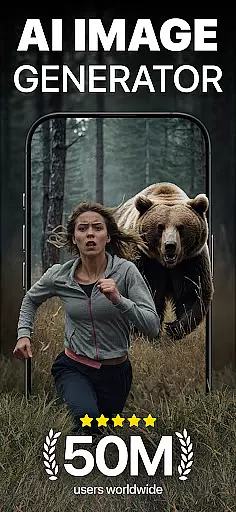
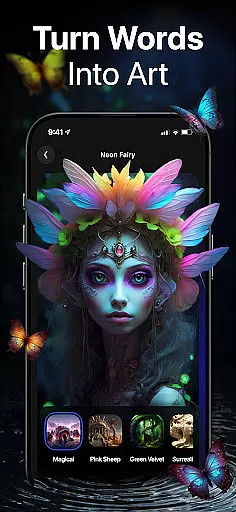
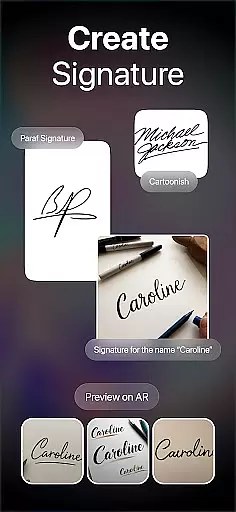
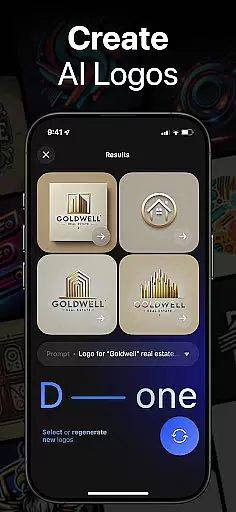
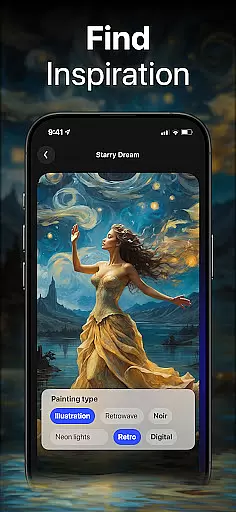
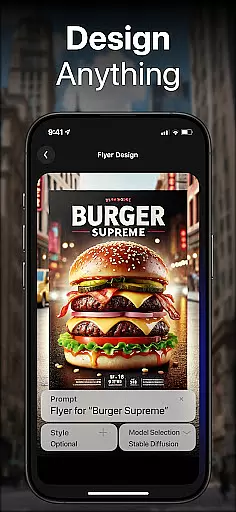
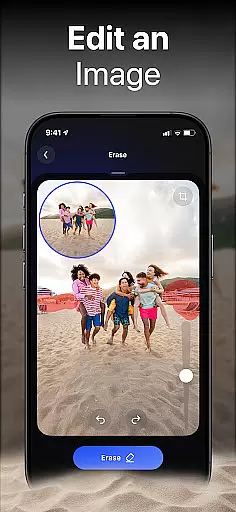
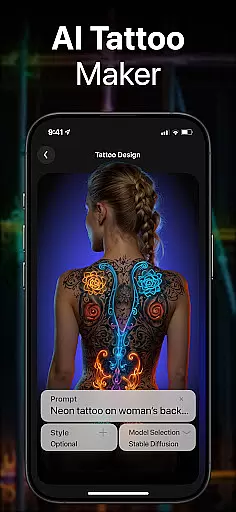
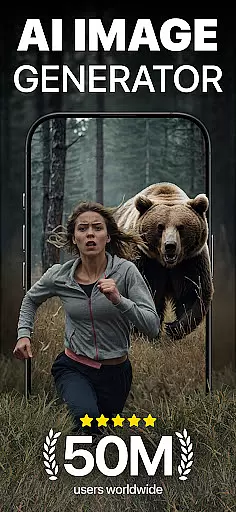
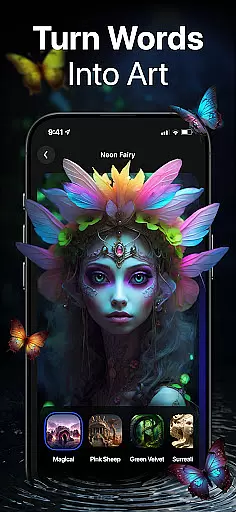
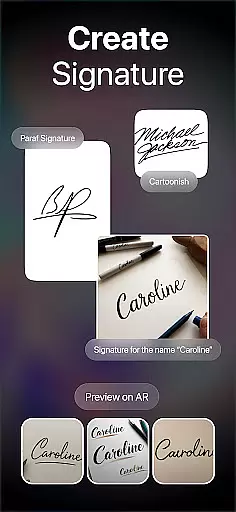
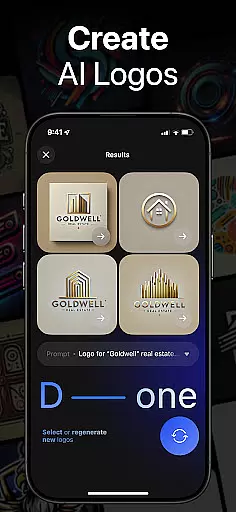
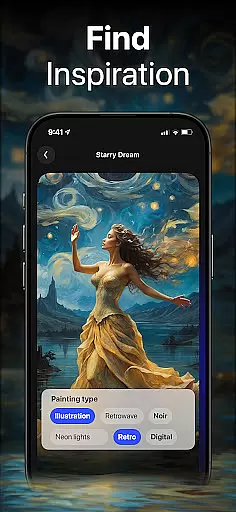
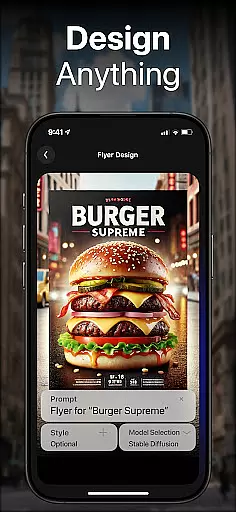
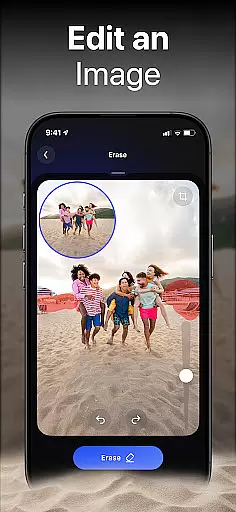
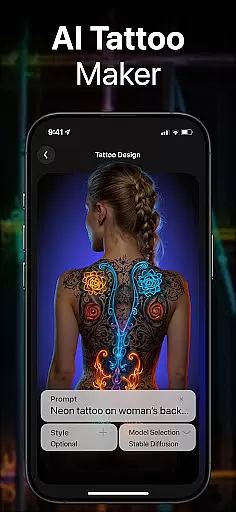
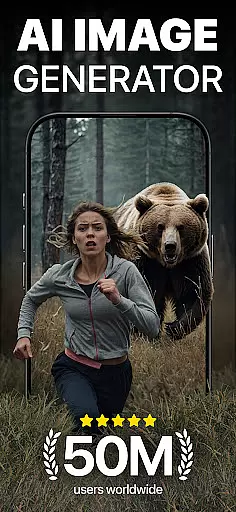
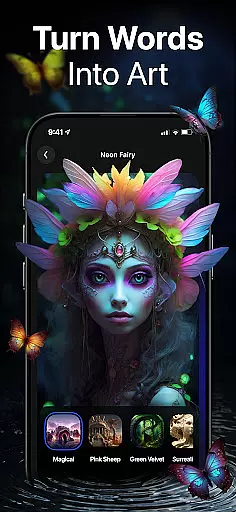
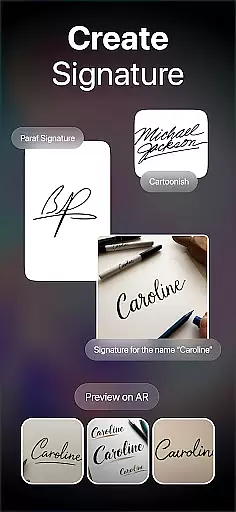
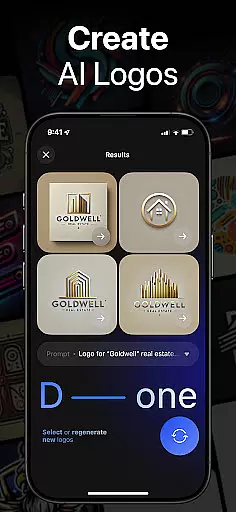
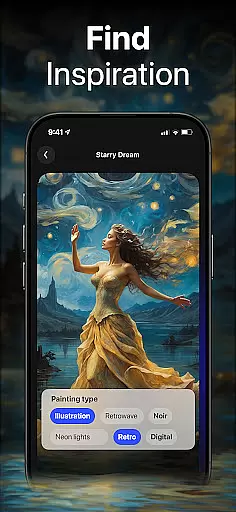
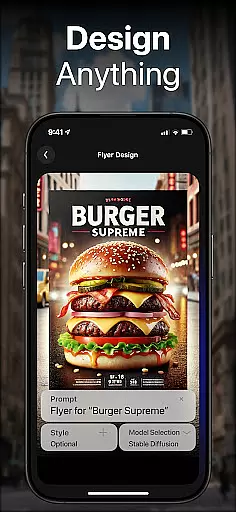
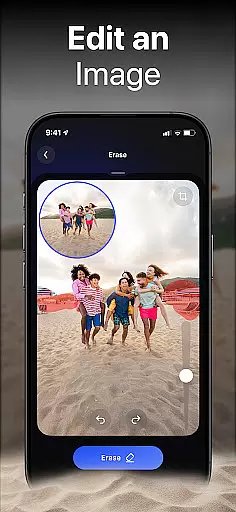
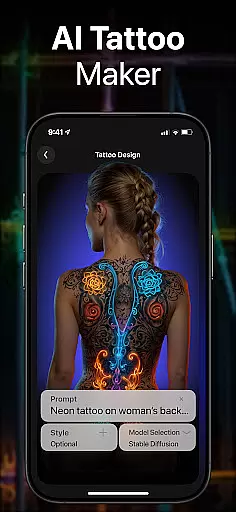
DaVinci is a cutting-edge AI Image Generator app that transforms your words and images into stunning AI-generated art. Using advanced artificial intelligence, it creates unique artworks, photos, and designs based on your input. Whether you need digital art, tattoo designs, logo concepts, or realistic AI-generated photos, DaVinci brings your ideas to life in seconds.
The app offers multiple specialized generators including an AI Art Generator, AI Tattoo Generator, AI Logo Generator, AI Image Generator, and AI Avatar Generator. Each tool provides various artistic styles to choose from, allowing users to experiment with different aesthetics. With its user-friendly interface, DaVinci makes creating professional-quality art accessible to everyone, right from their mobile devices.
Perfect for artists, designers, and creative enthusiasts, DaVinci empowers users to produce high-resolution artwork tailored to their specific needs. From designing custom pieces for personal spaces to generating shareable content for social media, this app serves as a versatile creative companion.
DaVinci stands out with its diverse range of powerful features designed to cater to all your artistic needs. The AI Art Generator allows users to craft captivating drawings by simply entering text prompts or uploading images. This feature supports experimentation with numerous art styles, from photorealistic renderings to whimsical sketches, ensuring every vision can be realized.
In addition to general artwork creation, DaVinci includes specialized tools like the AI Tattoo Generator, which produces unique tattoo designs within seconds, and the AI Logo Generator, enabling businesses to create professional logos effortlessly. The AI Image Generator focuses on producing hyper-realistic photos while the AI Avatar Generator lets users transform themselves into various imaginative characters.
Sharing creations is seamless with DaVinci's built-in sharing functionality, allowing users to distribute their masterpieces across platforms like Instagram, Facebook, and WhatsApp. Backed by state-of-the-art AI technology, DaVinci eliminates the need for traditional art supplies, making creativity more accessible than ever before.
In the realm of digital artistry, having a comprehensive suite of creative tools is essential for unleashing one's imagination. DaVinci stands out by offering an extensive array of features that cater to various artistic needs. From generating AI-driven artworks and hyper-realistic photos to crafting unique tattoo designs and professional logos, this app encapsulates a wide spectrum of creative possibilities.
DaVinci's capabilities are not just limited to predefined functions; it allows users to experiment with different art styles ranging from simple pencil sketches to complex photorealistic images. This versatility ensures that whether you're looking to create digital masterpieces or seeking inspiration for your next tattoo, DaVinci provides all necessary instruments within a single platform.
The true value of these complete creative tools lies in their accessibility and ease of use. Users can easily transform textual descriptions into visual art without needing any traditional art supplies. By simply typing in prompts or uploading images, individuals can produce high-resolution artworks tailored specifically to their visions, making professional-level design accessible to everyone.
Flexibility in canvas size and format options is crucial for artists who wish to express their creativity without limitations. DaVinci addresses this need by providing adaptable solutions that allow users to customize their projects according to specific requirements. Whether itu2019s designing a logo for business purposes or creating large-scale prints for home decoration, the app supports various dimensions and resolutions.
Moreover, DaVinci enables seamless integration between different formats, ensuring compatibility across multiple platforms. Artists can upload personal photos, select desired styles, and watch as the AI transforms them into extraordinary avatars or artworks ready for sharing on social media like WhatsApp, Facebook, Instagram, etc., maintaining quality throughout the process.
This level of flexibility empowers creators to explore new horizons in digital artistry while guaranteeing that final outputs meet industry standards. With DaVinciu2019s robust support for diverse canvas sizes and file formats, users gain unparalleled freedom to bring their ideas to life exactly how they envision themu2014be it through detailed illustrations or expansive murals destined for physical spaces.
User-friendly interface
Wide variety of art styles
High-resolution outputs
Quick generation time
Versatile design options
Limited free usage
Subscription costs
Occasional rendering errors
Dependent on internet connection
Learning curve for new users

Transform photos into amazing monochrome dither art with professional algorithms
 4.0
4.0
Image/ Text to Video Generator
4.40
Custom Character Creator & PFP Maker!
4.20
Your Essential Color Theory Guide: Red, Yellow, Blue (RYB)
4.2
Convert image to JPG PNG HEIC PDF, support almost all kinds of image formats
4.70
Make your phone cooler and have a fantastic experience
4.80
Experience next-gen icons with a modern liquid glass look.
3.60
Just trace a projected picture on paper and color! Draw & Paint with AR drawing
4.40
AI Tattoo Generator: Create Tattoo Designs & Get Ideas! Ink & Stencil Maker
4.50
Your AI soulmate — meaningful chats, and unique emotional moments
4.70
Learn how to draw with step-by-step tutorials, fun lessons & multiplayer drawing
4.70
Minecraft & Roblox Clothes
4.70
Digital illustration drawing & painting pad app to paint Anime and Manga art
4.50
The perfect place to start sketching! Use Sketchbook to draw and paint sketches.
4.50
Painting, drawing, & sketching
4.50
Bring One UI 8.5 Icons to life -elegant dark icons with a modern, premium touch.
4.30
Unleash Your Creativity with Draw Cartoon - AR Drawing App
4.10
Sketch, trace and master AR drawing with awesome anime art!
3.30
Retouch photos. Create or edit images. Endless capabilities.
2.70


User Reviews