
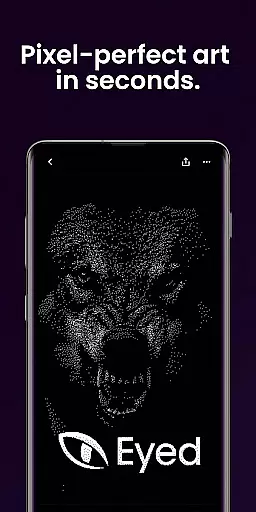
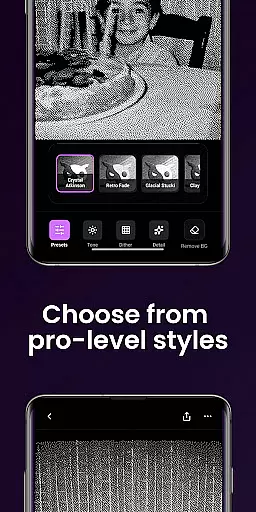
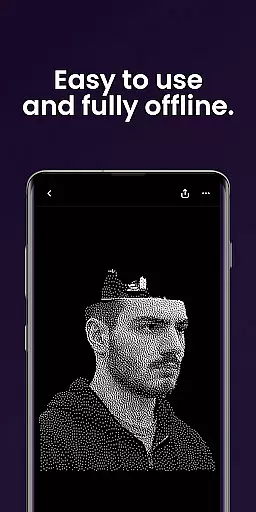
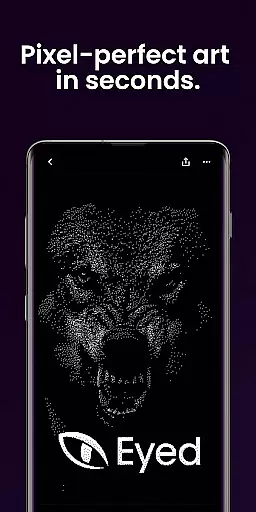
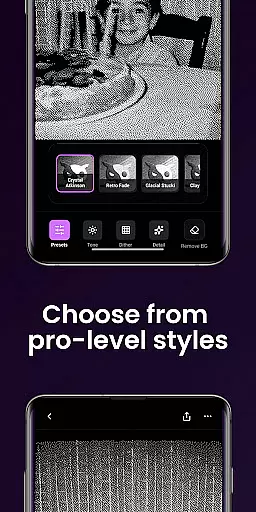
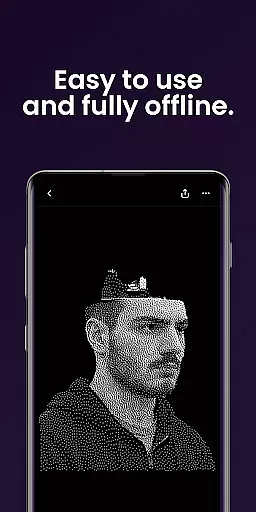
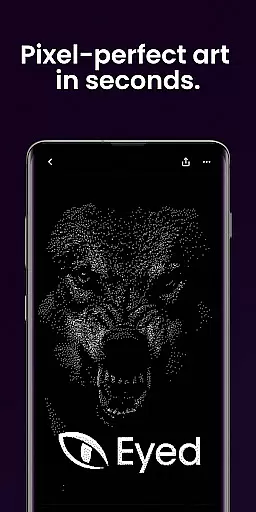
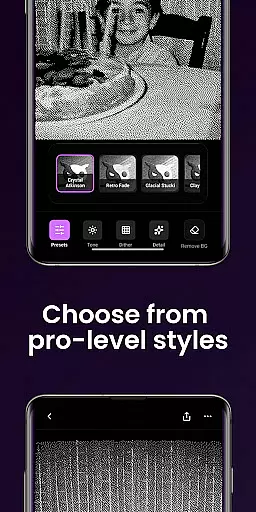
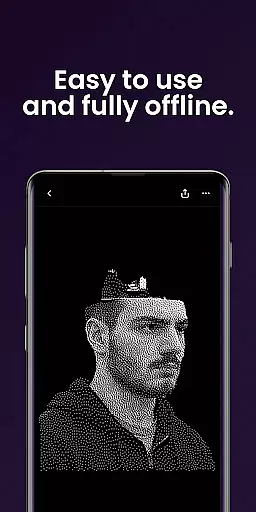
Dither By Eyed is a photo editing app that transforms your images into print-inspired artwork with expressive results in seconds. It offers iconic processing methods like Floyd-Steinberg, Atkinson, and Stucki, along with curated looks such as Retro Fade and Warm Grain for instant character.
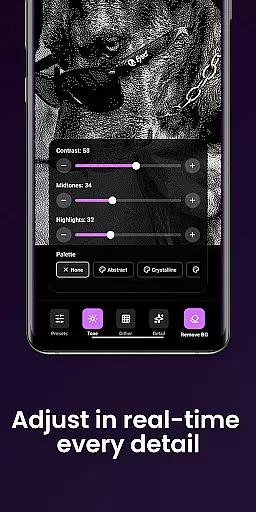
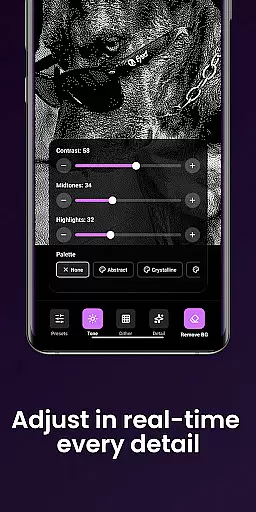
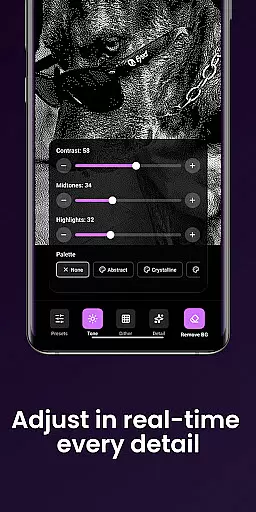
With Dither By Eyed, users can fine-tune contrast, midtones, highlights, blur, scale, and threshold with real-time previews. The app also allows isolating subjects cleanly and exporting high-quality results ready for print, web, or social media.
This app is thoughtfully designed for creators who want to give their photos a fresh, retro-inspired twist without a learning curve.
Dither By Eyed provides a rich set of features tailored for creative photo editing. Users can explore various processing methods including blue-noise patterns and Bayer for authentic texture and structure.
The app includes curated one-tap looks such as Crystal Atkinson and Frozen Bayer, allowing users to apply instant character to their photos. Fine-tuning options are available to adjust image parameters with responsive real-time previews.
Additional features include importing from the photo library or capturing with the camera, pinch-to-zoom functionality, and an optimized interface for both phones and tablets. The app supports common image formats and does not require an account for use.
In the realm of digital artistry, having a comprehensive suite of creative tools is paramount. Dither By Eyedu2122 stands out by offering an extensive array of iconic processing methods such as Floyd-Steinberg, Atkinson, and Stucki. These are not just filters but authentic texture and structure enhancers that transform your photos into expressive artwork with a print-inspired aesthetic.
Moreover, the app provides curated one-tap looks including Crystal Atkinson, Retro Fade, and Warm Grain which imbue your images with instant character. The inclusion of blue-noise patterns and other specialized techniques ensures that whether you're aiming for a classic computer-graphics feel or something more contemporary and gallery-ready, this application has the means to achieve it.
Fine-tuning is where Dither By Eyed truly excels; users can adjust contrast, midtones, highlights, blur scale, and threshold with responsive real-time previews. This level of control allows creators to refine their work precisely according to their vision without any guesswork involved in how the final piece will appear.
The hallmark of a versatile photo editor lies in its canvas and format flexibility, enabling artists to bring their visions to life without constraints. Dither By Eyedu2122 facilitates this through features like background removal, which allows for crisp compositions or poster-style silhouettes. Such capabilities ensure that subjects are isolated cleanly, providing a foundation for creativity that is both clean and intentional.
Exporting your artwork is an equally important aspect where flexibility shines through. With Dither By Eyedu2122, saving high-quality results ready for various mediumsu2014be it print, web, or social platformsu2014is done effortlessly within moments. The app supports common image formats ensuring ease when importing from your library or capturing new content directly via camera integration.
Designed thoughtfully for creators who value precision while they work on phones or tablets alike, pinch-to-zoom functionality coupled with panning options offers meticulous adjustments at your fingertips. Whether you're crafting on-the-go using mobile devices or settling down with tablet screensu2014the interface remains focused yet adaptable across different screen sizes maintaining optimal usability throughout.
User-friendly interface
Real-time previews
Wide range of styles
High-quality exports
No account needed
Limited advanced tools
Few customization options
No cloud sync
Occasional bugs
Ads present

Design your dream room with AI. Get decor ideas & plan home interiors
 3.90
3.90
AI Face Swap, Video Effects Editor, Realtime Morph, Funny Video FX,AI Filters
3.70
Draw anime easily with AR guidance, sketch templates & trace tools!
3.10
Create stunning video, photo & magic from text with FlixAI GPT video generator.
3.10
Painting, drawing, & sketching
4.50
Resize photos and print photos in exact size with our powerful photo printer!
3.80
2D animation studio for Android tablets - unlimited layers, infinite timeline
4.70
Just trace a projected picture on paper and color! Draw & Paint with AR drawing
4.40
Sketch and paint on your device with the feel and freedom of drawing on paper
4.00
Create stunning art with AI.
4.80
Draw beautiful mandala's very easily
4.60
Photo editor for art, avatars, filters & fun transformations.
4.60
Draw Trace image sketch by, AR art projector app, Easy to trace any image.
4.50
AI Tattoo Generator: Create Tattoo Designs & Get Ideas! Ink & Stencil Maker
4.50
Beauty Camera - Selfie Camera is the ultimate beauty camera and selfie app
4.30
Apply cartoon, caricature, and portrait effects to make your photos stand out!
3.60
Pose and morph realistic male and female models! 3D poser app
3.00
Download now for a stylish and functional timepiece
4.3
Art of Combination Wear OS Watch faces
4.0


User Reviews