
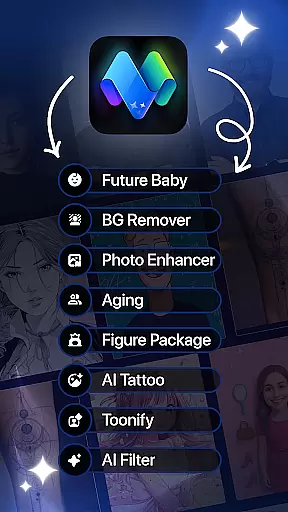
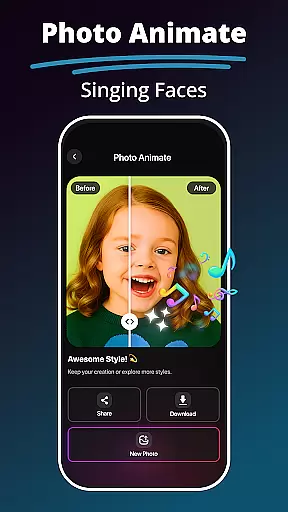
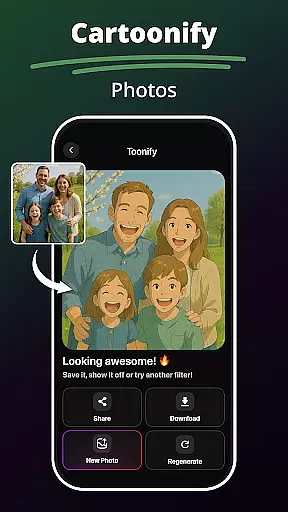
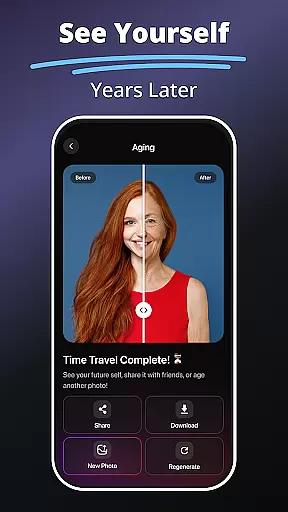
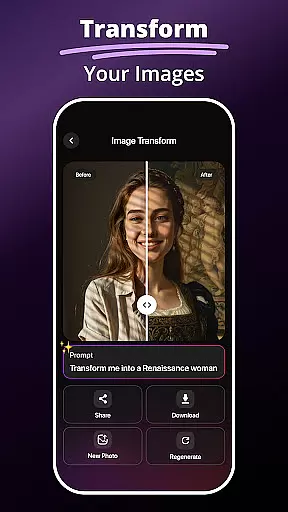
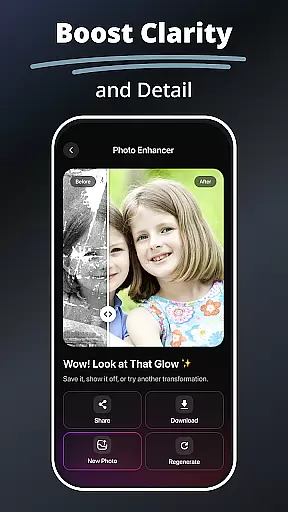
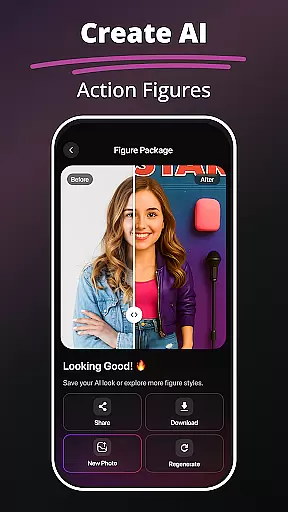
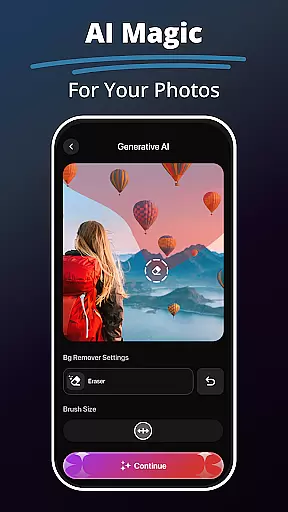
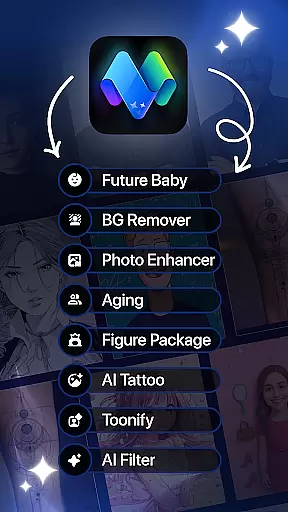
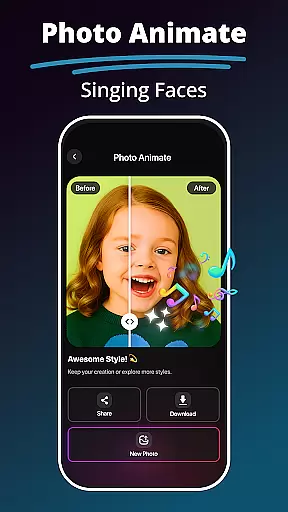
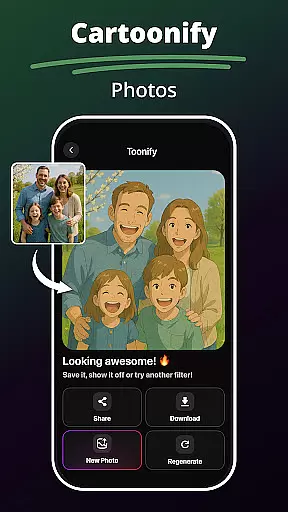
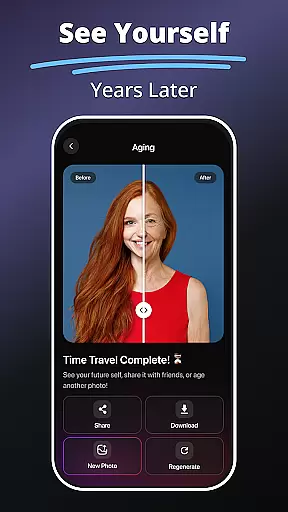
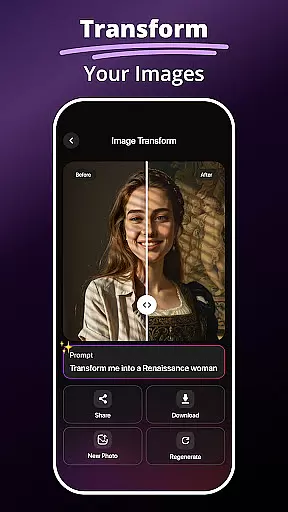
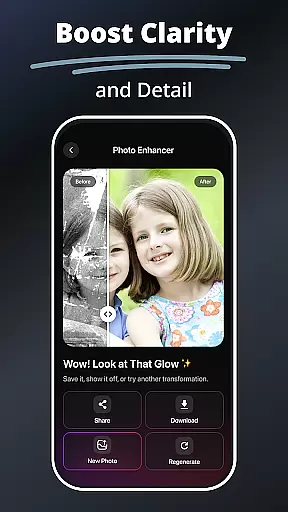
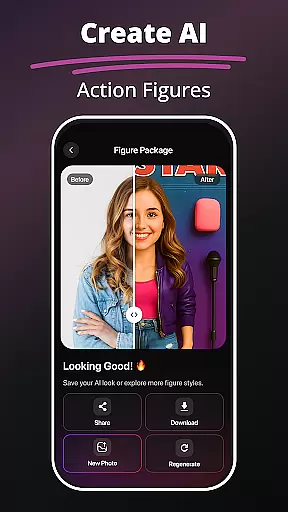
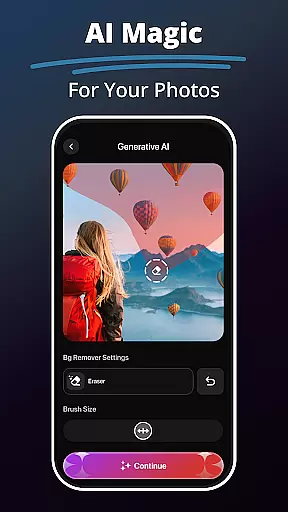
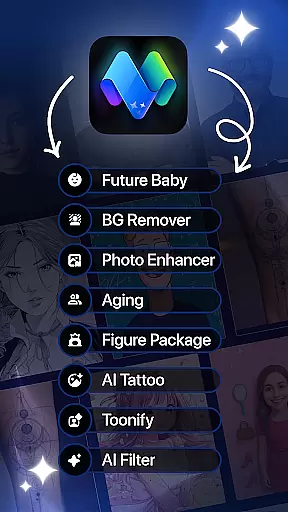
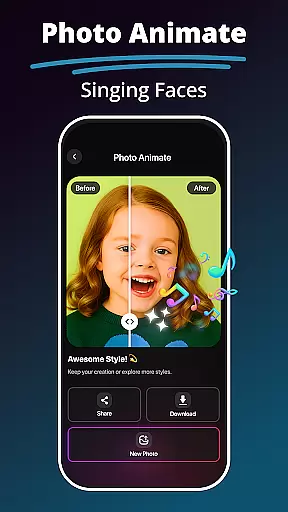
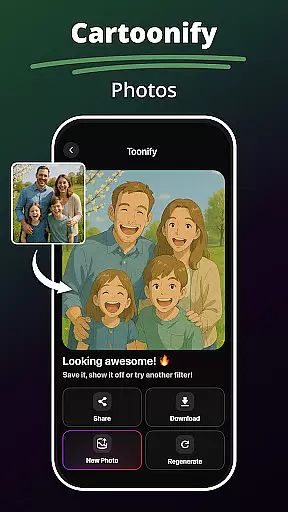
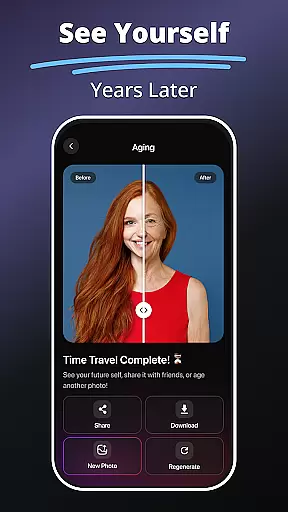
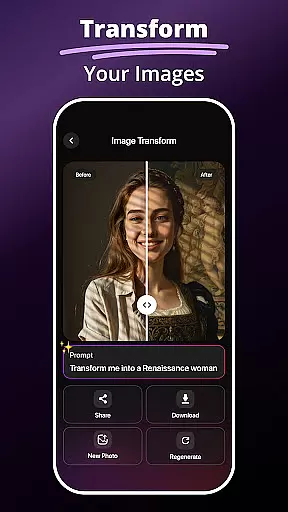
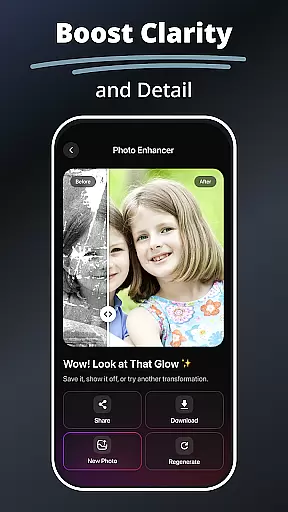
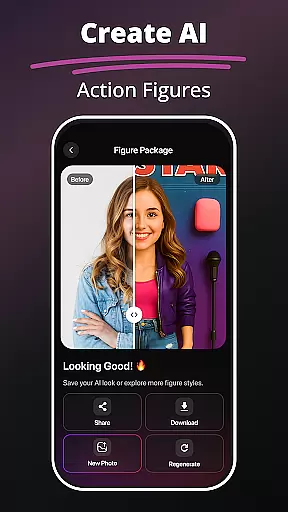
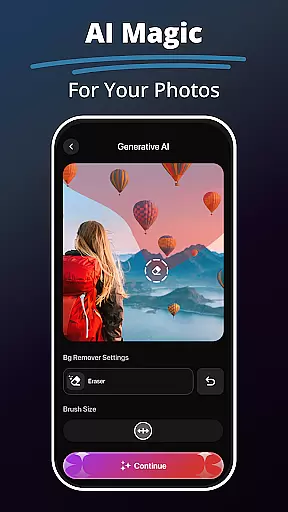
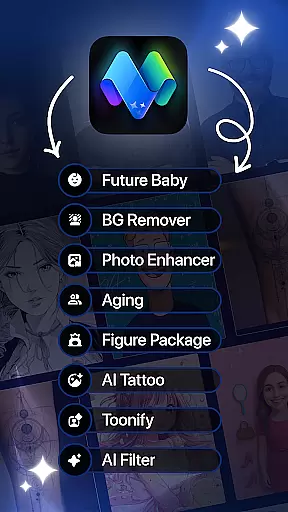
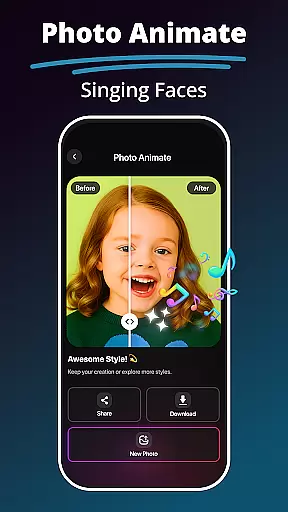
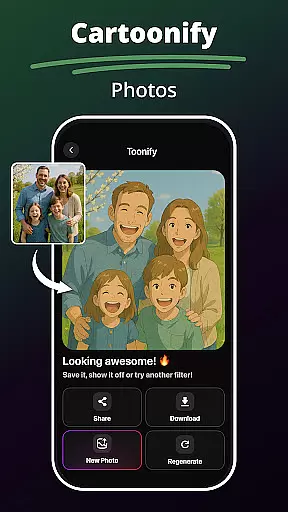
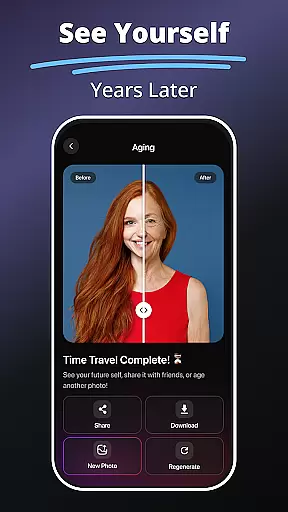
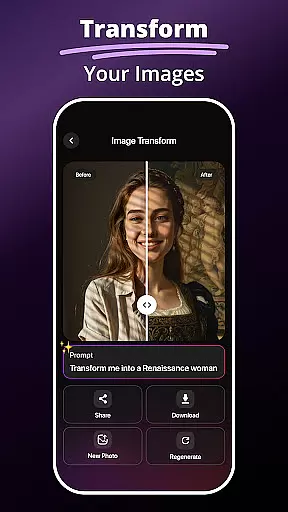
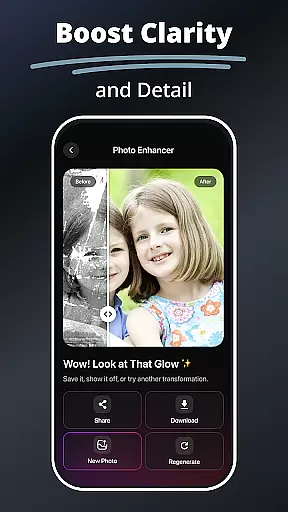
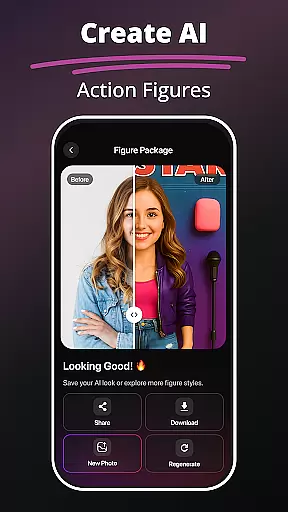
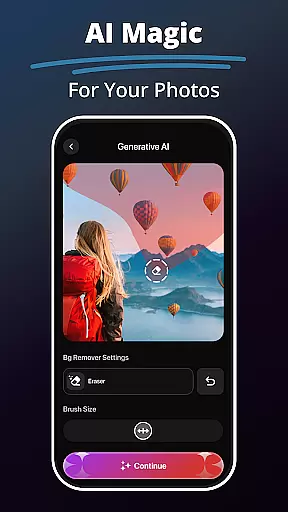
MePic is an innovative AI-powered photo editor designed for both casual users and creative professionals. This all-in-one app allows you to transform ordinary photos into stunning digital art with minimal effort. The platform offers a comprehensive suite of editing tools, including advanced AI filters, background removal, object editing, and facial enhancements.
One standout feature is the Text to Image tool, which converts written descriptions into high-quality visuals, making it ideal for artists and designers. Additionally, the Future Baby Generator adds a fun twist by predicting what your future child might look like. MePic also includes professional-grade features such as avatar creation, hair and beard styling, and photo animation, ensuring that every user can find something tailored to their needs.
Whether you're enhancing portraits, designing avatars, or experimenting with new styles, MePic provides endless possibilities for creativity. Its intuitive interface and powerful AI capabilities make it accessible for beginners while offering depth for advanced users. With MePic, anyone can achieve professional-level edits right from their mobile device.
MePic stands out with its diverse range of cutting-edge features designed to cater to various creative needs. At its core is the AI Photo Editor, which simplifies complex tasks like skin smoothing, color adjustment, and object removal. These tools are powered by intelligent algorithms that ensure precision and ease of use, even for novices.
The app's Text to Image functionality is particularly noteworthy. By leveraging state-of-the-art generative AI, users can describe any concept in words, and the app will generate corresponding visuals within seconds. This feature opens up limitless opportunities for brainstorming and artistic exploration. Another highlight is the Avatar Creator, which lets users design personalized avatars in multiple styles—cartoonish, realistic, or fantastical—complete with customizable details like hairstyles, makeup, and accessories.
Other standout features include the Hair & Beard Changer, Background Remover, and Photo Animate tools. Each of these functions demonstrates MePic's commitment to innovation and user-centric design. Whether you're looking to enhance your selfies, create imaginative artwork, or experiment with futuristic concepts, MePic delivers a seamless and enjoyable experience.
In the realm of digital artistry, having a comprehensive suite of creative tools is essential for unleashing one's imagination. MePic stands out as an all-encompassing AI-powered photo editor that offers an extensive range of features tailored to both amateur enthusiasts and professional designers.
From its Text to Image feature which transforms descriptive words into unique visuals, to the advanced Future Baby Generator that predicts future offspring appearances, MePic ensures every creative vision can be realized. The application doesn't stop there; it provides users with sophisticated AI Photo Editor & Filters for enhancing portraits and experimenting with artistic styles.
Moreover, MePic enables users to craft personalized avatars in various forms, modify hairstyles and facial hair with the Hair & Beard Changer, and refine images with the Photo Enhancer Tools. These robust functionalities empower users to produce high-quality content without needing to switch between different applications.
The true value of MePic lies in its ability to consolidate these powerful editing capabilities into a single platform, streamlining the creative process and allowing artists to focus on what truly mattersu2014their art.
Flexibility in canvas and format options is crucial for accommodating diverse project requirements and ensuring that artwork translates well across various mediums. MePic addresses this need by providing versatile solutions that cater to a wide array of design specifications.
With MePic, users can easily remove or replace backgrounds, adjust colors, and erase unwanted objects from their photos. This level of control over the canvas allows creators to produce clean, professional images or explore more artistic compositions without constraint.
In addition to background manipulation, MePic supports the creation of animated photos, adding another dimension to static images. By animating faces and incorporating dynamic movements, users can generate engaging content suitable for digital platforms or traditional print media.
MePic's adaptable toolkit not only enhances the creative workflow but also guarantees that regardless of the project's demands, users have the necessary resources to deliver visually stunning results consistently.
User-friendly interface
Advanced AI capabilities
Versatile editing tools
Fun experimental features
High-quality results
Some features may require premium access
Occasional lag during heavy processing
Limited offline functionality
Subscription costs for full access
Learning curve for advanced tools

Sketch, trace and master AR drawing with awesome anime art!
 3.30
3.30
Sketch, plan, take notes and illustrate on an infinite canvas.
4.20
Apply cartoon, caricature, and portrait effects to make your photos stand out!
3.60
Create stylish invitation cards using templates for weddings, birthdays & RSVP.
4.20
Paint with oils and sketch with natural tools on a realistic virtual canvas.
3.80
See Color, Paint Color
4.90
2D animation studio for Android tablets - unlimited layers, infinite timeline
4.70
Art of Combination Wear OS Watch faces (for Wear OS 5+ devices)
3.90
Bring One UI 8.5 Icons to life -elegant dark icons with a modern, premium touch.
4.30
Passport size photo maker, create ID photo and visa photo in seconds
4.80
Digital, Abstract, Classic - all types of color wheels in one app!
4.60
Share the joy of painting with ibis Paint! Drawing anime and manga art.
4.50
Stylish letters, Stylish Keyboard, Symbols, Emojis, Cool nickname
4.40
Just trace a projected picture on paper and color! Draw & Paint with AR drawing
4.40
Remove Background, Magic Eraser, Photo Enhancer, Story Templates, Collage Maker
4.30
OneUI 8.5 icons ✨ Smooth, modern & based on the latest Play Store design ??
4.10
Pose and morph realistic male and female models! 3D poser app
3.00
Art of Combination Wear OS Watch faces (for Wear OS 5+ devices)
3.00
Art of Combination Wear OS Watch faces
4.4


User Reviews