
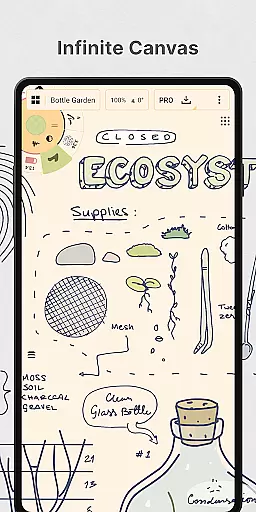
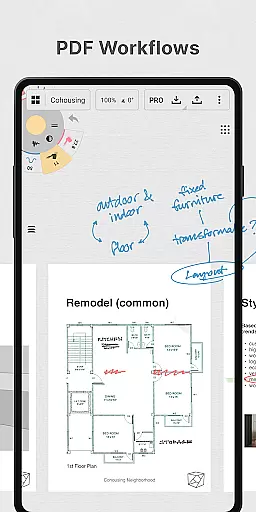
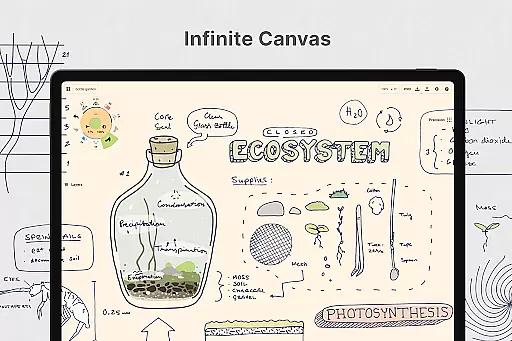
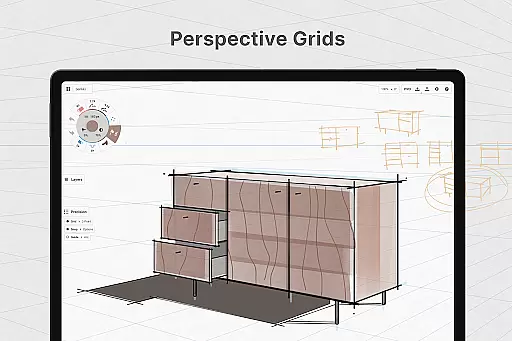
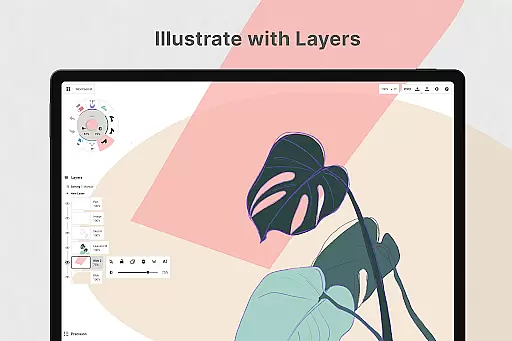
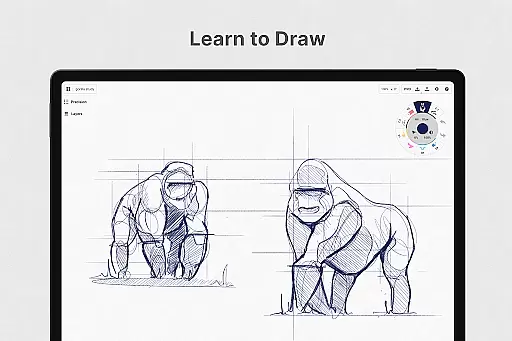
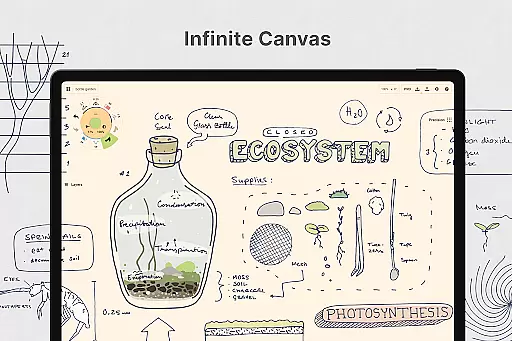
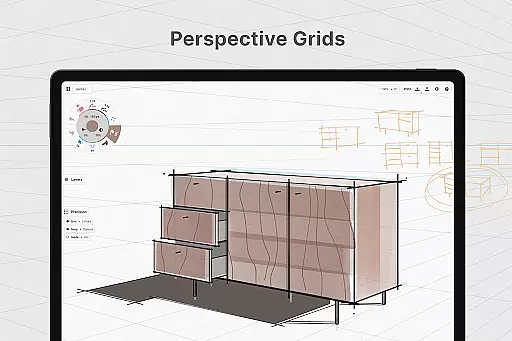
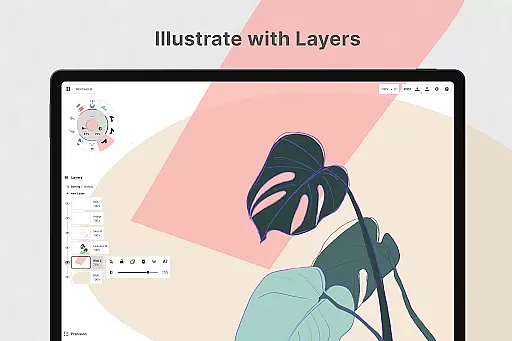
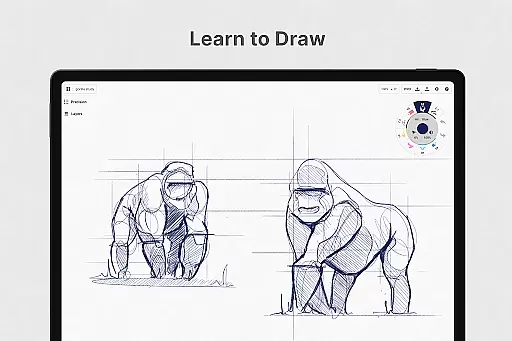
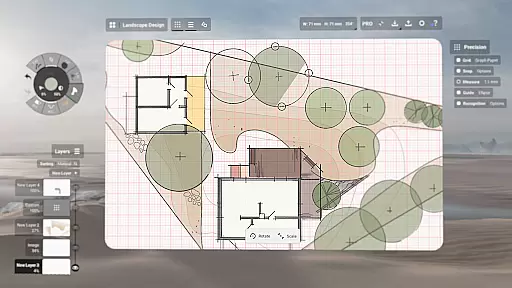
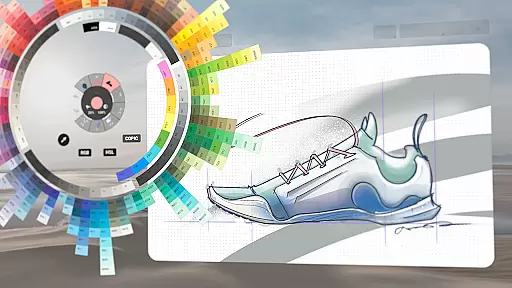
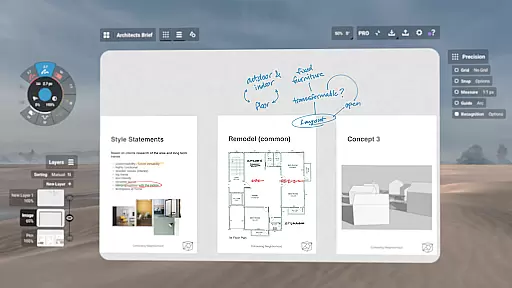
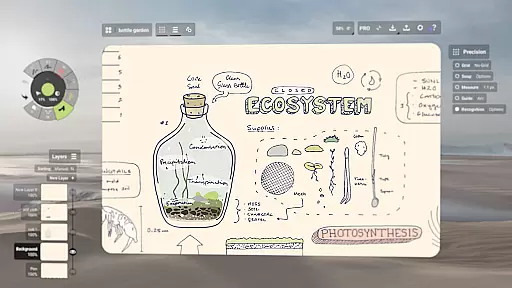
Concepts is a versatile vector-based creative workspace designed for artists, designers, and creators to bring their ideas to life. This digital sketchpad offers an infinite canvas where users can sketch plans, create storyboards, draw product designs, and even make mind maps. With its responsive tools that adapt to pressure, tilt, and velocity, Concepts provides a realistic drawing experience with customizable brushes and pens. The app's flexibility extends to its layering system, color wheels, and precision drawing features, making it ideal for both quick sketches and detailed design work.
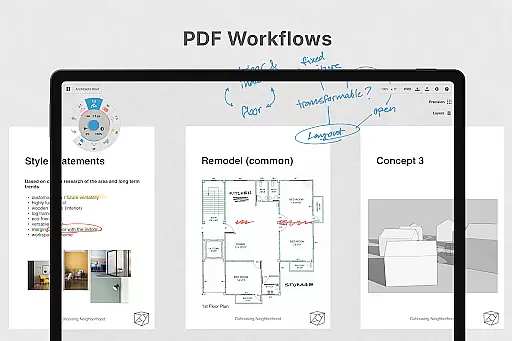
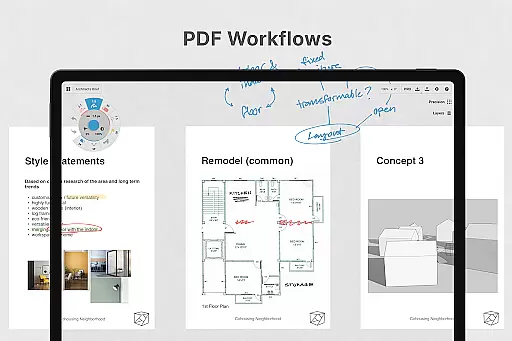
The app is particularly well-suited for creative professionals who need a dynamic space to experiment with and iterate on their designs. Whether you're working on illustrations, planning projects, or developing complex designs, Concepts allows you to easily adjust elements without starting over. Its compatibility with the latest pen-enabled devices ensures a smooth and responsive experience, while export options enable easy sharing and feedback loops with clients and collaborators.
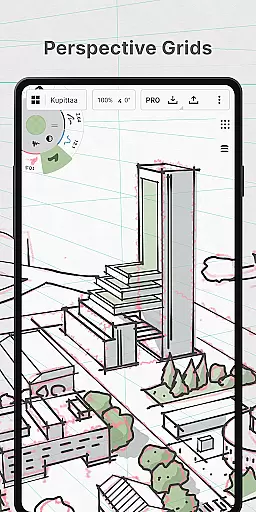
Concepts stands out with its robust feature set tailored for creative professionals. The app's vector-based engine allows every stroke to be editable and scalable, providing unparalleled flexibility in modifying artwork. Tools like Nudge, Slice, and Select enable precise adjustments without the need for redrawing, streamlining the creative process. The infinite canvas supports various paper types and custom grids, catering to different artistic styles and project requirements.
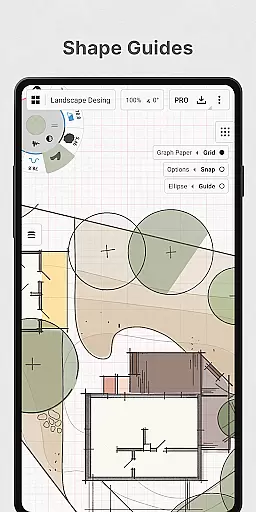
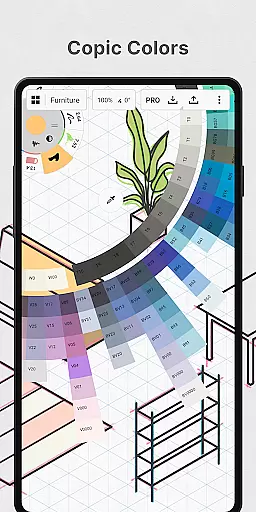
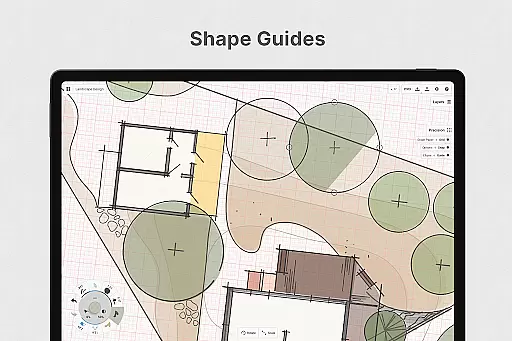
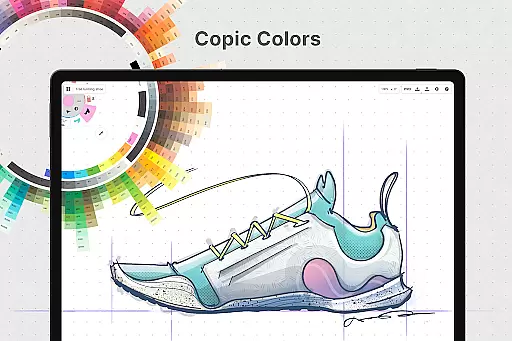
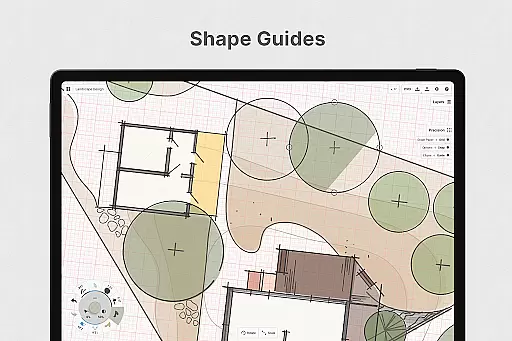
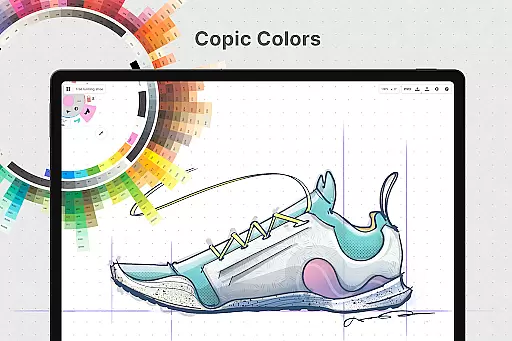
One of the key highlights is the customizable tool wheel or bar, which lets users organize their favorite tools and presets for quick access. The app also includes advanced color selection through HSL, RGB, and COPIC color wheels, helping users create harmonious palettes. Additionally, Concepts supports professional workflows with features like shape guides, live snap, and measurement tools for accurate sketches. These capabilities, combined with cross-platform support and cloud integration, make Concepts a comprehensive solution for creatives seeking a powerful yet flexible design tool.
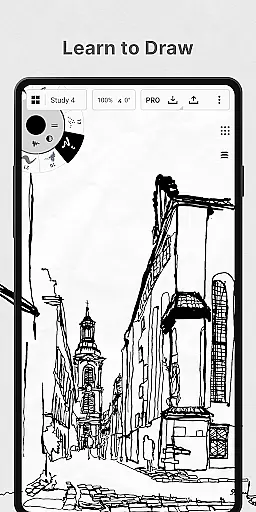
In the realm of digital art and design, having a comprehensive set of creative tools is paramount. Concepts offers an extensive array of instruments that cater to every artist's needs. The app provides realistic pencils, pens, and brushes that respond to pressure, tilt, and velocity, with adjustable live smoothing to refine your strokes.
Moreover, Concepts boasts an infinite canvas with various paper types and custom grids, allowing creators the freedom to explore vast creative landscapes without constraints. This feature is further enhanced by a customizable tool wheel or bar where users can place their most-used tools and presets for quick access.
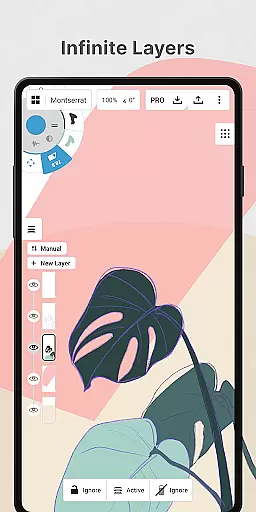
The app also includes an infinite layering system complete with automatic sorting and adjustable opacity, empowering artists to manage complex compositions with ease. With HSL, RGB, and COPIC color wheels, choosing harmonious colors becomes an intuitive process.
By providing these robust features, Concepts ensures that whether you're sketching preliminary ideas or refining detailed designs, you have all the necessary tools at your disposal to bring your visions to life.
A flexible workspace is essential for unleashing creativity, and Concepts delivers this through its adaptable canvas and format options. The app's infinite canvas allows artists to expand their workspaces as needed, accommodating everything from small sketches to expansive projects without running out of space.
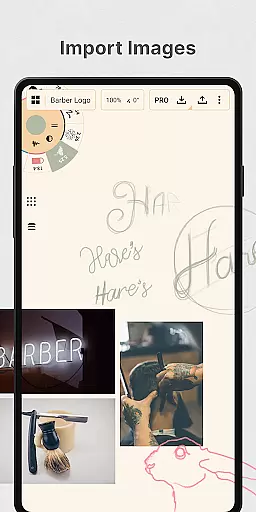
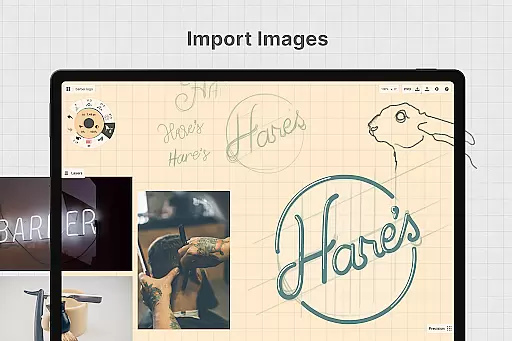
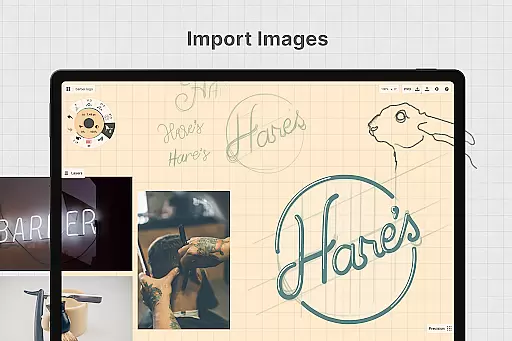
Artists can personalize their canvas with different paper types and custom grids, tailoring the environment to suit specific tasks or personal preferences. This adaptability extends to exporting capabilities, enabling users to drag and drop images onto the canvas for reference or tracing purposes.
Furthermore, Concepts supports exporting in multiple formats such as PNG, PSD, SVG, and DXF, ensuring compatibility across various platforms and workflows. This versatility facilitates seamless integration into professional pipelines, whether itu2019s for printing or gathering feedback from clients and collaborators.
With such dynamic canvas and format flexibility, Concepts empowers creators to focus on their artistic expression without being hindered by technical limitations.
User-friendly interface
Highly customizable tools
Infinite canvas
Cross-platform sync
Professional-grade exports
Premium features costly
Steep learning curve
Limited free tools
Subscription required
Occasional bugs

AI Face Swap, Video Effects Editor, Realtime Morph, Funny Video FX,AI Filters
 3.70
3.70
Remove Background, Magic Eraser, Photo Enhancer, Story Templates, Collage Maker
4.30
Create color palette from Image, RGB & RYB Color wheel harmonies, Color Scheme
4.50
Image resizer to resize, crop, rotate, flip, change dpi photo or picture in bulk
4.60
Art of Combination Wear OS Watch faces (for Wear OS 5+ devices)
3.90
Unleash the artist in you with our AR drawing and tracing tool for photo drawing
4.10
How to draw anime step by step for beginner easily by AR drawing sketch & paint.
3.60
Unleash your inner artist! Sketchar: AR Drawing for Limitless Creativity
4.40
All-in-One art, logo & collage maker. Design photos and edit video backgrounds
4.80
Logo Generator powered by AI: Create stunning logos effortlessly!
4.70
Draw glowing spinners, relax, and spin your creative art
4.60
Painting, drawing, & sketching
4.50
Video AI: Revolutionize Your Content Creation with Advanced Video Generation
4.50
Create Logos, Tattoos, AI Art & more with our AI Photo Generator & Design Editor
4.20
Apply cartoon, caricature, and portrait effects to make your photos stand out!
3.60
Vidu is an AI video generator made for creators and aspiring makers.
3.30
Draw anime easily with AR guidance, sketch templates & trace tools!
3.10
Create stunning video, photo & magic from text with FlixAI GPT video generator.
3.10
Download now for a stylish and functional timepiece
4.2


User Reviews