
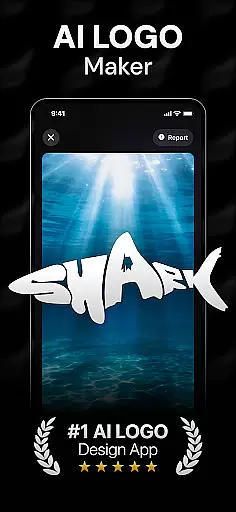
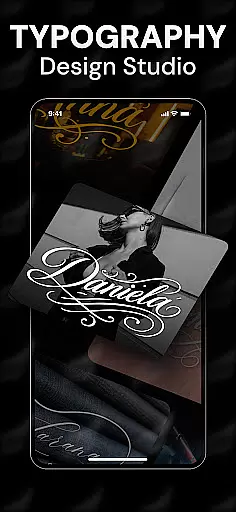
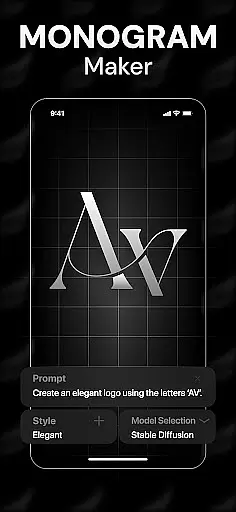
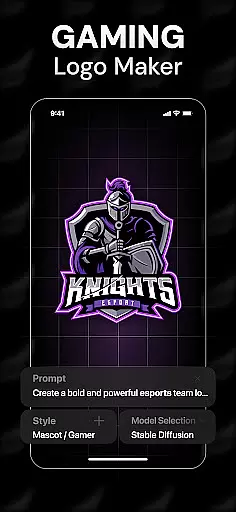
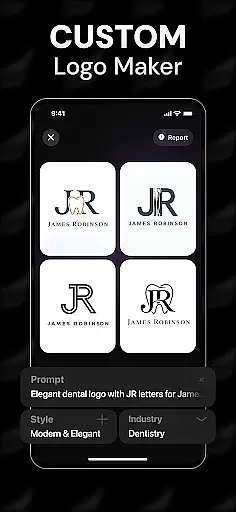
Rebrand is an AI-powered logo design studio that helps users create professional logos and graphic designs effortlessly. The app's core functionality revolves around its advanced AI logo generator, which allows users to input custom prompts and receive tailored logo designs within seconds. Whether you're a startup founder building a brand identity or a gamer designing a unique emblem for your community, Rebrand provides the tools needed to bring creative visions to life.
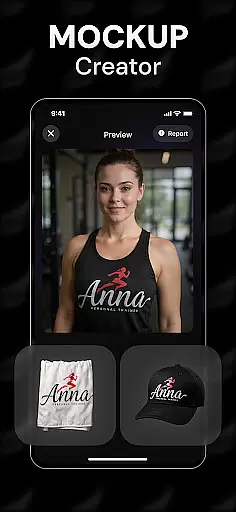
Beyond basic logo creation, Rebrand offers extensive customization options, including color palettes, typography adjustments, and realistic mockups. These features enable users to visualize their logos on real-world items such as business cards, mugs, and apparel. Additionally, the app supports broader branding efforts with tools like icon makers and monogram creators, making it a versatile solution for both personal and professional projects.
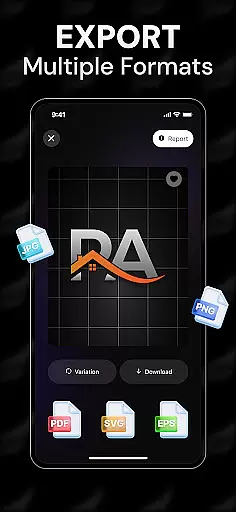
With its user-friendly interface and powerful capabilities, Rebrand caters to individuals of all skill levels, from beginners to seasoned designers. Its ability to export high-quality files in various formats ensures that logos are ready for use across digital platforms, social media, and print materials. This makes Rebrand an invaluable tool for anyone seeking to establish or enhance their visual brand presence.
Rebrand stands out due to its comprehensive suite of design tools powered by cutting-edge AI technology. At the heart of the app lies the AI logo generator, which uses intelligent algorithms to interpret user inputs and produce unique, professional-grade logos. This feature eliminates the need for manual design work, saving time while delivering exceptional results.
In addition to logo creation, Rebrand offers advanced customization options. Users can tweak every aspect of their designs, from font styles and sizes to color schemes and layout arrangements. The app also includes a realistic mockup generator, allowing users to preview how their logos will appear on physical objects such as merchandise and marketing materials. This functionality bridges the gap between digital design and practical application, ensuring that final outputs meet real-world expectations.
Another notable feature is the app's versatility. While primarily a logo maker, Rebrand extends its utility through additional tools like icon and monogram generators. These features empower users to expand their branding efforts beyond logos, creating cohesive visual identities for websites, social media profiles, and more. With support for multiple file formats and seamless sharing capabilities, Rebrand positions itself as a one-stop solution for all branding needs.
In the realm of digital design, having a comprehensive suite of creative tools is essential for bringing artistic visions to life. Rebrand stands out in this regard by offering an extensive array of features that cater to both novice and professional designers. The app includes an AI Logo Generator, which allows users to craft unique logos through custom prompts tailored to their specific needs.
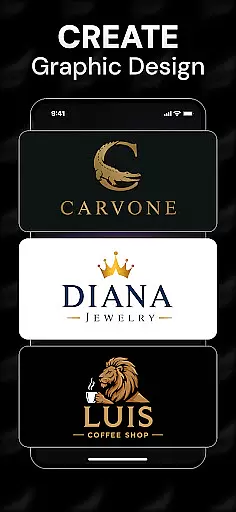
Moreover, Rebrand doesn't stop at logo creation; it extends its capabilities to function as a full-fledged graphic design studio. Users can personalize every element of their designs, from colors to typography, ensuring that each logo or visual content piece is a true reflection of their brand's identity. This level of customization empowers users to create not just logos but entire brand identities with precision and flair.
The inclusion of realistic mockups further enhances the creative process by allowing users to visualize their designs on real-world items such as mugs, business cards, and T-shirts. This feature provides a tangible sense of how the final product will look and feel, bridging the gap between digital creation and physical application. With these robust tools at their disposal, users are equipped to unleash their creativity without limitations.
Flexibility in canvas and format options is crucial for designers who need to adapt their work across various mediums and platforms. Rebrand addresses this need by providing versatile design solutions that accommodate different project requirements. Whether you're designing for a product launch or creating logos for gaming avatars, the app's flexible canvas sizes and formats ensure that your designs are always publication-ready.
Rebrandu2019s adaptive design environment supports high-quality exports in multiple file formats, making it easy to use your creations on websites, social media, and print materials. This versatility means that no matter where your design is headedu2014be it a digital platform or a physical productu2014you can be confident in its resolution and compatibility.
Furthermore, the app's ability to generate realistic mockups adds another layer of flexibility. By seeing how your designs appear on objects like coffee cups or business cards, you gain valuable insights into their practical applications. This feature not only enhances the design process but also ensures that your final outputs are versatile enough to meet diverse branding needs, from sleek social media graphics to personalized icons.
User-friendly interface
Advanced AI technology
Versatile design tools
Realistic mockup previews
Export flexibility
Limited free features
Premium subscription required
Occasional learning curve
Dependent on AI accuracy
Internet connection needed

Stylish letters, Stylish Keyboard, Symbols, Emojis, Cool nickname
 4.40
4.40
Draw anime & manga drawing, art with templates to create stunning picture!
4.50
Photo blender app to create overlay photos & double exposure.
4.40
Create stunning video, photo & magic from text with FlixAI GPT video generator.
3.10
Nano Banana AI Image Generator, Anime Filter, AI Portrait, AI Photo Generator
4.30
Experience next-gen icons with a modern liquid glass look.
3.60
Bring One UI 8.5 Icons to life -elegant dark icons with a modern, premium touch.
4.30
Create and Design Custom Logos in Seconds with AI-Powered Tools!
4.40
Video AI: Revolutionize Your Content Creation with Advanced Video Generation
4.50
Just trace a projected picture on paper and color! Draw & Paint with AR drawing
4.40
Trace, draw, and create art with AR - from memes to masterpieces!
4.30
Create stylish invitation cards using templates for weddings, birthdays & RSVP.
4.20
OneUI 8.5 icons ✨ Smooth, modern & based on the latest Play Store design ??
4.10
Sketch and paint on your device with the feel and freedom of drawing on paper
4.00
AI Face Swap, Video Effects Editor, Realtime Morph, Funny Video FX,AI Filters
3.70
Art of Combination Wear OS Watch faces (for Wear OS 5+ devices)
3.00
Retouch photos. Create or edit images. Endless capabilities.
2.70
Transform photos into amazing monochrome dither art with professional algorithms
4.1
Android 14 style widgets and wallpapers app.
4.1


User Reviews