
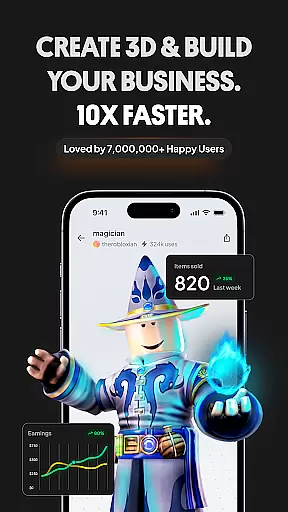
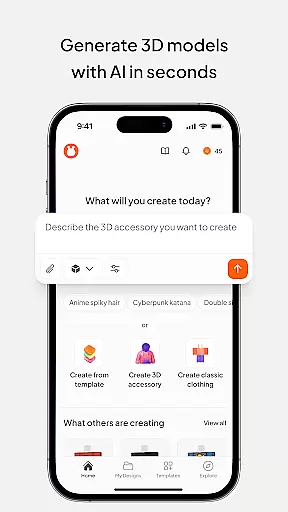
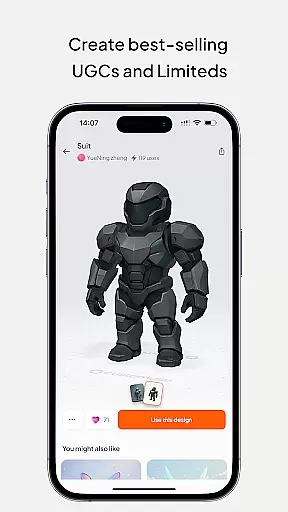
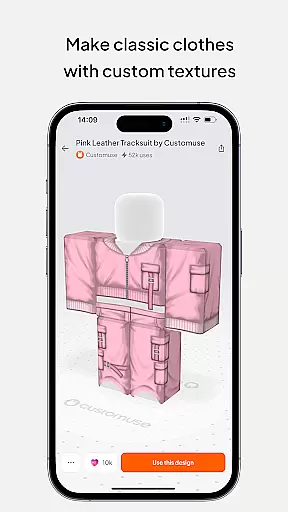
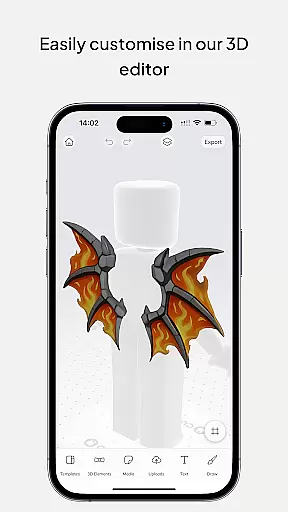
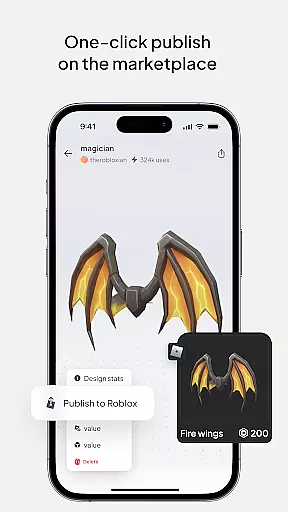
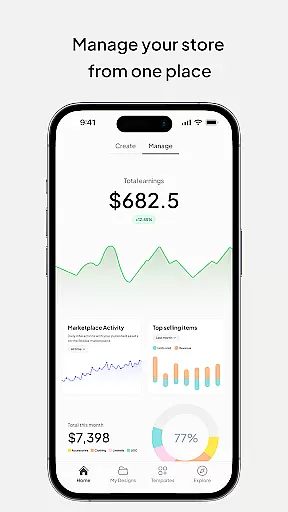
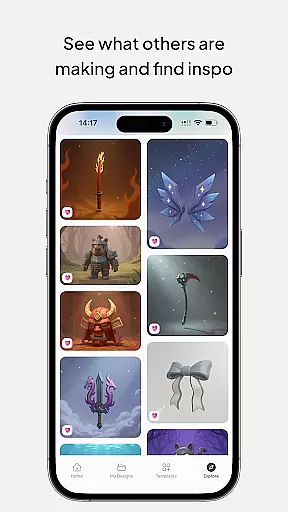
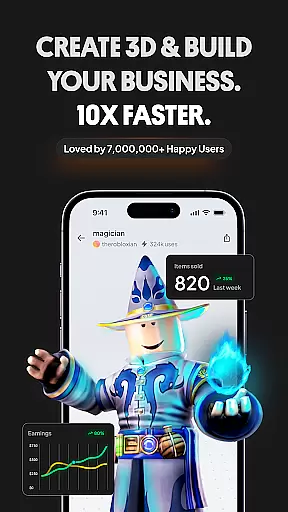
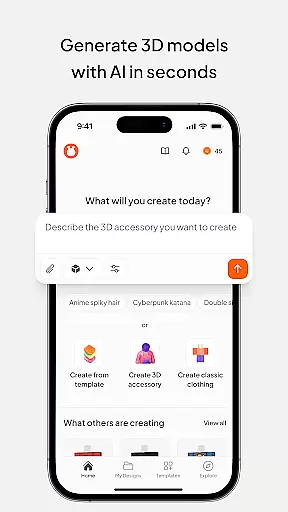
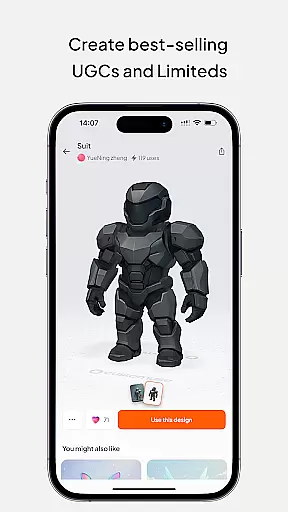
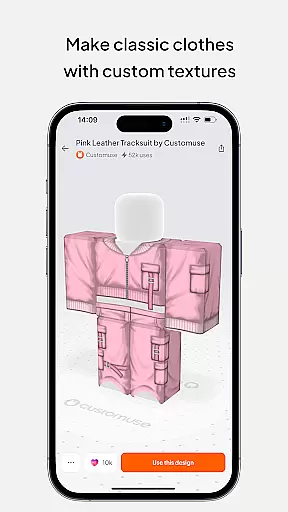
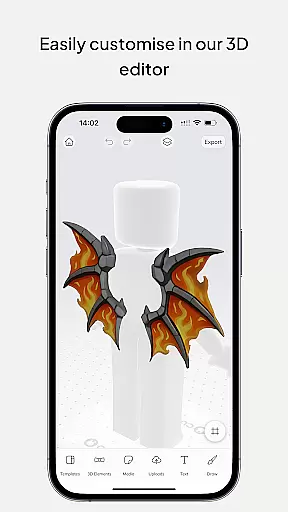
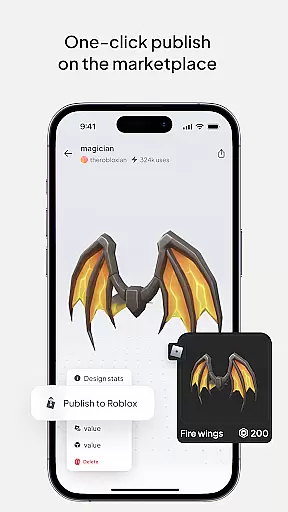
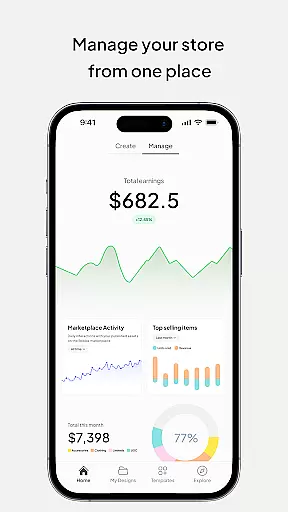
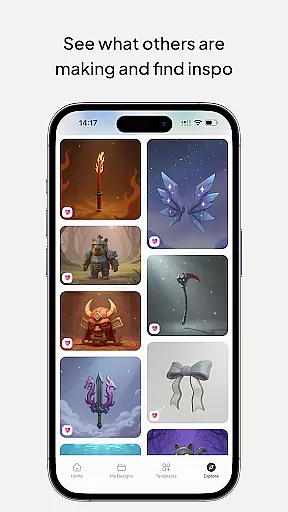
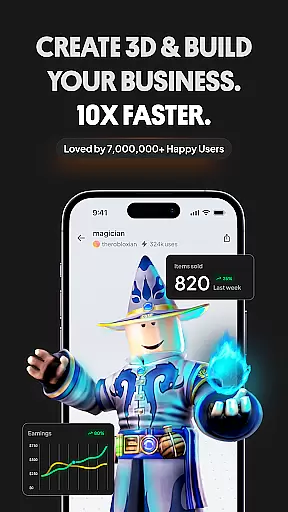
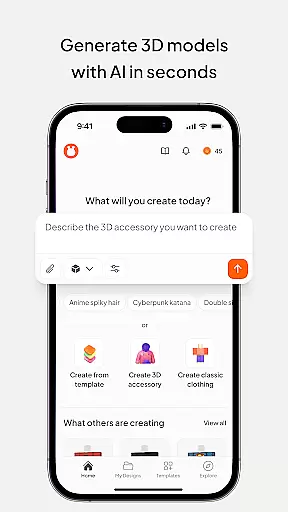
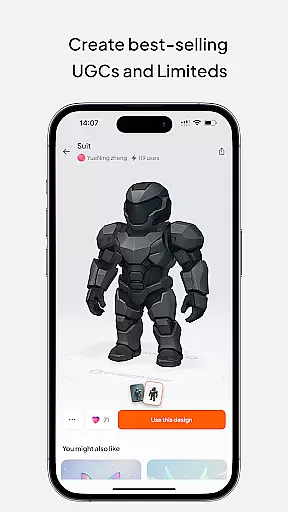
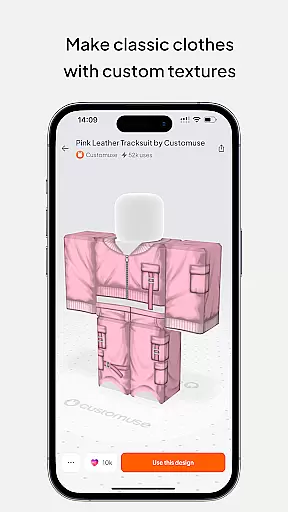
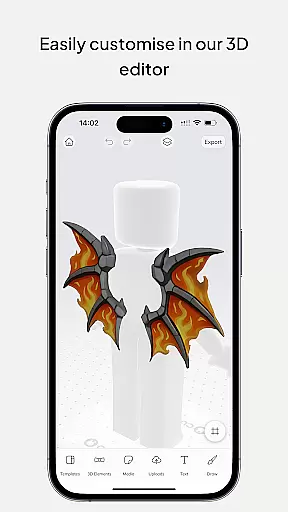
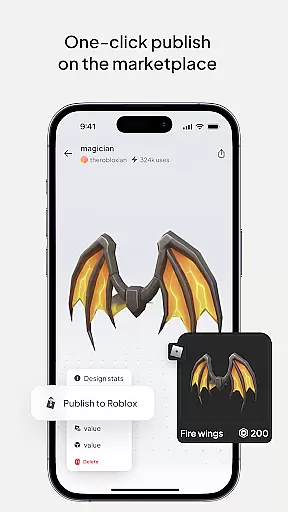
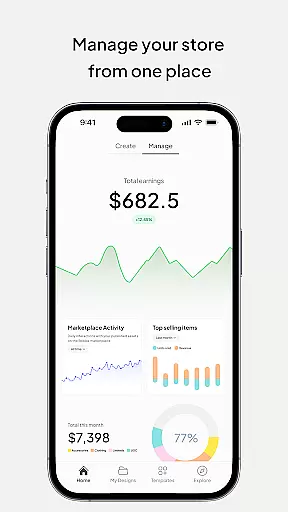
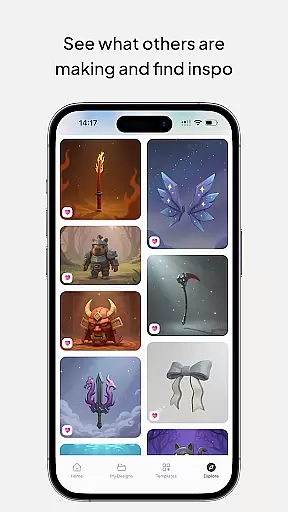
Customuse is the ultimate 3D design tool for creators and designers, offering a versatile platform to design unique digital content across multiple platforms. With over 2 million users, this app allows you to create custom Roblox skins, Zepeto clothes, Minecraft avatars, and AR filters for social media like TikTok, Snapchat, and Instagram.
The app stands out with its AI-assisted tools that simplify the design process, whether you're making clothing for virtual characters or crafting eye-catching social media filters. Creators can publish their designs directly to platforms like Roblox and earn Robux through the marketplace. Customuse also supports virtual try-ons and 3D clothing mockups, making it an ideal choice for aspiring fashion designers and 3D modeling enthusiasts.
Available on iPhone, Desktop, and even as a portable Roblox Studio for iPad, Customuse caters to both beginners and professionals. Its intuitive interface and extensive template library make it easy to jump into 3D design, while advanced features provide robust tools for experienced users looking to push creative boundaries in the metaverse.
Customuse offers a rich set of features tailored for diverse creative needs. One standout capability is its AI-driven design tools, which allow users to generate Roblox and Minecraft skins using simple prompts. The AI suggestions help streamline workflows, providing tailored recommendations based on user input, making it easier than ever to bring ideas to life.
In addition to character customization, Customuse lets users design Zepeto outfits and monetize them by sharing on the Zepeto marketplace. The app's social media integration enables the creation of custom AR filters for platforms like TikTok, Snapchat, and Instagram. Users can test these filters in-app before publishing, ensuring high-quality results every time.
For those interested in fashion design, Customuse includes a virtual try-on feature and 3D clothing mockup tools. These allow creators to visualize how their designs will look in real-world scenarios. Whether designing for fun or professional purposes, the app provides all the necessary tools to produce stunning, market-ready creations while supporting cross-platform functionality for maximum accessibility.
In the realm of digital design, having a comprehensive suite of creative tools is essential for unleashing one's artistic potential. Customuse positions itself as an ultimate 3D design tool that caters to a vast community of designers and creators. With features ranging from making unique Roblox skins, designing Zepeto clothes, creating Minecraft avatars, to customizing filters for social media platforms like TikTok, Snapchat, and Instagram, it offers a wide array of functionalities.
Customuse doesn't just stop at providing these varied creative avenues; it enriches them with additional capabilities such as AI-assisted design features, virtual try-ons, and the ability to publish designs directly to respective platforms. This level of integration and support across multiple platforms ensures that users can fully realize their creative visions without being hindered by technical limitations or the need for multiple applications.
The true value of Customuse's complete toolset lies in its ability to cater to both beginners and professionals alike. Whether you're looking to earn currency within gaming ecosystems through selling your clothing designs or seeking to make a mark in the world of fashion design on social platforms, Customuse equips you with everything necessary to turn your ideas into reality efficiently and effectively.
Flexibility in canvas and format options is crucial for designers who wish to explore different mediums and scales without compromising on quality or creative intent. Customuse understands this need and offers unparalleled versatility in its 3D design platform. Users can seamlessly transition between designing Roblox skins, crafting Zepeto outfits, creating Minecraft avatars, and developing AR filters for social media, all within a single, adaptable environment.
This adaptability extends beyond just the variety of projects you can undertake. Customuse provides dynamic resizing and reformatting options that ensure your designs maintain their integrity across different platforms and uses. Whether it's adjusting dimensions for optimal display on Roblox or ensuring your Zepeto outfit meets marketplace specifications, the app's flexible canvas allows for precision adjustments tailored to specific requirements.
Moreover, the inclusion of advanced features such as AI-driven design suggestions and virtual try-ons further enhances this flexibility, allowing creators to experiment with styles, fabrics, and accessories in 3D. This empowers users not only to visualize but also to refine their creations dynamically before finalizing or sharing them across desired channels, thus maximizing both creative freedom and output quality.
User-friendly interface
Extensive template library
AI-powered design tools
Multi-platform support
Monetization opportunities
Limited free features
Requires learning curve
Premium subscription cost
Occasional bugs
Device compatibility issues

Sketch, trace and master AR drawing with awesome anime art!
 3.30
3.30
Sketch, plan, take notes and illustrate on an infinite canvas.
4.20
Draw on screen: FP sDraw is a simple and lightweight drawing app
4.70
Unleash Your Creativity with Draw Cartoon - AR Drawing App
4.10
Draw Trace image sketch by, AR art projector app, Easy to trace any image.
4.50
800+ Drawing, Painting Lessons App to Practice, Sketch & Paint Art.
4.30
Create Logos, Tattoos, AI Art & more with our AI Photo Generator & Design Editor
4.20
How to draw anime step by step for beginner easily by AR drawing sketch & paint.
3.60
All-in-One art, logo & collage maker. Design photos and edit video backgrounds
4.80
See Color, Paint Color
4.90
Photo stitcher for automatically screenshot stitching into a long screenshot
4.70
Create and Design Custom Logos in Seconds with AI-Powered Tools!
4.40
AI generated images & photos, turn your words into drawing, painting & pictures.
4.30
Custom Character Creator & PFP Maker!
4.20
Paint with oils and sketch with natural tools on a realistic virtual canvas.
3.80
AI Face Swap, Video Effects Editor, Realtime Morph, Funny Video FX,AI Filters
3.70
Experience next-gen icons with a modern liquid glass look.
3.60
Meet the magic aı 3d photo generator and smart AI video generator app.
3.20
Art of Combination Wear OS Watch Faces
4.2


User Reviews