
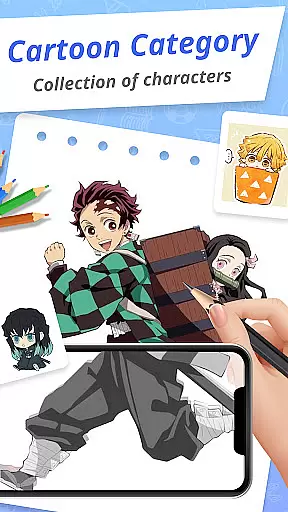
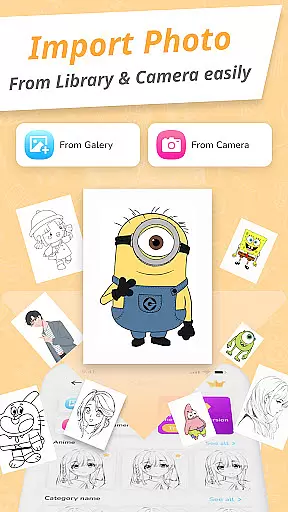
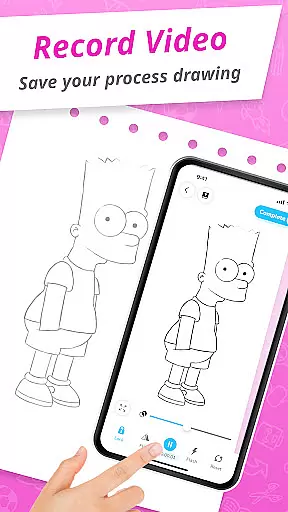
Draw Cartoon - AR Drawing App is an innovative tool that merges augmented reality with artistic expression, allowing users to create stunning cartoon drawings. The app utilizes your device's camera to project real-world elements into sketches, offering advanced features such as video recording, photo capture, opacity adjustment, flashlight control, and image locking.
Designed for both beginners and professional artists, the app provides a seamless transition from novice to skilled artist through its intuitive interface and powerful drawing tools. With free cartoon templates ranging from beloved characters like Pikachu to Scooby-Doo, Draw Cartoon ensures endless inspiration.
Whether you're sketching for fun or honing your craft, this app offers a creative haven where imagination meets technology, enhancing your skills while providing a platform to track your artistic progress.
Draw Cartoon stands out with its robust feature set tailored for cartoon enthusiasts. The app's core functionality lies in its powerful AR-based drawing capabilities, which allow users to incorporate real-world objects into their artwork seamlessly. By leveraging advanced options like adjusting opacity and toggling the flashlight, artists can achieve precision and creativity in every stroke.
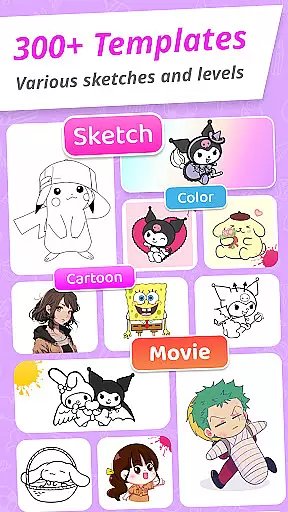
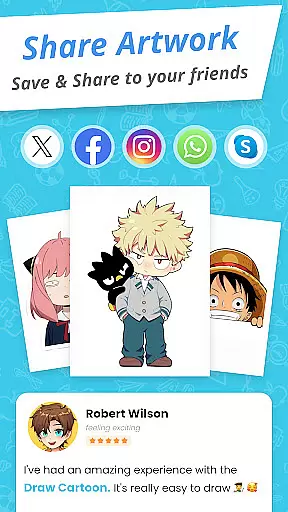
In addition to its technical prowess, the app includes a rich library of cartoon templates featuring iconic characters across various themes. These templates serve as excellent starting points for beginners while challenging experienced artists to refine their techniques. Furthermore, the My Artwork feature enables users to save, share, and review their creations, fostering a sense of accomplishment and growth.
The combination of accessibility, versatility, and innovation makes Draw Cartoon a must-have for anyone passionate about art and design.
In the realm of digital art, having a comprehensive set of creative tools is essential for artists to fully express their visions. Draw Cartoon - AR Drawing App rises to the occasion by offering an extensive suite of features that cater to both amateur and professional artists.
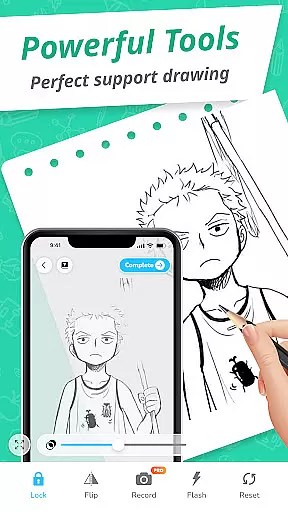
At the core of this app lies its powerful AR cartoon drawing capability, which allows users to infuse real-world elements into their sketches through their device's camera. This feature is complemented by advanced options such as recording video, taking photos, adjusting opacity, controlling the flashlight, and locking or resetting your work. These functionalities ensure that artists have all they need to create stunning augmented reality artwork with ease.
The availability of amazing AR sketch cartoon templates further enriches the drawing experience. With free samples ranging from beloved characters like Pikachu to Scooby-Doo, users can trace and learn while enjoying themselves. Such resources are invaluable for skill development and inspiration.
By equipping artists with these complete and varied creative tools, Draw Cartoon empowers users on their artistic journey, making it possible for them to push the boundaries of augmented reality art and achieve new levels of creativity.
A canvas in the digital world is more than just a space to draw; it's a dynamic platform that should adapt to an artistu2019s needs. The Draw Cartoon - AR Drawing App understands this necessity and offers remarkable canvas and format flexibility, ensuring that every piece of art can be created with precision and personal touch.
Artists using the app can take advantage of its unique approach to drawing by setting up their phone parallel to their working surface, effectively turning any space into a potential canvas. This setup enables users to invert images from their phone onto their drawing area, allowing for accurate tracing and sketching.
Moreover, the My Artwork feature provides a way for artists to save or share their creations effortlessly. By tracking one's artistic journey, users gain valuable insights into their progress and achievements within the augmented reality framework provided by the app.
This level of flexibility not only enhances user experience but also broadens the scope of what can be achieved with Draw Cartoon u2013 whether you're sketching on paper or creating digital masterpieces, the adaptable nature of the app supports all forms of artistic expression.
User-friendly interface
Advanced AR tools
Variety of templates
Progress tracking
Active community
Limited free content
Device compatibility
Learning curve
Premium pricing
Occasional bugs

Pose and morph realistic male and female models! 3D poser app
 3.00
3.00
Custom Character Creator & PFP Maker!
4.20
Digital Drawing: Draw & Paint
4.10
AI Assistant, powered by ChatGPT GPT-4 & GPT-4o. Your intelligent companion.
3.50
Passport size photo maker, create ID photo and visa photo in seconds
4.80
Novices can also easily complete diamond painting masters
4.70
Art of Combination Wear OS Watch faces (for Wear OS 5+ devices)
3.90
Create cute cat emojis & PFPs! Fun, custom avatars for cat lovers.
3.70
Turning simple sketches into captivating tales filled with life and motion
3.90
Turn your drawings into flipbook-style animations with simple creative tools
4.60
Discover Cartoon Dream : Unleash Your Creativity with CuttingEdge AI
4.50
Digital illustration drawing & painting pad app to paint Anime and Manga art
4.50
Create color palette from Image, RGB & RYB Color wheel harmonies, Color Scheme
4.50
Create and Design Custom Logos in Seconds with AI-Powered Tools!
4.40
Beauty Camera - Selfie Camera is the ultimate beauty camera and selfie app
4.30
Create Logos, Tattoos, AI Art & more with our AI Photo Generator & Design Editor
4.20
AI Art Generator transforms your words into AI generated art & paintings.
3.70
Art of Combination Wear OS Watch Faces
3.30
Android 14 style widgets and wallpapers app.
4.1


User Reviews