
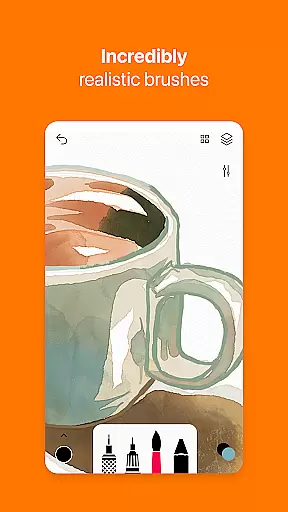
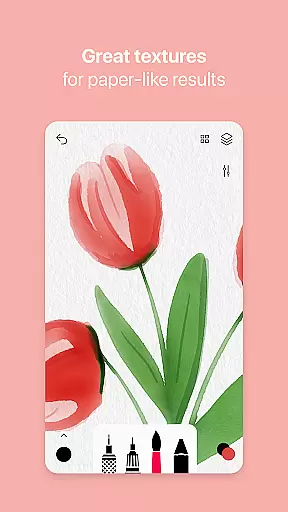
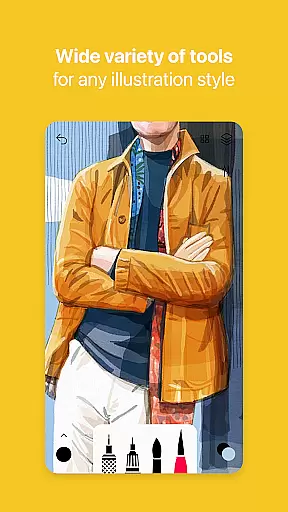
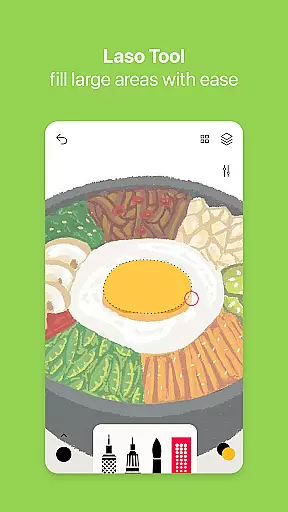
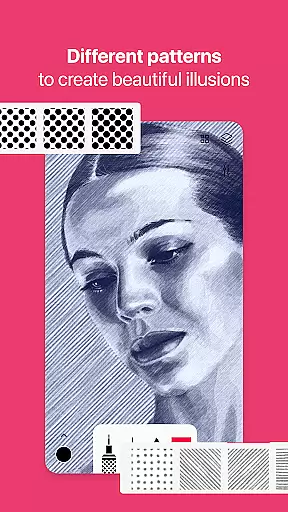
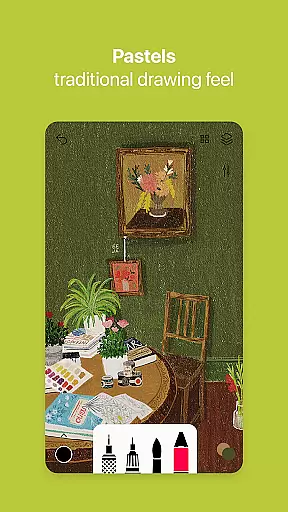
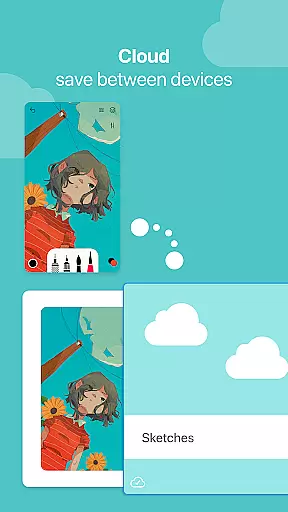

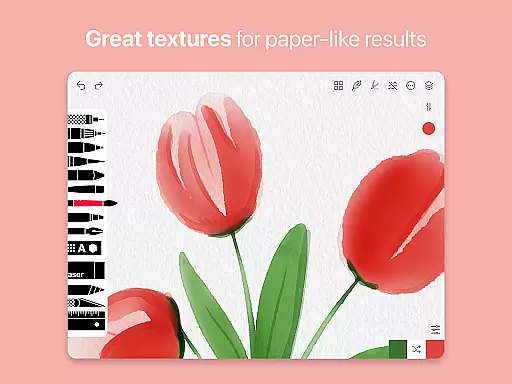
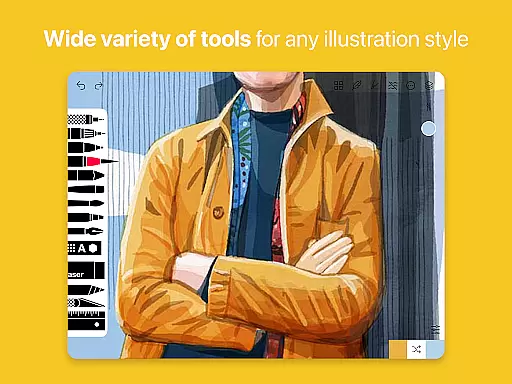
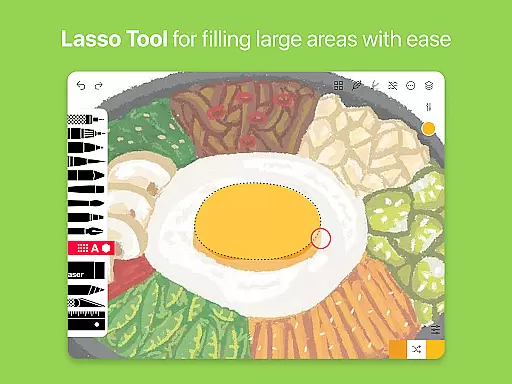
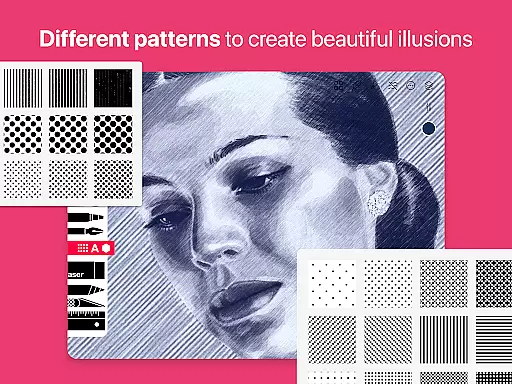
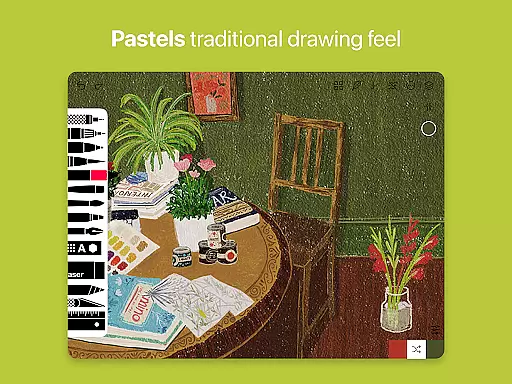
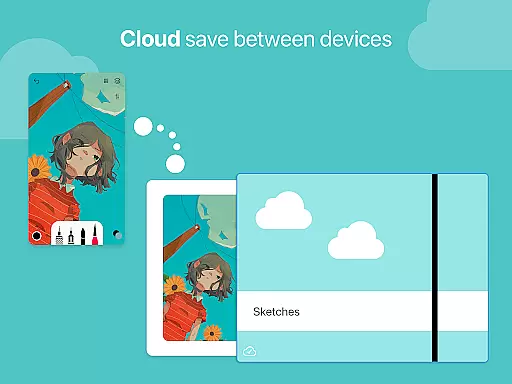
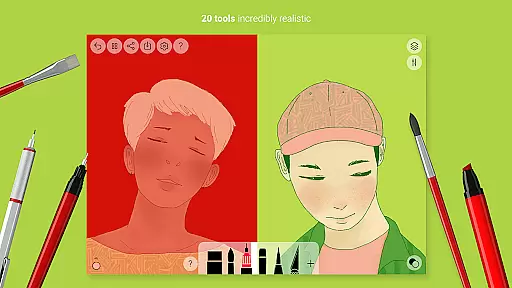
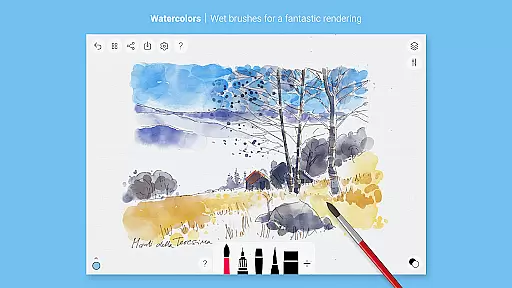
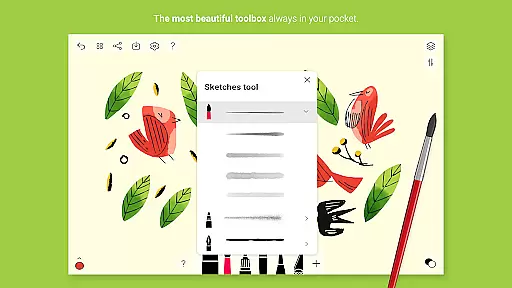
Tayasui Sketches is a premier drawing application designed for artists and creatives who value precision and beauty in their digital artwork. The app offers an impressive selection of over 20 ultra-realistic tools, including watercolor wet brushes, oil pastels, and acrylic brushes, each meticulously crafted to mimic real-world art supplies. With its minimalist and intuitive interface, users can seamlessly navigate through features such as layers, import photos, and advanced sharing options.
Available with Pro options that unlock many tool variants, layers, and dozens of additional features, Tayasui Sketches caters to both amateur and professional artists. The app's standout feature is its incredibly realistic brush engine, which adapts to the user's movements by adjusting pressure, angle, and width, providing an authentic drawing experience on Android devices. Whether you're sketching ideas or creating detailed illustrations, Tayasui Sketches transforms your tablet into a powerful digital canvas.
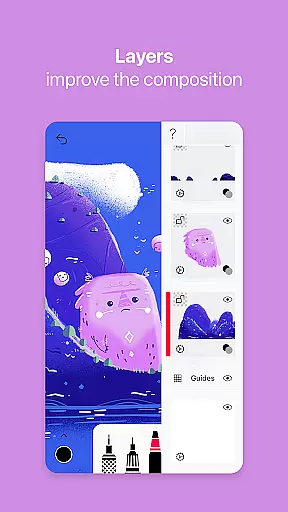
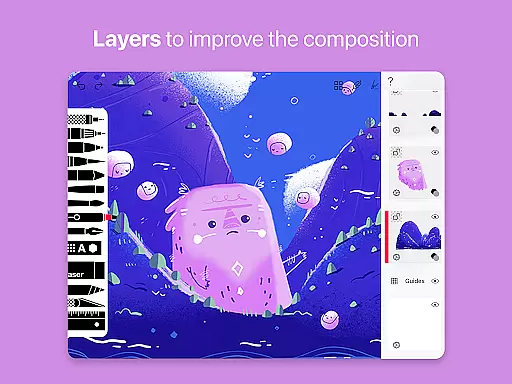
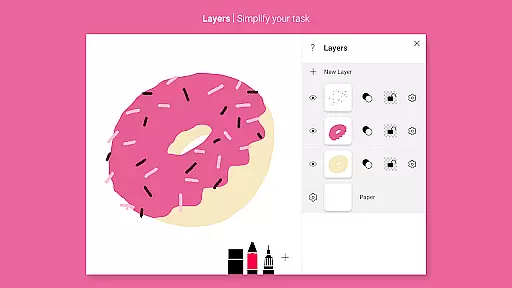
Tayasui Sketches stands out with its advanced brush editor and color eyedropper, allowing users to customize their tools and extract colors from any part of their artwork. The app supports stylus input, making it compatible with various drawing tablets and enhancing the precision of each stroke. With layers functionality, artists can organize their work more efficiently, experiment with different effects, and simplify complex tasks without compromising the quality of their creations.
In addition to its core drawing capabilities, Tayasui Sketches offers a range of supplementary tools such as text, shapes, eraser, cutter, and smudge tool, catering to diverse artistic needs. The app also includes advanced sharing and export functions, enabling users to showcase their work on social media or collaborate with others effortlessly. Subscriptions provide access to premium features, with weekly or yearly plans available, ensuring flexibility and continuous improvement for an optimal drawing experience.
In the realm of digital art, having a comprehensive set of creative tools is paramount. Tayasui Sketches offers an impressive array of over 20 ultra-realistic instruments, ranging from pens and brushes to advanced features like layers and a brush editor.
Each tool within the application has been meticulously crafted to mimic real-world counterparts. For instance, the watercolor wet brush provides an incredibly lifelike experience that adapts to the user's movements in terms of pressure, angle, and width, ensuring every stroke behaves vividly as it would on paper.
The inclusion of advanced sharing and export functions, alongside the ability to import photos and use patterns and shapes, enhances the creative process. This allows artists to seamlessly integrate external elements into their work and share their creations with ease.
By providing such a complete suite of creative tools, Tayasui Sketches empowers users to execute their artistic visions without limitations, making it an essential app for both amateur and professional artists seeking a versatile digital canvas.
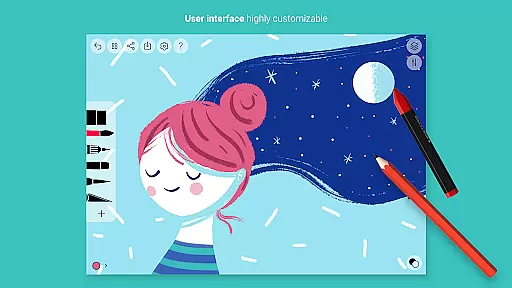
A flexible canvas and format options are crucial for accommodating various artistic styles and project requirements. Tayasui Sketches excels in this area by offering a minimalist and intuitive interface that supports a wide range of formats and adapts to the artist's needs.
The app's support for layers simplifies complex tasks, allowing artists to manage different elements of their artwork independently. This feature is complemented by stylus support, which ensures precision and control akin to traditional drawing methods while adapting to the digital format.
Moreover, the availability of diverse tools such as rotting, felt pen, oil pastel, and acrylic brushes caters to different artistic expressions. The app also includes specialized tools like the smudge tool and cutter, enhancing the flexibility of the canvas for detailed work.
Tayasui Sketches' commitment to format flexibility not only aids in simplifying workflow but also enriches the creative process, enabling artists to explore new techniques and styles with confidence.
User-friendly interface
Realistic brush simulation
Extensive tool variety
Advanced layer management
Stylus compatibility
Subscription required
Limited free trial
No desktop version
Some features iPad only
Auto-renewal policy

Learn how to draw with step-by-step tutorials, fun lessons & multiplayer drawing
 4.70
4.70
Art of Combination Wear OS Watch faces
4.1
Apply cartoon, caricature, and portrait effects to make your photos stand out!
3.60
Photo blender app to create overlay photos & double exposure.
4.40
Art of Combination Wear OS Watch faces
4.0
See Color, Paint Color
4.90
Draw anime easily with AR guidance, sketch templates & trace tools!
3.10
800+ Drawing, Painting Lessons App to Practice, Sketch & Paint Art.
4.30
Get an overview over all your embroidery threads, projects and more.
4.60
2D animation studio for Android tablets - unlimited layers, infinite timeline
4.70
Draw beautiful mandala's very easily
4.60
Draw anime & manga drawing, art with templates to create stunning picture!
4.50
Custom Character Creator & PFP Maker!
4.20
Text to Image, Image to Video & AI Chat
4.20
Floor Plan Creator lets you create, edit and share floor plans.
4.00
Art of Combination Wear OS Watch faces (for Wear OS 5+ devices)
3.90
Retouch photos. Create or edit images. Endless capabilities.
2.70
Premium version of Shimeji-ee app with no ads & no limit active shimeji
4.5
Art of Combination Wear OS Watch Faces
4.3


User Reviews