![[KNA002] SHINE](https://cdn.linksharehub.com/ocp/?u=https%3A%2F%2Fl4.fancapitalize.com%2Fimages%2F2025%2F12%2F6b4444f70ba4adf547a7e7a451942042.jpg&t=webp)
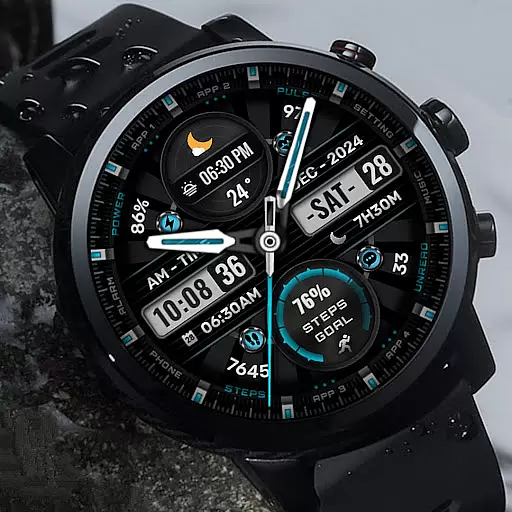
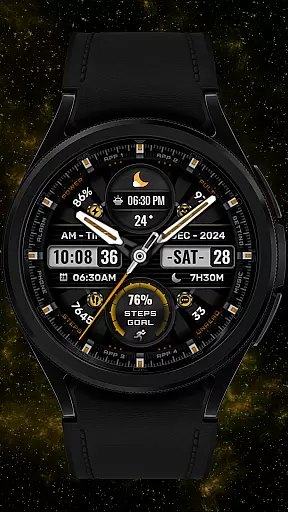

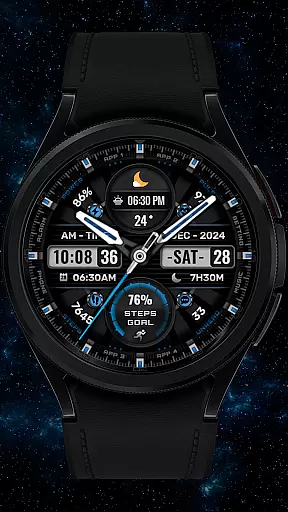
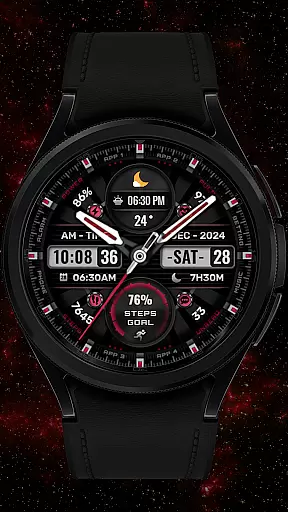
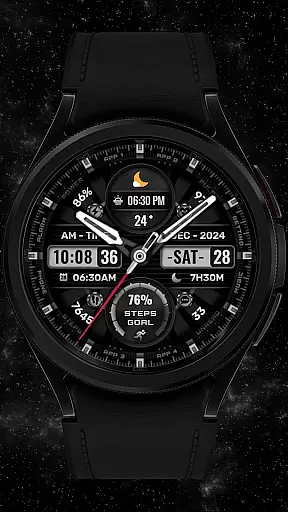
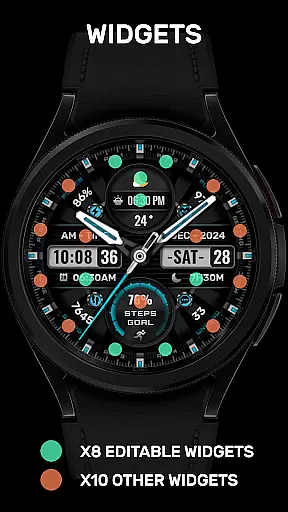
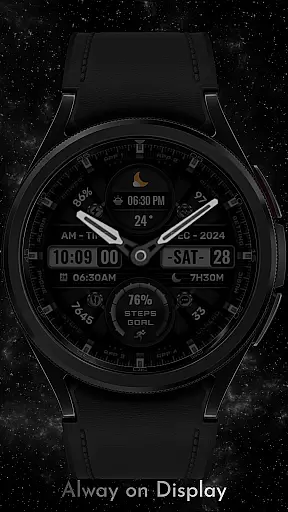
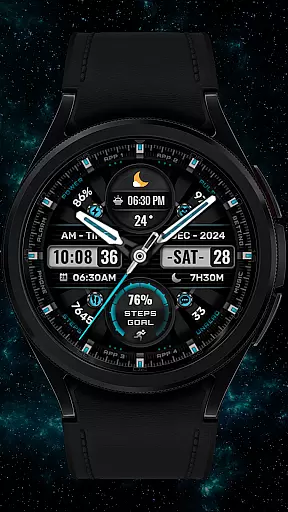

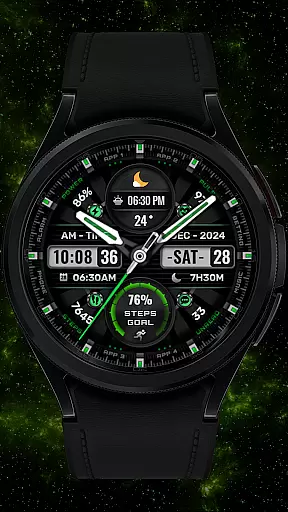
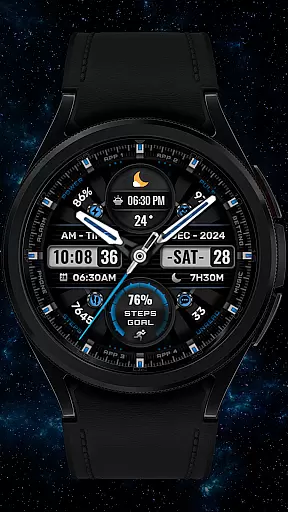
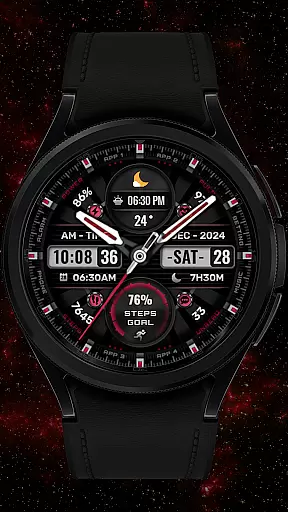


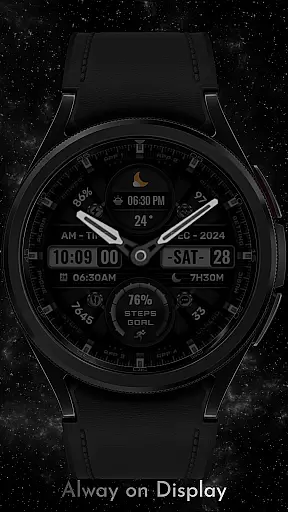
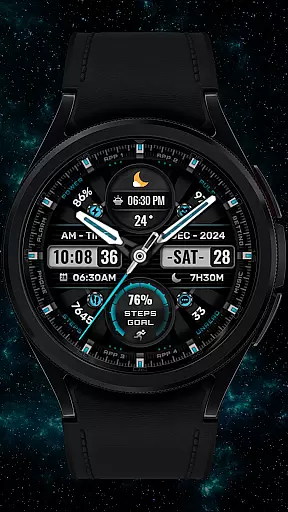
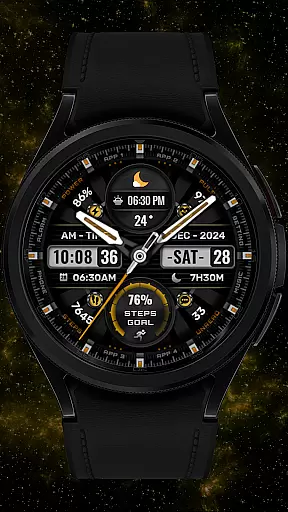
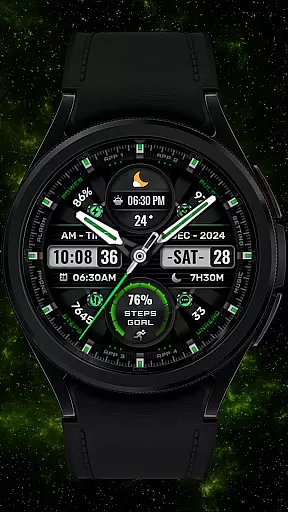
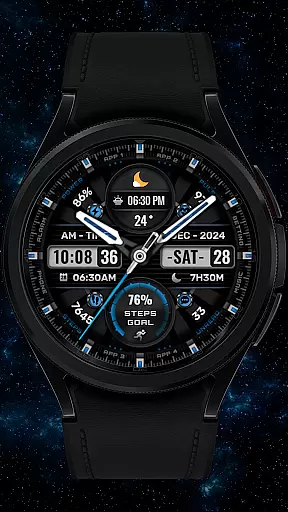
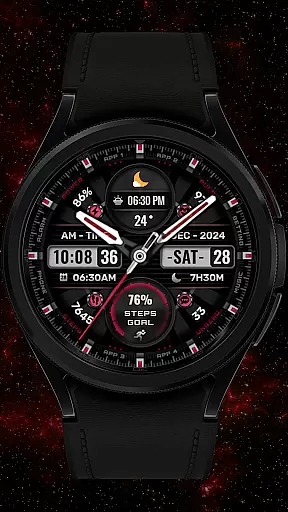
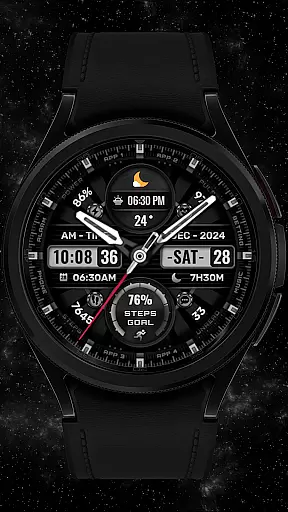

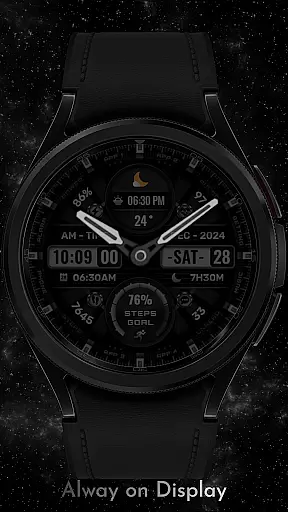


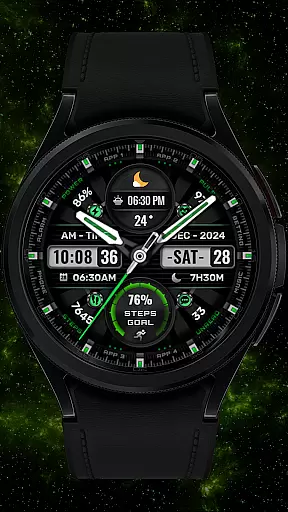

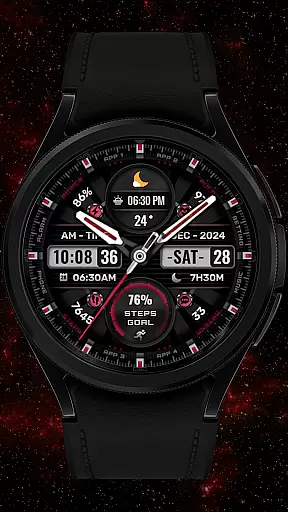
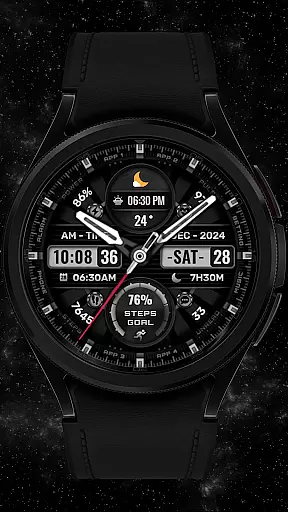

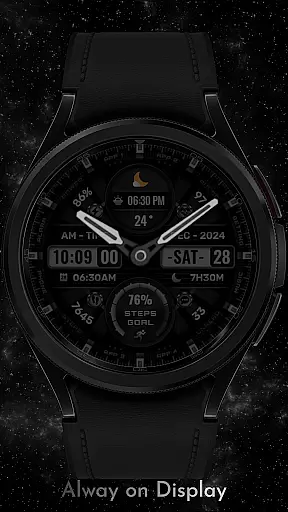
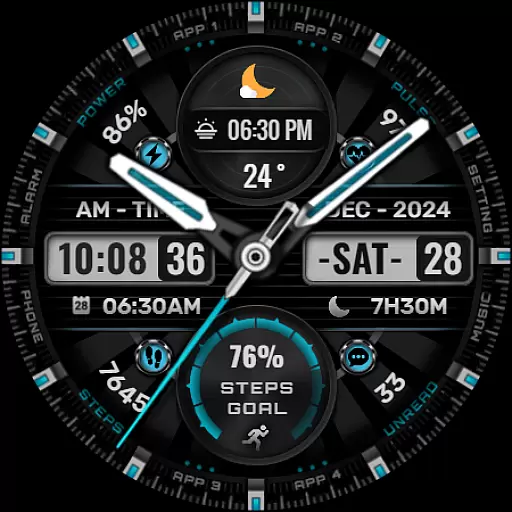
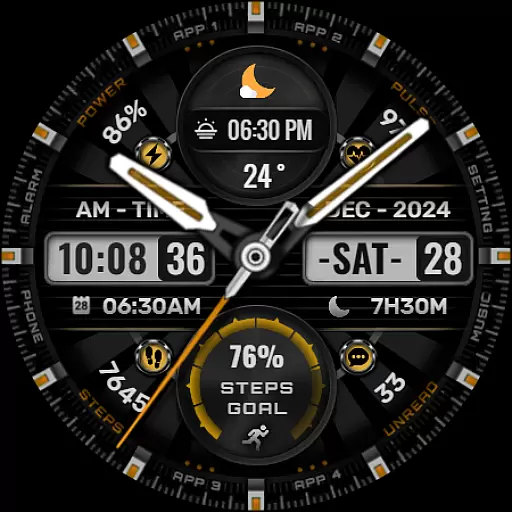

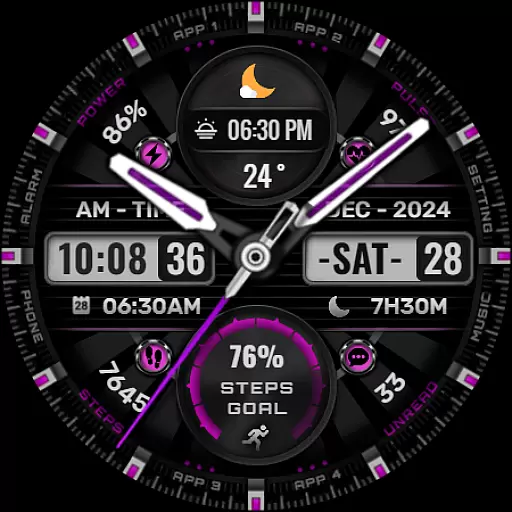
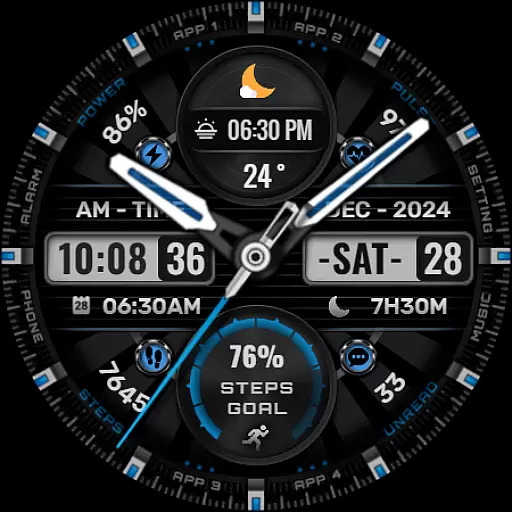

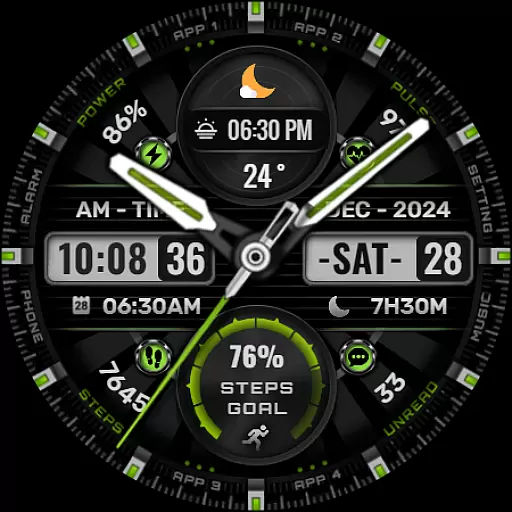
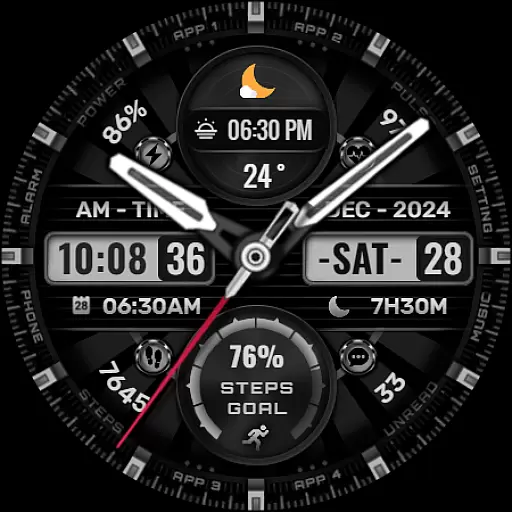
[KNA002] SHINE is a feature-rich watch face designed specifically for Wear OS devices. This customizable watch face offers users the ability to personalize their smartwatch display with hybrid styles, eight editable complications, and various data tracking options.
The watch face supports essential features like date, day of the week, month display, and includes practical metrics such as step count, heart rate monitoring, battery level, calendar events, and sunrise/sunset information. With compatibility for API level 30+ devices including Google Pixel and Galaxy Watch series 4, 5, and 6, this app provides both aesthetic appeal and functional utility for smartwatch users.
This Wear OS watch face stands out with its extensive customization options. Users can choose from eight different background colors, analog hands styles, and step progress indicators to create a personalized look that suits their preferences.
The app's eight customizable complications allow users to display various types of information on their watch face. These complications can be configured to show weather updates, world clock, barometer readings, or other relevant data points. The touch-and-hold customization feature makes it easy for users to adjust their watch face settings directly from their device.
While offering broad compatibility with modern Wear OS devices, some features may vary depending on the specific watch model. The application maintains a balance between visual appeal and practical functionality, making it suitable for users who value both style and information accessibility on their smartwatch.
In the realm of digital art and design, having a comprehensive set of tools is paramount. The [KNA002] SHINE watch face for Wear OS offers an impressive suite of creative features that cater to both casual users and design enthusiasts. With its hybrid styles, it combines traditional analog elements with modern digital functionalities, providing users with a versatile canvas right on their wrists.
Among its standout offerings are the customizable complications, which allow users to tailor their watch faces with up to eight different data points. These include essential metrics like date, day of the week, and month, as well as more personalized information such as steps count, heart rate, battery level, calendar events, and even sunrise and sunset times. This level of customization ensures that each user can create a unique and functional watch face that suits their lifestyle and preferences.
The inclusion of eight editable complications means that wearers have the freedom to choose what information is most relevant to them. Whether it's monitoring daily activity through step tracking or staying informed about upcoming appointments via calendar events, this watch face transforms a simple timepiece into a powerful personal assistant. Additionally, options for changing background colors, analog hands, and progress indicators add another layer of personalization, making it not just a tool but also an expression of individual style.
Flexibility in design and format is crucial when it comes to creating a personalized and functional wearable experience. The [KNA002] SHINE watch face excels in this area by offering extensive customization options that adapt to various user needs and device capabilities. Before diving into its features, it's important to ensure compatibility; this watch face works best with devices running API level 30+, including Google Pixel watches and Galaxy Watch models 4, 5, and 6.
One of the key aspects of its flexibility is the ability to customize the watch face directly from the device. Users can simply touch and hold the display, then tap on the customize option to begin personalizing their watch face. This intuitive process allows for quick adjustments without needing to navigate complex menus or settings. Furthermore, the availability of multiple color backgrounds, analog hands, and progress indicators means that users can tweak the visual aesthetics to match their mood or outfit for the day.
Another significant feature is the support for various complications, enabling users to select from a wide array of data types to display on their watch face. Options range from practical information like weather updates and world clocks to more niche data points such as barometric pressure and sunrise/sunset times. While some features may vary depending on the specific watch model, the overall flexibility provided by [KNA002] SHINE ensures that users can craft a watch face that is both highly functional and uniquely theirs.
Highly customizable
Wide device compatibility
Multiple complication options
Vibrant color choices
Comprehensive data tracking
Limited to Wear OS
Some features restricted
Requires latest Android
No automatic application
Device-specific variations

Discover Cartoon Dream : Unleash Your Creativity with CuttingEdge AI
 4.50
4.50
AI generated images & photos, turn your words into drawing, painting & pictures.
4.30
Art of Combination Wear OS Watch faces
4.0
Logo Generator powered by AI: Create stunning logos effortlessly!
4.70
Your AI soulmate — meaningful chats, and unique emotional moments
4.70
Image resizer to resize, crop, rotate, flip, change dpi photo or picture in bulk
4.60
Bring One UI 8.5 Icons to life -elegant dark icons with a modern, premium touch.
4.30
Share the joy of painting with ibis Paint! Drawing anime and manga art.
4.50
How to draw anime step by step for beginner easily by AR drawing sketch & paint.
3.60
Minecraft & Roblox Clothes
4.70
The ultimate tool for creating animations
4.60
Digital, Abstract, Classic - all types of color wheels in one app!
4.60
Castle is social media for creating and playing games!
4.60
Draw, fidget, and spin glow art! Relax and express your creativity with a finger
4.60
Create and Design Custom Logos in Seconds with AI-Powered Tools!
4.40
Nano Banana AI Image Generator, Anime Filter, AI Portrait, AI Photo Generator
4.30
Sketch, plan, take notes and illustrate on an infinite canvas.
4.20
Design your dream room with AI. Get decor ideas & plan home interiors
3.90
Create cute cat emojis & PFPs! Fun, custom avatars for cat lovers.
3.70


User Reviews