
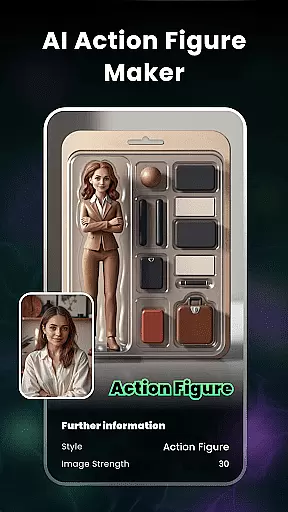
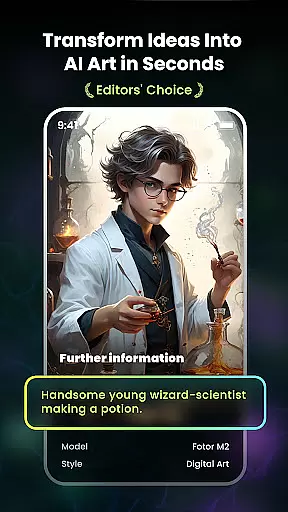
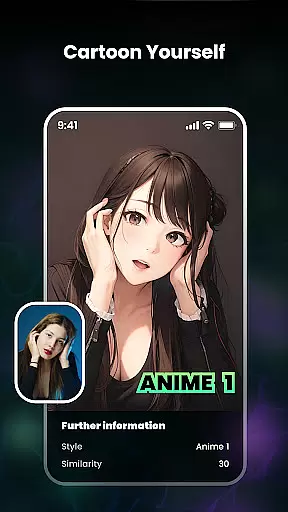
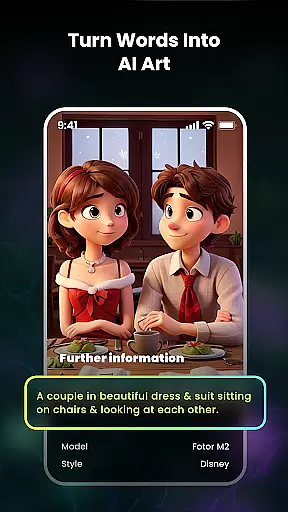
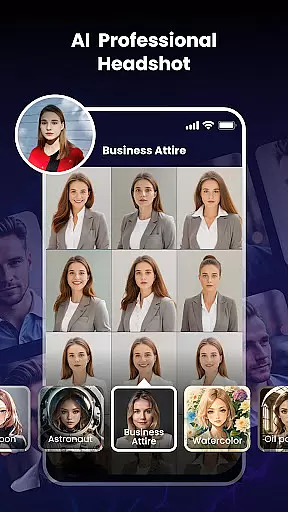
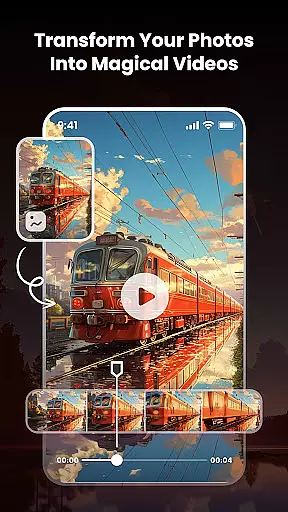
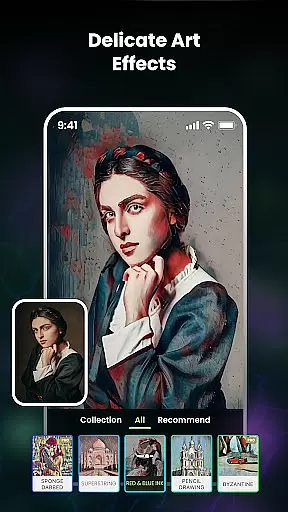
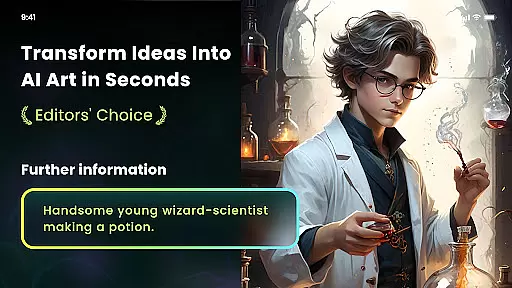
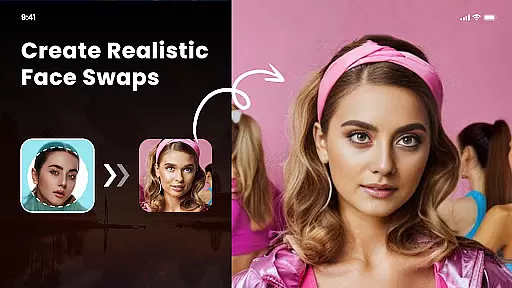
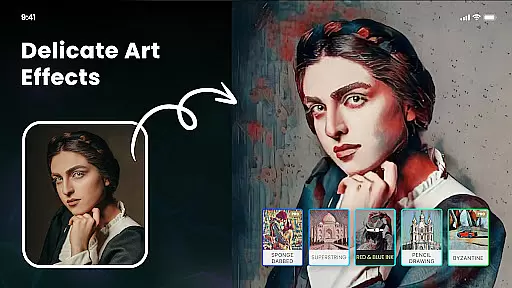
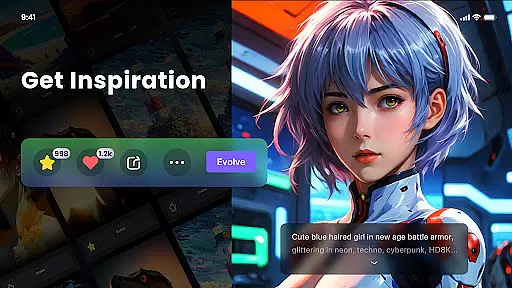
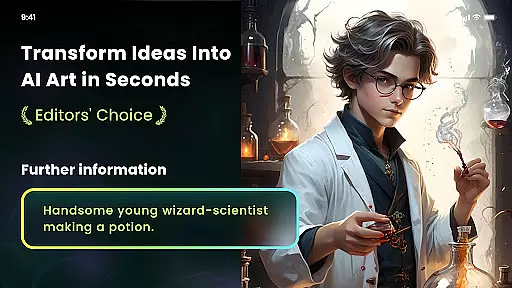
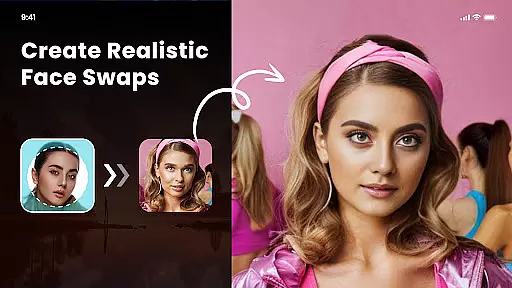
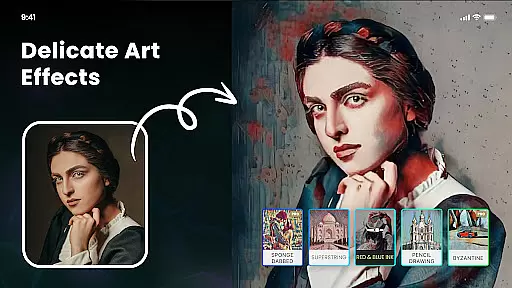
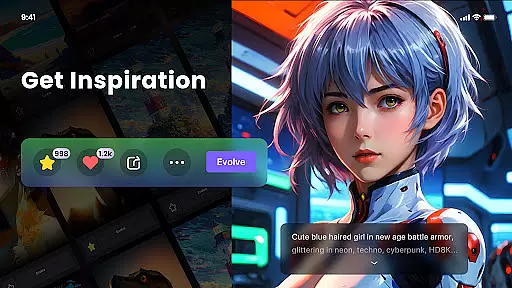
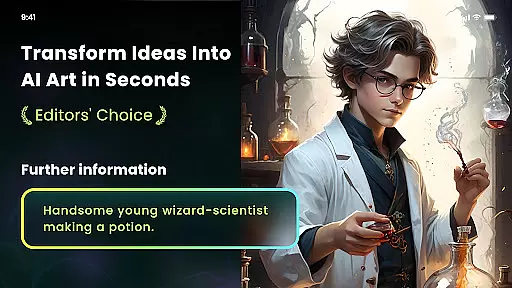
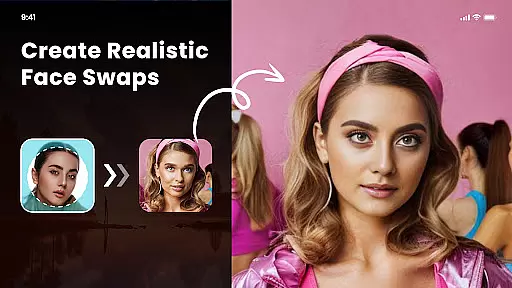
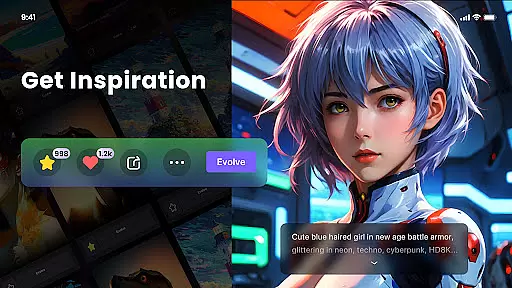
Nano Banana AI Image is an innovative app in the Art & Design category that allows users to create stunning visuals through text or image prompts. Powered by advanced Gemini 2.5 Flash Image AI, it delivers sharp, lifelike images for both image-to-image and text-to-image generation. The app also features natural language photo editing capabilities, making image transformation effortless.
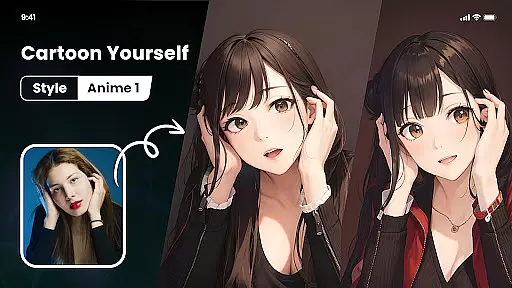
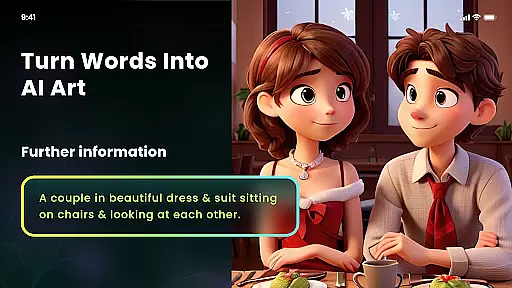
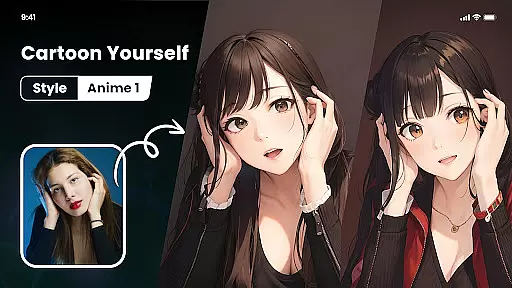
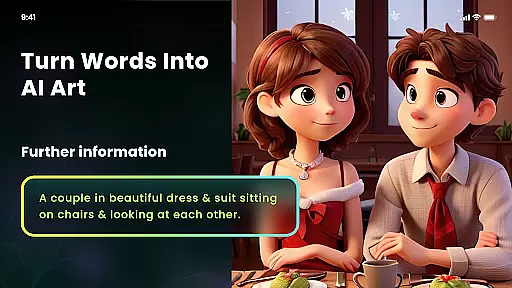
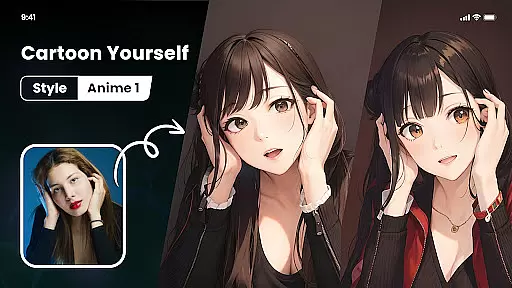
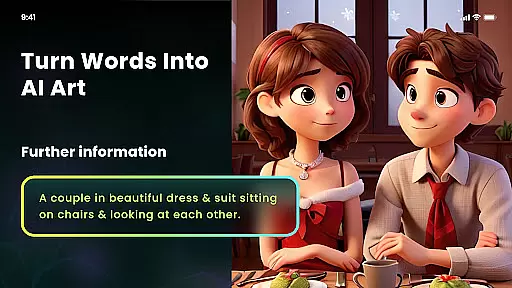
With specialized tools like Photo Cartoonizer, Japanese Anime Filter, and AI Art Generator from Text, users can explore diverse artistic styles. From transforming photos into cartoon avatars or anime art to generating masterpieces inspired by Van Gogh or Monet, Nano Banana caters to creative enthusiasts. Additionally, its NFT minting feature enables users to convert their artwork into tradable digital assets.
This app is ideal for artists, designers, and hobbyists looking to bring their ideas to life with cutting-edge AI technology. Its versatility and ease of use make it a valuable tool for anyone passionate about art and design.
Nano Banana AI Image offers a comprehensive suite of features tailored for creative professionals and enthusiasts. One standout capability is its dual support for text-to-image and image-to-image generation, powered by Gemini 2.5 Flash Image AI. This ensures high-quality, context-aware outputs that meet professional standards.
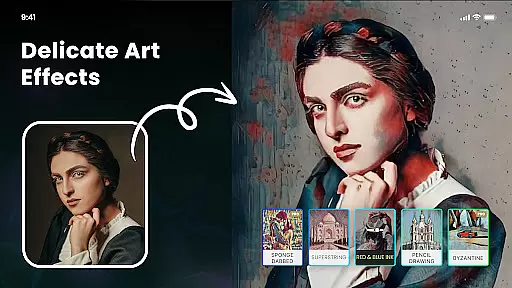
The app includes specialized tools such as Photo Cartoonizer, which transforms selfies and other images into cartoon avatars effortlessly. Its Japanese Anime Filter lets users create anime-style portraits, while the AI Art Generator converts textual descriptions into unique artworks across various styles like cyberpunk, surrealism, and impressionism. Furthermore, the Multiple Artistic Style Filters provide options ranging from Van Gogh-inspired brushstrokes to ukiyo-e and sketch effects.
Additional functionalities include AI Cutout for background removal and replacement, HD image export for printing purposes, and NFT minting for creating tradable digital art. These robust features ensure users have all they need to explore limitless creative possibilities.
In the realm of digital artistry, having a comprehensive suite of creative tools is paramount. Nano Banana AI Image offers an extensive array of features that cater to both amateur artists and professional designers. The application leverages advanced AI technology, such as Gemini 2.5 Flash Image AI, to facilitate the creation of sharp, context-aware, and lifelike images through both image-to-image and text-to-image generation.
Users can explore various artistic expressions with functionalities like natural language photo editing, which allows for intuitive modifications using simple text commands. Additionally, the app provides multiple artistic style filters, ranging from impressionism to anime, enabling users to transform ordinary photos into masterpieces reminiscent of Van Gogh, Monet, or Picasso's work. This versatility ensures that creators can realize their distinctive visions without being constrained by technical limitations.
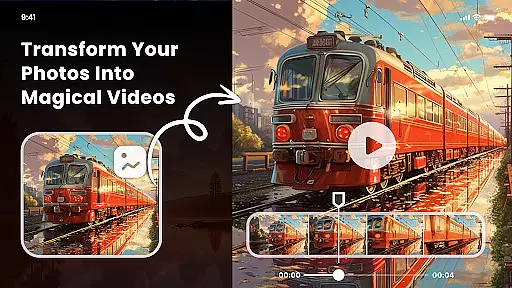
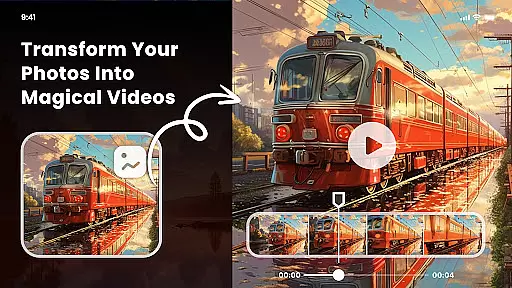
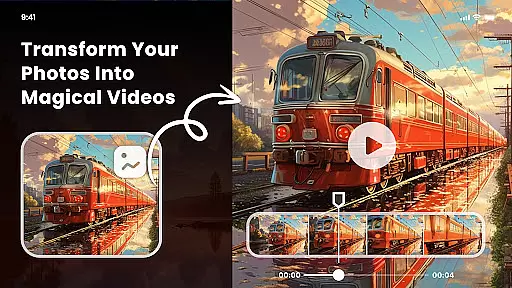
Beyond static image creation, Nano Banana supports dynamic content generation, including minting NFTs from user-generated artwork. This feature opens up new avenues for artists to monetize their creations in the burgeoning digital art market. With these robust tools at their disposal, users can effortlessly bring their ideas to life, experiment with different styles, and push the boundaries of their creativity.
The flexibility of canvas and format options is crucial for artists who wish to express their creativity without constraints. Nano Banana AI Image excels in this aspect by offering a highly adaptable platform that supports a wide range of image manipulations. Whether it's adjusting the dimensions of the canvas or altering the output format, the app provides users with the freedom to customize their projects according to specific requirements.
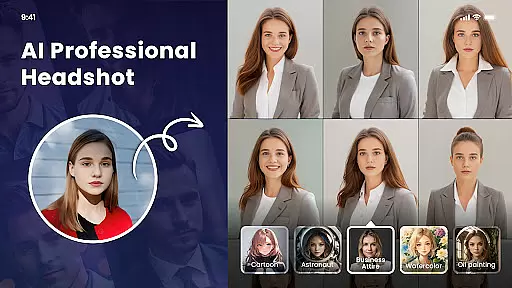
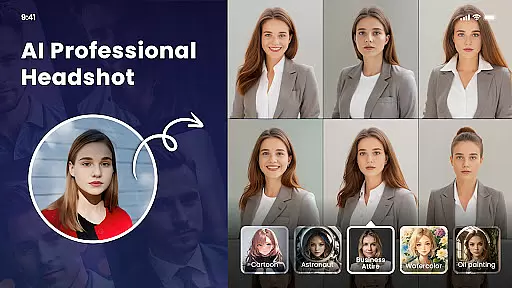
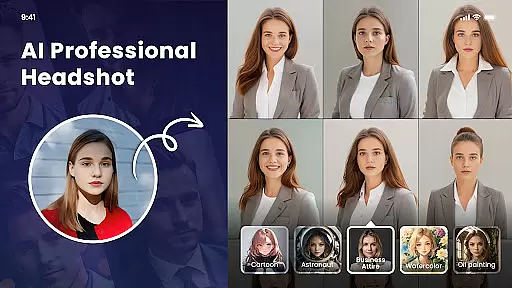
One notable feature is the AI Cutout tool, which enables users to remove backgrounds with precision and replace them with solid colors or custom images from their albums. This functionality not only enhances the creative possibilities but also streamlines the workflow for projects that demand meticulous attention to detail. Furthermore, the app supports high-definition exports of up to 8 megapixels, ensuring that the final artworks retain their quality when printed on various mediums such as T-shirts, wallpapers, or photo portfolios.
By integrating seamless background replacement and high-resolution export capabilities, Nano Banana empowers artists to produce professional-grade work that meets industry standards. This level of canvas and format flexibility makes the app an invaluable asset for anyone looking to expand their artistic horizons and deliver polished, print-ready pieces.
User-friendly interface
High-definition outputs
Versatile style options
Advanced AI technology
Innovative NFT integration
Premium subscription required
Limited free features
Occasional processing delays
Steep learning curve
Export resolution constraints

Image/ Text to Video Generator
 4.40
4.40
Sketch, trace and master AR drawing with awesome anime art!
3.30
Sketch, plan, take notes and illustrate on an infinite canvas.
4.20
Digital Drawing: Draw & Paint
4.10
Paint with oils and sketch with natural tools on a realistic virtual canvas.
3.80
Passport size photo maker, create ID photo and visa photo in seconds
4.80
Convert image to JPG PNG HEIC PDF, support almost all kinds of image formats
4.70
Resize photos and print photos in exact size with our powerful photo printer!
3.80
Turning simple sketches into captivating tales filled with life and motion
3.90
See Color, Paint Color
4.90
Logo Generator powered by AI: Create stunning logos effortlessly!
4.70
Photo stitcher for automatically screenshot stitching into a long screenshot
4.70
AI Tattoo Generator: Create Tattoo Designs & Get Ideas! Ink & Stencil Maker
4.50
Photo blender app to create overlay photos & double exposure.
4.40
Trace, draw, and create art with AR - from memes to masterpieces!
4.30
Customizable Outlined Fonts. Watch Face Format. Battery friendly Digital Clock.
4.20
Unleash the artist in you with our AR drawing and tracing tool for photo drawing
4.10
Easy 3D drawing design maker & creator. Model designing, Sculpting. Create&paint
4.00
Transform photos into amazing monochrome dither art with professional algorithms
4.3


User Reviews