
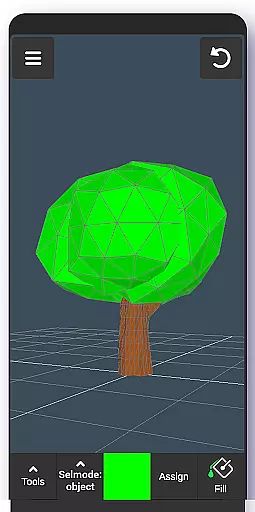
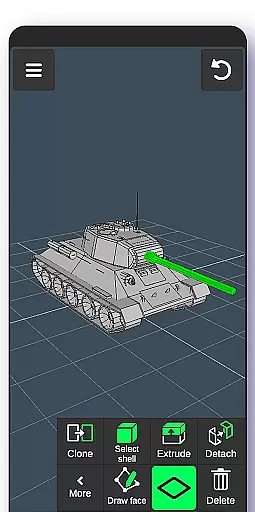
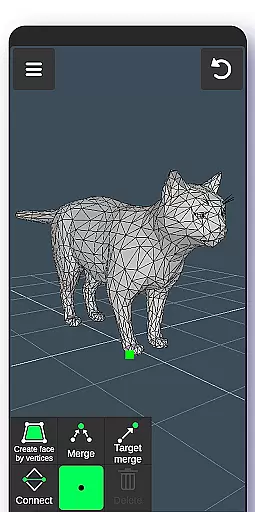
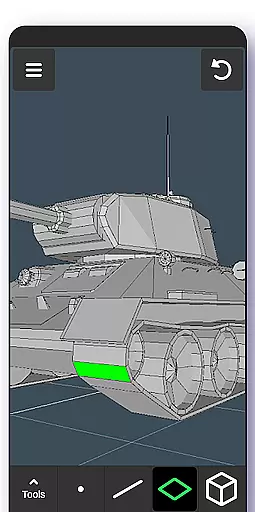
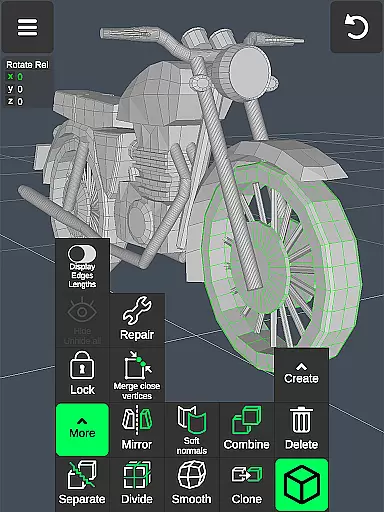
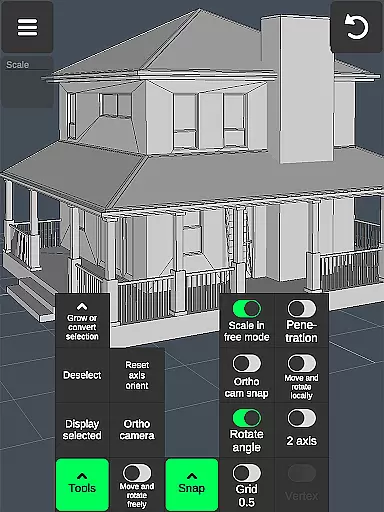
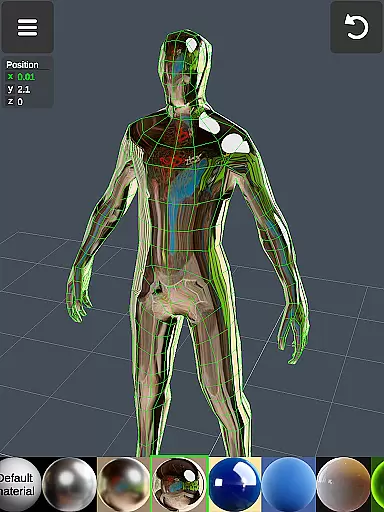
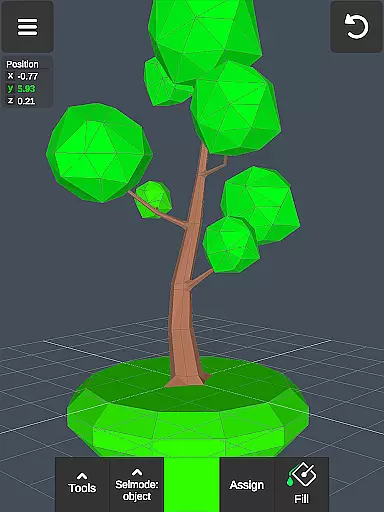
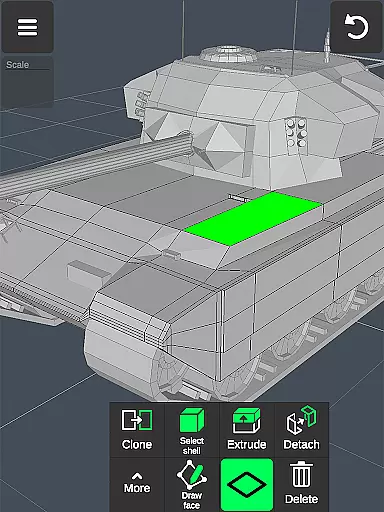
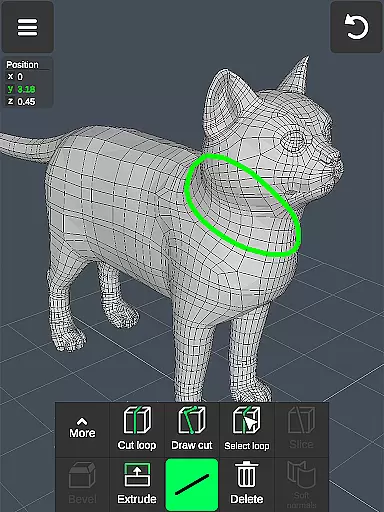
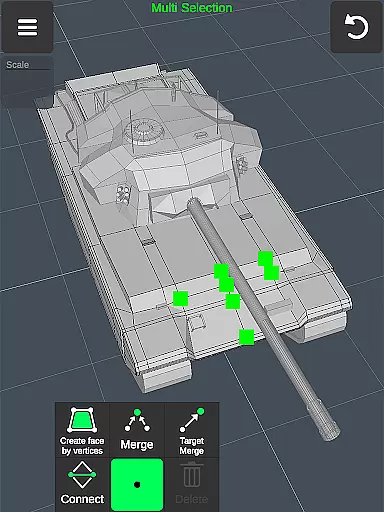
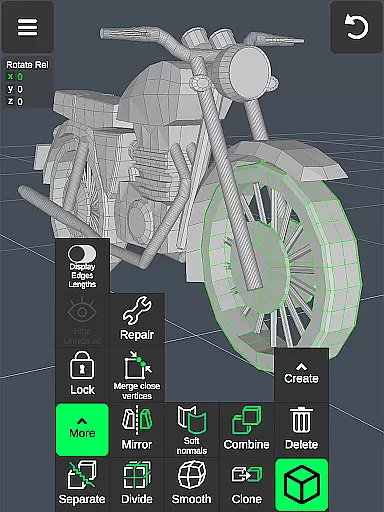
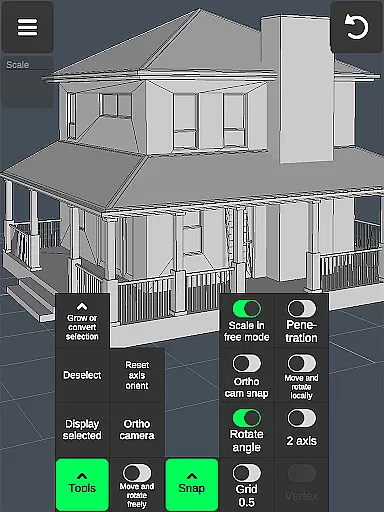

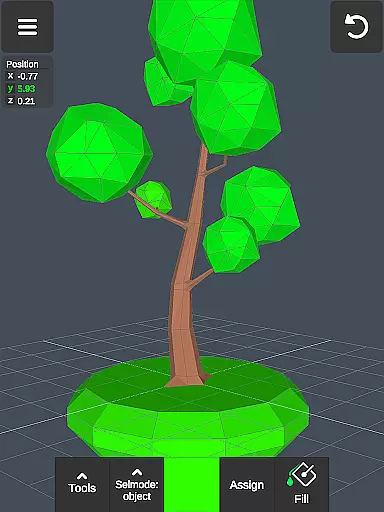
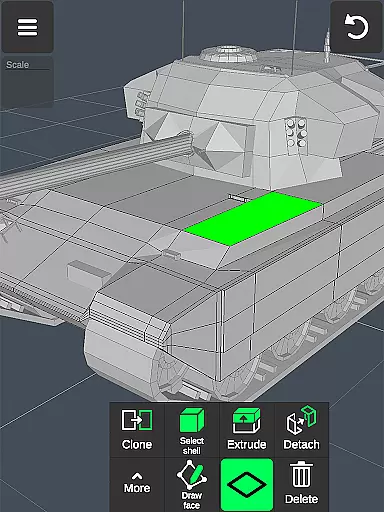
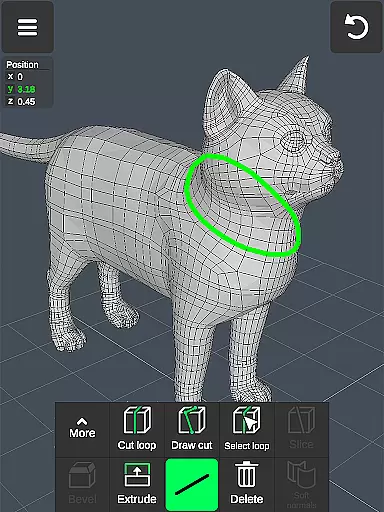
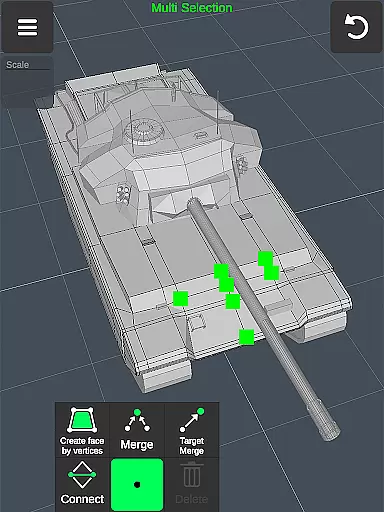
3D Modeling App is a powerful mobile solution for creating 3D models, objects, and art directly on your phone or tablet. Designed for professionals and hobbyists alike, this application enables users to generate detailed 3D designs using intuitive gestures. Whether you're an engineer, artist, game developer, or designer, the app provides specialized tools tailored to various industries.
The software stands out with its comprehensive feature set that includes vertex, edge, and face manipulation tools, sculpting capabilities, and advanced display options. Users can create precise 3D models for business purposes, design characters and environments for games, or produce digital art. The app supports importing and exporting .obj files, making it compatible with major 3D modeling and CAD software.
This versatile tool is particularly valuable for professionals who need a portable yet robust 3D creation platform. With support for stylus pens and gesture-based controls, it offers both precision and convenience. The ability to apply multiple materials and customize object properties makes it suitable for industrial design, woodworking, automotive engineering, and more.
3D Modeling App distinguishes itself through an extensive array of professional-grade features. The application's fast workflow allows users to manipulate 3D images and objects using simple gestures while providing quick access to essential tools. Advanced selection methods enable efficient multi-selection of vertices, edges, faces, and entire objects, streamlining the modeling process.
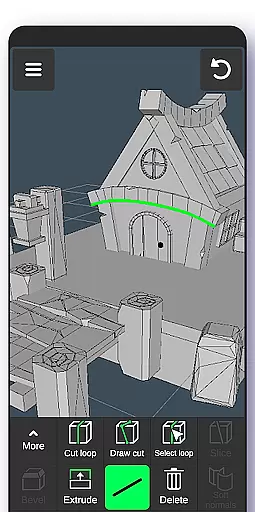
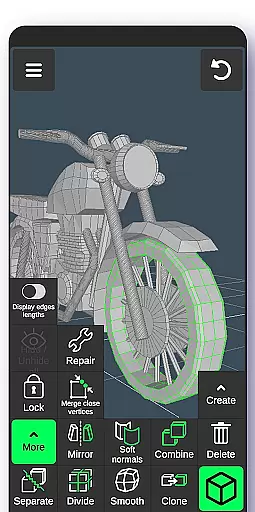
The app includes specialized toolsets for different aspects of 3D creation. Vertex tools facilitate geometry manipulation through merging, connecting, and face creation. Edge tools offer precise cutting and loop creation capabilities, while face tools provide extrusion, cloning, and reversal functions. Object tools support combining, separating, cloning, and smoothing operations. Additionally, sculpting tools with adjustable brush parameters allow for detailed digital sculpting work.
Professional-grade display options include customizable grids, wireframe views, shadow settings, and axis indicators. The application supports up to 20 material applications per object and features advanced snapping options for precise modeling. With its robust import/export functionality, users can seamlessly integrate their work with industry-standard 3D modeling and CAD software, ensuring compatibility across various professional workflows.
In the realm of 3D design, having a comprehensive suite of creative tools is essential for professionals and hobbyists alike. The 3D Modeling App excels in this area by offering an extensive array of features that cater to various aspects of 3D creation. From vertex, edge, and face tools to object manipulation and sculpting, each instrument is crafted to provide precision and control.
Users can merge, connect, extrude, clone, and smooth with ease, ensuring that complex geometries and detailed models are within reach. The inclusion of display tools such as wireframe views, shadows, and axis indicators further enhances the modeling experience by providing clear visual feedback during the design process.
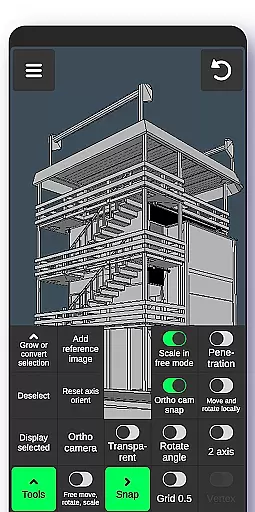
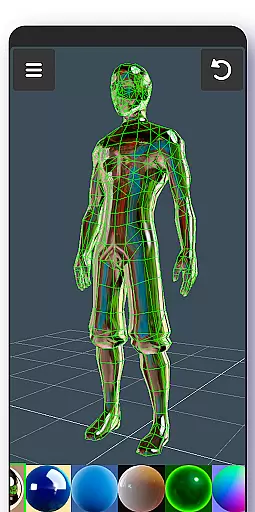
Moreover, advanced options like orthographic camera settings, precise value inputs for transformations, and snap functionalities empower users to execute their vision accurately. With support for up to 20 materials and vertex color painting, creators have the freedom to explore diverse aesthetics and textures.
The app's ability to export and import .obj files also means seamless integration with industry-standard software, making it not just a standalone tool but part of a larger creative ecosystem. This compatibility ensures that projects started on mobile can be refined on desktop applications without losing fidelity or detail.
A canvas in the digital world of 3D art refers to the space where creations come to life, and format flexibility is about how well an application adapts to different project requirements. The 3D Modeling App provides remarkable versatility with its gesture-based navigation, allowing users to effortlessly move, rotate, and scale objects and the camera itself. This intuitive interaction makes manipulating the virtual workspace feel natural and responsive.
Professionals will appreciate the ability to switch between tools quickly, multi-select elements, and apply transformations with exact values. These capabilities ensure that whether you're crafting intricate cgi graphics or designing expansive game environments, your workflow remains fluid and uninterrupted.
Furthermore, the app supports a wide range of file formats through .obj imports/exports, which bridges the gap between various 3D modeling platforms like 3ds Max, Maya, Blender, AutoCAD, and more. Such interoperability allows artists to work across different systems without being constrained by proprietary limitations.
With additional features such as grid snapping, auto-save, and customizable display settings, including wireframes and shading options, designers have complete control over their artistic process. Whether creating detailed industrial designs or expansive virtual worlds, the 3D Modeling App offers a dynamic and adaptable platform for all forms of 3D expression.
User-friendly interface
Comprehensive toolset
Professional-grade features
Cross-platform compatibility
Industry-standard file support
Steep learning curve
High system requirements
Limited free features
Occasional performance issues
Complex UI for beginners

Customizable Outlined Fonts. Watch Face Format. Battery friendly Digital Clock.
 4.20
4.20
Floor Plan Creator lets you create, edit and share floor plans.
4.00
Draw anime easily with AR guidance, sketch templates & trace tools!
3.10
Painting, drawing, & sketching
4.50
2D animation studio for Android tablets - unlimited layers, infinite timeline
4.70
Inky runs Inkscape on Android devices and Chromebooks
2.90
Share the joy of painting with ibis Paint! Drawing anime and manga art.
4.50
Sketch and paint on your device with the feel and freedom of drawing on paper
4.00
Create amazing pictures and unleash your creative genius with AR Drawing Sketch
4.40
Minecraft & Roblox Clothes
4.70
The ultimate tool for creating animations
4.60
Image resizer to resize, crop, rotate, flip, change dpi photo or picture in bulk
4.60
Draw anime & manga drawing, art with templates to create stunning picture!
4.50
Create neon drawing with magic doodle and fun doodle art effects!
4.50
Unleash your drawing and painting potential
4.50
Draw Trace image sketch by, AR art projector app, Easy to trace any image.
4.50
Nano Banana AI Image Generator, Anime Filter, AI Portrait, AI Photo Generator
4.30
OneUI 8.5 icons ✨ Smooth, modern & based on the latest Play Store design ??
4.10
Android 14 style widgets and wallpapers app.
4.0


User Reviews