
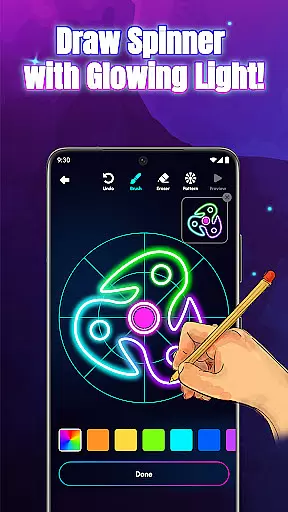
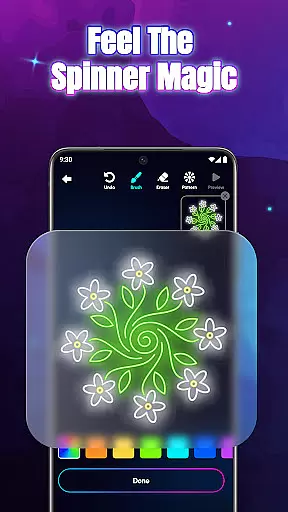
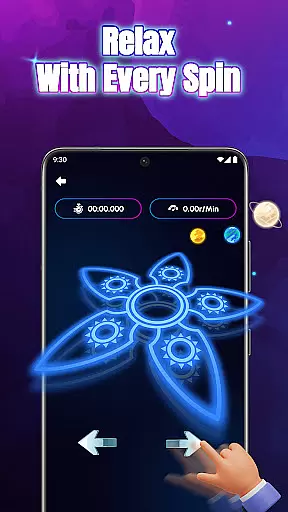
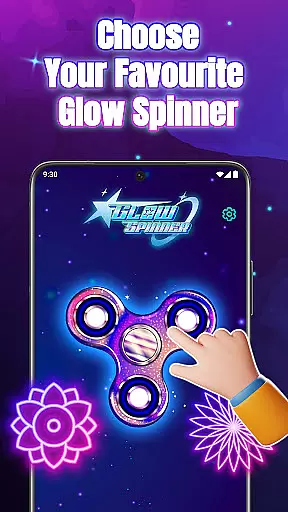
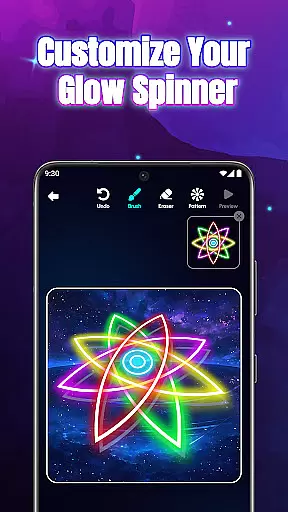
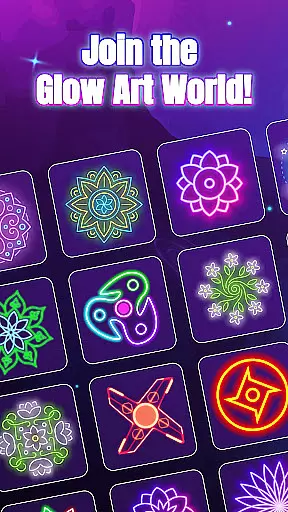
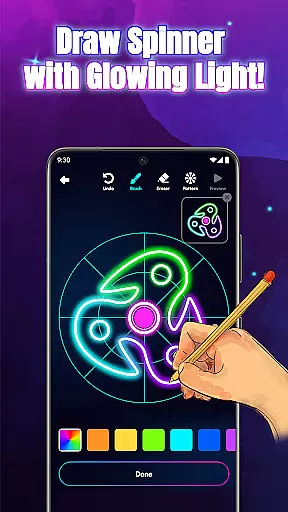
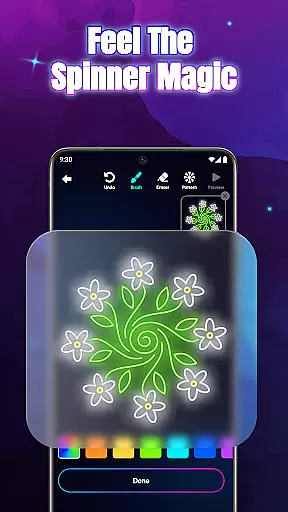
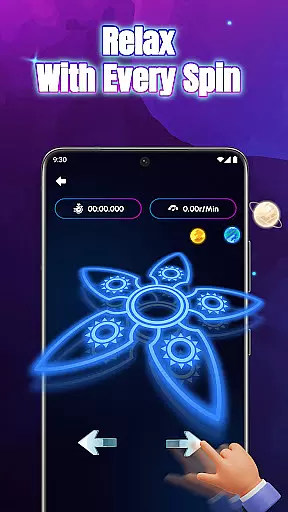
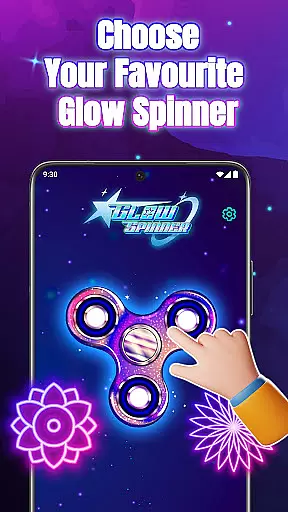
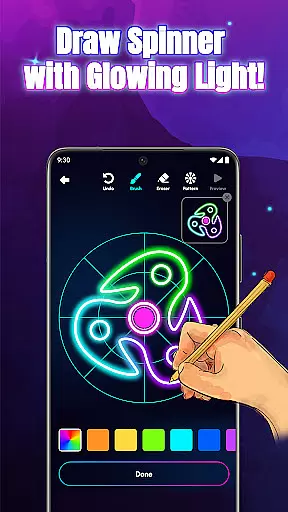
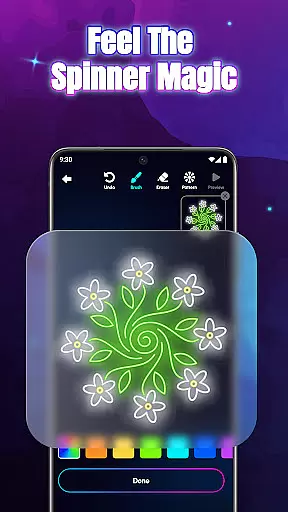
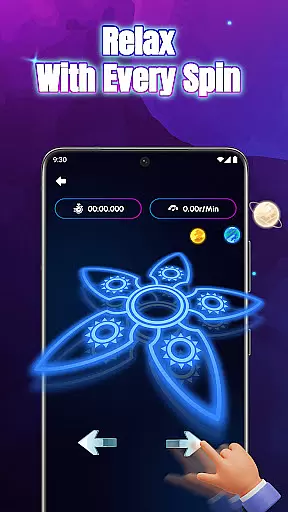
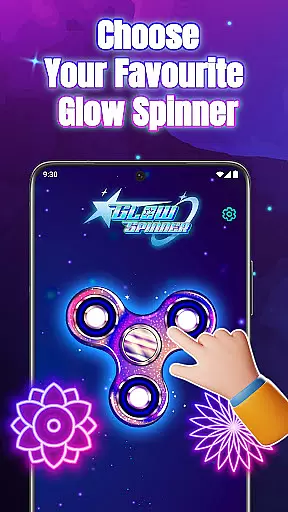
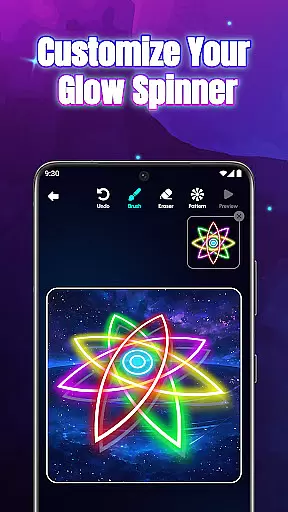
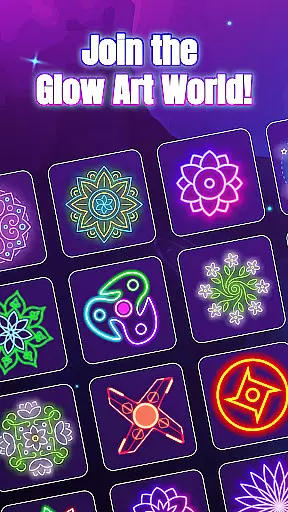
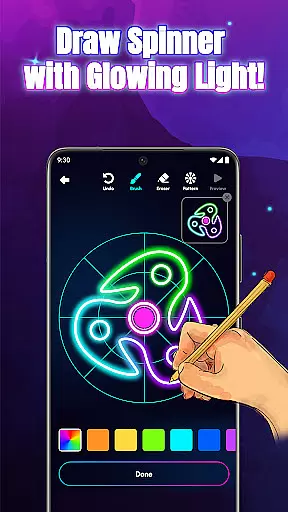
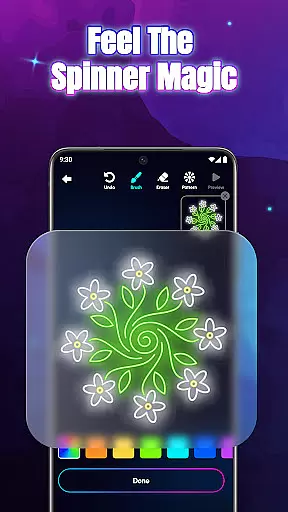
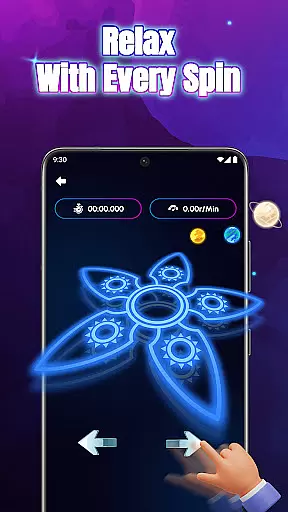
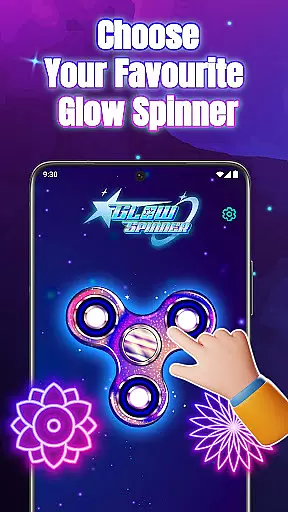
Glow Spinner: Finger Draw Art is a unique digital art application that combines creativity with relaxation. This app allows users to draw glowing spinner art using their fingers, bringing their creations to life with smooth motion and vibrant light effects. The app's core functionality lies in its intuitive finger-drawing feature, which enables anyone to design intricate spinner patterns easily.
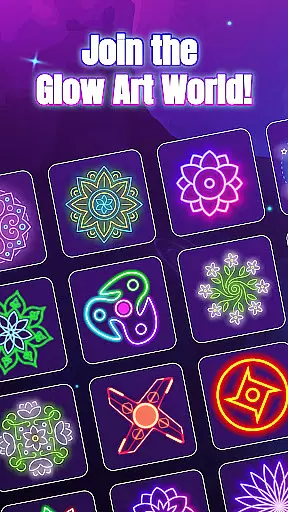
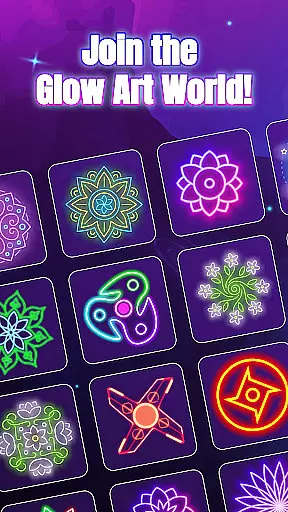
One of the standout features of Glow Spinner is its realistic 3D spinner design, complete with lifelike spin physics powered by an advanced physics engine. Users can customize their creations with various glow effects, choosing from calming ambient tones to bright neon bursts. The app also includes a built-in artwork gallery where users can save and revisit their favorite designs, creating a personal collection of glowing art pieces.
This application is particularly well-suited for individuals seeking stress relief through creative expression. Whether you're an aspiring digital artist or simply looking for a calming fidget experience, Glow Spinner offers a perfect blend of artistic freedom and soothing motion. Its combination of soft visuals, gentle soundscapes, and responsive drawing tools makes it an ideal choice for unwinding after a long day while exploring your creative potential.
Glow Spinner stands out in the Art & Design category through its innovative approach to digital art creation. The app's most distinctive feature is its integration of realistic spin physics with artistic expression, allowing users to create dynamic, moving art pieces. The physics engine powering the spinners ensures natural, lifelike motion that responds accurately to user input, enhancing the overall creative experience.
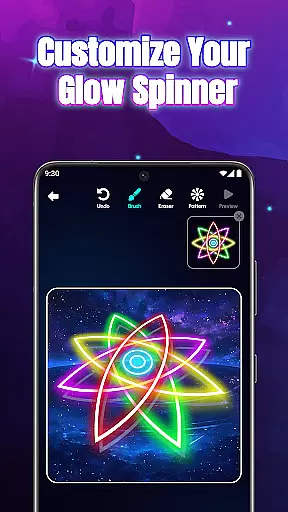
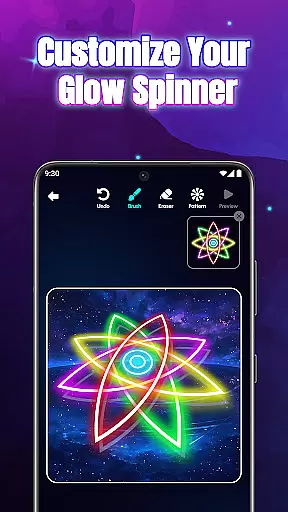
The application offers extensive customization options, including various glow styles, patterns, and color palettes. Users can experiment with different combinations of neon colors and light effects, resulting in unique luminous patterns that reflect their personal style. The 3D motion capability adds depth to each creation, with sophisticated light reflection algorithms that make the spinners appear more realistic and visually striking.
Beyond its core drawing and spinning features, Glow Spinner provides a comprehensive creative environment. The app's relaxing ambience, featuring soft background visuals and soothing soundscapes, creates an optimal atmosphere for artistic exploration. The intuitive interface combines with these elements to offer users a seamless experience that encourages both casual play and serious artistic endeavors, making it suitable for creators of all skill levels.
Creative tools are essential for any art and design application, providing users with the resources they need to express their artistic visions. Glow Spinner: Finger Draw Art offers a comprehensive suite of creative tools that cater to both novice and experienced artists.
With intuitive finger drawing capabilities, users can effortlessly create glowing lines and patterns. The app provides custom glow effects, allowing artists to choose from various styles, patterns, and colors, ranging from calming ambient tones to vibrant neon bursts. This feature ensures that each piece of art can be as unique and expressive as the artist desires.
The inclusion of 3D spinner design elevates the creative experience by adding depth and realism to the artwork. Users can see their spinners come alive with realistic motion, light reflection, and dimensionality, enhancing the overall visual impact of their creations.
By offering a complete set of creative tools, Glow Spinner empowers users to fully explore their creativity, making it an ideal choice for those looking to unwind and express themselves through digital art.
Flexibility in canvas and format options is crucial for accommodating different artistic styles and preferences. Glow Spinner: Finger Draw Art excels in providing users with versatile canvas and format settings that enhance the creative process.
Artists can customize their canvas by selecting from a variety of glow styles and patterns, ensuring that their artwork stands out. The app supports multiple color options, enabling users to experiment with different palettes and achieve the desired aesthetic effect.
In addition to customizable canvas settings, Glow Spinner also offers flexible format options. Users can save their creations in an artwork gallery, where they can revisit, animate, or re-spin their designs at any time. This feature allows for continuous exploration and modification of artwork, fostering an environment of ongoing creativity.
Overall, the canvas and format flexibility provided by Glow Spinner ensures that artists have the freedom to create and modify their work according to their unique vision, resulting in a more satisfying and personalized artistic experience.
User-friendly interface
Vibrant glow effects
Realistic physics engine
Stress-relief focused
Creative freedom
Limited free features
High system requirements
Occasional bugs
Ads between sessions
Premium upgrades

Design your dream room with AI. Get decor ideas & plan home interiors
 3.90
3.90
Digital illustration drawing & painting pad app to paint Anime and Manga art
4.50
Nano Banana AI Image Generator, Anime Filter, AI Portrait, AI Photo Generator
4.30
The perfect place to start sketching! Use Sketchbook to draw and paint sketches.
4.50
Image resizer to resize, crop, rotate, flip, change dpi photo or picture in bulk
4.60
Share the joy of painting with ibis Paint! Drawing anime and manga art.
4.50
Create Logos, Tattoos, AI Art & more with our AI Photo Generator & Design Editor
4.20
An intuitive, high-performance painting app that lets you focus on creating
4.40
All-in-One art, logo & collage maker. Design photos and edit video backgrounds
4.80
Create stunning art with AI.
4.80
Convert image to JPG PNG HEIC PDF, support almost all kinds of image formats
4.70
Get an overview over all your embroidery threads, projects and more.
4.60
Draw anime & manga drawing, art with templates to create stunning picture!
4.50
Create and Design Custom Logos in Seconds with AI-Powered Tools!
4.40
AR Anime Drawing: How to draw anime with AR drawing & sketching apps!
4.00
Create sweet, cool and unique couple avatars easily, in just a few steps!
3.40
Create trending AI photos & videos with powerful effects and 3D styles.
3.20
Premium version of Shimeji-ee app with no ads & no limit active shimeji
4.2
A luxurious gold watch face for an elegant and refined look.
4.0


User Reviews