
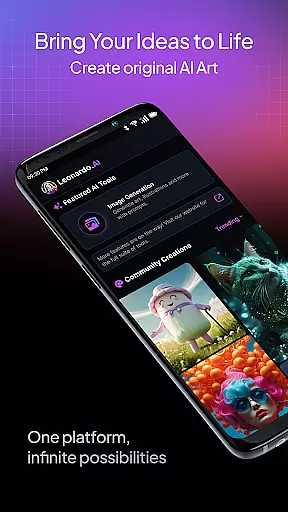
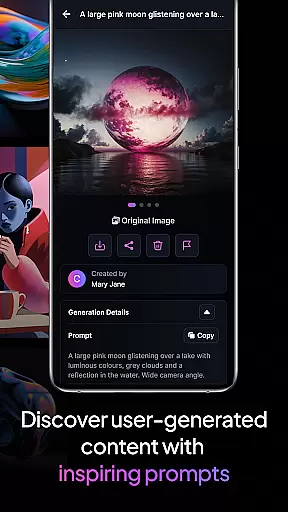
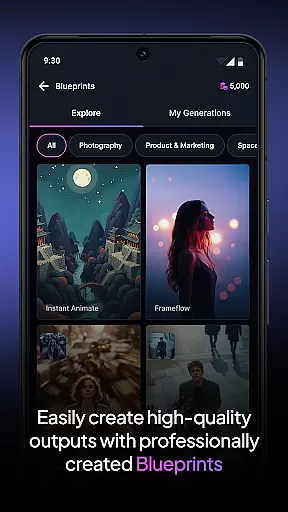
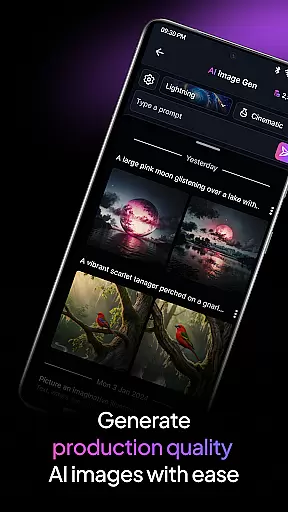
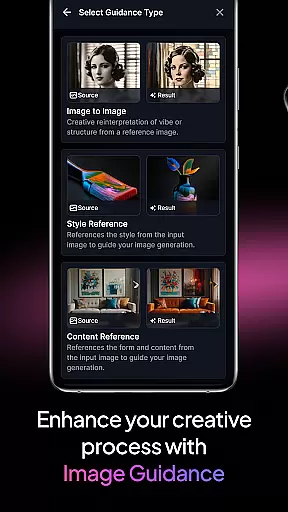
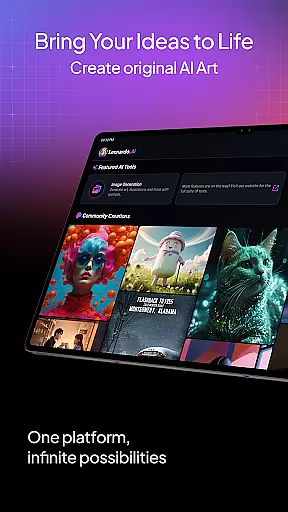
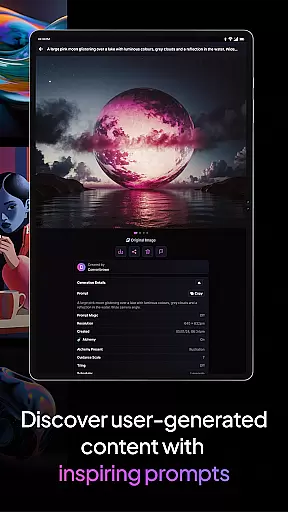
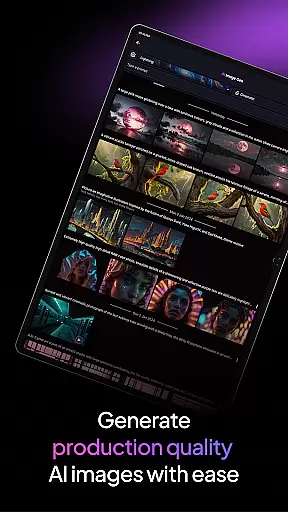
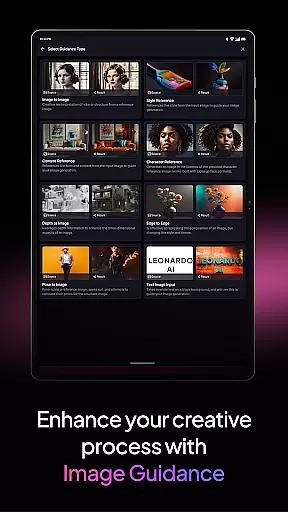
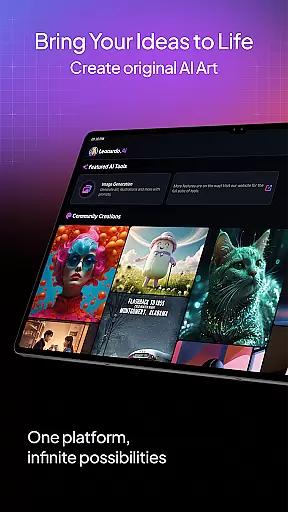
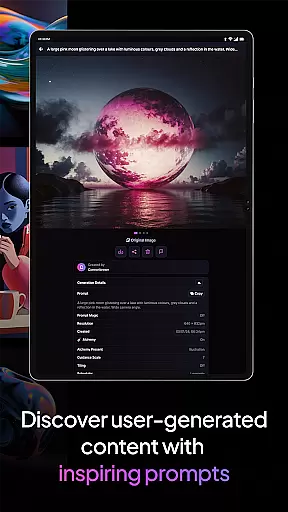
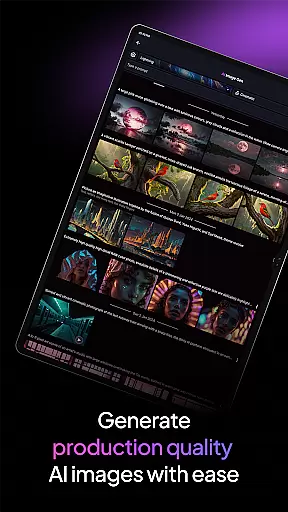
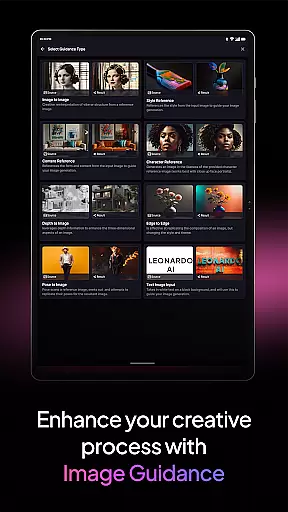
Leonardo.Ai is a cutting-edge AI art image generator designed for creative professionals and enthusiasts alike. This Android application empowers users to generate high-quality digital art with unprecedented control over the creative process. By leveraging advanced features like prompts, negative prompts, and tiling, users can fine-tune every aspect of their artwork. The app also offers general-purpose and finetuned presets that make producing production-ready design assets effortless.
One of Leonardo.Ai's standout features is the Leonardo Phoenix model, which provides next-level prompt adherence and flexible text-in-image capabilities. This allows for rapid ideation and iterative concept development while maintaining consistency across various artistic styles. Whether you're an experienced artist or just starting, Leonardo.Ai opens up a universe of infinite creative possibilities right at your fingertips.
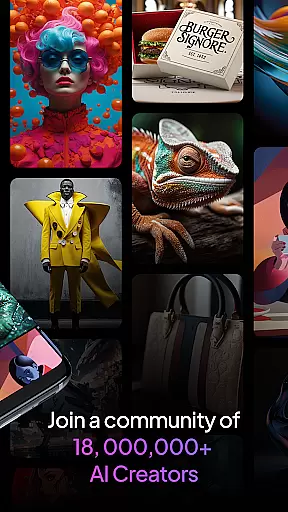
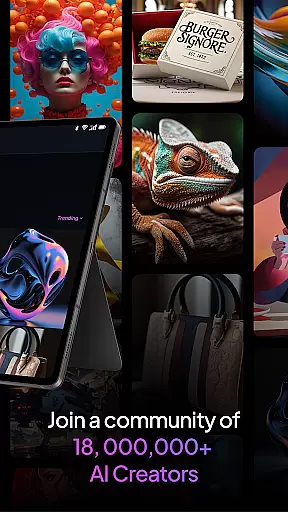
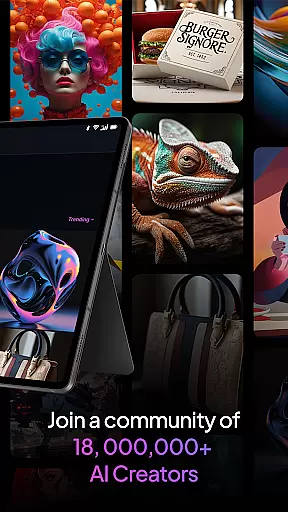
The app is particularly useful for designers, illustrators, and creatives who need quick iterations of concepts in diverse styles. With access to a community of over 21 million users and more than 1.7 billion generated images, this platform not only enhances individual creativity but also fosters collaboration and inspiration within a vibrant creative community.
Leonardo.Ai stands out with its robust feature set tailored for digital art creation. The app provides precise control mechanisms such as prompts and negative prompts, allowing users to guide the AI in generating exactly what they envision. Tiling options further enhance the ability to create seamless patterns and complex designs. These features ensure that users can achieve their desired results with accuracy and efficiency.
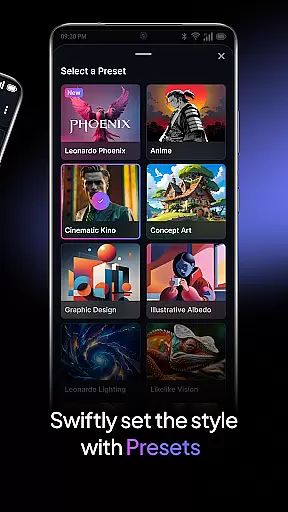
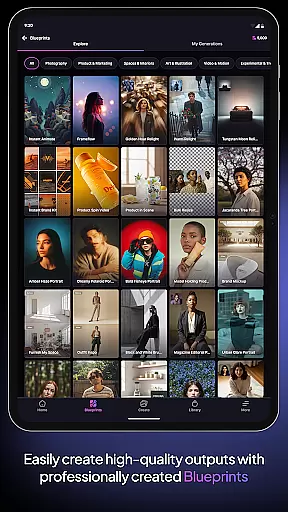
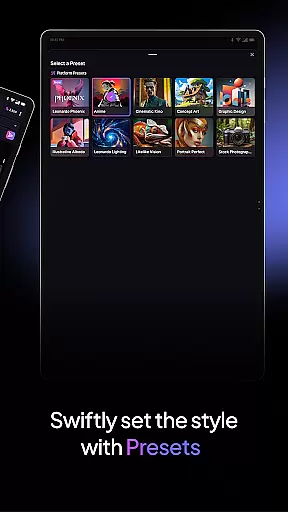
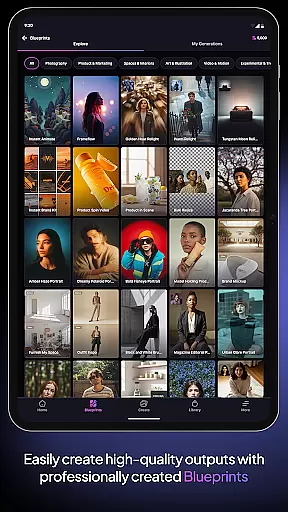
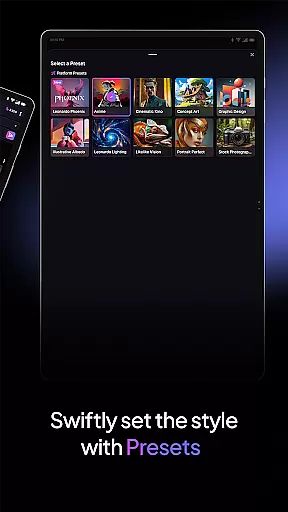
In addition to its control features, Leonardo.Ai offers both general-purpose and finetuned presets. These presets cater to different needs, from basic art generation to more specialized design tasks, making it easy to produce professional-grade assets. The Leonardo Phoenix model elevates this further by offering superior prompt adherence and coherent text integration within images, enabling rapid iteration and exploration of multiple concepts.
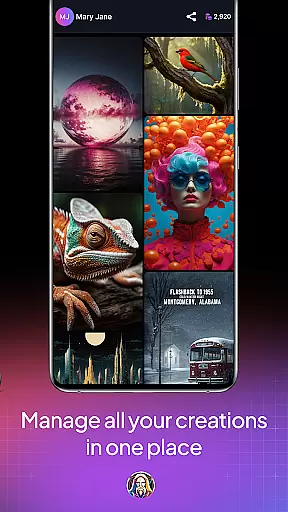
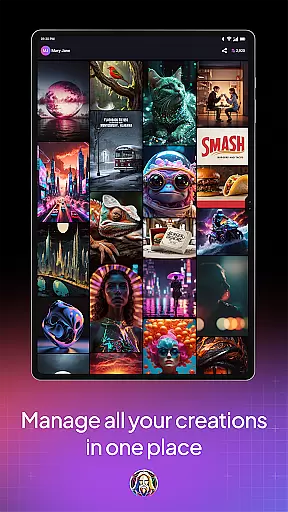
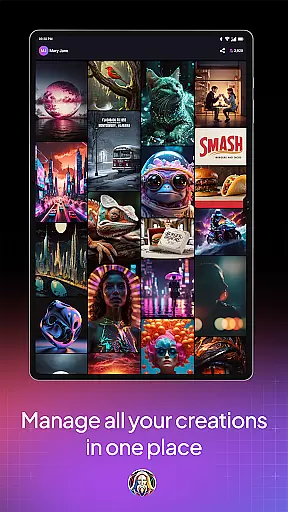
Another notable feature is the app's strong community support. With over 21 million users and billions of generated images, Leonardo.Ai fosters a collaborative environment where creatives can share, learn, and grow. This extensive resource base ensures that users have ample inspiration and reference material to draw from, enhancing their creative process significantly.
In the realm of digital art, having a comprehensive set of creative tools is paramount. Leonardo.Ai stands out by offering an extensive suite of features that empower artists on Android devices. This includes precise control mechanisms for prompts, negative prompts, and tiling which allow users to fine-tune their artwork with meticulous detail.
Leonardo.Ai doesn't stop at basic functionalities; it provides specialized presets that are production-ready. These presets cater to various art styles and design needs, ensuring that whether you're crafting intricate illustrations or sleek modern designs, there's a preset that can be effortlessly adapted to your vision.
The inclusion of Leonardo Phoenix, the foundational model, elevates the creative process even further. With superior prompt adherence and coherent text-in-image capabilities, artists can rapidly iterate concepts while maintaining consistency across different pieces. This level of depth supports both quick experimentation and refined final outputs.
Flexibility in canvas size and format options is crucial for artists who need to adapt their work for different mediums and platforms. Leonardo.Ai addresses this by providing adaptable solutions that support a wide range of project requirements without compromising quality or creative intent.
Artists using Leonardo.Ai have access to high-quality AI models capable of producing diverse design assets suitable for everything from web graphics to print media. The ability to switch between formats ensures that every piece maintains its integrity regardless of where it will eventually be displayed or published.
Moreover, Leonardo.Ai fosters an environment where creativity knows no bounds. By allowing rapid iteration through iterative prompting techniques, users can explore countless artistic directions while retaining full control over how each element fits into their broader creative strategy. This adaptability makes Leonardo.Ai an indispensable tool for any digital artist seeking versatility in their workflow.
User-friendly interface
Advanced customization options
Vibrant creative community
High-quality image generation
Effortless asset creation
Requires learning curve
Limited offline functionality
Premium features may require subscription
Dependent on internet connection
Some presets are niche-specific

Draw anime & manga drawing, art with templates to create stunning picture!
 4.50
4.50
Logo Generator powered by AI: Create stunning logos effortlessly!
4.70
Convert image to JPG PNG HEIC PDF, support almost all kinds of image formats
4.70
Make your phone cooler and have a fantastic experience
4.80
Design unique, funny and adorable cat stickers that reflect your own style!
3.80
OneUI 8.5 icons ✨ Smooth, modern & based on the latest Play Store design ??
4.10
Unleash the artist in you with our AR drawing and tracing tool for photo drawing
4.10
Video AI: Revolutionize Your Content Creation with Advanced Video Generation
4.50
Turning simple sketches into captivating tales filled with life and motion
3.90
Your AI soulmate — meaningful chats, and unique emotional moments
4.70
Draw glowing spinners, relax, and spin your creative art
4.60
Discover Cartoon Dream : Unleash Your Creativity with CuttingEdge AI
4.50
Painting, drawing, & sketching
4.50
Kling AI is an image and video generation and editing studio powered by AI.
4.50
Image/ Text to Video Generator
4.40
Sketch, plan, take notes and illustrate on an infinite canvas.
4.20
Text to Image, Image to Video & AI Chat
4.20
Meet the magic aı 3d photo generator and smart AI video generator app.
3.20
Your Essential Color Theory Guide: Red, Yellow, Blue (RYB)
4.2


User Reviews