
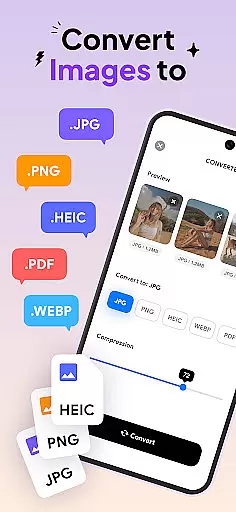
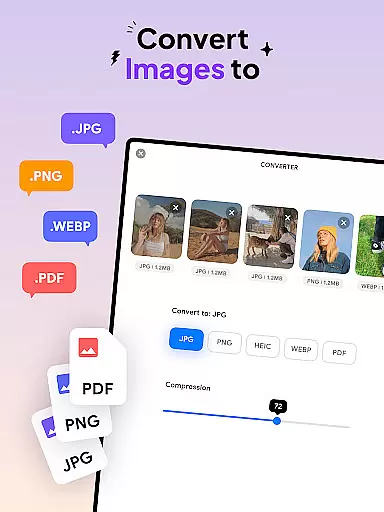
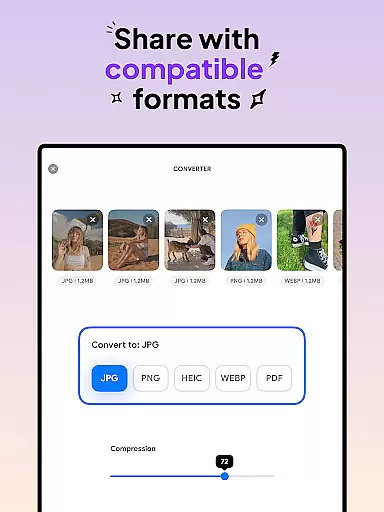
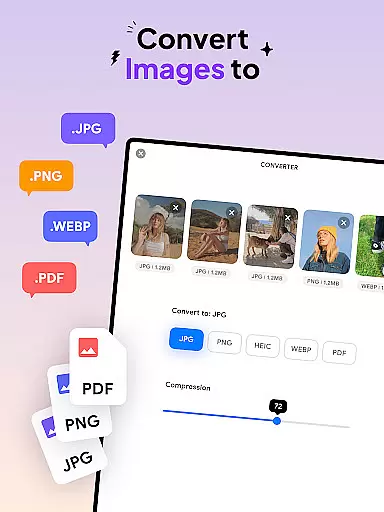
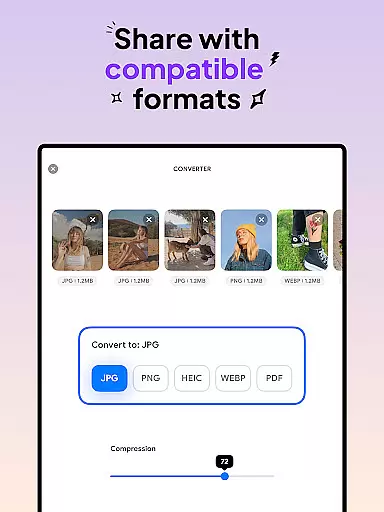
Image Converter - HEIC to JPG is a versatile tool designed for users who need to convert images between various formats while maintaining quality. This app supports conversion to popular formats like JPG, PNG, HEIC, and PDF, making it an essential utility for anyone working with digital images.
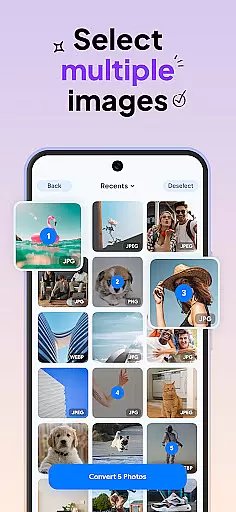
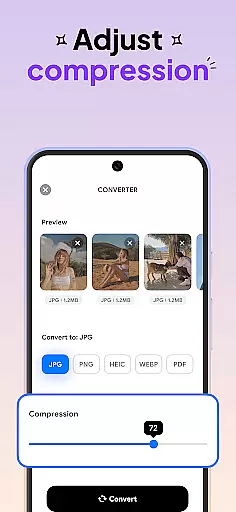
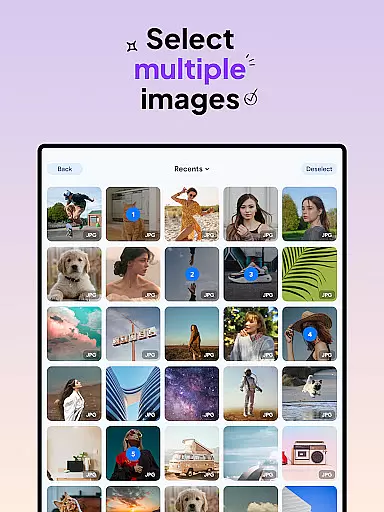
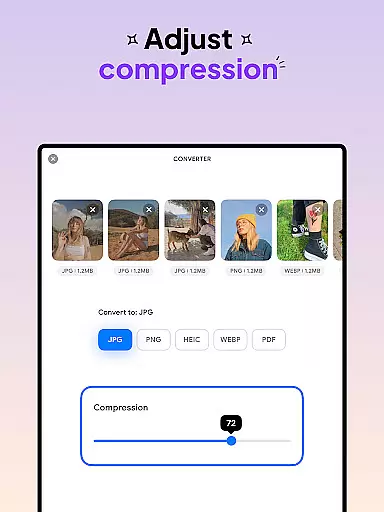
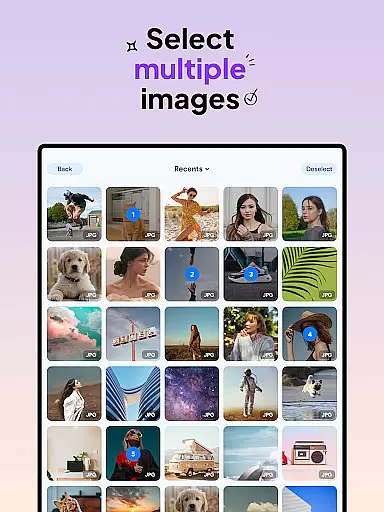
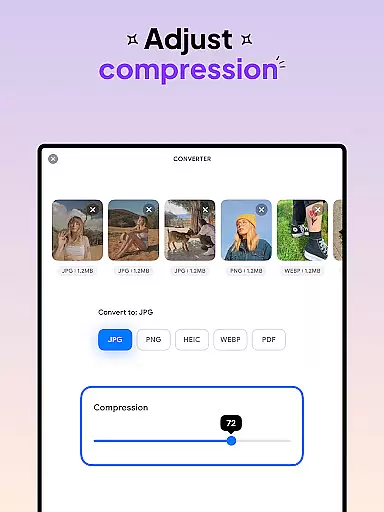
The application stands out with its batch conversion feature, allowing users to process multiple files simultaneously. Additionally, the built-in compression tool helps optimize file sizes without compromising resolution, ensuring that your converted images remain sharp and clear.
Whether you're a photographer managing large image libraries or a student preparing documents for submission, Image Converter streamlines your workflow by providing fast and reliable format conversions.
Image Converter offers a comprehensive set of features tailored for efficient image processing. The app's batch conversion functionality lets you handle multiple files at once, significantly reducing processing time.
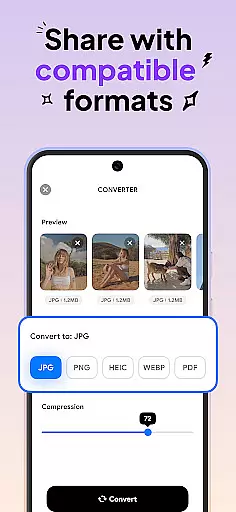
Users can choose from a variety of output formats including JPG, PNG, HEIC, and PDF. The app ensures that all conversions preserve the original image quality and resolution. Furthermore, the customizable compression settings give you control over file size optimization.
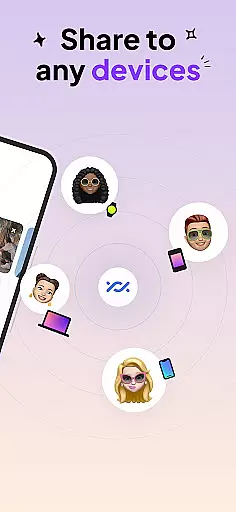
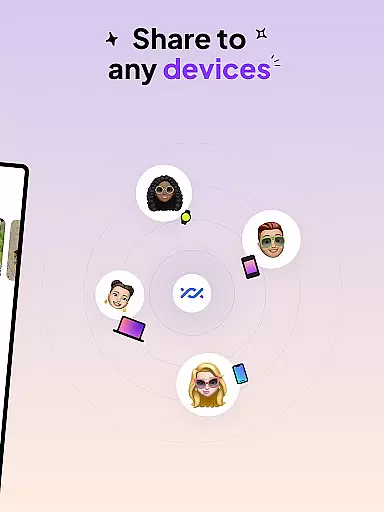
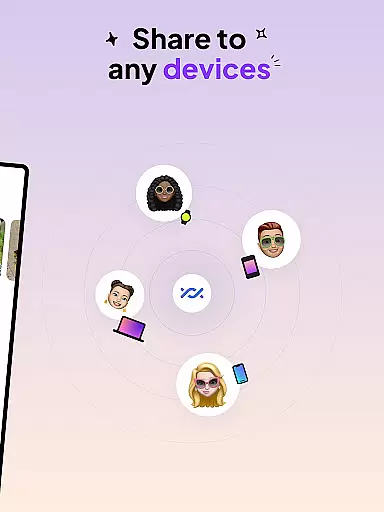
With seamless integration across devices, you can easily save and share converted files. This makes Image Converter not just a powerful standalone tool but also a convenient solution for cross-platform image management.
In the realm of digital art and design, having access to comprehensive tools is essential for unleashing creativity. Image Converter - HEIC to JPG stands out by offering an extensive suite of features that cater to all your image conversion needs. This powerful application supports almost every image format, allowing you to convert images to JPG, PNG, HEIC, or even PDF without compromising on quality or resolution.
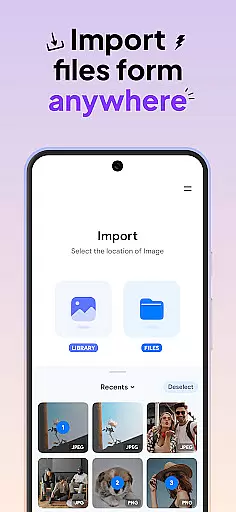
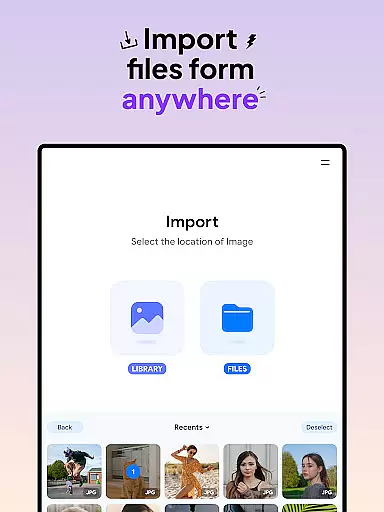
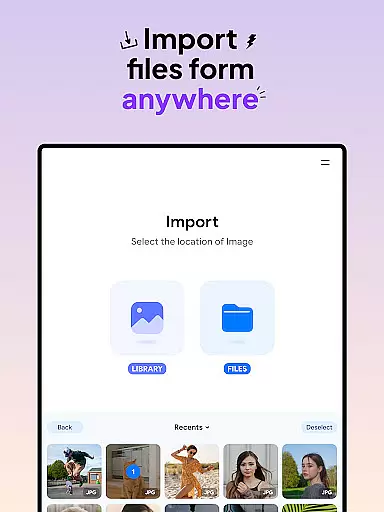
The app's batch conversion functionality significantly enhances productivity by enabling users to process multiple files simultaneously. Whether you're looking to transform JPEGs into PDFs or compress photos while maintaining their visual integrity, this tool provides a seamless experience. Its ability to integrate with various photo sources further streamlines workflows, making it an indispensable asset for designers and photographers alike.
By preserving original image attributes during conversion, Image Converter ensures that your creative vision remains intact. The option to adjust compression levels grants additional control over file sizes, which is particularly beneficial when preparing images for web or print. With its robust feature set, this application empowers artists to focus on their craft without being hindered by technical limitations.
Flexibility in canvas and format options is crucial for designers who work across different mediums and platforms. Image Converter - HEIC to JPG excels in this area by providing unparalleled versatility in handling various image formats. Users can effortlessly switch between popular formats such as JPG, PNG, HEIC, and PDF, ensuring compatibility with diverse project requirements and device specifications.
This adaptability extends beyond mere format conversion; the application allows precise adjustments to image dimensions and resolutions. Such capabilities are invaluable when optimizing visuals for specific use cases, whether it's creating high-resolution prints or preparing web-friendly graphics. The intuitive interface makes these complex operations accessible even to those new to digital design.
Moreover, the app's support for cross-device file sharing enhances collaborative projects and remote work scenarios. By saving converted files in universally compatible formats, Image Converter facilitates smooth exchanges between team members using different operating systems or hardware configurations. This level of format flexibility positions the application as an essential tool in any designer's arsenal, capable of meeting both current and future project demands.
User-friendly interface
Batch conversion support
High-quality results
Customizable compression
Cross-device compatibility
Limited advanced editing
No cloud integration
Premium feature costs
Occasional slow processing
Ads in free version

AI generated images & photos, turn your words into drawing, painting & pictures.
 4.30
4.30
Art of Combination Wear OS Watch Faces
4.5
Passport size photo maker, create ID photo and visa photo in seconds
4.80
Castle is social media for creating and playing games!
4.60
Image resizer to resize, crop, rotate, flip, change dpi photo or picture in bulk
4.60
Resize photos and print photos in exact size with our powerful photo printer!
3.80
Video AI: Revolutionize Your Content Creation with Advanced Video Generation
4.50
AI Tattoo Generator: Create Tattoo Designs & Get Ideas! Ink & Stencil Maker
4.50
An intuitive, high-performance painting app that lets you focus on creating
4.40
Photo stitcher for automatically screenshot stitching into a long screenshot
4.70
Remove Background, Magic Eraser, Photo Enhancer, Story Templates, Collage Maker
4.30
Beauty Camera - Selfie Camera is the ultimate beauty camera and selfie app
4.30
Sketch, plan, take notes and illustrate on an infinite canvas.
4.20
Design your dream room with AI. Get decor ideas & plan home interiors
3.90
Art of Combination Wear OS Watch Faces
3.30
Create trending AI photos & videos with powerful effects and 3D styles.
3.20
Pose and morph realistic male and female models! 3D poser app
3.00
Inky runs Inkscape on Android devices and Chromebooks
2.90
Your Essential Color Theory Guide: Red, Yellow, Blue (RYB)
4.5


User Reviews