
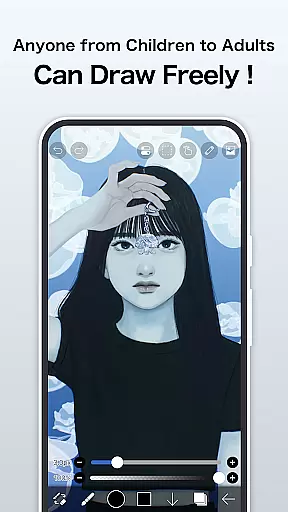
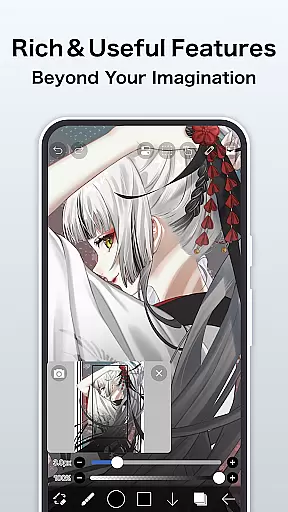
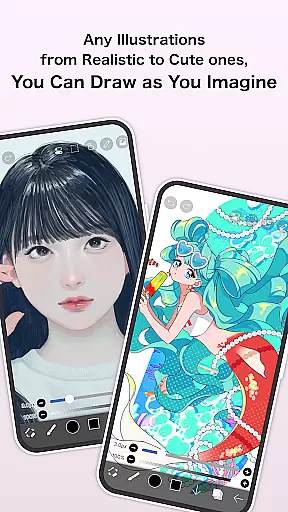
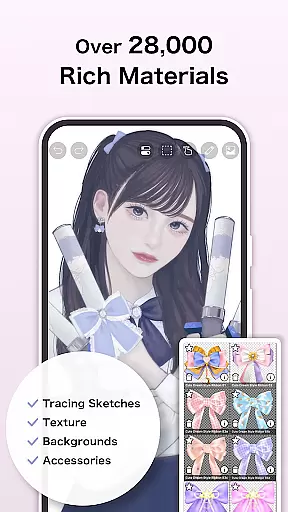
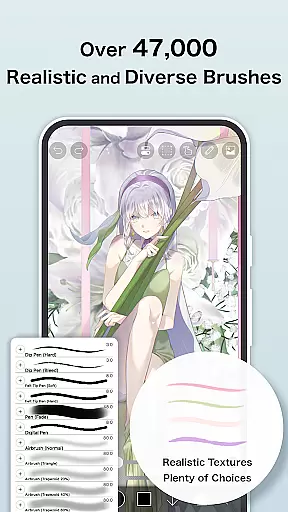
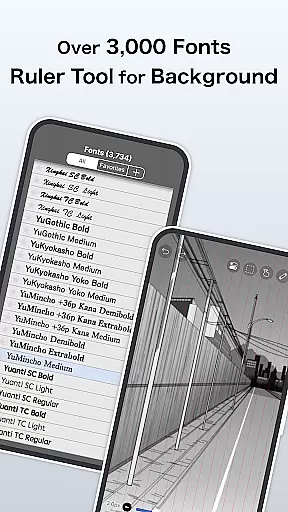
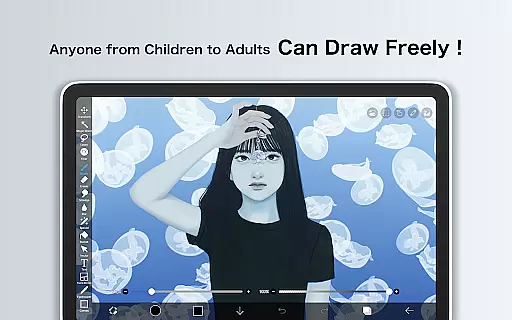
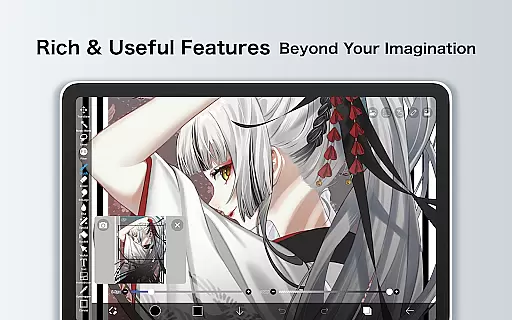
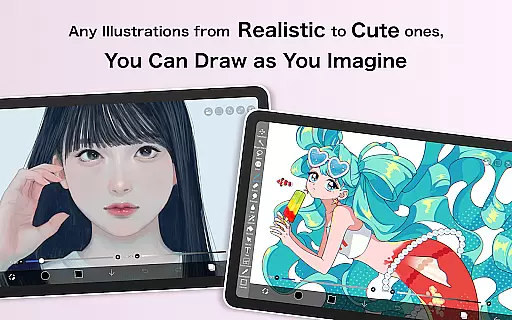
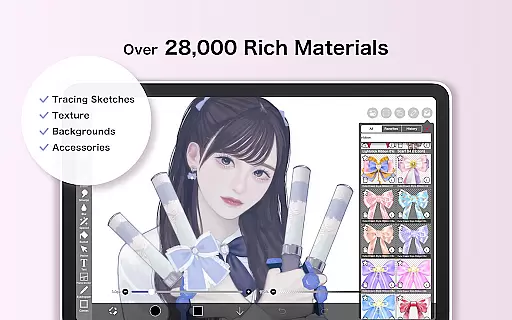
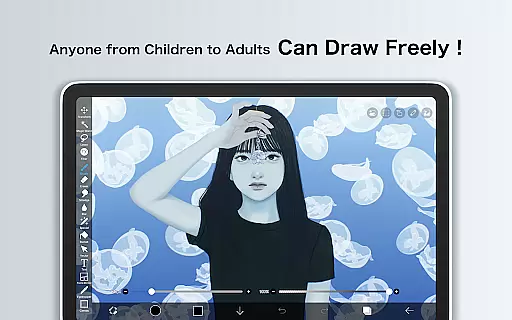
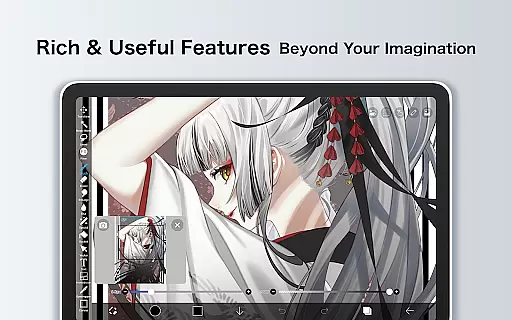
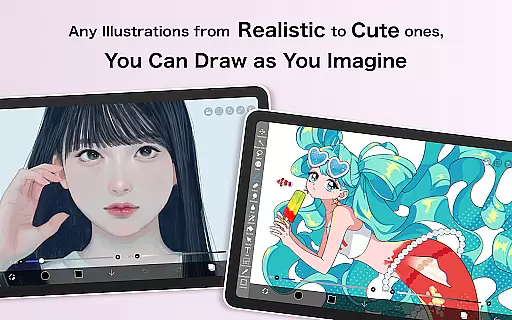
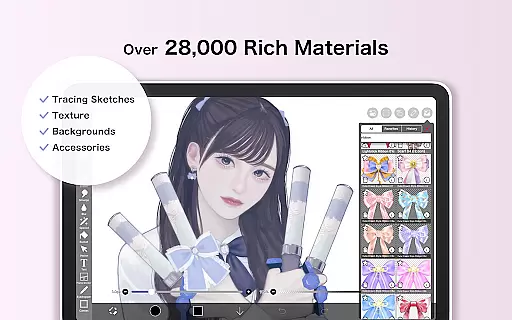
ibis Paint X is a premier digital art application that has been downloaded over 460 million times, offering users an extensive suite of artistic tools. With more than 47000 brushes, 27000 materials, and 2100 fonts, it caters to both amateur doodlers and professional artists. The app includes advanced features such as stroke stabilization, animation support, and AI Disturbance, alongside traditional drawing elements like screentones and blending modes.
This versatile app provides a smooth drawing experience at up to 60 fps, thanks to OpenGL technology. Users can record their creative processes, share them via the app's social network, and engage with a community of artists. Whether you're sketching, painting, or crafting manga, ibis Paint X delivers a comprehensive platform for artistic expression on mobile devices.
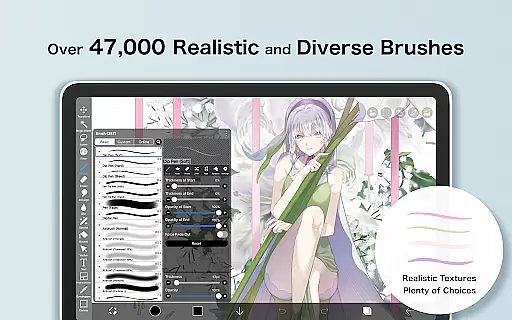
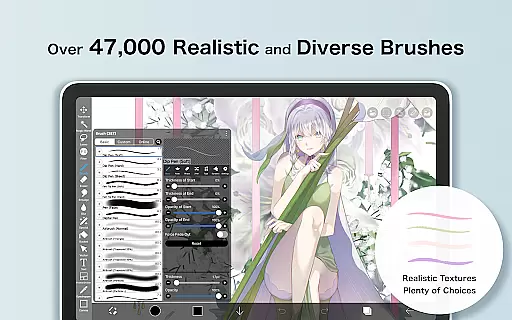
ibis Paint X stands out with its vast array of features tailored for digital artists. It offers a variety of brush types including dip pens, airbrushes, and oil brushes, each customizable to suit individual styles. The layer functionality is robust, allowing unlimited layers and featuring options like alpha blending, clipping masks, and various layer commands for manipulation.
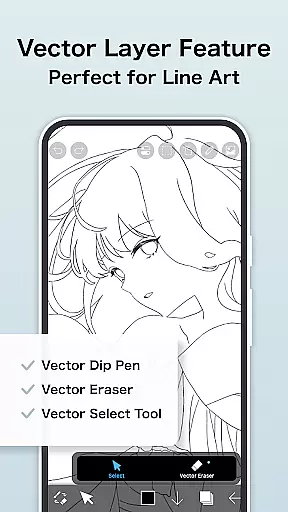
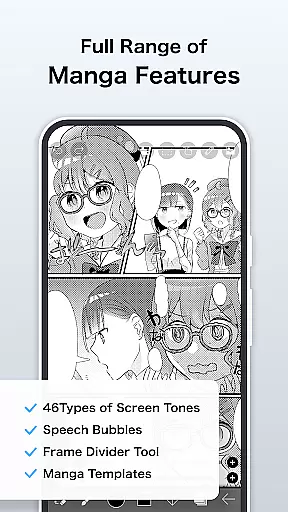
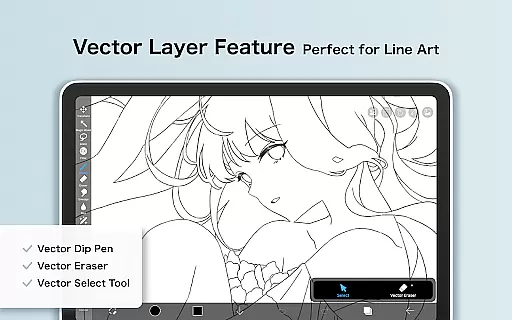
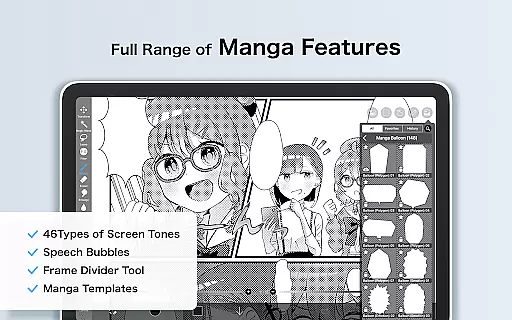
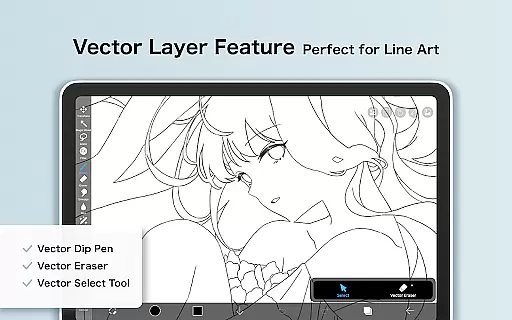
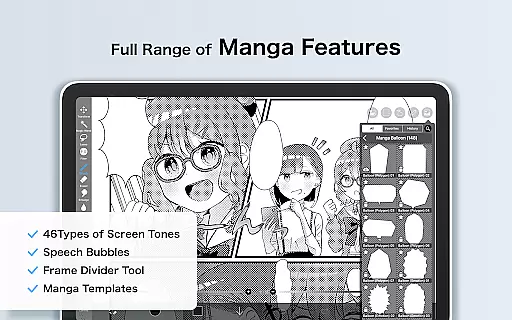
In addition to its impressive brush and layer capabilities, ibis Paint X includes specialized manga tools with advanced text functions and a vector tool for precision work. Prime Membership unlocks further potential with cloud storage, exclusive materials, and filters like Tone Curve and Graduation Map. These professional-grade tools ensure that artists have everything they need to create stunning artwork on their mobile devices.
ibis Paint X stands out in the Art & Design category by offering an extensive suite of creative tools that cater to both amateur and professional artists. With over 47,000 brushes, 2,700 materials, and 2,100 fonts, the app provides a rich variety of options for creating diverse art styles. The inclusion of advanced features such as 84 filters, 46 screentones, and 27 blending modes ensures users can achieve sophisticated effects in their artwork.
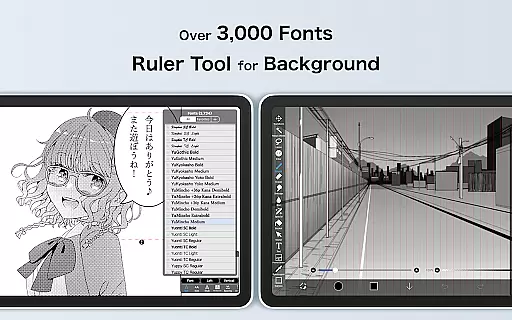
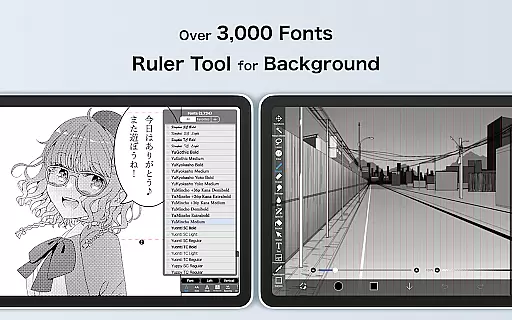
The app's functionality is further enhanced by specialized tools like Vector tools, Animation features, and AI Disturbance, which are accessible through the Prime Membership. These tools allow for precision in design work and open up possibilities for creativity that go beyond traditional drawing apps. Stroke stabilization and various ruler features, including radial line rulers and symmetry rulers, provide the control necessary for detailed artwork.
For manga creators and typography enthusiasts, ibis Paint X offers an advanced text tool with vertical, horizontal, stroke, and font selection capabilities. This level of detail supports complex projects and meets the needs of users looking for professional-grade features in a mobile application. By integrating these comprehensive tools, ibis Paint X delivers a desktop-level experience on mobile devices.
Overall, the completeness of creative tools in ibis Paint X empowers users to execute their artistic vision with accuracy and efficiency. Whether it's through the vast array of brushes or the precise control offered by vector tools and animation features, artists have everything they need to produce high-quality work directly from their tablets or smartphones.
Flexibility in canvas and format options is crucial for artists who require specific dimensions and resolutions for their digital artwork. ibis Paint X addresses this need by providing a versatile platform where users can customize their canvas size without limitations, accommodating various project requirements from small icons to large-scale illustrations. This adaptability ensures that creators can work within the parameters best suited for their intended output medium.
In addition to customizable canvas sizes, ibis Paint X supports multiple file formats, allowing artists to import and export their work in formats that suit their workflow. Users can save their creations in formats compatible with other software, ensuring seamless integration into broader design processes. The ability to add layers without limits further enhances the formatting possibilities, giving artists complete freedom to experiment with complex compositions.
The app also includes unique features such as clipping mask functionalities and layer commands, which contribute to its flexible formatting capabilities. These features enable intricate designs and detailed editing processes, empowering users to refine their work with precision. Moreover, the availability of advanced text tools adds another layer of formatting versatility, particularly beneficial for manga creation and graphic design projects.
By prioritizing canvas and format flexibility, ibis Paint X demonstrates its commitment to supporting artists' diverse needs. This focus on adaptable workspace settings makes it an invaluable tool for anyone involved in digital art, ensuring that creative possibilities remain boundless regardless of project scope or complexity.
User-friendly interface
Extensive brush library
Active artist community
Advanced manga features
Professional vector tools
Prime Membership required
Some features are complex
Advertisements in free version
High learning curve
Limited free trial duration

Floor Plan Creator lets you create, edit and share floor plans.
 4.00
4.00
Meet the magic aı 3d photo generator and smart AI video generator app.
3.20
Digital illustration drawing & painting pad app to paint Anime and Manga art
4.50
AI Assistant, powered by ChatGPT GPT-4 & GPT-4o. Your intelligent companion.
3.50
Logo Generator powered by AI: Create stunning logos effortlessly!
4.70
Experience next-gen icons with a modern liquid glass look.
3.60
Unleash the artist in you with our AR drawing and tracing tool for photo drawing
4.10
Photo stitcher for automatically screenshot stitching into a long screenshot
4.70
Turning simple sketches into captivating tales filled with life and motion
3.90
See Color, Paint Color
4.90
Discover Cartoon Dream : Unleash Your Creativity with CuttingEdge AI
4.50
Unleash your drawing and painting potential
4.50
Just trace a projected picture on paper and color! Draw & Paint with AR drawing
4.40
Digital Drawing: Draw & Paint
4.10
OneUI 8.5 icons ✨ Smooth, modern & based on the latest Play Store design ??
4.10
Resize photos and print photos in exact size with our powerful photo printer!
3.80
Art of Combination Wear OS Watch Faces
3.30
Create trending AI photos & videos with powerful effects and 3D styles.
3.20
Download now for a stylish and functional timepiece
4.0


User Reviews