
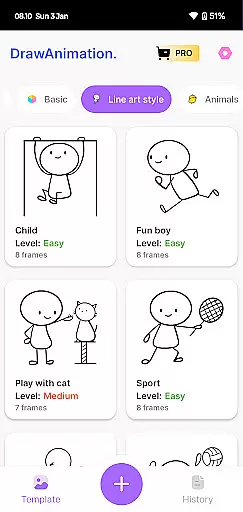
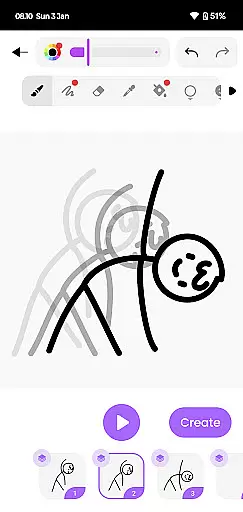
Draw Animation Maker is an innovative app that transforms simple doodles into captivating animations. Designed for both beginners and experienced animators, this tool offers a complete suite of features to create frame-by-frame animations with ease. The app provides a user-friendly interface where users can draw directly on their mobile devices, crafting unique animated stories.
The application stands out in the Art & Design category by offering advanced animation tools that are surprisingly easy to use. Whether you're creating humorous shorts or detailed narratives, Draw Animation Maker supports various creative styles. Users can save their projects as GIFs or MP4 files, making it convenient to share their creations across multiple platforms.
This app is particularly valuable for artists looking to expand their digital portfolio or educators seeking engaging ways to present educational content. With its intuitive design and powerful features, Draw Animation Maker empowers users to unleash their creativity without limitations.
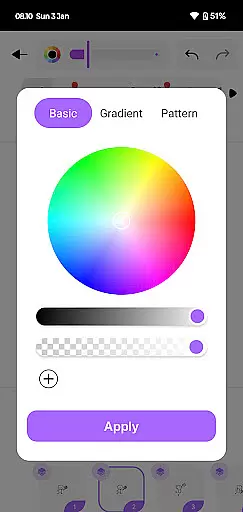
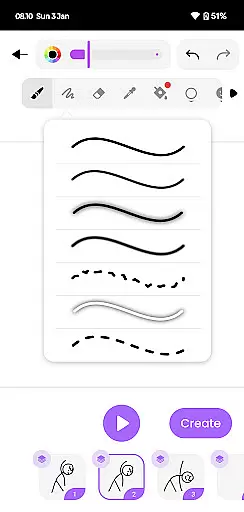
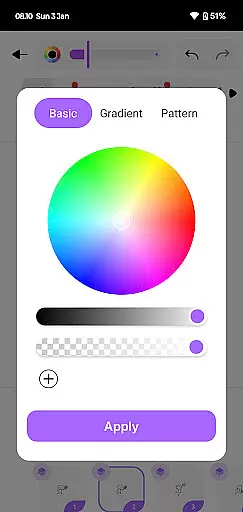
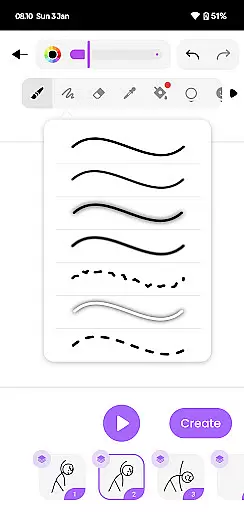
Draw Animation Maker distinguishes itself through several remarkable features. First, its frame-by-frame animation capability allows users to create smooth transitions between frames, mimicking professional animation techniques. The app's drawing tools provide precise control over line weight and opacity, enabling artists to produce high-quality artwork.
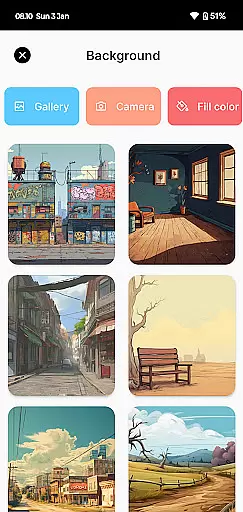
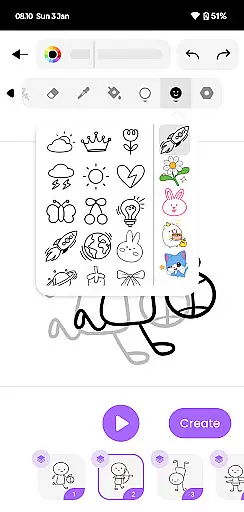
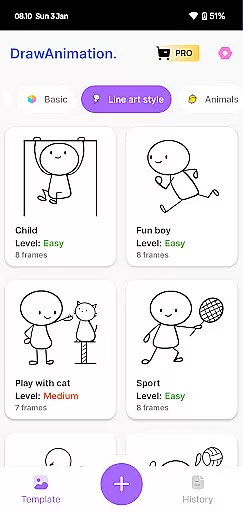
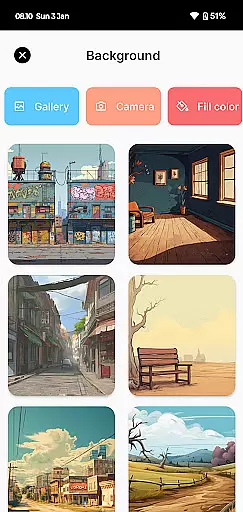
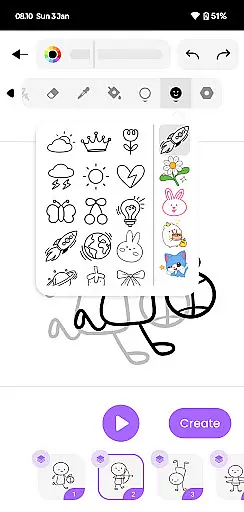
Another standout feature is the ability to save projects in multiple formats including GIF and MP4. This flexibility ensures that users can easily share their animations on social media or incorporate them into larger multimedia projects. Additionally, the app includes a library of pre-made elements and backgrounds, speeding up the creation process while maintaining creative freedom.
The app also offers cloud synchronization, allowing users to access their projects from different devices. This feature is particularly useful for professionals who work on multiple devices or need to collaborate with others. With regular updates and an active community, Draw Animation Maker continues to evolve and improve based on user feedback.
In the realm of digital art and animation, having a comprehensive set of creative tools is essential for bringing ideas to life. Draw Animation Maker offers an extensive suite of features that cater to both budding and experienced animators.
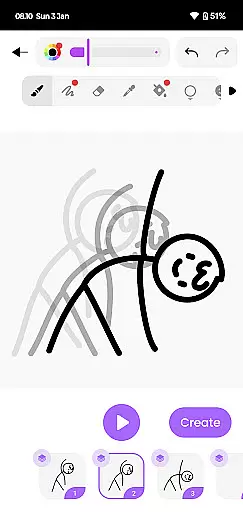
The app provides users with the ability to create frame-by-frame animations, giving them control over every detail of their artwork. This level of precision ensures that each movement and expression can be meticulously crafted, much like in professional anime films.
Moreover, the inclusion of flipbook-style animation allows artists to develop their stories with a classic touch. By doodling and drawing on each page, users can weave unique plots and dynamic sequences, transforming simple sketches into captivating animated narratives.
With these robust creative tools at their disposal, users are empowered to explore the full spectrum of their imagination, making Draw Animation Maker not just an app but a complete animation studio in your pocket.
A canvas that adapts to the artist's needs is crucial for creative freedom. Draw Animation Maker excels in providing flexibility in terms of canvas size and format options, which is vital for creating diverse types of animations.
Artists can customize their workspace to fit the requirements of their project, whether it involves crafting a humorous short or an epic tale. The app supports various aspect ratios and resolutions, ensuring that creations look great on any screen.
Furthermore, the ability to export animations in multiple formats such as GIFs and MP4 files adds another layer of versatility. Creators can share their work across different platforms without worrying about compatibility issues, reaching wider audiences with ease.
This adaptability not only enhances the user experience but also broadens the scope of what can be achieved with Draw Animation Maker, allowing creators to push the boundaries of their artistic endeavors.
User-friendly interface
Powerful drawing tools
Multiple export options
Cloud synchronization
Regular updates
Limited free features
Occasional bugs
High storage usage
Subscription required
Learning curve

The ultimate tool for creating animations
 4.60
4.60
Floor Plan Creator lets you create, edit and share floor plans.
4.00
AI Face Swap, Video Effects Editor, Realtime Morph, Funny Video FX,AI Filters
3.70
Create color palette from Image, RGB & RYB Color wheel harmonies, Color Scheme
4.50
Castle is social media for creating and playing games!
4.60
Turn your drawings into flipbook-style animations with simple creative tools
4.60
Get creative and make art with your Sesame Friends!
4.00
Everything you need to create hand drawn animation, anywhere you go!
4.40
Kling AI is an image and video generation and editing studio powered by AI.
4.50
Photo stitcher for automatically screenshot stitching into a long screenshot
4.70
Draw, fidget, and spin glow art! Relax and express your creativity with a finger
4.60
Digital illustration drawing & painting pad app to paint Anime and Manga art
4.50
Draw Trace image sketch by, AR art projector app, Easy to trace any image.
4.50
Trace, draw, and create art with AR - from memes to masterpieces!
4.30
Sketch, plan, take notes and illustrate on an infinite canvas.
4.20
OneUI 8.5 icons ✨ Smooth, modern & based on the latest Play Store design ??
4.10
Create cute cat emojis & PFPs! Fun, custom avatars for cat lovers.
3.70
Retouch photos. Create or edit images. Endless capabilities.
2.70
Art of Combination Wear OS Watch faces
4.4


User Reviews