
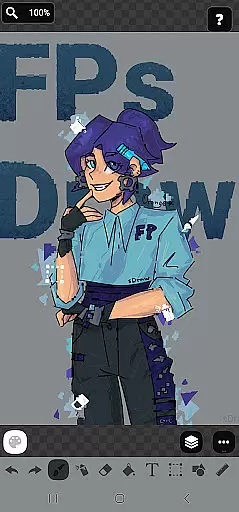
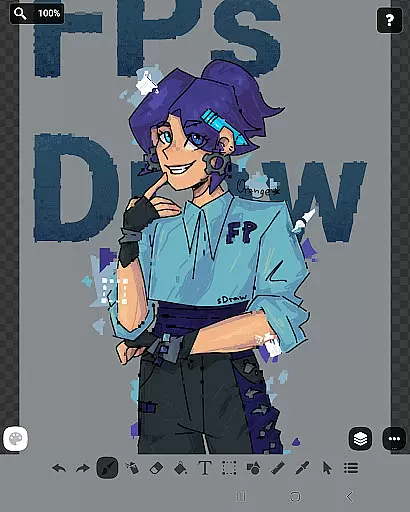
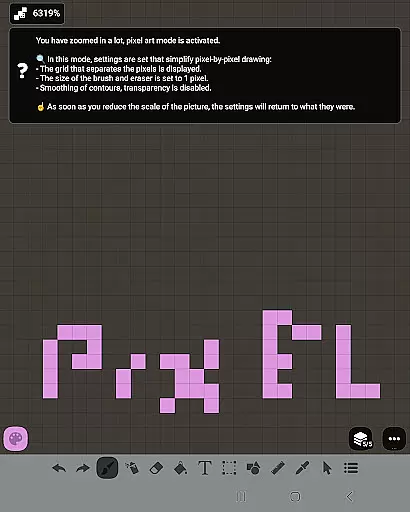
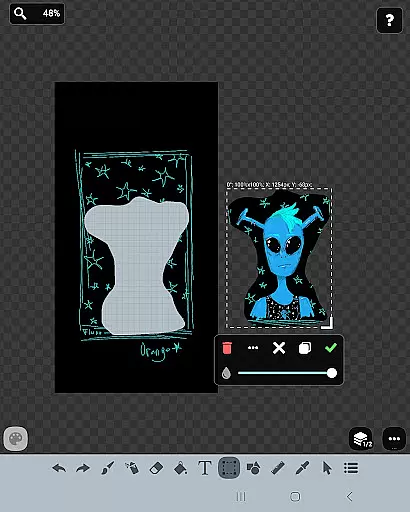
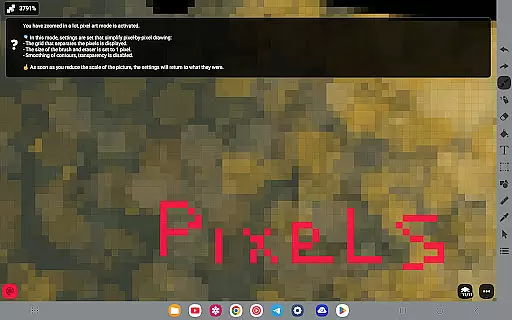
FP sDraw Pro is a streamlined drawing application tailored for users who need a simple yet powerful tool for creative tasks. This app allows you to create memes, sketch diagrams, and experiment with various drawing styles without any distractions. With support for layers, airbrushing, text insertion, and more, it provides a complete set of features that cater to both casual doodlers and serious artists.
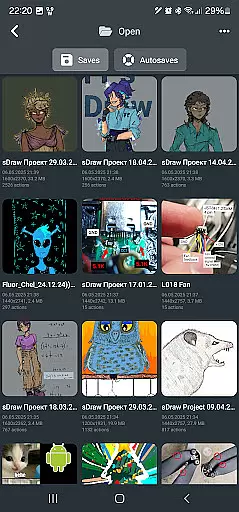
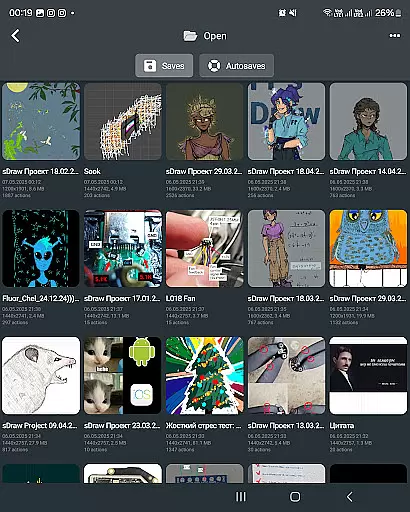
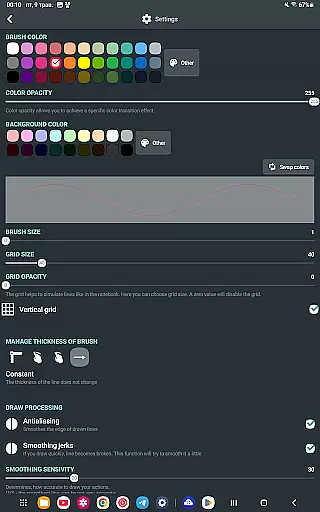
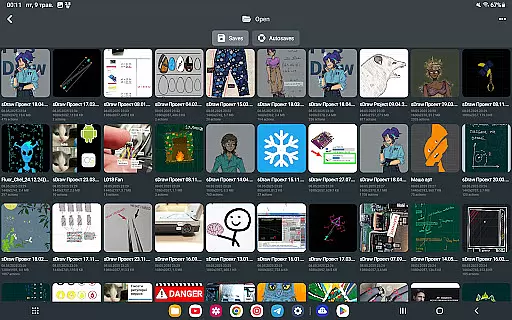
One of the standout aspects of FP sDraw Pro is its lightweight design. The app occupies less than 1MB of space, installs quickly, and runs smoothly even on older devices. It offers customization options for UI elements, supports stylus input like sPen and Active Pen, and includes automatic backup functionality to ensure your work is always safe. Whether you're marking up images or drafting quick ideas, this app delivers an intuitive and efficient drawing experience.
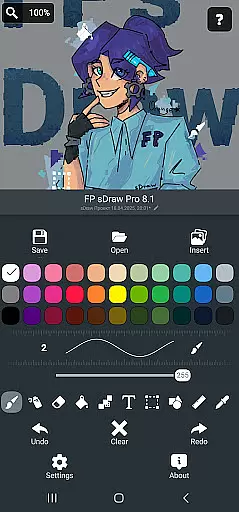
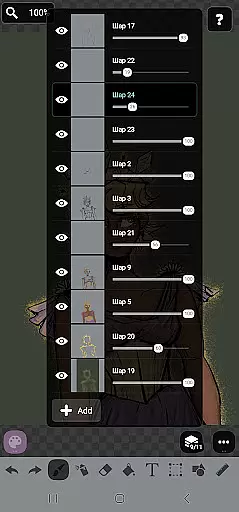
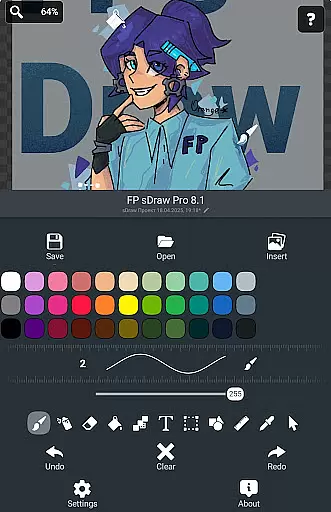
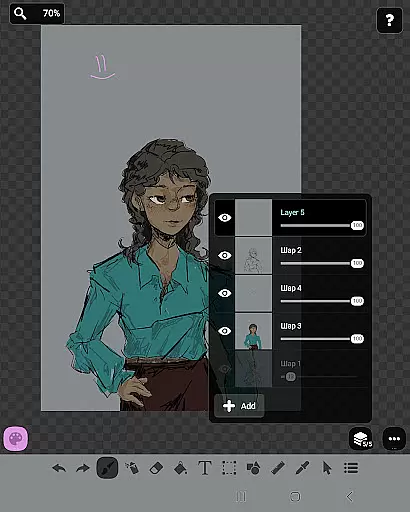
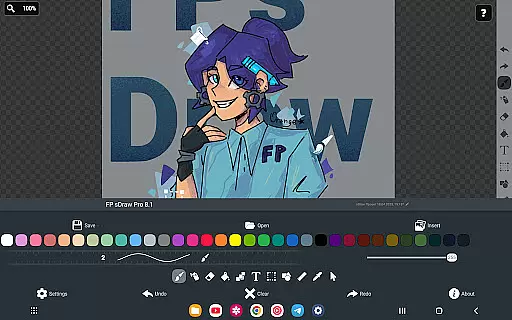
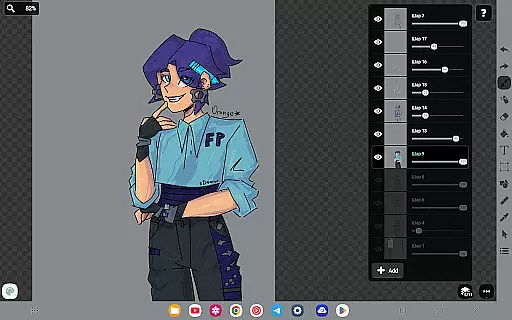
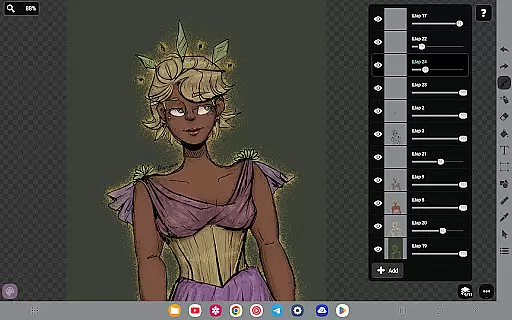
FP sDraw Pro stands out with its rich feature set designed to enhance creativity while maintaining simplicity. The app includes essential tools such as brush, eraser, airbrush, fill, text insertion, and shape creation, making it versatile for different types of projects. Advanced features like layer management, precision brush, mosaic effects, and eyedropper tool provide users with professional-grade capabilities.
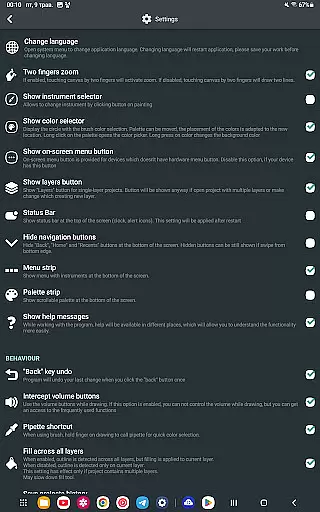
Usability is at the core of FP sDraw Pro's design. The interface is flexible, allowing users to customize button shapes and access helpful tips only when needed. Additionally, the app supports hardware integrations like volume button shortcuts and stylus compatibility, ensuring a seamless workflow. Automatic backups and full compatibility between free and pro versions further enhance its practicality, offering users peace of mind and uninterrupted productivity.
FP sDraw Pro offers a comprehensive suite of creative tools that cater to both casual doodlers and serious artists. The application includes essential features such as layers for organizing complex sketches, a brush and eraser for traditional drawing techniques, and an airbrush for more nuanced shading effects.
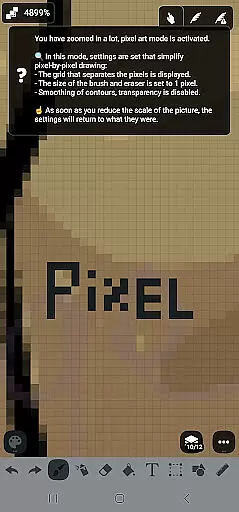
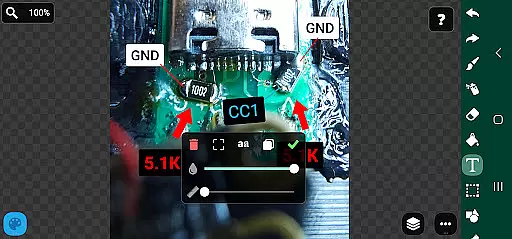
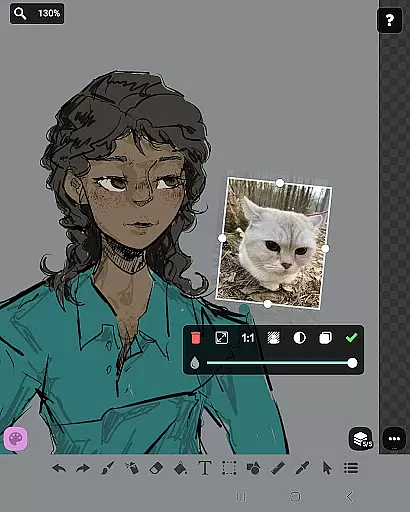
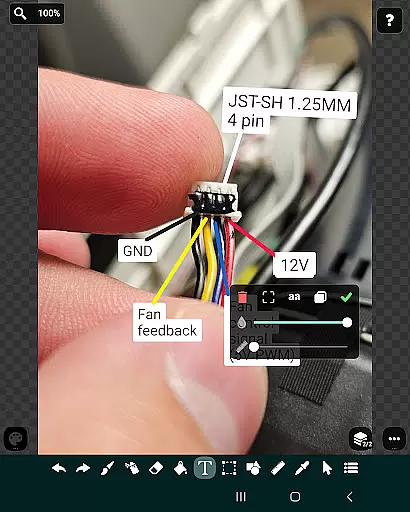
In addition to the basic tools, FP sDraw Pro supports advanced functionalities like inserting images from the gallery, applying text directly onto your canvas, and using a precision brush for detailed work. These features ensure that no matter what kind of project you're working on, you'll have the necessary instruments at your disposal.
The availability of shapes, a ruler, and an eyedropper further enhances the creative process by allowing users to incorporate geometric designs, maintain straight lines, and select precise colors from their artwork. This level of detail empowers users to execute their artistic vision with accuracy.
By providing all these tools in a package that's less than 1 MB, FP sDraw Pro ensures that artists can create high-quality work without worrying about storage space or system performance, making it an indispensable tool for anyone involved in art and design.
FP sDraw Pro stands out with its flexible canvas options, which allow artists to customize their workspace according to their specific needs. Whether you need to sketch a quick diagram or work on a detailed illustration, the app provides a versatile environment that adapts to various artistic tasks.
The application supports stylus input, including compatibility with devices like sPen and Active Pen, offering a natural drawing experience. This feature is crucial for professionals who require precision and control over their digital artwork, ensuring that every stroke translates accurately from hand to screen.
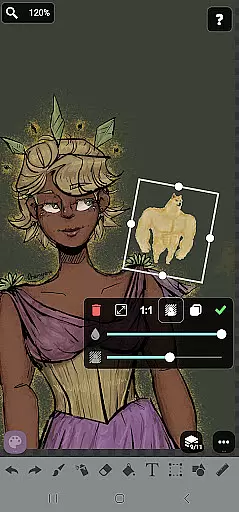
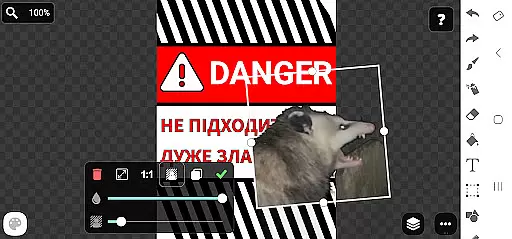
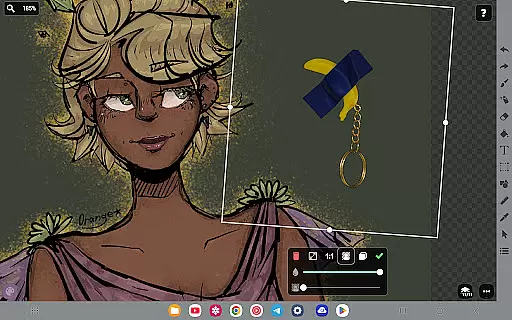
Moreover, FP sDraw Pro enables users to insert images from their gallery and apply transformations directly onto the canvas. With support for different formats and the ability to adjust elements within your composition, this app delivers a seamless workflow for designers looking to integrate diverse media into their projects.
With customizable button shapes and automatic backup features, FP sDraw Pro not only offers a malleable canvas but also guarantees that your creative process remains uninterrupted and your work is always preserved, highlighting its commitment to canvas and format flexibility.
Lightweight
No ads
Customizable UI
Automatic backup
Stylus support
Limited advanced tools
Basic UI design
Fewer filters
No cloud sync
Small community

Discover Cartoon Dream : Unleash Your Creativity with CuttingEdge AI
 4.50
4.50
Sketch, trace and master AR drawing with awesome anime art!
3.30
Draw anime & manga drawing, art with templates to create stunning picture!
4.50
Convert image to JPG PNG HEIC PDF, support almost all kinds of image formats
4.70
Get creative and make art with your Sesame Friends!
4.00
Unleash the artist in you with our AR drawing and tracing tool for photo drawing
4.10
Photo stitcher for automatically screenshot stitching into a long screenshot
4.70
Beauty Camera - Selfie Camera is the ultimate beauty camera and selfie app
4.30
All-in-One art, logo & collage maker. Design photos and edit video backgrounds
4.80
Make your phone cooler and have a fantastic experience
4.80
Your AI soulmate — meaningful chats, and unique emotional moments
4.70
Painting, drawing, & sketching
4.50
Draw, make movies & animate cartoons easily with our 2D animation maker app
4.40
Trace, draw, and create art with AR - from memes to masterpieces!
4.30
Unleash Your Creativity with Draw Cartoon - AR Drawing App
4.10
Apply cartoon, caricature, and portrait effects to make your photos stand out!
3.60
AI Assistant, powered by ChatGPT GPT-4 & GPT-4o. Your intelligent companion.
3.50
Create trending AI photos & videos with powerful effects and 3D styles.
3.20
Art of Combination Wear OS Watch faces (for Wear OS 5+ devices)
3.00


User Reviews