
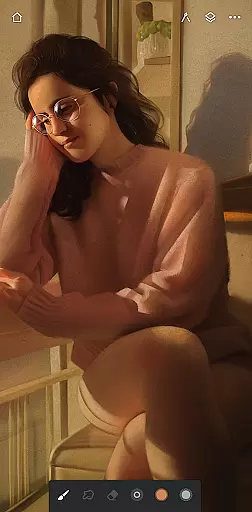
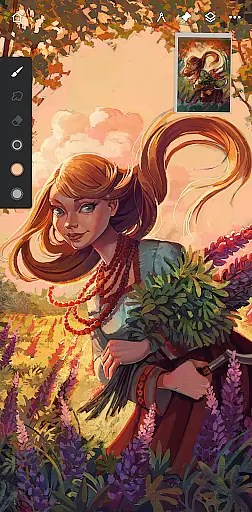
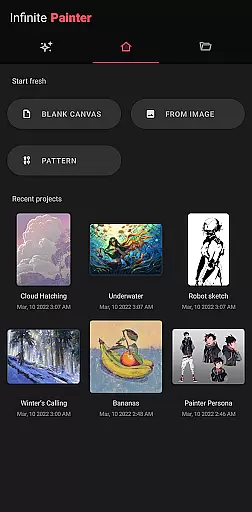
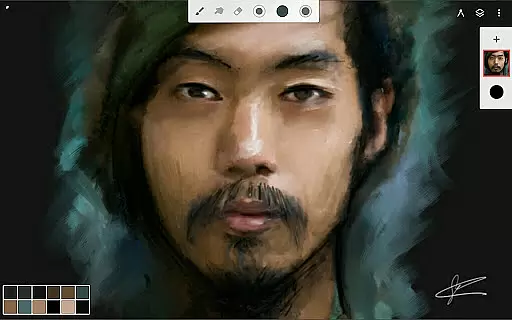
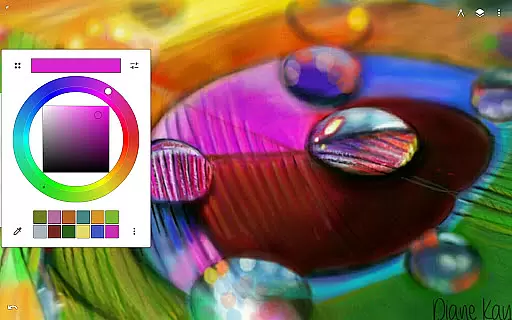
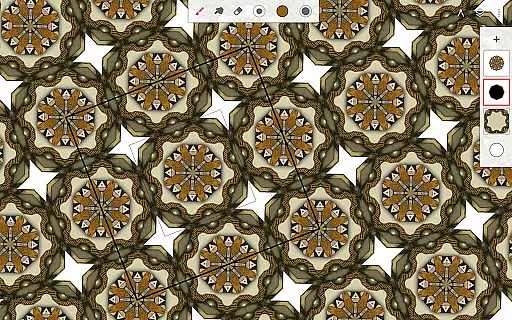
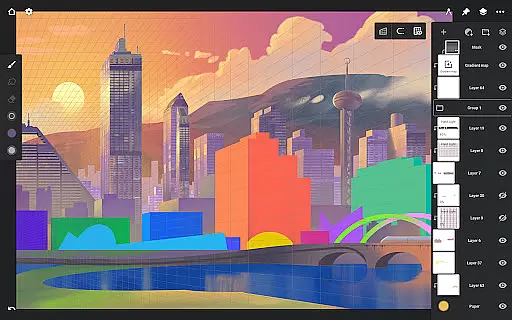
Infinite Painter stands as a premier digital art application, offering an extensive suite of tools for painting, sketching, and drawing. Designed for artists across all levels, it provides a seamless experience on tablets, phones, and Chromebooks.
The app boasts an intuitive interface with powerful features such as realistic brushes, customizable settings, and advanced layer support. Whether you're creating simple sketches or complex artworks, Infinite Painter adapts to your needs, making it suitable for both hobbyists and professionals.
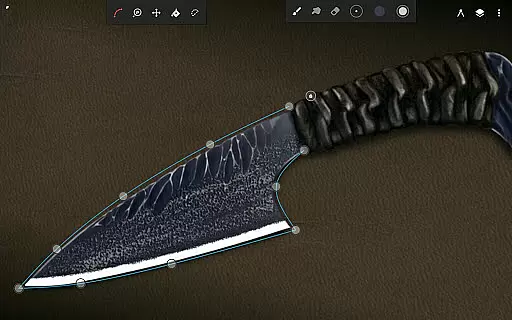
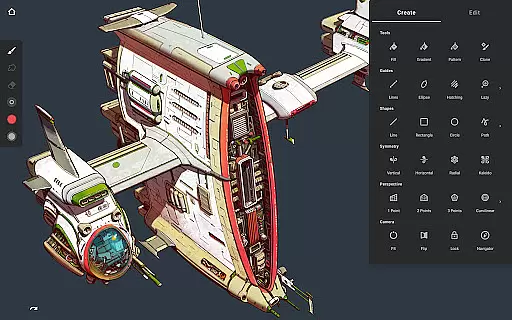
One notable use case is its ability to convert brush strokes into editable shapes, allowing for precision and flexibility in artwork creation. This feature, combined with robust symmetry tools and perspective guides, empowers users to produce high-quality digital art efficiently.
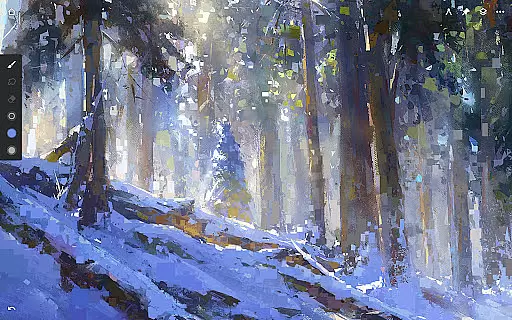
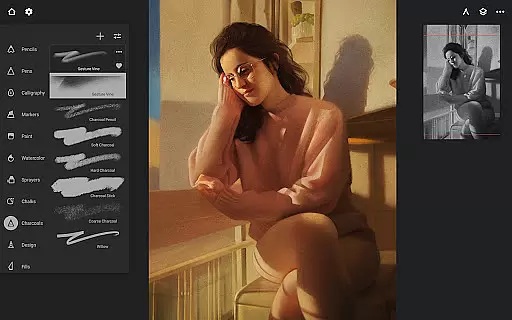
Infinite Painter excels with its diverse and customizable toolset. The app includes hundreds of built-in brushes with realistic interactions, over 100 customizable settings, and supports full pressure and tilt for stylus devices.
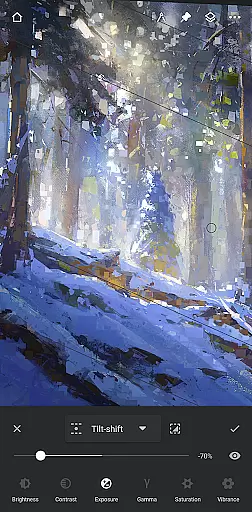
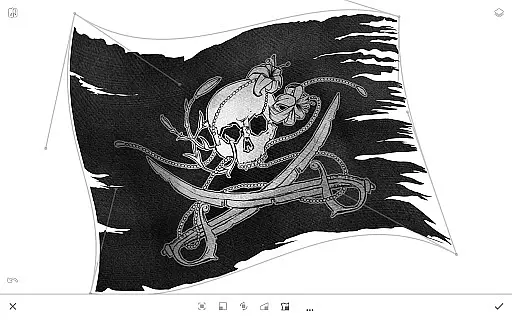
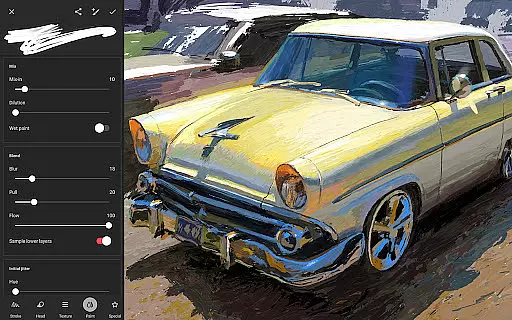
Artists can organize their workspace with a clean, clutter-free interface that maximizes canvas space. Features like the quick access eyedropper, gesture-based canvas rotation, and innovative guides enhance productivity. Additionally, the app offers professional tools such as layer masks, industry-leading transformations, and live filter effects.
These capabilities ensure that users can create detailed and polished artwork while enjoying a streamlined workflow. The app's versatility and depth make it a standout choice for digital artists seeking both power and ease of use.
Infinite Painter offers an extensive suite of creative tools that cater to both amateur and professional artists. The app includes hundreds of built-in brushes with realistic brush-to-canvas interactions, offering over 100 customizable settings. This allows users to fine-tune their drawing experience according to their preferences and needs.
For those who require precision and diversity in their work, the app supports complex symmetry guides, smart shape detection, and innovative hatching guides. Artists can also leverage perspective guides to design 3D cityscapes or create game art with isometric perspectives, thus providing a comprehensive toolkit for varied artistic expressions.
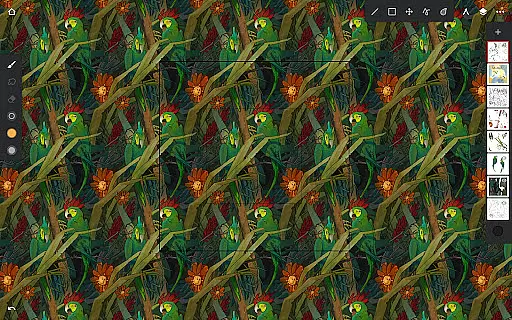
The versatility extends to pixel-perfect editing features such as seamless pattern projects, selection and masking tools, industry-leading transformations, and gradient fill options. With support for Photoshop-like smart layers and various blend modes, Infinite Painter ensures that artists have everything they need to bring their visions to life without compromising on quality or creativity.
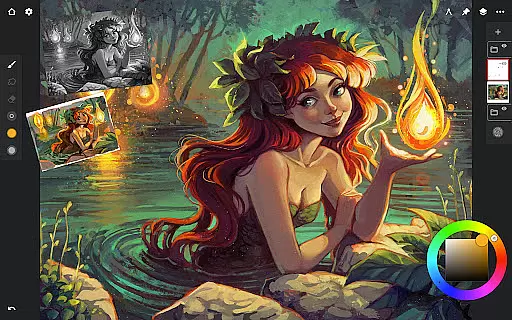
Flexibility in canvas and format options is a hallmark of Infinite Painter, allowing artists to customize their workspace for maximum efficiency. Users can enjoy a clean interface with more canvas space and less clutter, which is fully customizable to suit individual workflows. This adaptability ensures that creators can focus on their art without distractions.
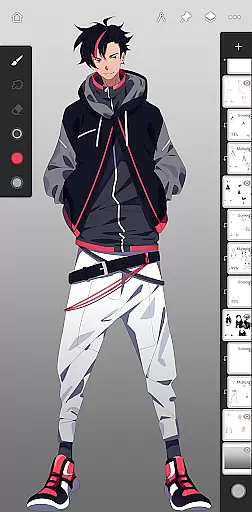
The app's powerful layer support system includes 30 blend modes, masks for adjustments and groups, clipping masks, and gradient maps. These features provide unparalleled control over how artwork is constructed and manipulated. Additionally, artists can assign finger functions separately from their stylus, use gestures to rotate and flip the canvas, and group layers easily with simple pinches.
Infinite Painter also accelerates workflow by enabling imports from various sources like photos, camera roll, clipboard, or image search. Exports are equally versatile, supporting formats such as JPG, PNG, WEBP, ZIP, layered PSD files, or Painter projects. Such comprehensive input-output capabilities make it an ideal choice for artists seeking a flexible digital canvas solution.
User-friendly interface
Extensive brush library
Advanced layer support
Real-time effects
Customizable workspace
Pro features require subscription
Steep learning curve
Limited free layers
Occasional performance issues
Export options could be broader

Discover Cartoon Dream : Unleash Your Creativity with CuttingEdge AI
 4.50
4.50
Transform photos into amazing monochrome dither art with professional algorithms
4.2
Sketch, trace and master AR drawing with awesome anime art!
3.30
Meet the magic aı 3d photo generator and smart AI video generator app.
3.20
Trace, draw, and create art with AR - from memes to masterpieces!
4.30
Photo blender app to create overlay photos & double exposure.
4.40
Inky runs Inkscape on Android devices and Chromebooks
2.90
Draw, make movies & animate cartoons easily with our 2D animation maker app
4.40
Sketch and paint on your device with the feel and freedom of drawing on paper
4.00
Create stunning art with AI.
4.80
Learn how to draw with step-by-step tutorials, fun lessons & multiplayer drawing
4.70
Draw, fidget, and spin glow art! Relax and express your creativity with a finger
4.60
Beauty Camera - Selfie Camera is the ultimate beauty camera and selfie app
4.30
Turning simple sketches into captivating tales filled with life and motion
3.90
Design unique, funny and adorable cat stickers that reflect your own style!
3.80
Powerful home decoration & house design that allows you to design dream home.
3.80
Experience next-gen icons with a modern liquid glass look.
3.60
Download now for a stylish and functional timepiece
4.1
Your Essential Color Theory Guide: Red, Yellow, Blue (RYB)
4.1


User Reviews